MacWhisper Pro 14.5
Whisper Transcription: audio to text software for local transcription
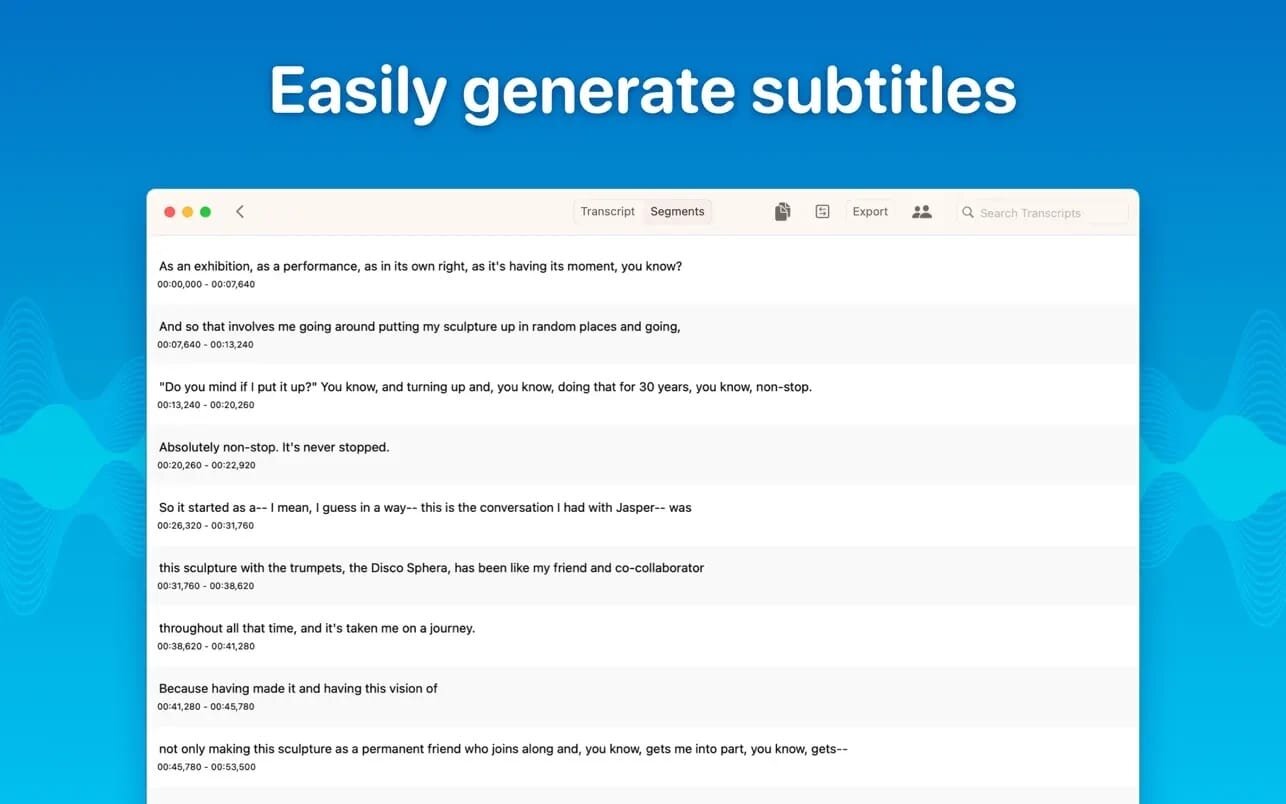
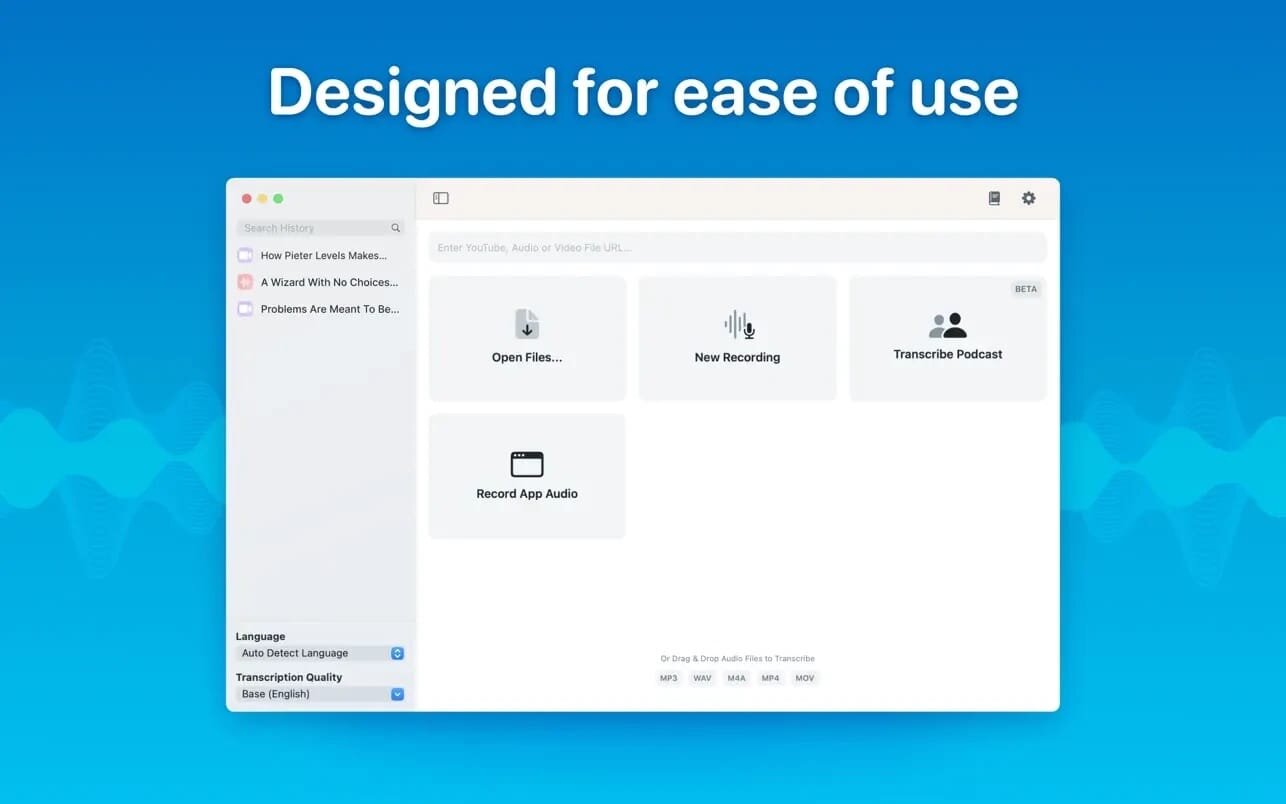
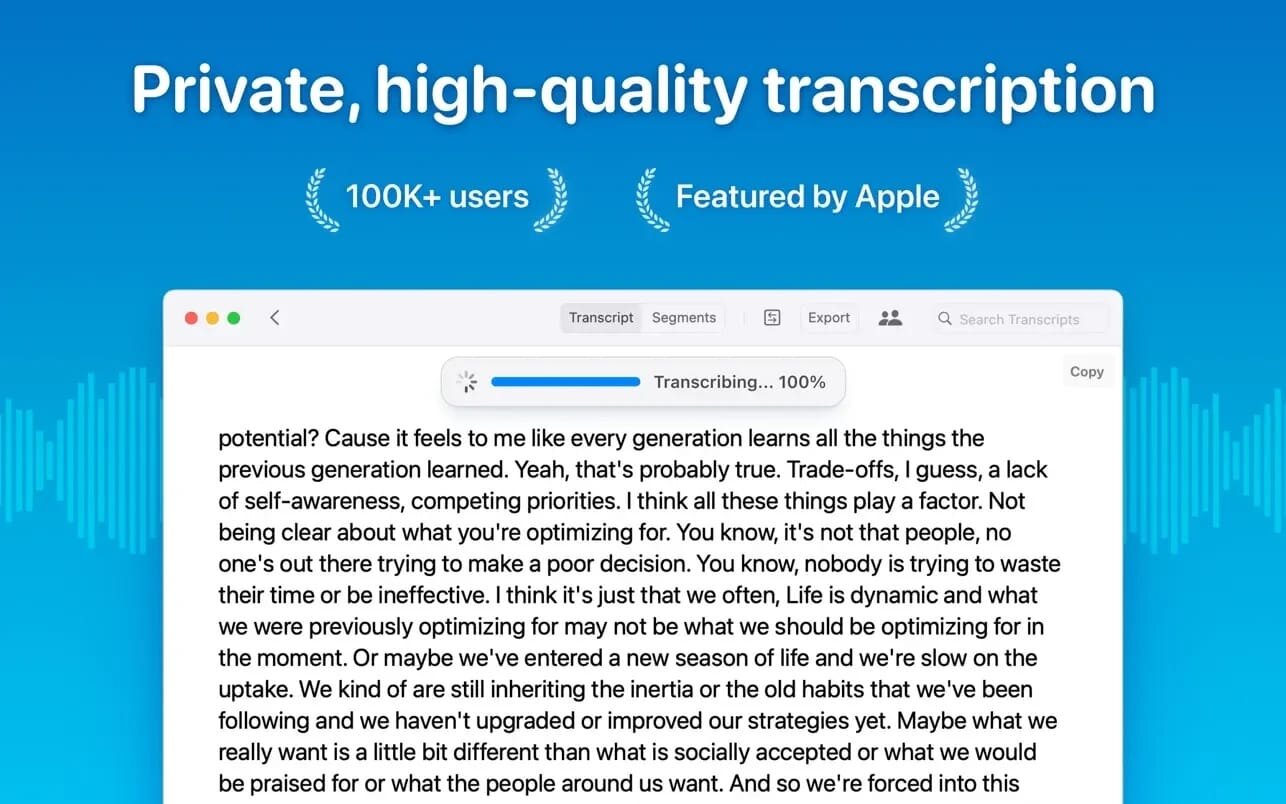
Whisper Transcription converts audio files into text using the Whisper machine learning model for speech recognition and transcription — making it easy to transcribe meetings, lectures, and other recordings.
Key Features
- Easy Transcription: Drag and drop audio files for instant conversion.
- On-Device Processing: 100% local transcription—no data leaves your machine.
- Fast & Accurate: Get text multiple times faster than real-time with Metal & GPU acceleration (depending on the system).
- Search & Edit: Highlight, edit, and delete transcript sections.
- Audio Playback: Sync playback with the transcript for easy review.
- Multi-Language Support: Transcribes in 100+ languages (fastest in English).
- Subtitle Export: Save transcripts as .srt & .vtt files.
- Batch Processing & System Audio Capture: Transcribe multiple files simultaneously and capture system audio (Zoom calls, podcasts, etc.).
- Flexible Output: Export transcripts to Word, PDF, HTML, and subtitles.
- Speaker Separation: Detect and split transcripts by speaker.
- Reader Mode: Focused reading experience.
- Advanced Model Support: Choose from various models for different accuracy and speed levels.
- Supported Formats: Works with mp3, wav, m4a, mp4, mov, ogg, opus and more.
- Pro Unlock: Upgrade for industry-leading transcription quality with Medium & Large models, batch processing, system audio recording, podcast transcription, and more.
Version 14.5:
New
- Import from URL: paste a link to an audio or video file, and transcribe it straight from the home screen
- Added Claude Opus 5 to the Anthropic model picker for summaries, titles, and transcript chat
U Improvements
- Redesigned Settings with new icons
- Assistant transcription now runs on Mistral's Voxtral model; larger files are still handled by ElevenLabs Scribe
- Clearer errors when an on-device model download fails because the connection is blocked or unstable
- Updated German, Dutch, and French translations
Bugfixes
- Fixed the detected language not showing on transcripts made with the Assistant
- Fixed some audio files being rejected by the Assistant because the upload did not include the original filename
- Fixed the "file too large" message from the Assistant not being translated
Frequently asked questions
How do I install the app?
Mount the image, drag the app into the "Applications" folder and launch it. If the system blocks the launch, allow it in "System Settings → Privacy & Security".
The app is damaged or won't launch
Reinstalling from a fresh image usually helps. Make sure your macOS version matches the one listed in the compatibility specs.
How do I update?
Download the new version from the site and install it over the current one — your settings will be preserved.
The download link doesn't work
Try a mirror or a download manager. For large files the browser often drops the connection.
How do I completely remove the app?
Use an uninstaller utility — it cleans up the service files that remain after moving the app to the trash.


Choose a download source
MacWhisper Pro 14.5 · 51.06 MB
Previous versions
MacWhisper Pro 14.5
Previous versions are available to registered users.