
VoiceInk 1.52
Taking notes is yet another thing AI can make easier. Using various AI models, it’s possible to transcribe either microphone dictation or sound files at a level of accuracy that makes it a serious alternative to typing.
VoiceInk is an open-source application that provides an easy way to transcribe audio using local AI models. It’s as accurate as the available models allow, and it’s designed to be used via a global hotkey, with lots of additional features bundled in.
Easily dictate and transcribe audio
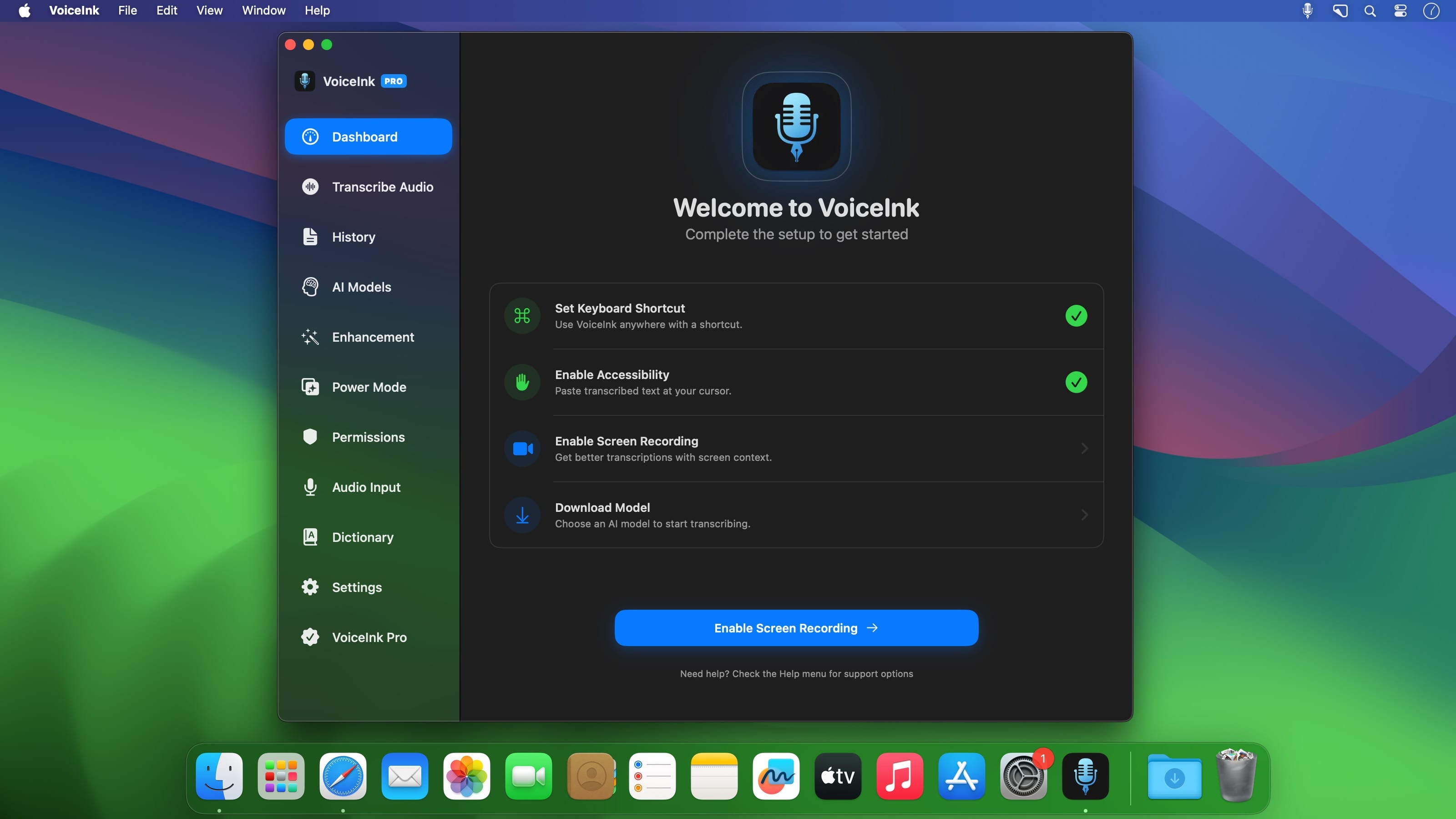
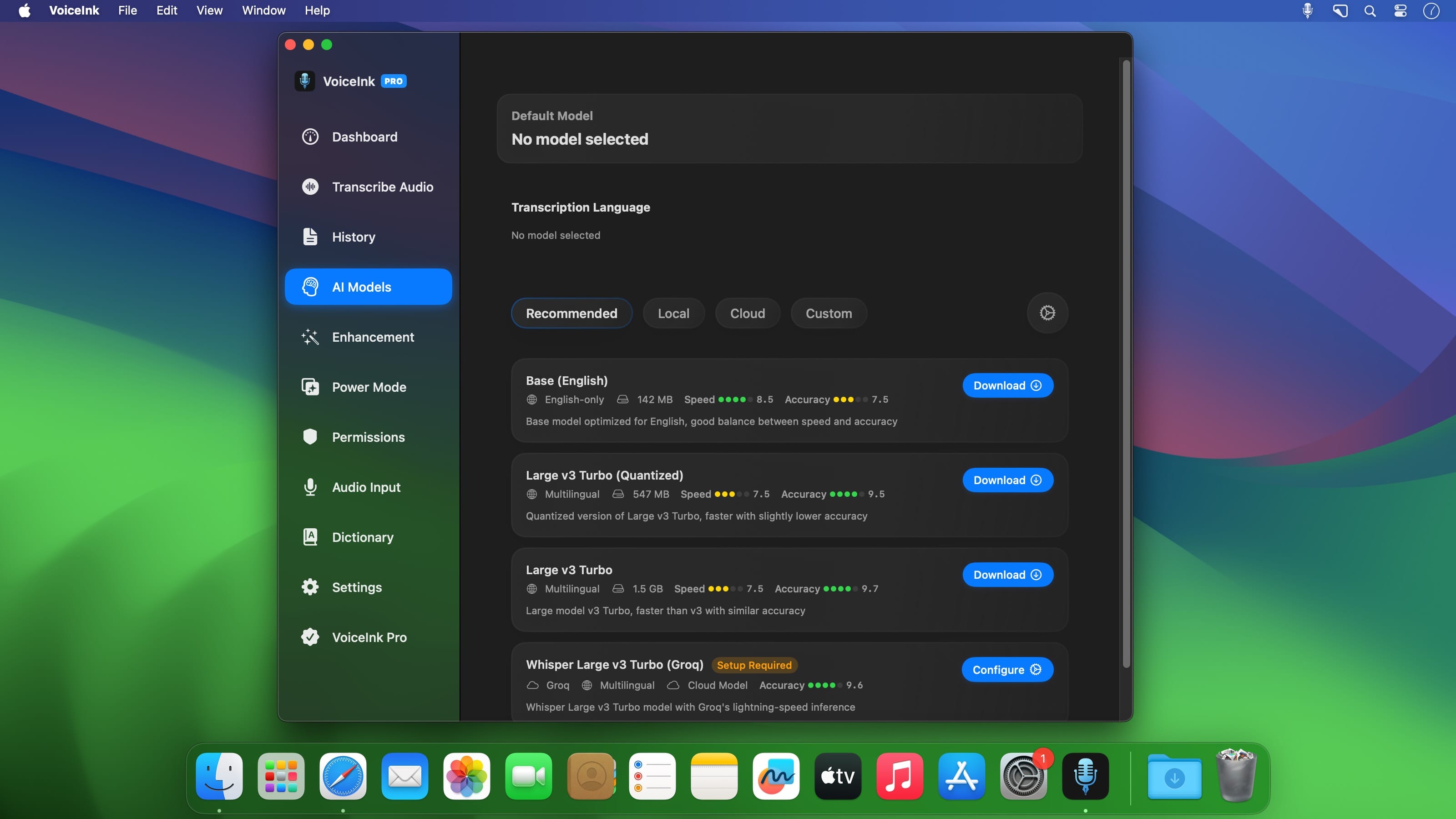
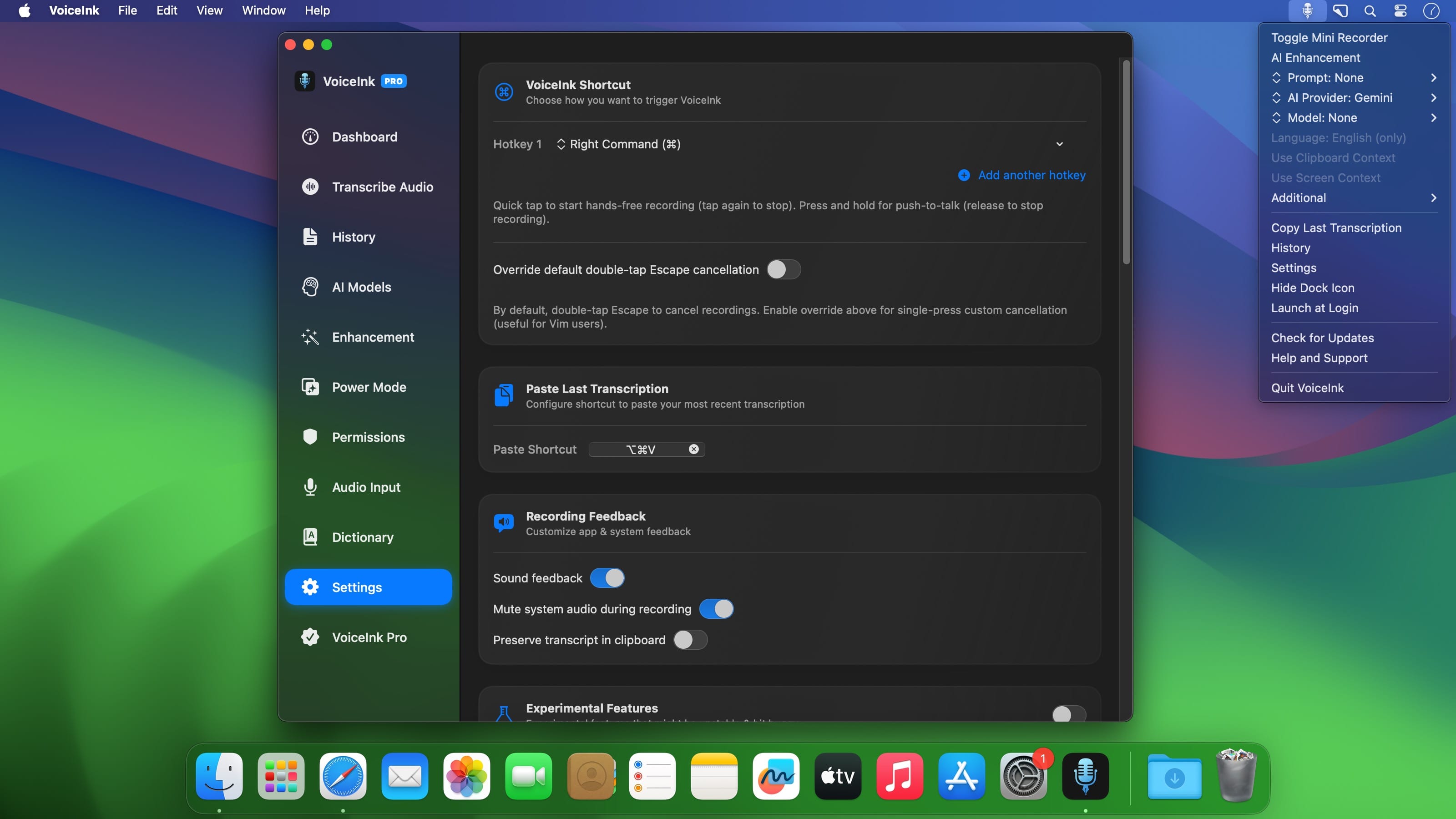
The initial setup involves granting the app some permissions, downloading an AI model, and defining a global hotkey. It’s easy enough, and you can then use the shortcut to activate the mini recorder at any time.
Even without tweaks or enhancement features, the transcription is amazingly accurate. Again, this relies on the AI models themselves, not the app, but mistakes are rare, and their performance is certain to get even better.
Additional enhancements based on app, website, or content
Where the app gets more clever is by using AI to enhance your dictation when transcribing. The simplest method is to use different enhancement modes based on the active app or website, and these modes can be customized with classic AI instructions.
Alternatively, the application can rely on either clipboard or screen content. This can give you better results if context is important, but it’s obviously not foolproof. While this does require analyzing content on your screen, it’s important to note that all processing is done on your Mac.
Somewhat busy UI but simple enough workflow
The interface can be a little bit confusing at first, and it would be nice if your transcriptions were available directly from the dashboard. Nevertheless, you should find your way around pretty quickly, and you can control the most important functions directly from the menu bar.
VoiceInk is a very impressive project, especially considering that it can be used for free if you don’t mind compiling the app yourself. It has a lot of great features that make both dictation and text processing very accessible, and it’s very unobtrusive once you set it up to your liking.
Version 1.52:
- Added support for the Parakeet v3 (multilingual) model.
- Added support for Gemini 2.5 Pro and Flash transcription models.
- Added a link to the license portal for license management.
- Added an option in the menu bar to retry the last transcription.
- Improved the default prompts.
- Added dictionary word support using AI enhancement.
- Minor fixes and improvements.
Frequently asked questions
How do I install the app?
Mount the image, drag the app into the "Applications" folder and launch it. If the system blocks the launch, allow it in "System Settings → Privacy & Security".
The app is damaged or won't launch
Reinstalling from a fresh image usually helps. Make sure your macOS version matches the one listed in the compatibility specs.
How do I update?
Download the new version from the site and install it over the current one — your settings will be preserved.
The download link doesn't work
Try a mirror or a download manager. For large files the browser often drops the connection.
How do I completely remove the app?
Use an uninstaller utility — it cleans up the service files that remain after moving the app to the trash.



Choose a download source
VoiceInk 1.52 · 12.22 MB