
Cotypist 2026.3.1
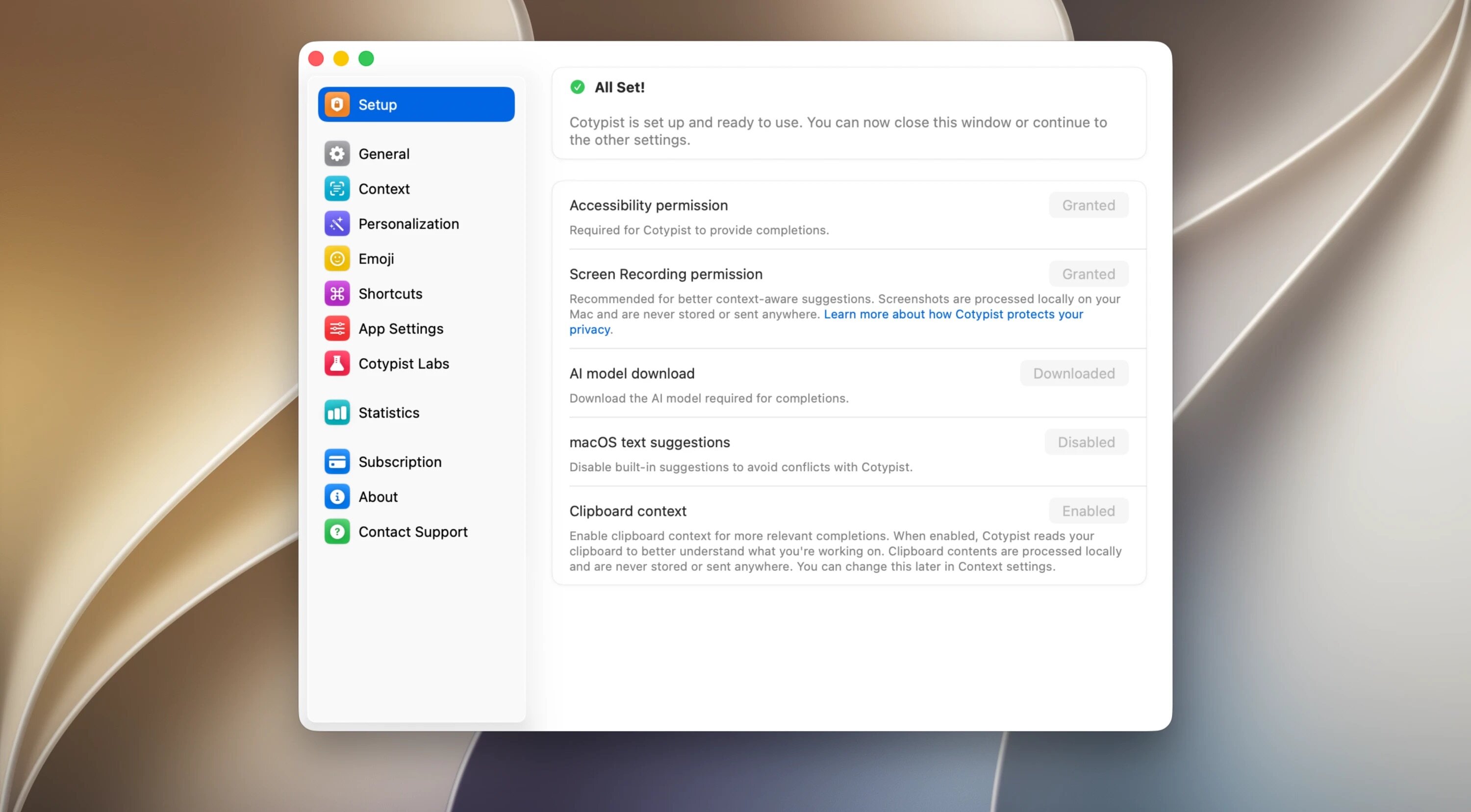
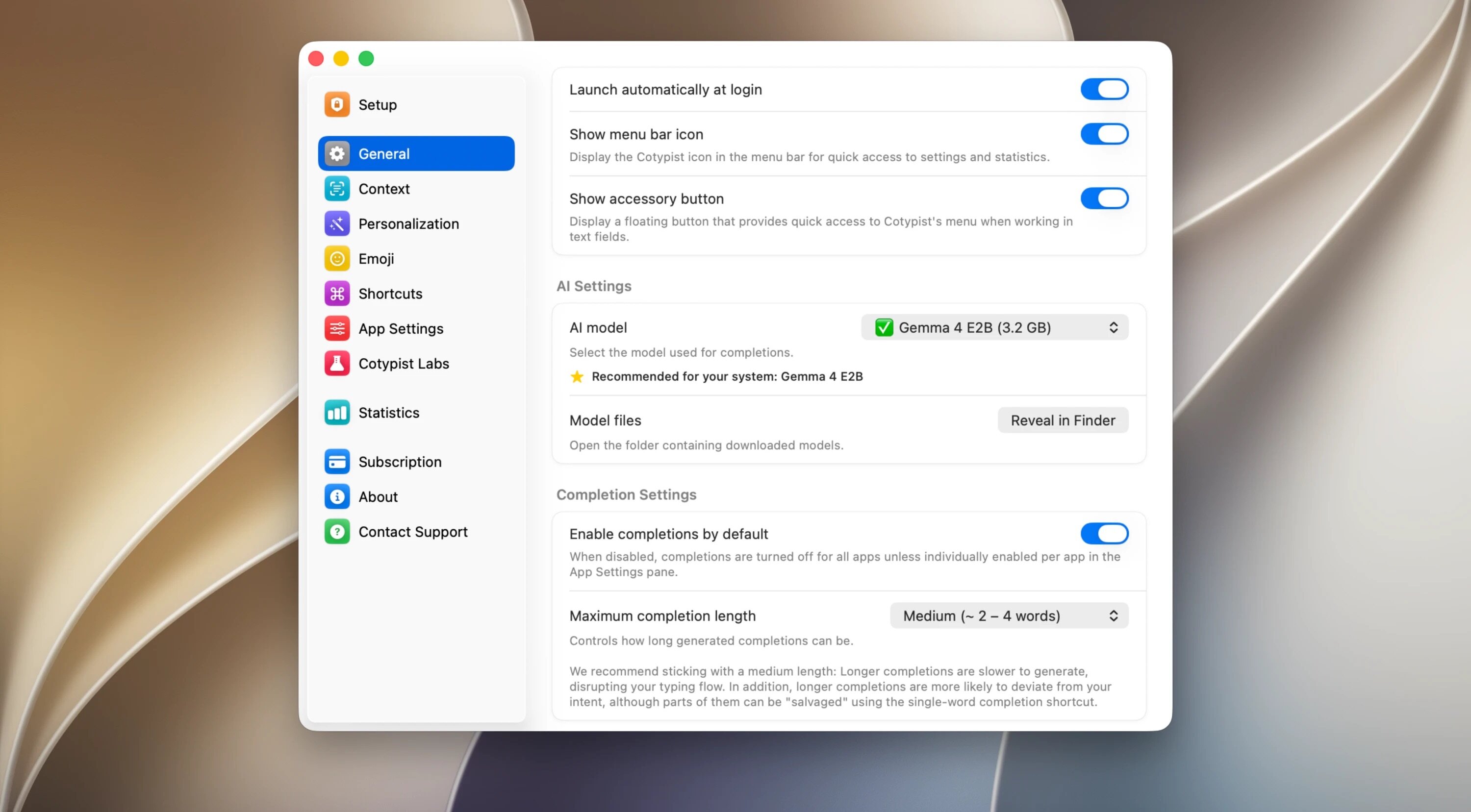
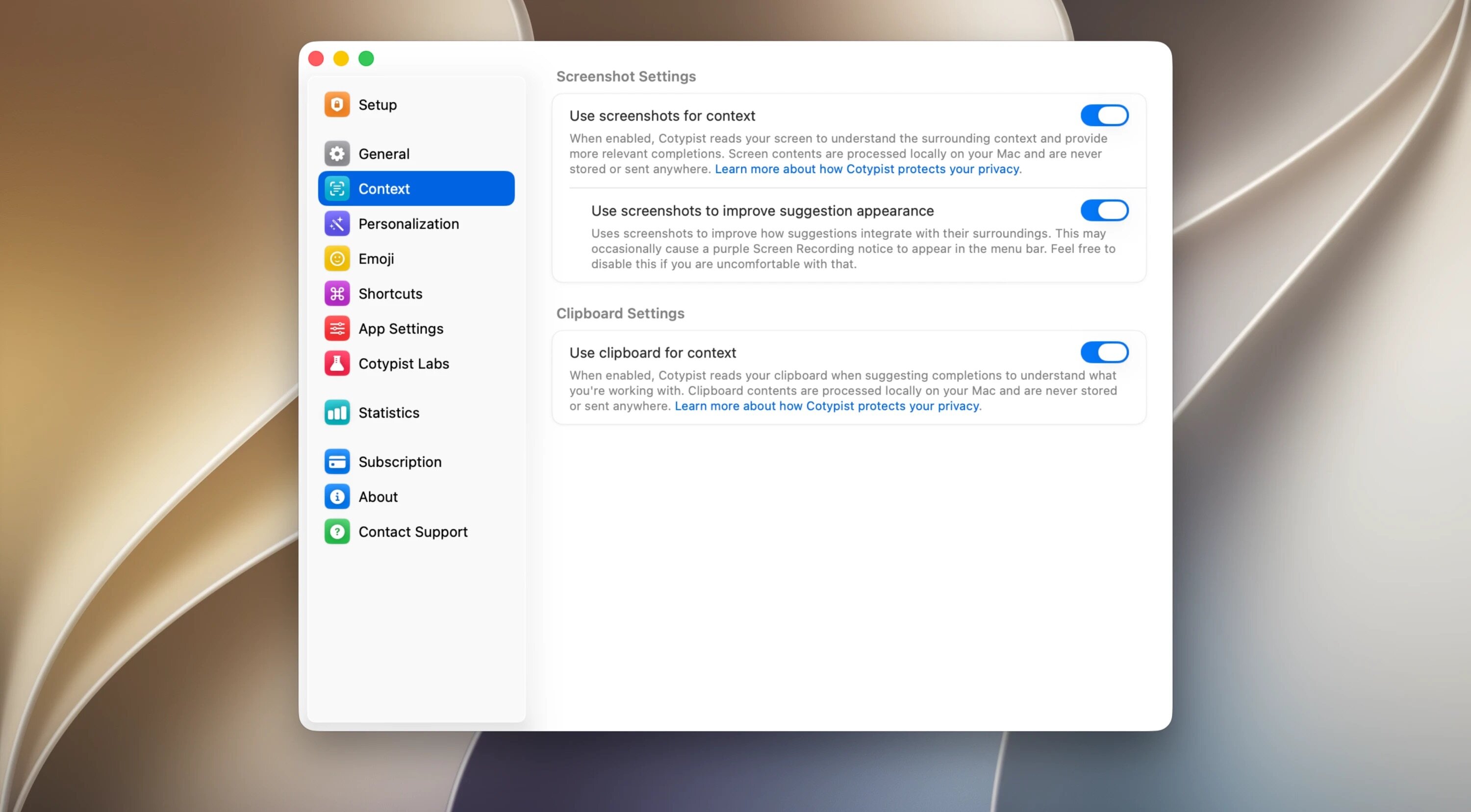
Cotypist predicts your next words in any Mac app — right on your Mac, never in the cloud. Press Tab to accept and keep moving.
Write faster, without changing how you write. Suggestions appear inline in the app you’re already using. If you want it, hit Tab. If not, just keep typing.
It learns your voice quickly, so phrases start to feel almost automatic. You can cut typing time dramatically while keeping your style intact.
Built for privacy and speed. All processing happens locally on your Mac, with no prompts sent to the cloud.
Works almost everywhere you type: Mail, Slack, Notion, Obsidian, browsers, and most other Mac text fields — no per-app setup.
More than just autocomplete:
- inline next-word suggestions
- typo fixes as you type
- emoji suggestions from a colon shortcut
- partial accept, word by word
- low-latency, distraction-free workflow
Cotypist helps you get unstuck, finish faster, and keep your focus where it belongs: on what you want to say.
Version 2026.3.1:
- Release notes were unavailable when this listing was updated.
Frequently asked questions
How do I install the app?
Mount the image, drag the app into the "Applications" folder and launch it. If the system blocks the launch, allow it in "System Settings → Privacy & Security".
The app is damaged or won't launch
Reinstalling from a fresh image usually helps. Make sure your macOS version matches the one listed in the compatibility specs.
How do I update?
Download the new version from the site and install it over the current one — your settings will be preserved.
The download link doesn't work
Try a mirror or a download manager. For large files the browser often drops the connection.
How do I completely remove the app?
Use an uninstaller utility — it cleans up the service files that remain after moving the app to the trash.





Choose a download source
Cotypist 2026.3.1 · 13.02 MB