
Exposure Software Blow Up 3.1.8
Blow Up 3: Photo Enlargement Software for Sharp, Detailed Prints
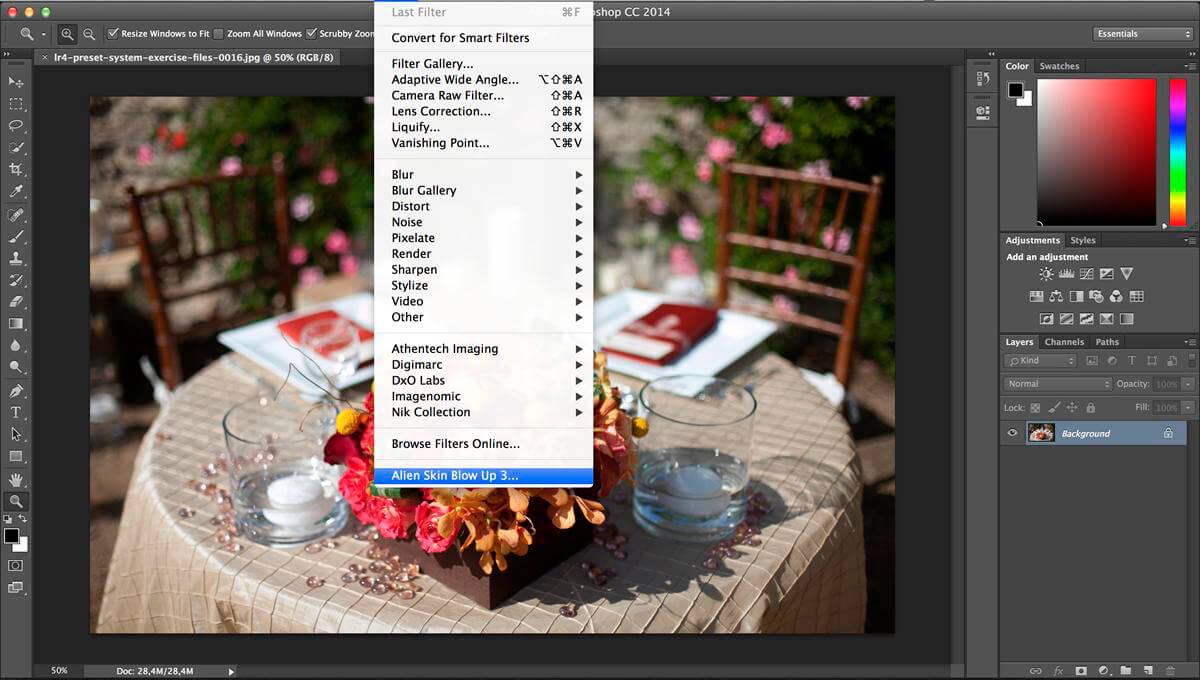

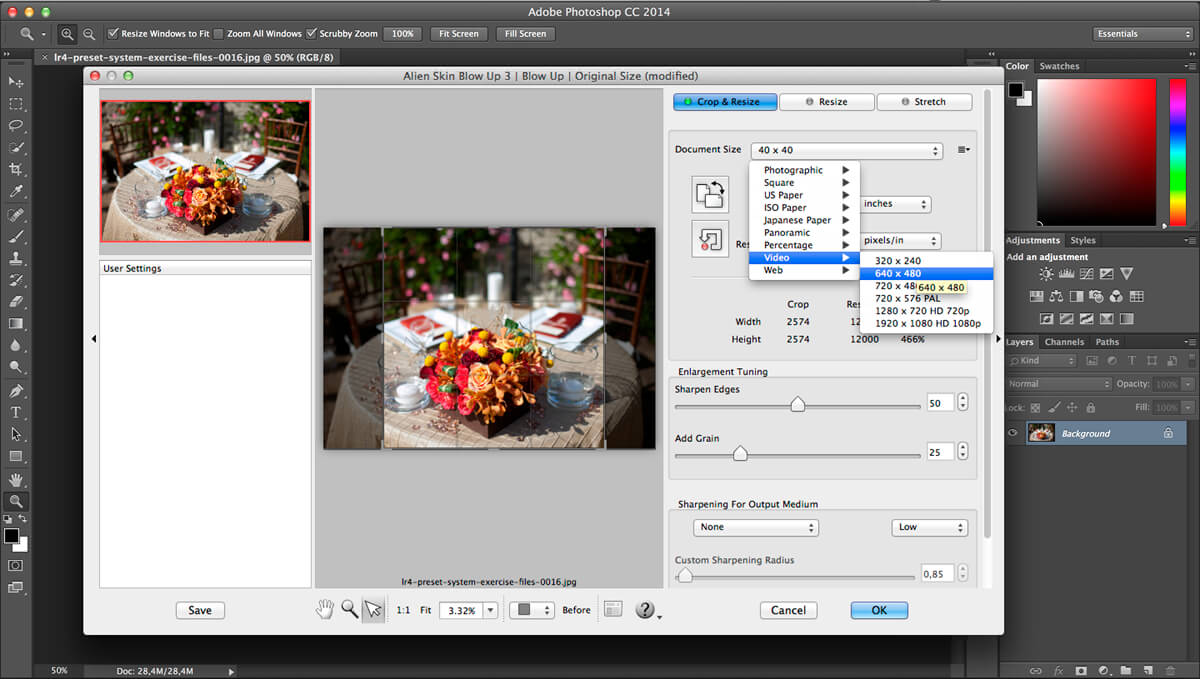
Enlarge your photos while preserving sharpness, detail, and natural-looking texture. Blow Up 3 delivers clean, high-quality enlargements for everything from everyday prints to large-format wall art—without the distracting artifacts often caused by conventional resizing.
If you know how to use Photoshop’s Resize command, you already know how to use Blow Up. Choose from a library of standard paper sizes, adjust your image, and create a polished enlargement in just a few steps.
Designed for professional workflows, Blow Up 3 includes:
- Clear, detailed image enlargements
- Reduced halos, jagged edges, and digital artifacts
- Presets for common paper and print sizes
- Support for Adobe Lightroom
- CMYK support for print production
- Seamless integration with supported host applications
Blow Up 3 works as a plug-in for Alien Skin Exposure X, Adobe Photoshop, and Adobe Lightroom.
Requirements:
Requires Alien Skin Exposure X or newer, Adobe Photoshop CS6 or newer, or Adobe Lightroom 6 or newer. Compatibility with other configurations is not guaranteed.
Version 3.1.8.0:
- Release notes were unavailable when this listing was updated.
Frequently asked questions
How do I install the app?
Mount the image, drag the app into the "Applications" folder and launch it. If the system blocks the launch, allow it in "System Settings → Privacy & Security".
The app is damaged or won't launch
Reinstalling from a fresh image usually helps. Make sure your macOS version matches the one listed in the compatibility specs.
How do I update?
Download the new version from the site and install it over the current one — your settings will be preserved.
The download link doesn't work
Try a mirror or a download manager. For large files the browser often drops the connection.
How do I completely remove the app?
Use an uninstaller utility — it cleans up the service files that remain after moving the app to the trash.
Related posts





Choose a download source
Exposure Software Blow Up 3.1.8 · 84.84 MB
Previous versions
Exposure Software Blow Up 3.1.8
Previous versions are available to registered users.