
Aiarty Image Enhancer 3.14
Aiarty Image Enhance - AI image enhancement software for deblurring and upscaling
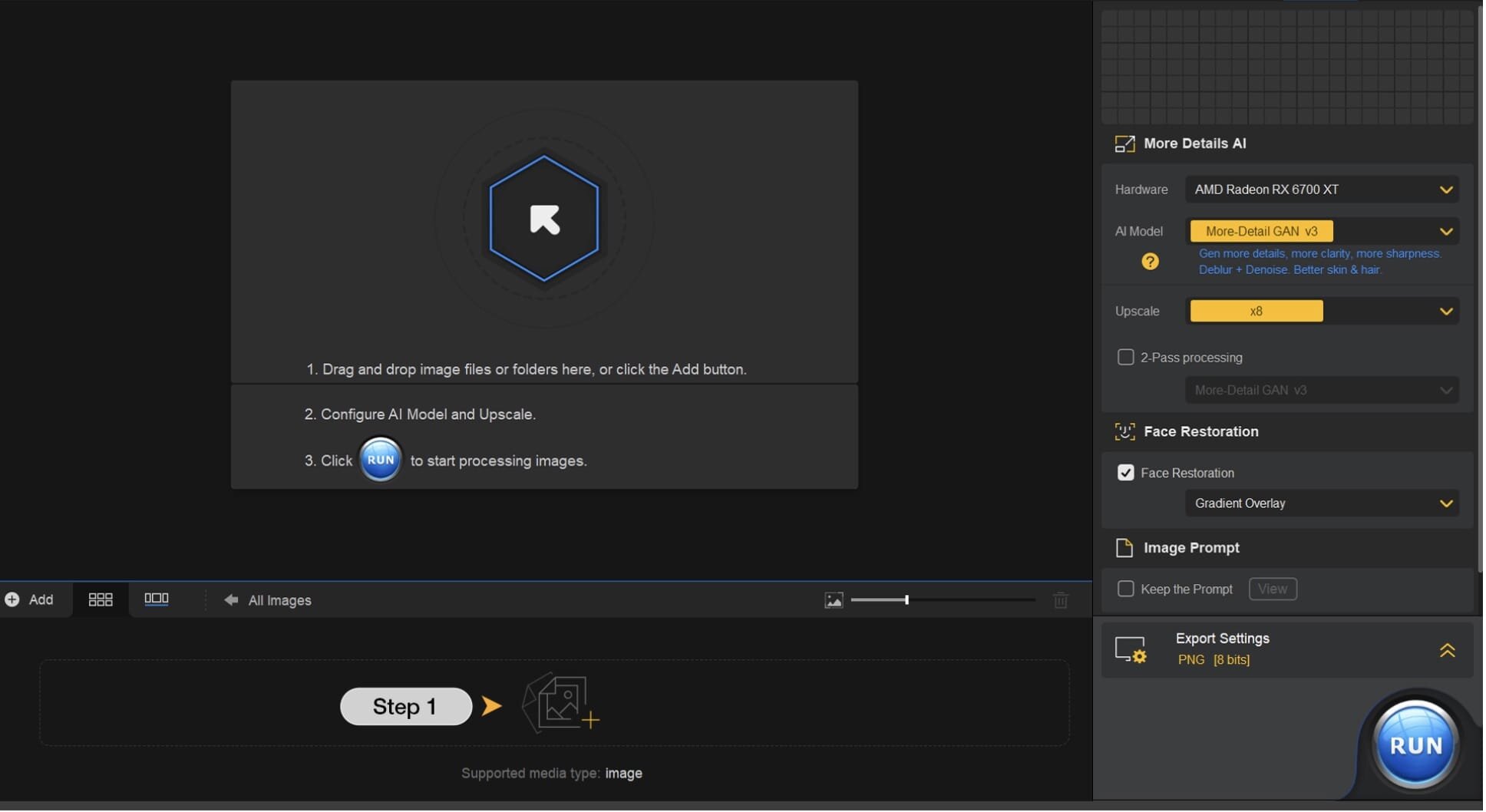
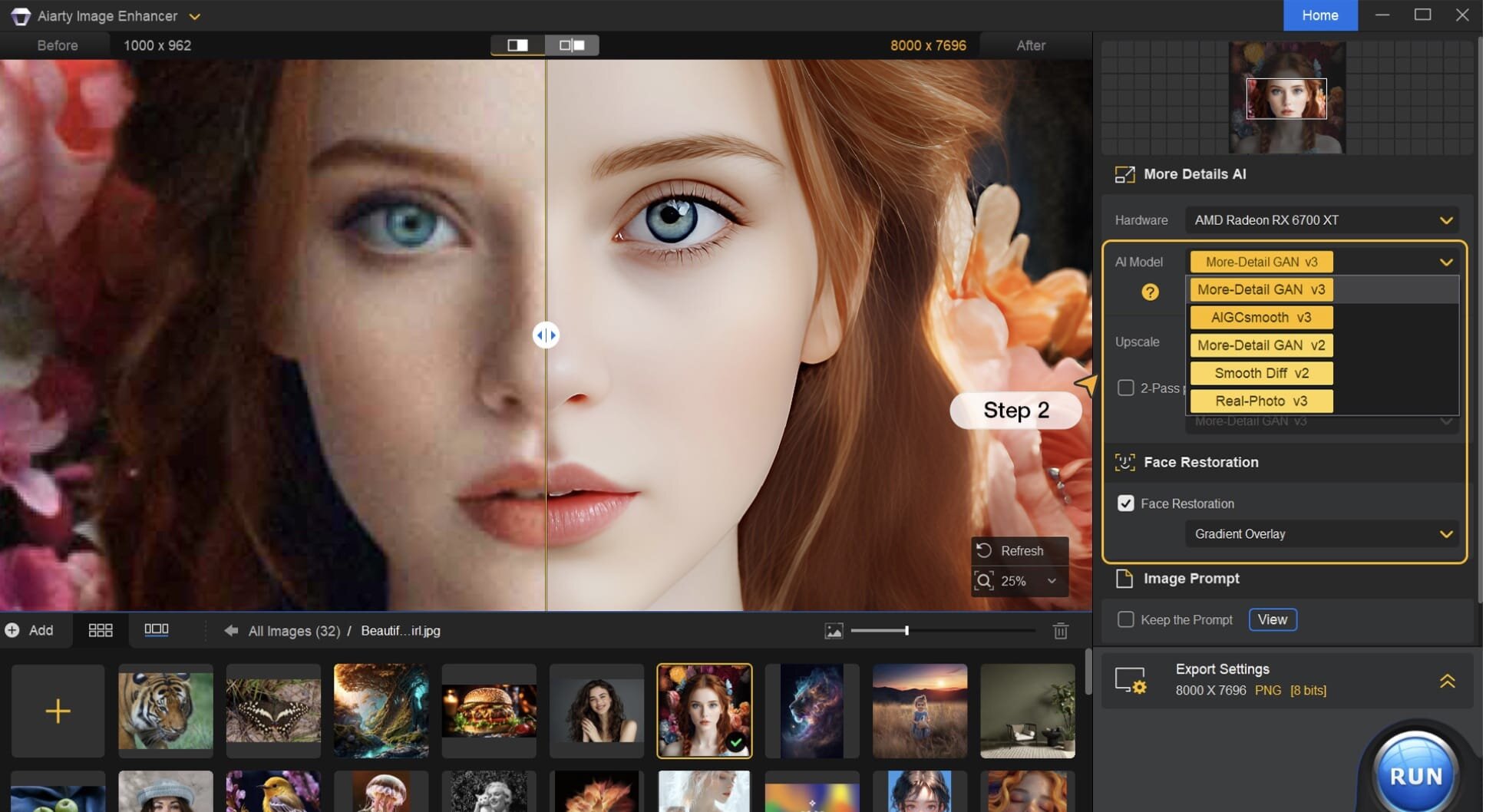
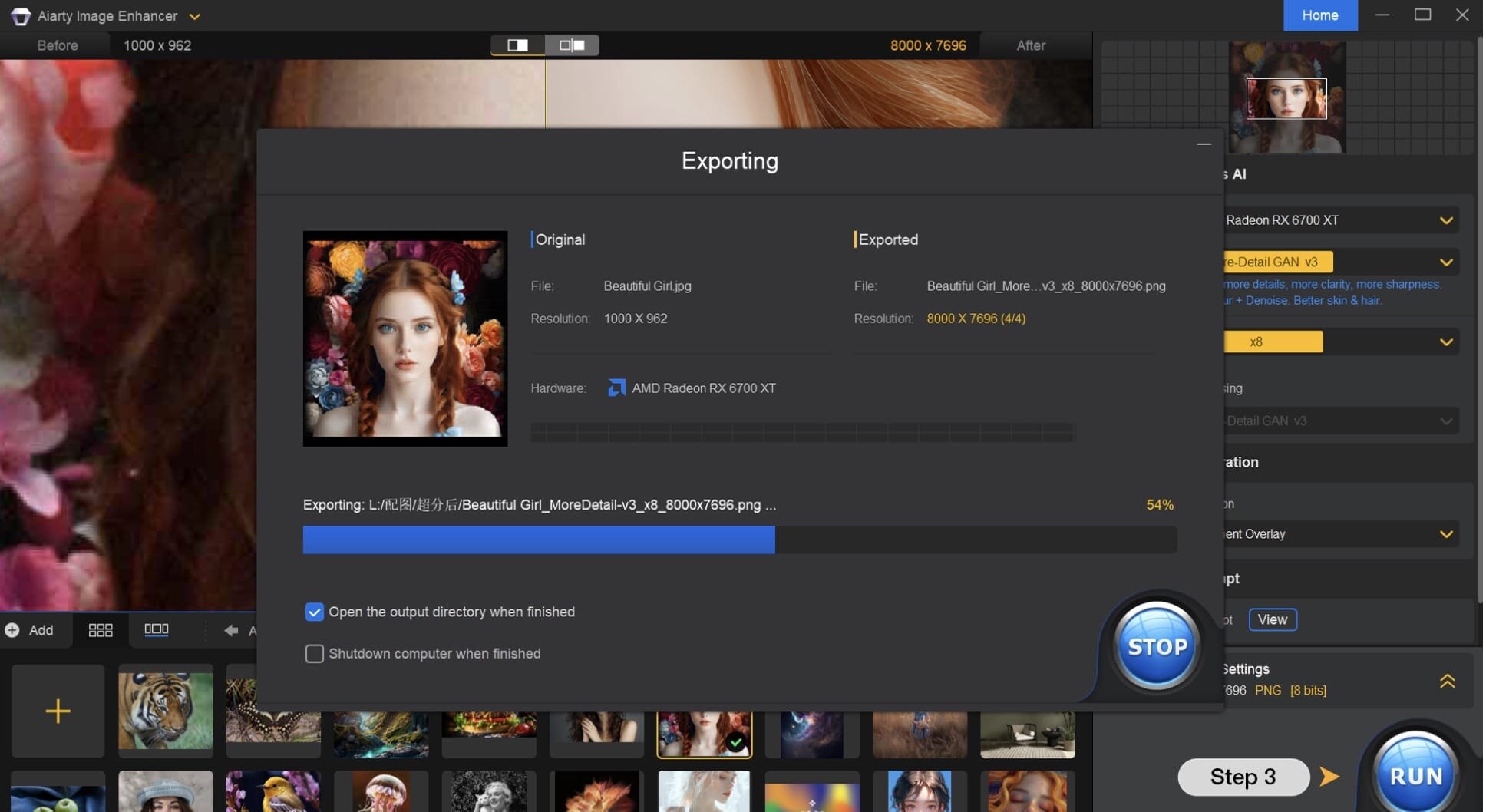
Compressed photos, AI-generated images, and blurry old shots all lose the same thing: fine detail. Aiarty Image Enhancer 3 runs on your Mac and doesn't just sharpen what's there, it generates new detail in skin, hair, textures, and lines, so the worse the starting image, the more room there is to improve it.
- Deblurs grainy, pixelated, or soft images, which works well on AI-generated pictures and heavily compressed photos
- Denoise uses deep learning to handle different types of noise from capture or post production
- Upscales images by 2x, 4x, or 8x, reaching 4K, 8K, or even 32K resolution without falling apart
- Reads a long list of RAW formats alongside standard JPG, PNG, TIFF, and WebP files
- Outputs to JPG or PNG in 8-bit or 16-bit, depending on what you need next
- The detail-generation model is trained separately from the upscaler, which is part of why textures still look real at higher resolutions
Frequently asked questions
How do I install the app?
Mount the image, drag the app into the "Applications" folder and launch it. If the system blocks the launch, allow it in "System Settings → Privacy & Security".
The app is damaged or won't launch
Reinstalling from a fresh image usually helps. Make sure your macOS version matches the one listed in the compatibility specs.
How do I update?
Download the new version from the site and install it over the current one — your settings will be preserved.
The download link doesn't work
Try a mirror or a download manager. For large files the browser often drops the connection.
How do I completely remove the app?
Use an uninstaller utility — it cleans up the service files that remain after moving the app to the trash.




Choose a download source
Aiarty Image Enhancer 3.14 · 123.53 MB
Previous versions
Aiarty Image Enhancer 3.14
Previous versions are available to registered users.