
Unzip Expert-Zip file tool 1.4.0
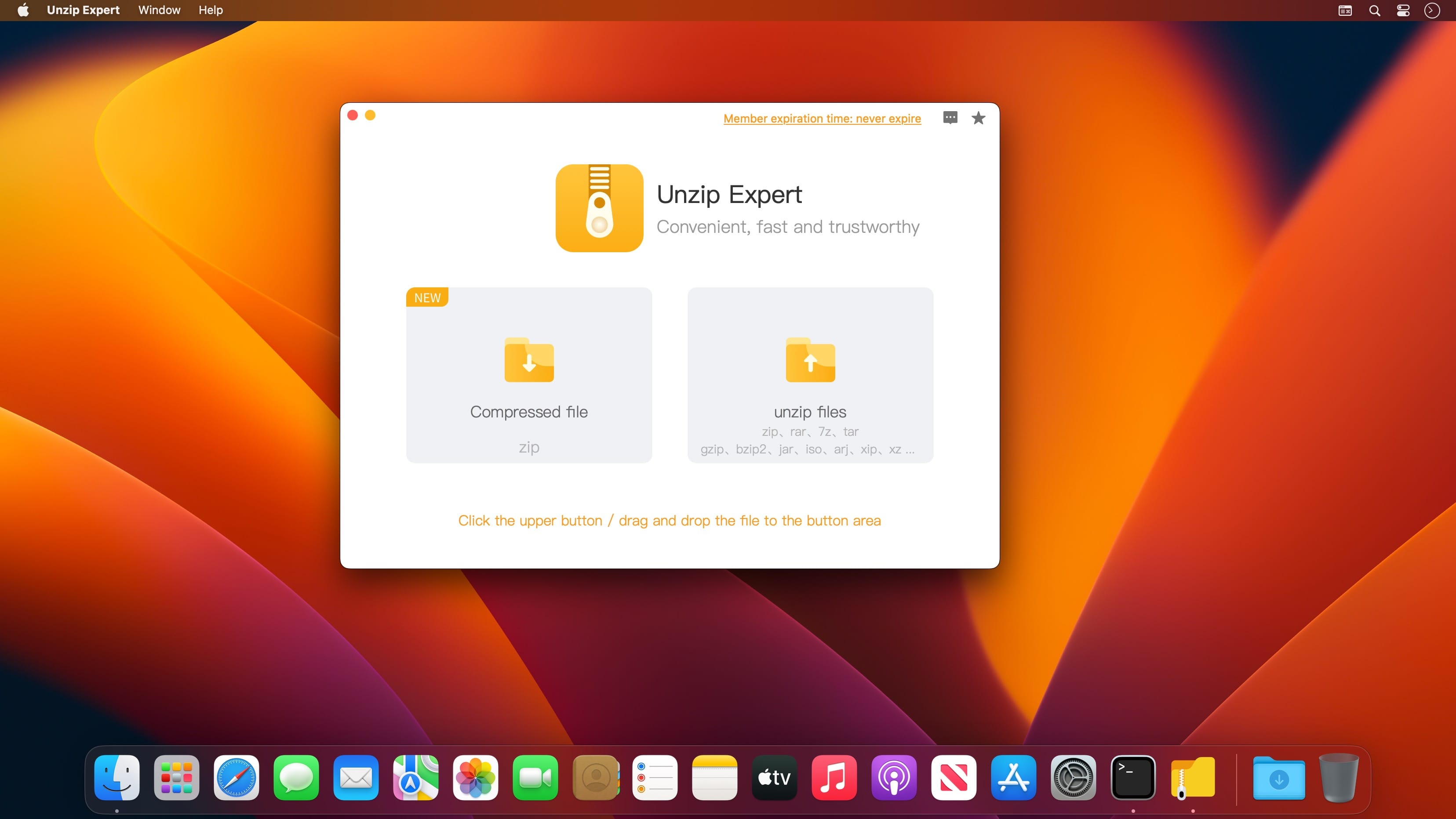
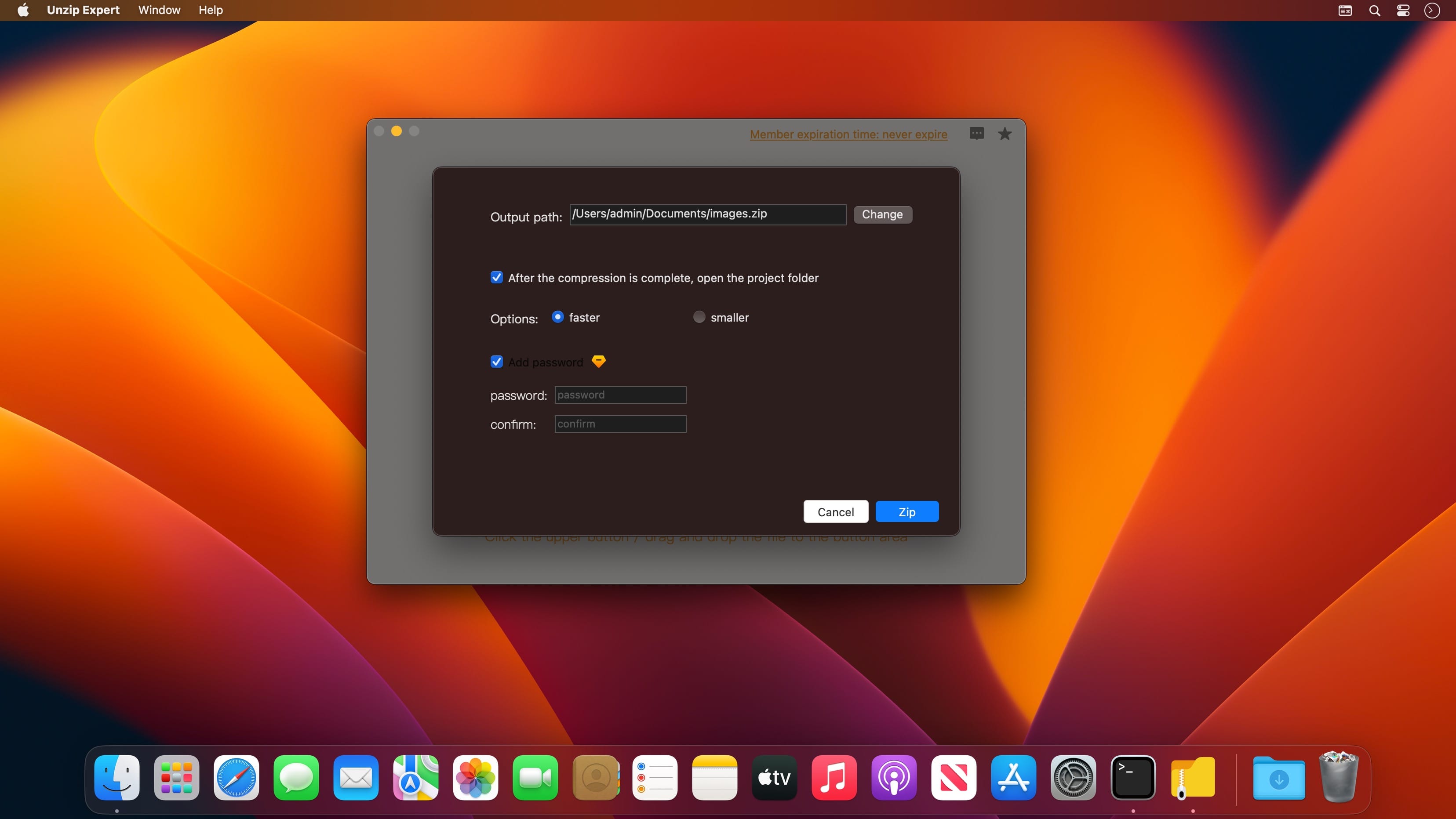
Unzip Expert is a portable management tool that can quickly unzip and compress files! Fast and easy to use, making work and life easier. Application description: Unzip Expert is a professional tool that integrates fast decompression, one-click compression and fast import.
You can decompress compressed packages in zip, 7z, rar and other formats with one click.
Unzip Expert supports opening compressed files in rar, Zip, and 7z formats, and can also be compressed into zip files.
The Unzip Expert has the following main functions
Quick Unzip
- Supports decompression of files in various formats such as Zip, 7z, RAR, etc.,
One-key compression
- Supports compressing multiple formats into zip files
- Support file encryption and compression
Version 1.4.0
- Improve product performance and optimize user experience.
- Added support for more than 70 formats: Tar, Gzip, Bzip2, Xz, Xip, ISO, Bin, Exe, Lha, Cab, Cpio, Jar, Ar, Pkg, Arj, Pax, Ace, LZMA, Msi, Udf, Vhd, Wim..
Frequently asked questions
How do I install the app?
Mount the image, drag the app into the "Applications" folder and launch it. If the system blocks the launch, allow it in "System Settings → Privacy & Security".
The app is damaged or won't launch
Reinstalling from a fresh image usually helps. Make sure your macOS version matches the one listed in the compatibility specs.
How do I update?
Download the new version from the site and install it over the current one — your settings will be preserved.
The download link doesn't work
Try a mirror or a download manager. For large files the browser often drops the connection.
How do I completely remove the app?
Use an uninstaller utility — it cleans up the service files that remain after moving the app to the trash.





Choose a download source
Unzip Expert-Zip file tool 1.4.0 · 7.6 MB