
Aerate Pro 2.0.1 fix
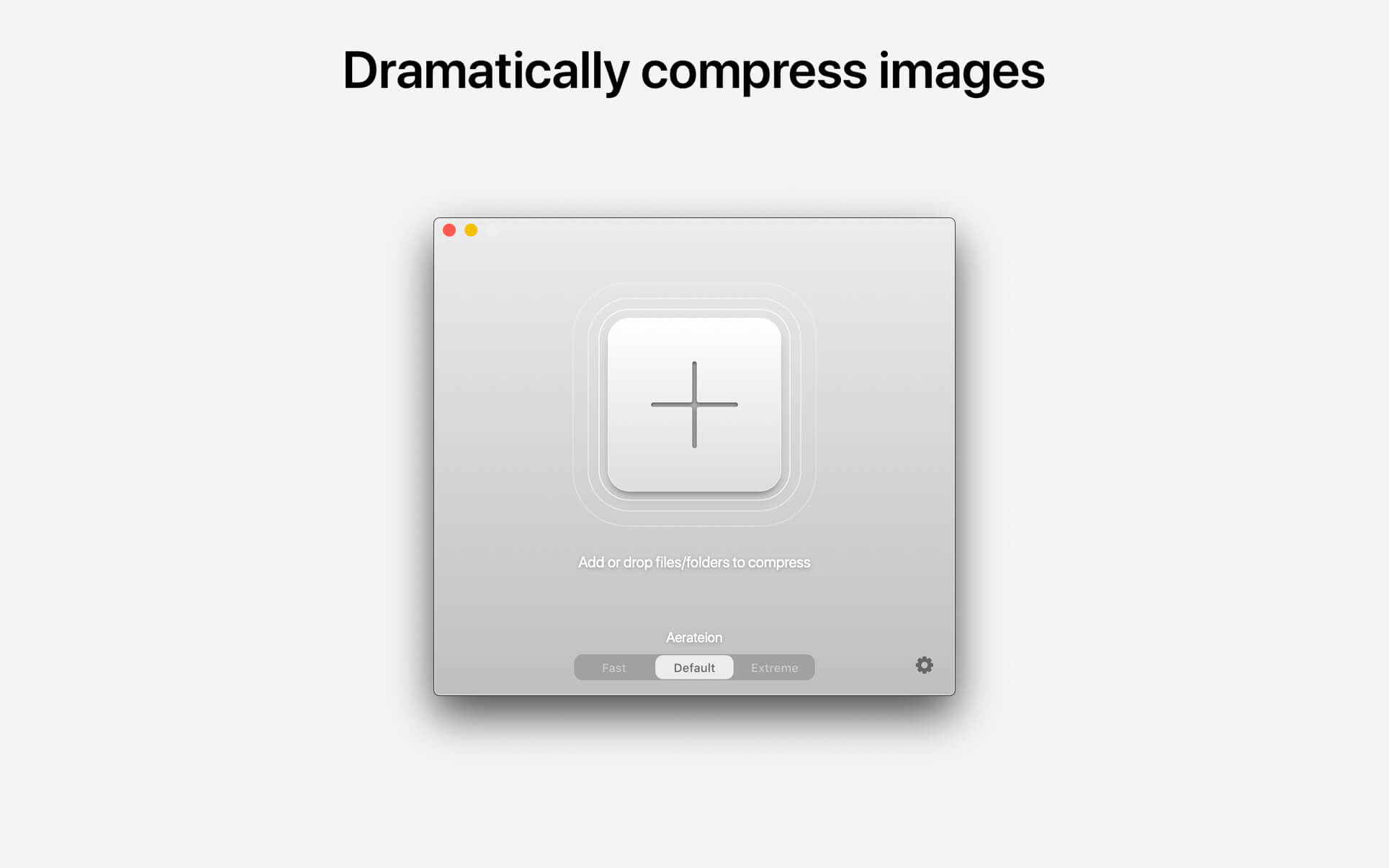
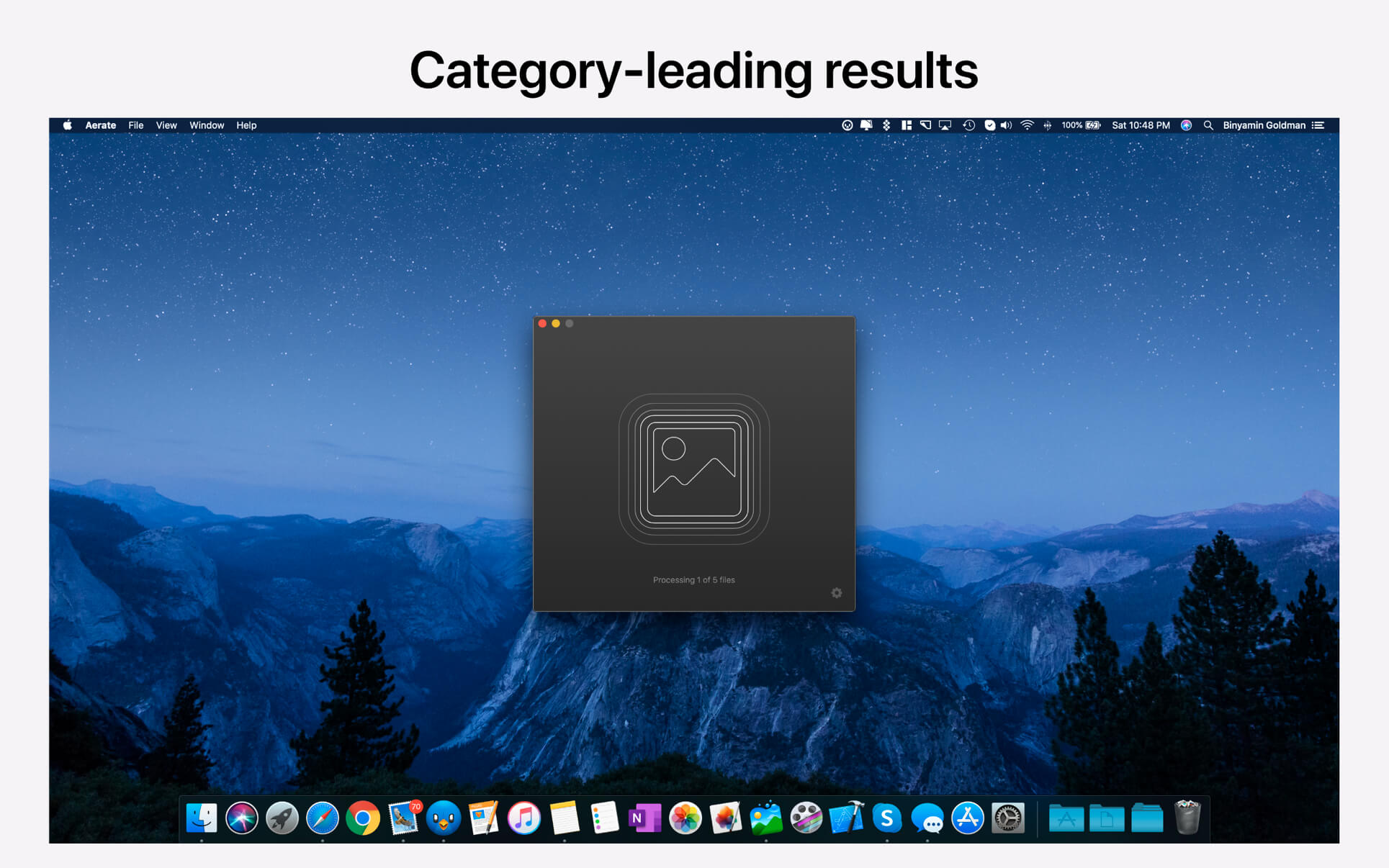
Effortlessly compress your images without loss of quality. Aerate offers an industry leading default mode, as well as new fast and extreme presets. Switch between modes quickly using the new compression slider.
Aerate also includes a first of its kind multi-core mode, that allows you to take full advantage of your CPU and compress images simultaneously. Exclusively available in Aerate Pro.
Features:
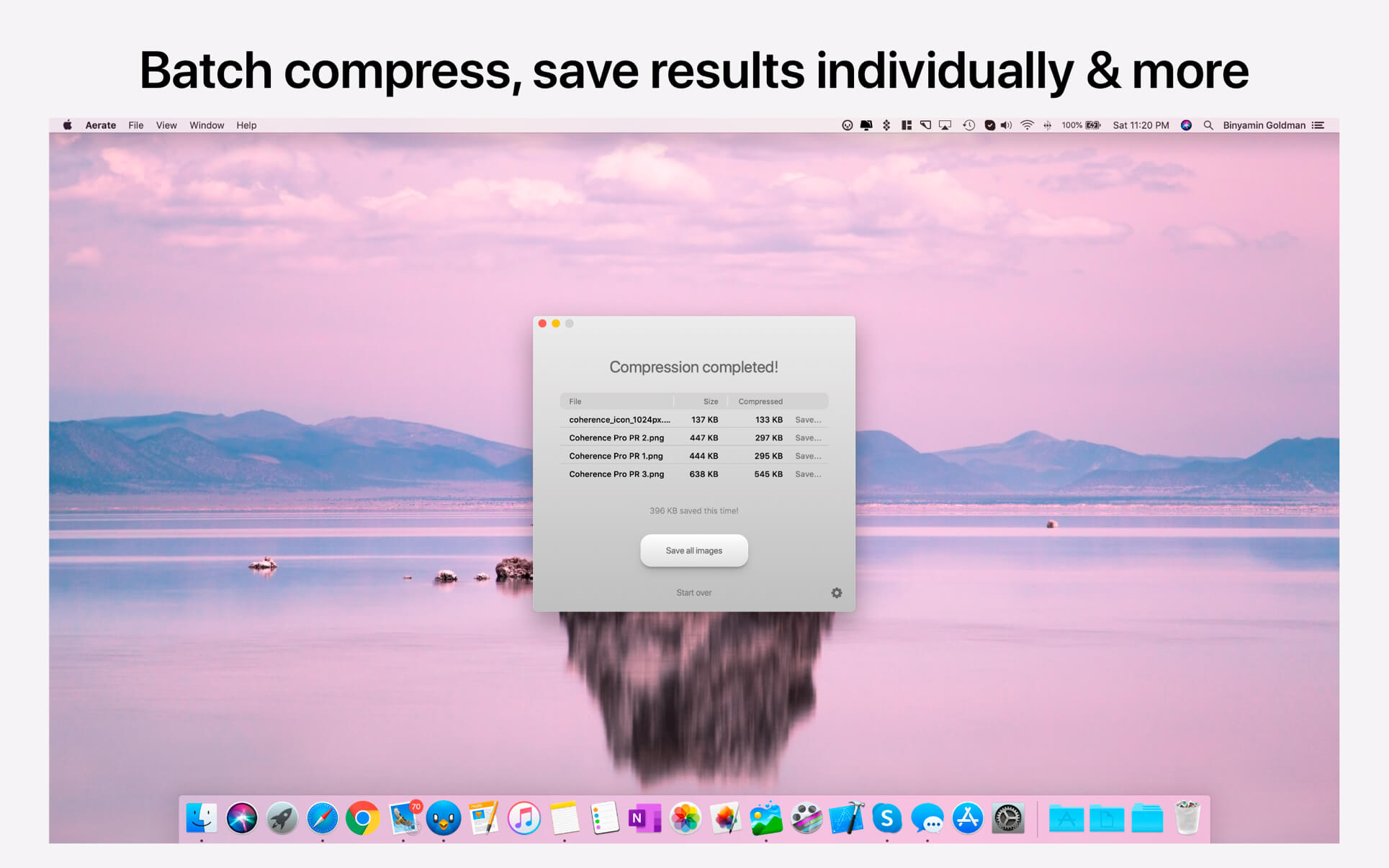
- Batch compression - Compress folder or stacks of images simultaneously.
- PNG and JPG support - Category leading support for PNG compression as well as loss-setting JPG support.
- Results view - Easily reviews and save images individually.
- PSD to JPG conversion - With Aerate, you can easily covert PSDs to JPGs. They can even be included in a batch.
- File extensions - Automatically assign a custom extension for compressed files.
- JPG metadate removal - Aerate can automatically remove JPG metadata, including in bulk processes.
- PNG to JPG conversion - You can easily convert your PNG images to JPG post conversion, allowing maximum results.
- ark mode - Aerate includes a beautiful new dark mode that can be custom toggled in preferences.
Version 2.0.1:
- Release notes were unavailable when this listing was updated.
Frequently asked questions
How do I install the app?
Mount the image, drag the app into the "Applications" folder and launch it. If the system blocks the launch, allow it in "System Settings → Privacy & Security".
The app is damaged or won't launch
Reinstalling from a fresh image usually helps. Make sure your macOS version matches the one listed in the compatibility specs.
How do I update?
Download the new version from the site and install it over the current one — your settings will be preserved.
The download link doesn't work
Try a mirror or a download manager. For large files the browser often drops the connection.
How do I completely remove the app?
Use an uninstaller utility — it cleans up the service files that remain after moving the app to the trash.


Choose a download source
Aerate Pro 2.0.1 fix · 15.54 MB