

File Fingerprints 1.13
Screenshots
Click to enlarge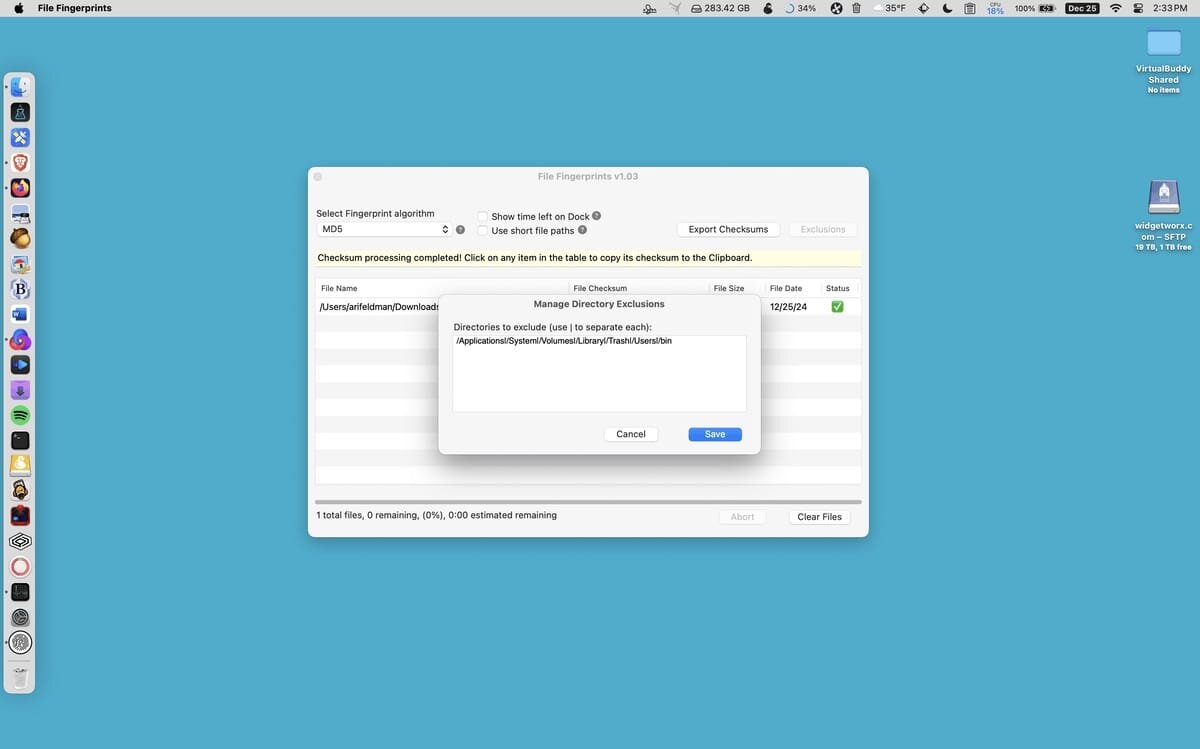
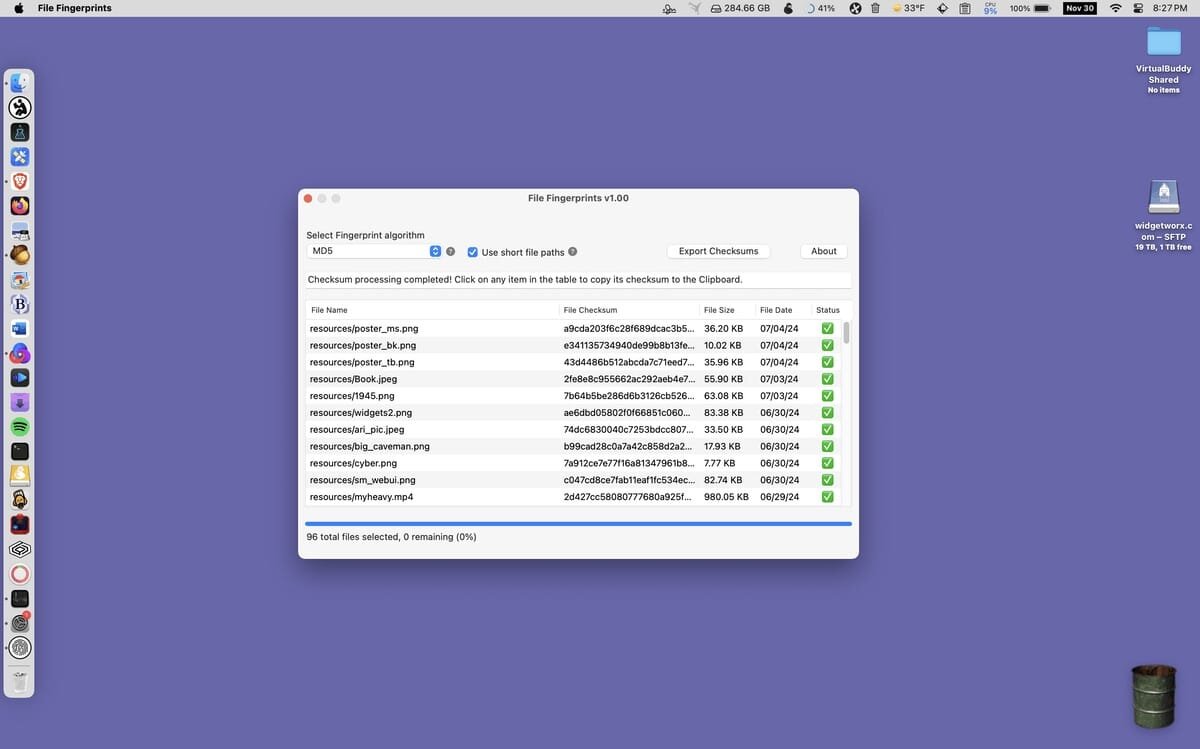

File checksums, or hashes, are unique identifiers used to determine the integrity or authenticity of a file. They can be useful for security purposes or to make sure a file hasn’t been damaged or modified by comparing your hash to the original.
File Fingerprints is a simple app that can calculate multiple file hashes in one fell swoop. You can then copy them individually or export all file information, including checksums, to a text or CSV file.
To process your files, simply drop them all in the main window. The app calculates hashes automatically using the MD5, SHA1, SHA256, SHA512, or CRC32 algorithms. You can select the one you want to use from a drop-down menu.
The hashes are listed in the main window, along with the file’s path, size, and date. If you click any file in the list, its checksum will be copied to the clipboard.
File Fingerprints lacks any way to compare checksums, so it seems mostly geared towards developers or distributors who want to calculate and publish hashes for multiple files when releasing them.
It’s well suited to this task, as it can process any number of files at once, with an estimated completion time. Once calculated, you can export the data to a text or CSV file, which includes all file information formatted for easy readability. You can easily publish this info wherever it needs to be available.
File Fingerprints prioritizes efficiency and time saving. You can load and process all your files in one go, then copy or export checksums to a document for easy sharing. The UI features a simple layout and everything can be done from the main window with just a few of clicks.
Version 1.13
- Fixed a bug with the bundled Finder integration workflow
- It's not possible to page up / down the list of file hashes using shift+up arrow and shift + down arrow
- Implemented a rudimentary Malware scanning mode when the checksum is set to SHA256
Comments
No comments yet. Be the first.