
Nice Clipboard 1.6.1
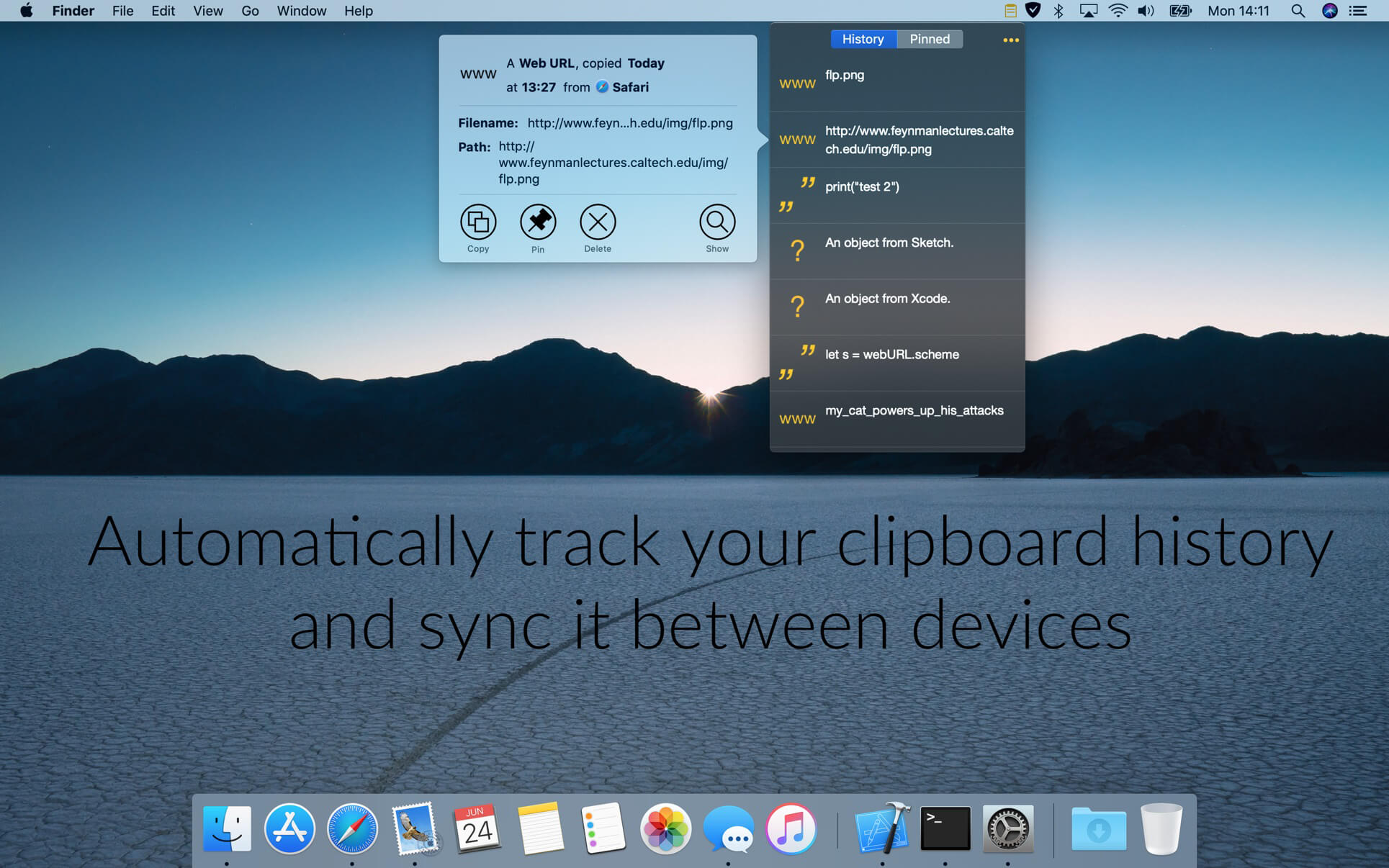
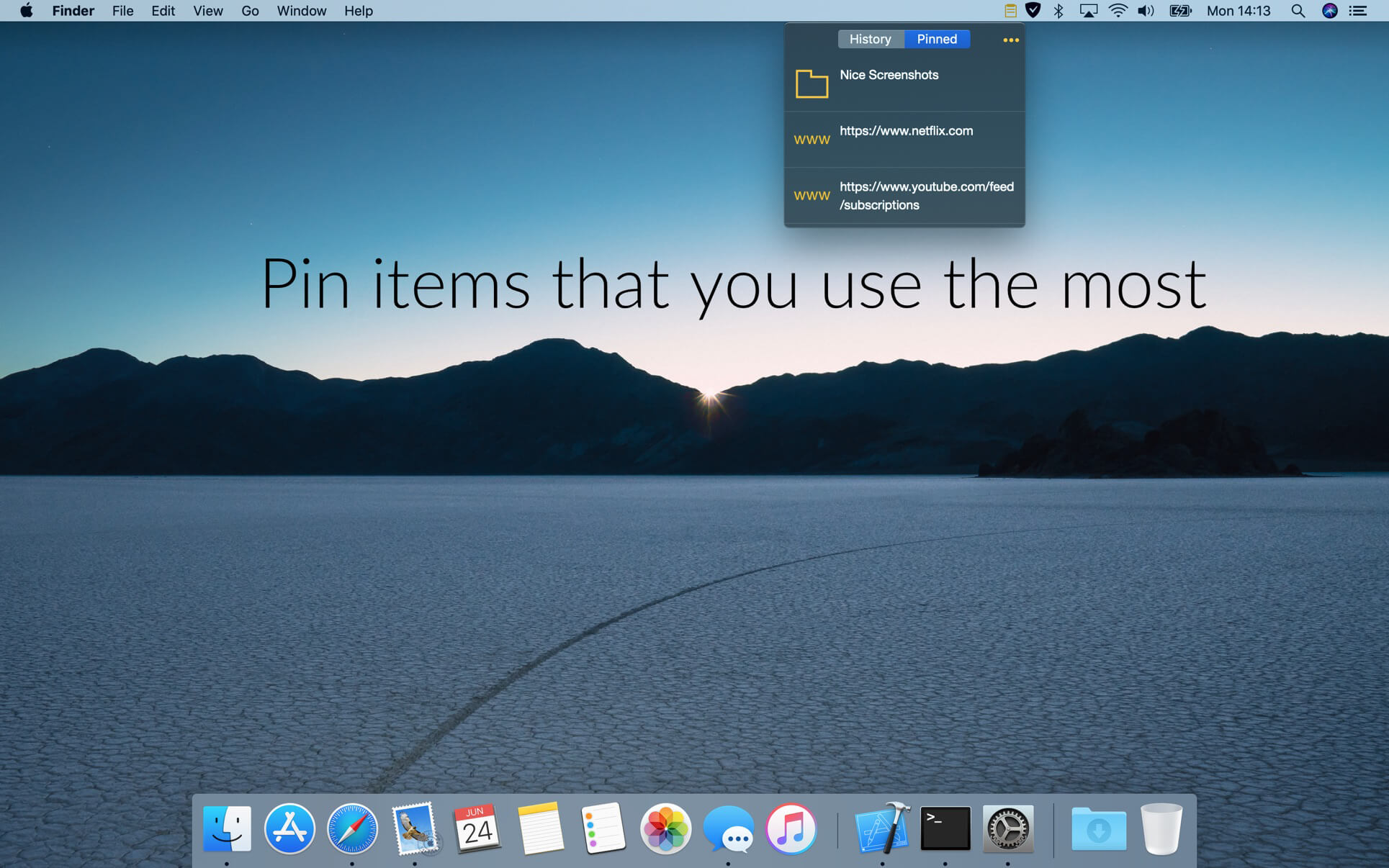
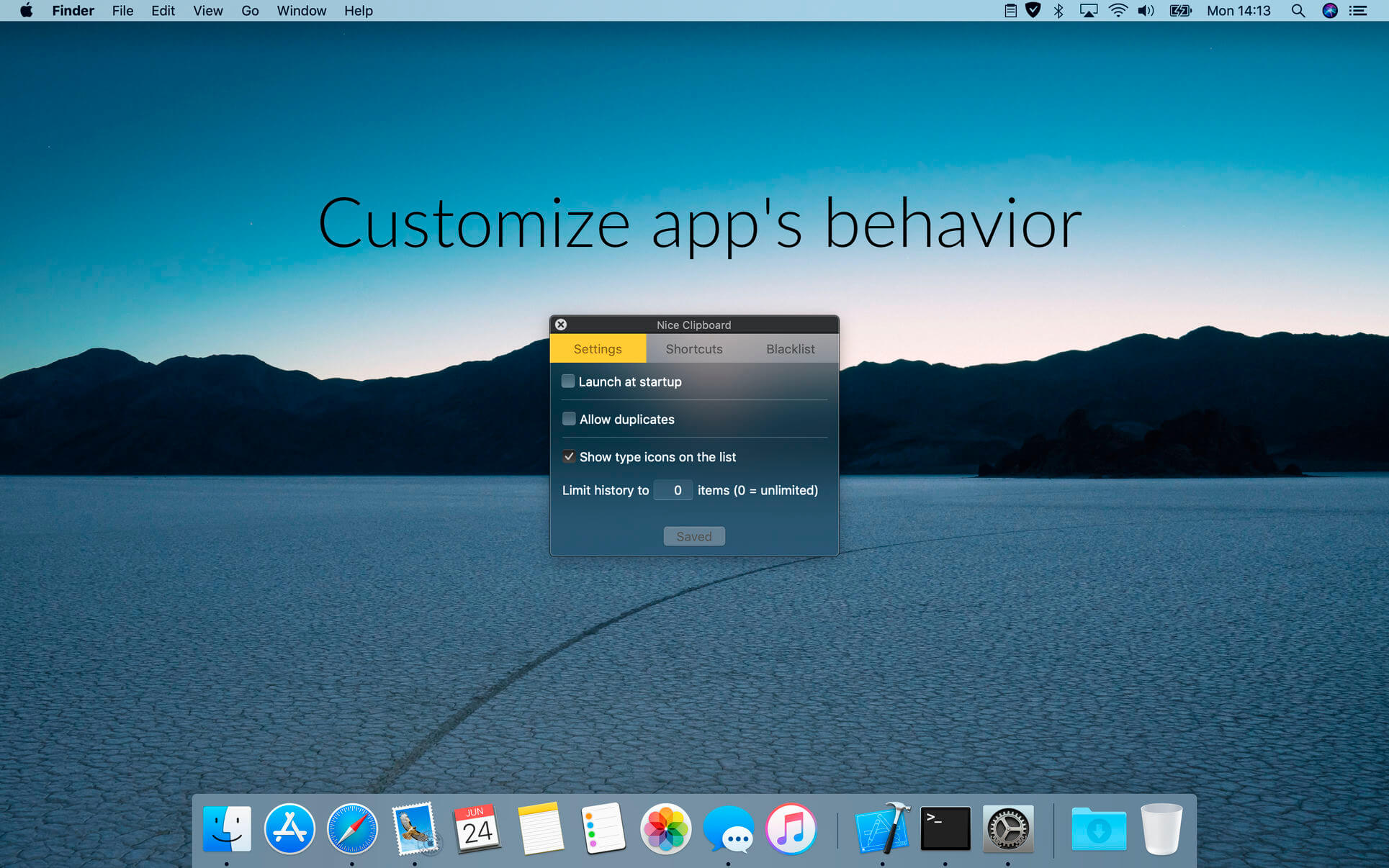
Nice Clipboard is a clipboard history manager that is always waiting for you under menubar icon on your Mac or on your Home Screen on your iPhone. Customizable global hotkey and in-app keyboard navigation let you use it without reaching for mouse or trackpad. It is synced via iCloud between your Macs and iOS devices and is built using newest Apple technologies to be lightweight and superfast. These features make your clipboard a much more useful tool in your everyday life.
Features:
- automatically watches your clipboard,
- beautiful and easy to use interface that blends perfectly in your desktop,
- iCloud sync,
- support for customizable global hotkey and in-app keyboard navigation,
- uses newest Apple technologies,
- built in Swift for performance.
Version 1.6.1
- Fixed compatibility on macOS 10.15 Catalina.
Frequently asked questions
How do I install the app?
Mount the image, drag the app into the "Applications" folder and launch it. If the system blocks the launch, allow it in "System Settings → Privacy & Security".
The app is damaged or won't launch
Reinstalling from a fresh image usually helps. Make sure your macOS version matches the one listed in the compatibility specs.
How do I update?
Download the new version from the site and install it over the current one — your settings will be preserved.
The download link doesn't work
Try a mirror or a download manager. For large files the browser often drops the connection.
How do I completely remove the app?
Use an uninstaller utility — it cleans up the service files that remain after moving the app to the trash.
VersionNice Clipboard 1.6.1
DeveloperJedrzej Gronek
CompatibilityOS X 10.10 or later, 64-bit processor
LanguageEnglish
IncludesK'ed by TNT


Information
Visitors in the group Guests cannot leave comments on this publication.
Choose a download source
Nice Clipboard 1.6.1 · 10.99 MB