
Sentinel 3.1.4
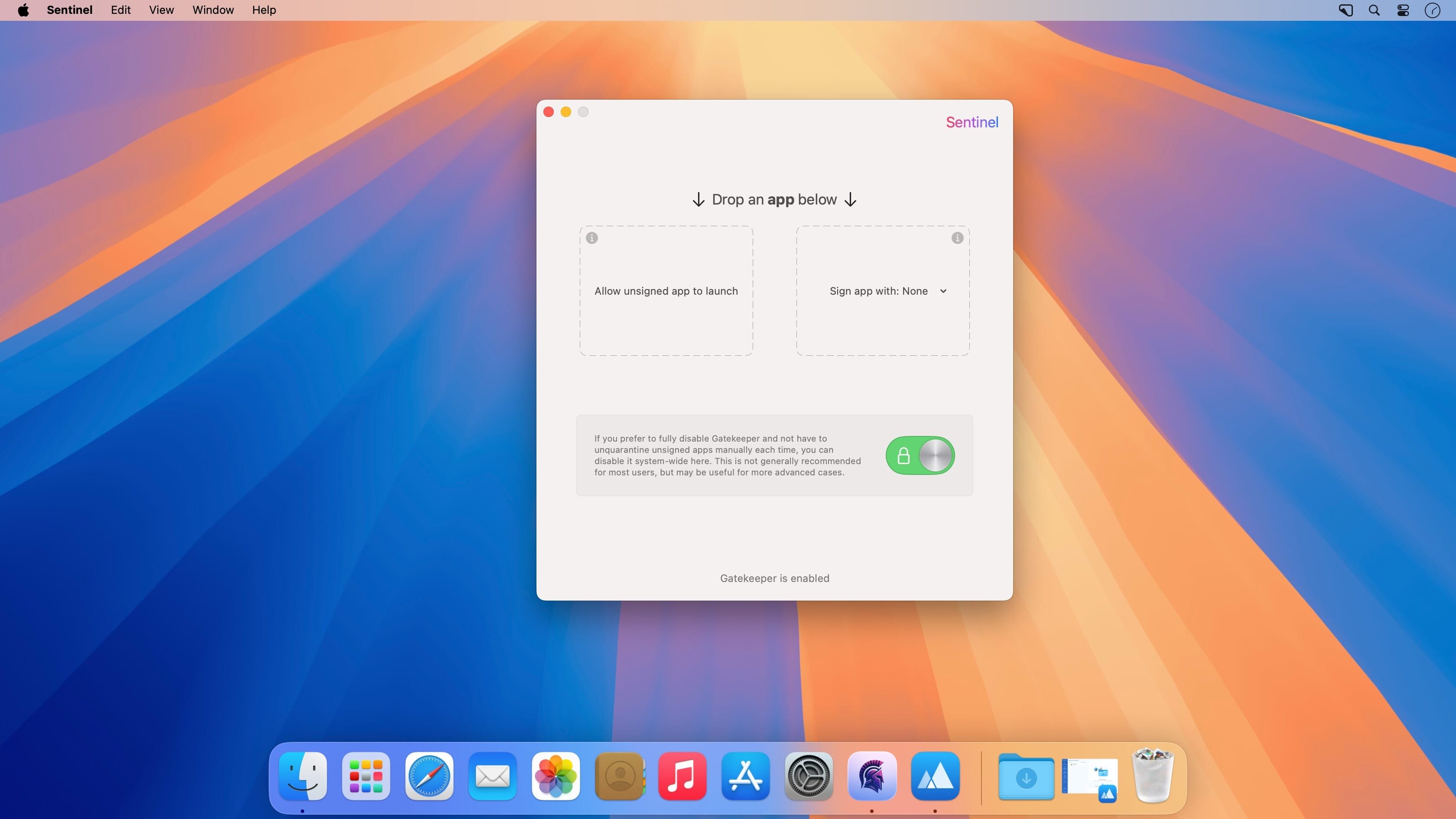
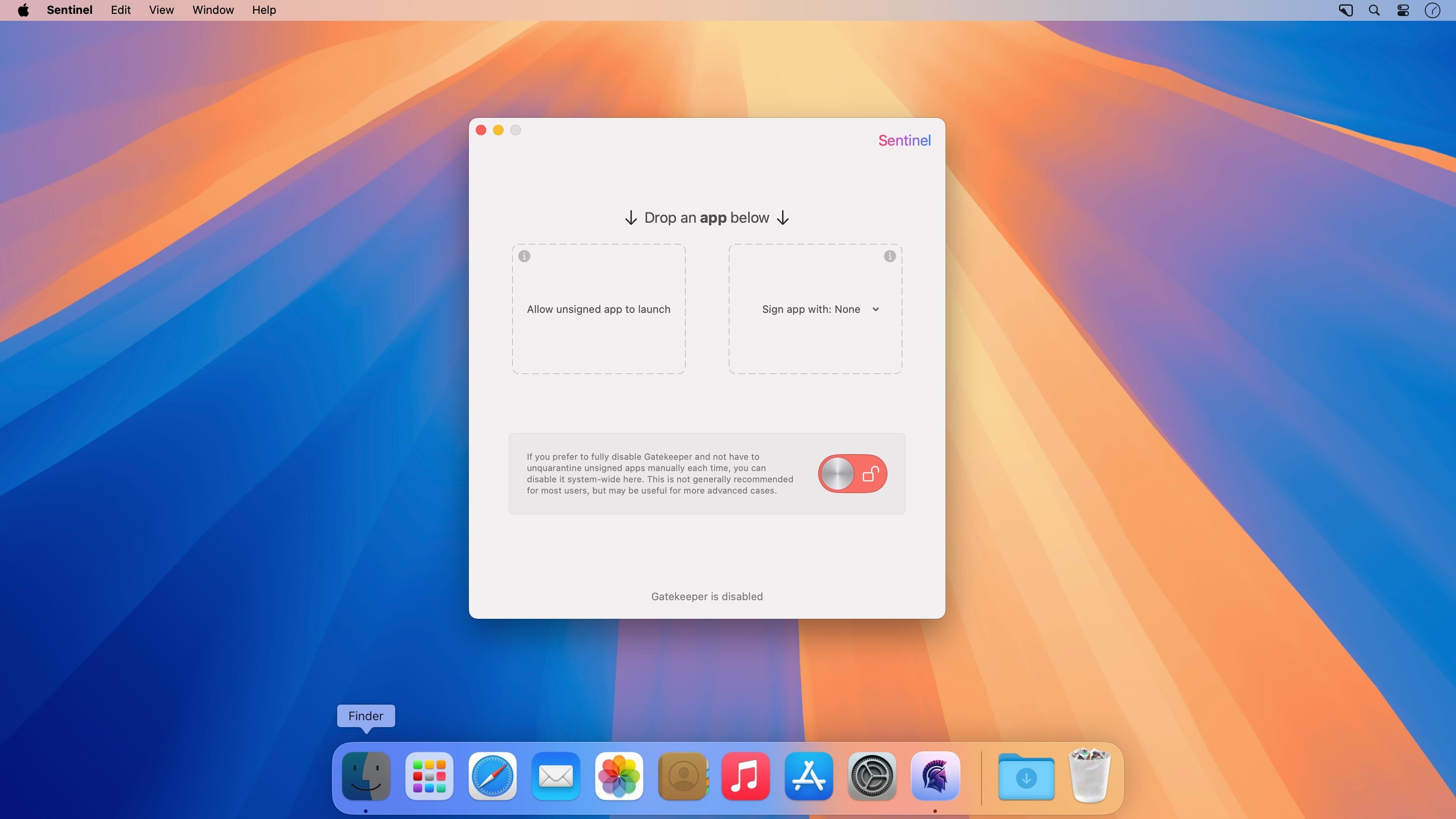
A GUI for controlling Gatekeeper, unquarantining apps and signing apps.
Features
- 100% Swift
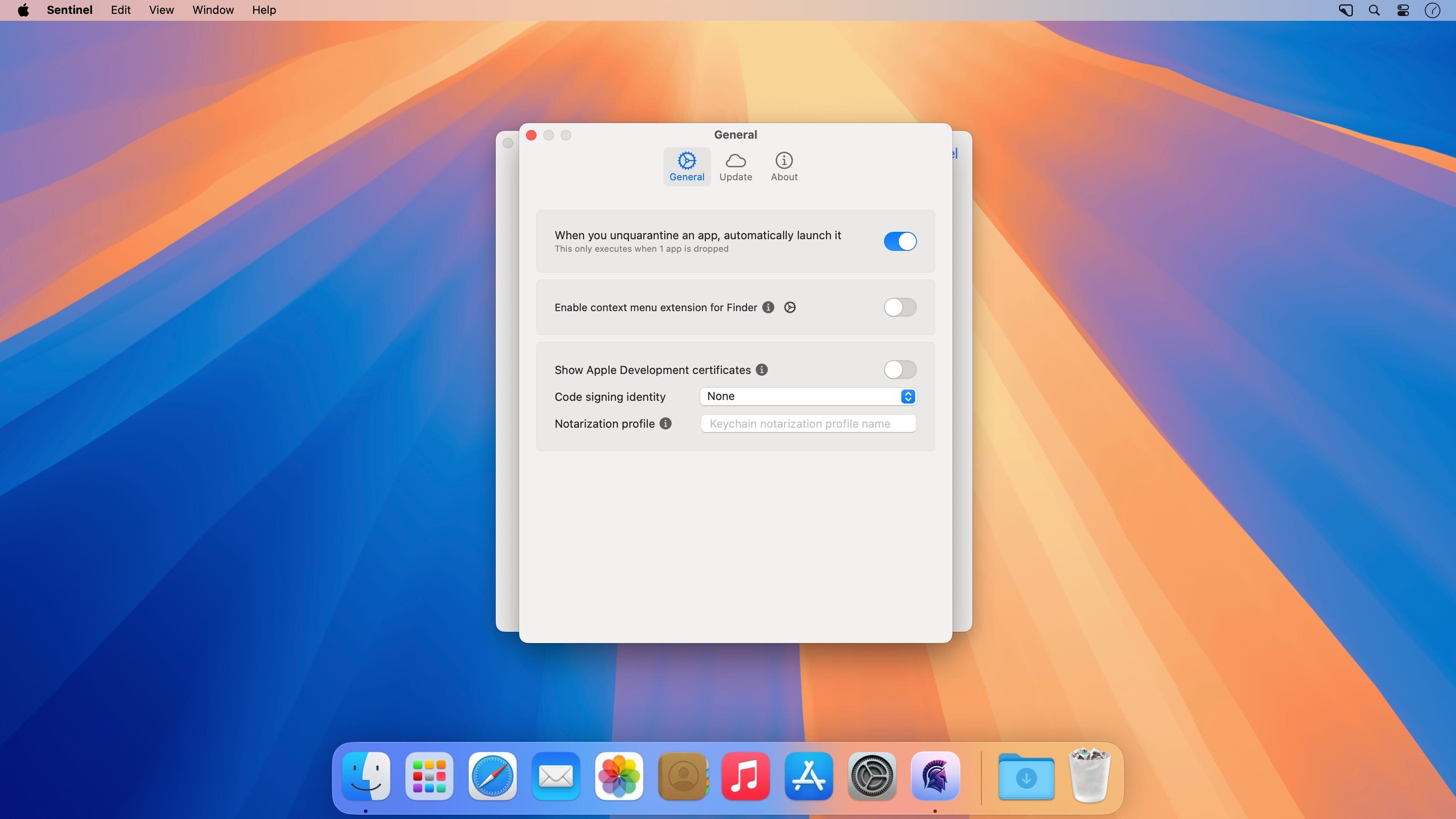
- Can drop an app in the drop target to unquarantine and optionally auto-open the app after it is unquarantined
- Can drop an app in the drop target to ad-hoc self sign and replace the certificate
- Finder extension to easily right click apps and unquarantine
- Custom auto-updater that pulls latest release notes and binaries from GitHub Releases (Sentinel should be ran from /Applications folder to avoid permission issues)
- Supports macOS Sequoia
Version 3.1.4:
- Enable drag/drop of application bundles via Dock icon
Frequently asked questions
How do I install the app?
Mount the image, drag the app into the "Applications" folder and launch it. If the system blocks the launch, allow it in "System Settings → Privacy & Security".
The app is damaged or won't launch
Reinstalling from a fresh image usually helps. Make sure your macOS version matches the one listed in the compatibility specs.
How do I update?
Download the new version from the site and install it over the current one — your settings will be preserved.
The download link doesn't work
Try a mirror or a download manager. For large files the browser often drops the connection.
How do I completely remove the app?
Use an uninstaller utility — it cleans up the service files that remain after moving the app to the trash.
VersionSentinel 3.1.4
DeveloperAlin Lupascu
CompatibilitymacOS 12.0 or later
LanguageEnglish




Information
Visitors in the group Guests cannot leave comments on this publication.
Choose a download source
Sentinel 3.1.4 · 2.8 MB