App Icon Generator 1.7.0
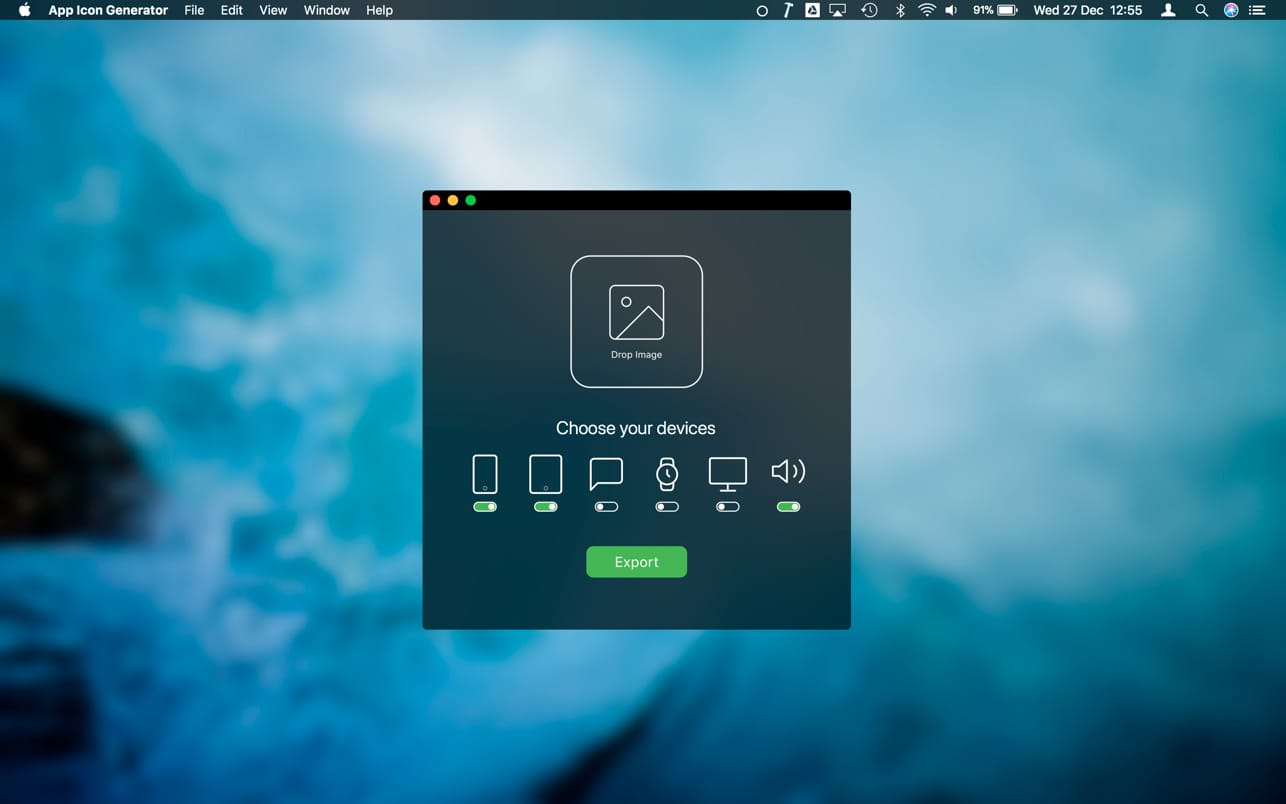
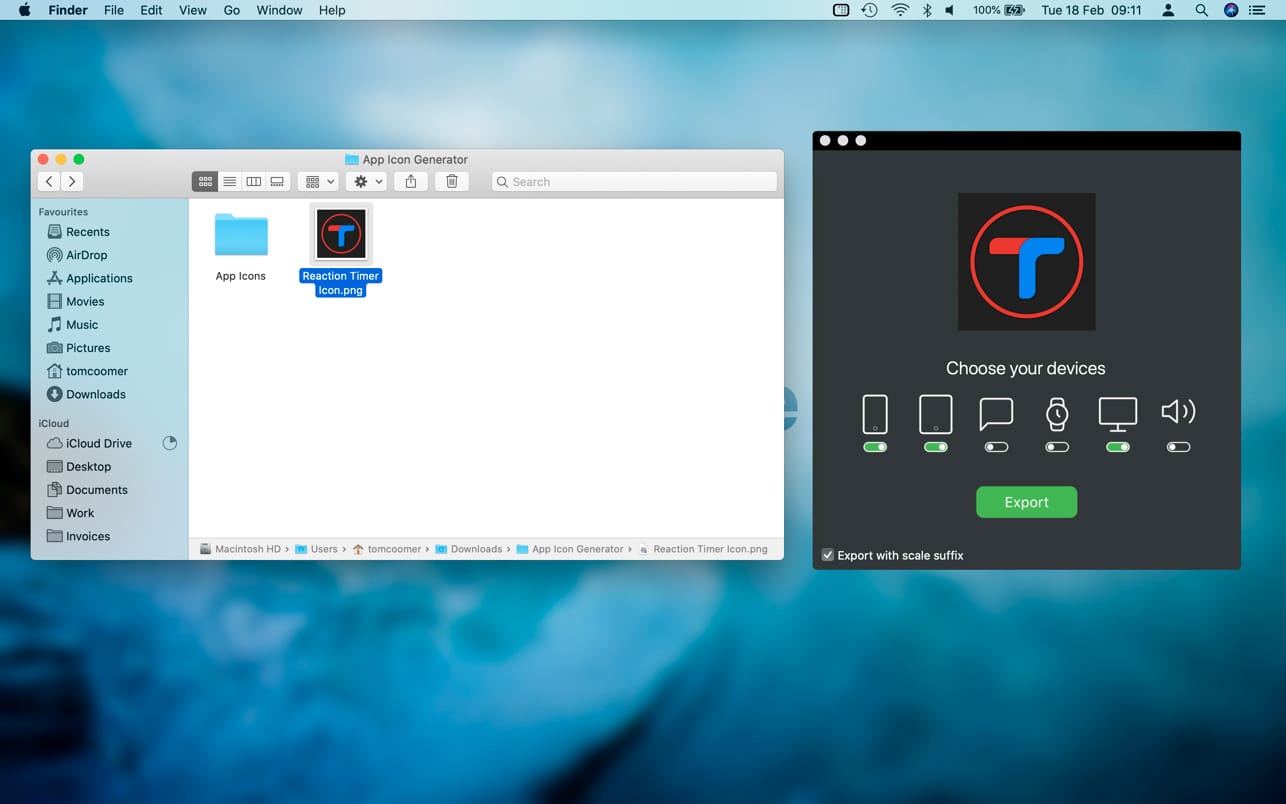
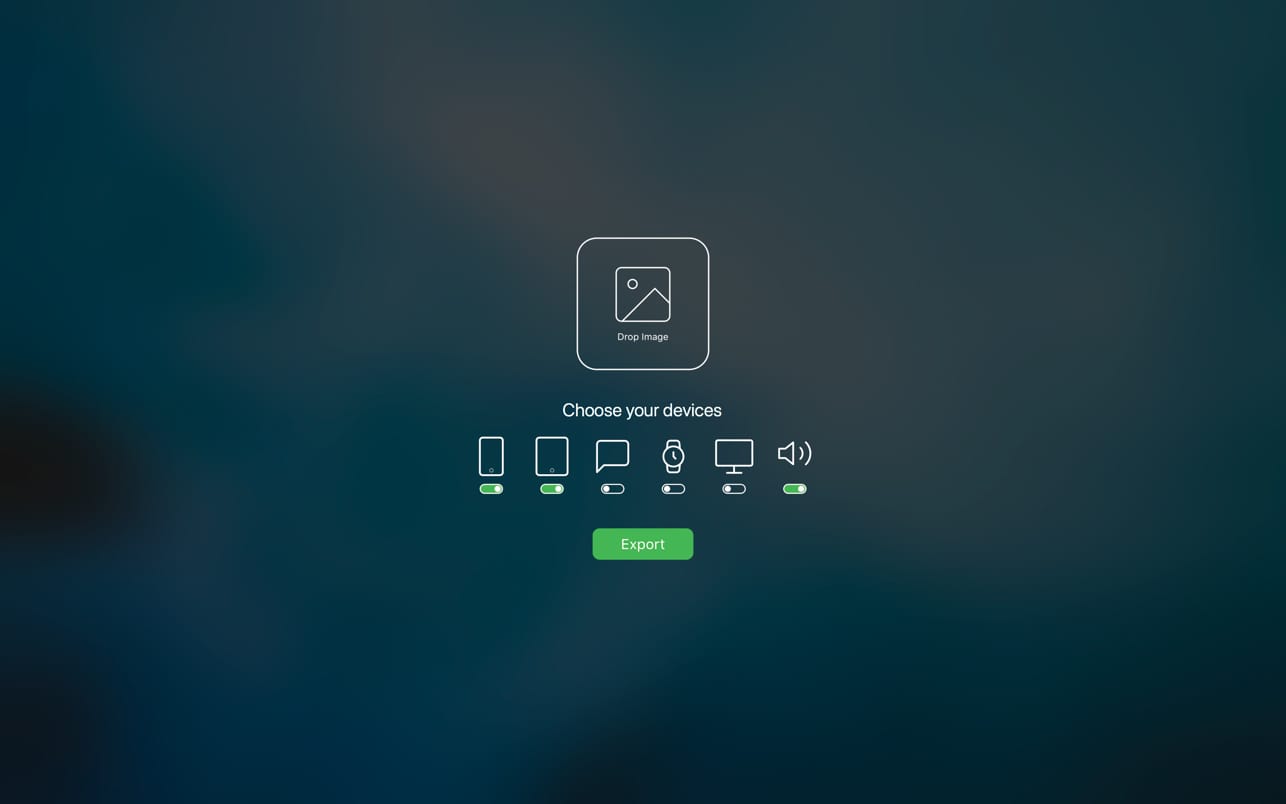
Generate your app icons in seconds for iOS, watchOS, iMessage Apps, macOS and more with just a drag, a drop and a click!
- Drag your app icon image into the drop zone.
- Choose the devices that you would like to export for.
- Click export.
All of your icons are then exported into a folder, named by size and automatically converted to PNG ready for use. App Icon Generator is updated to support the current size and resolution requirements for new devices and icon sizes.
The icons for this app were generated using this app.
Version 1.7
- You can now export your icons as an App Icon Set, ready to drag directly into your Xcode asset catalog. All images are automatically resized, named, and assigned to the correct slots.
- This update also includes some minor UI improvements.
Frequently asked questions
How do I install the app?
Mount the image, drag the app into the "Applications" folder and launch it. If the system blocks the launch, allow it in "System Settings → Privacy & Security".
The app is damaged or won't launch
Reinstalling from a fresh image usually helps. Make sure your macOS version matches the one listed in the compatibility specs.
How do I update?
Download the new version from the site and install it over the current one — your settings will be preserved.
The download link doesn't work
Try a mirror or a download manager. For large files the browser often drops the connection.
How do I completely remove the app?
Use an uninstaller utility — it cleans up the service files that remain after moving the app to the trash.




Choose a download source
App Icon Generator 1.7.0 · 3.74 MB