
FonePaw iOS Transfer 6.6.0
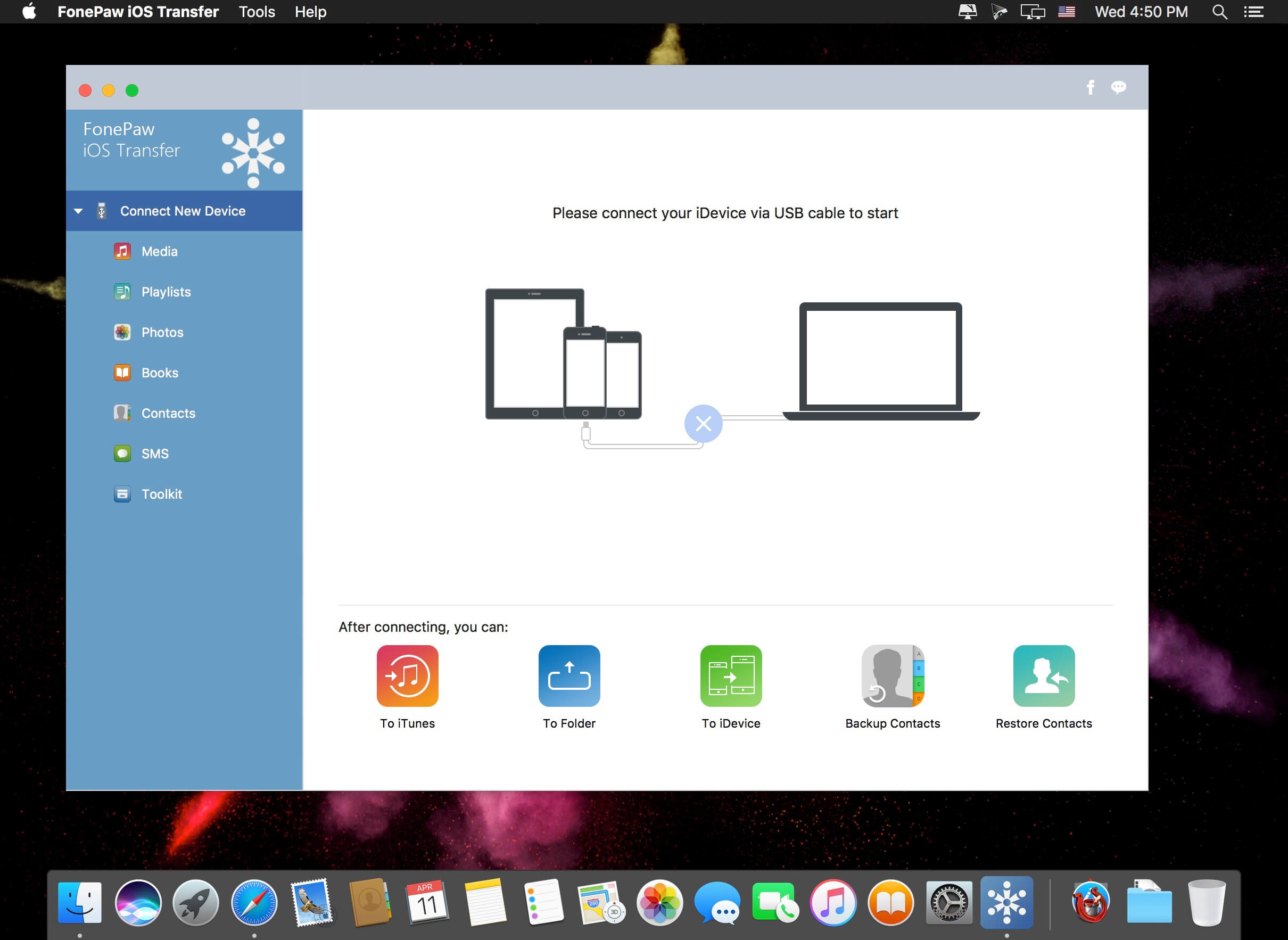
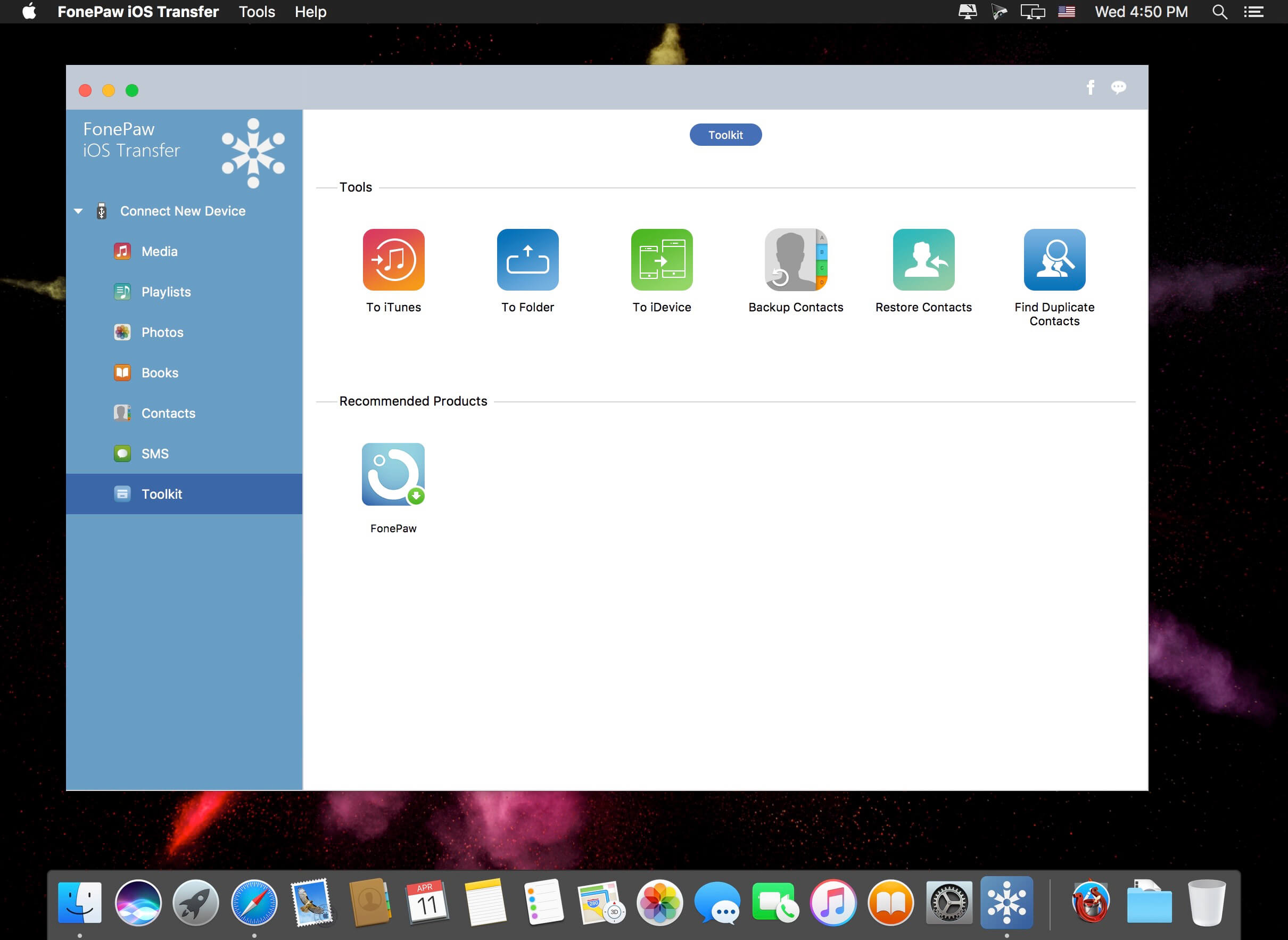
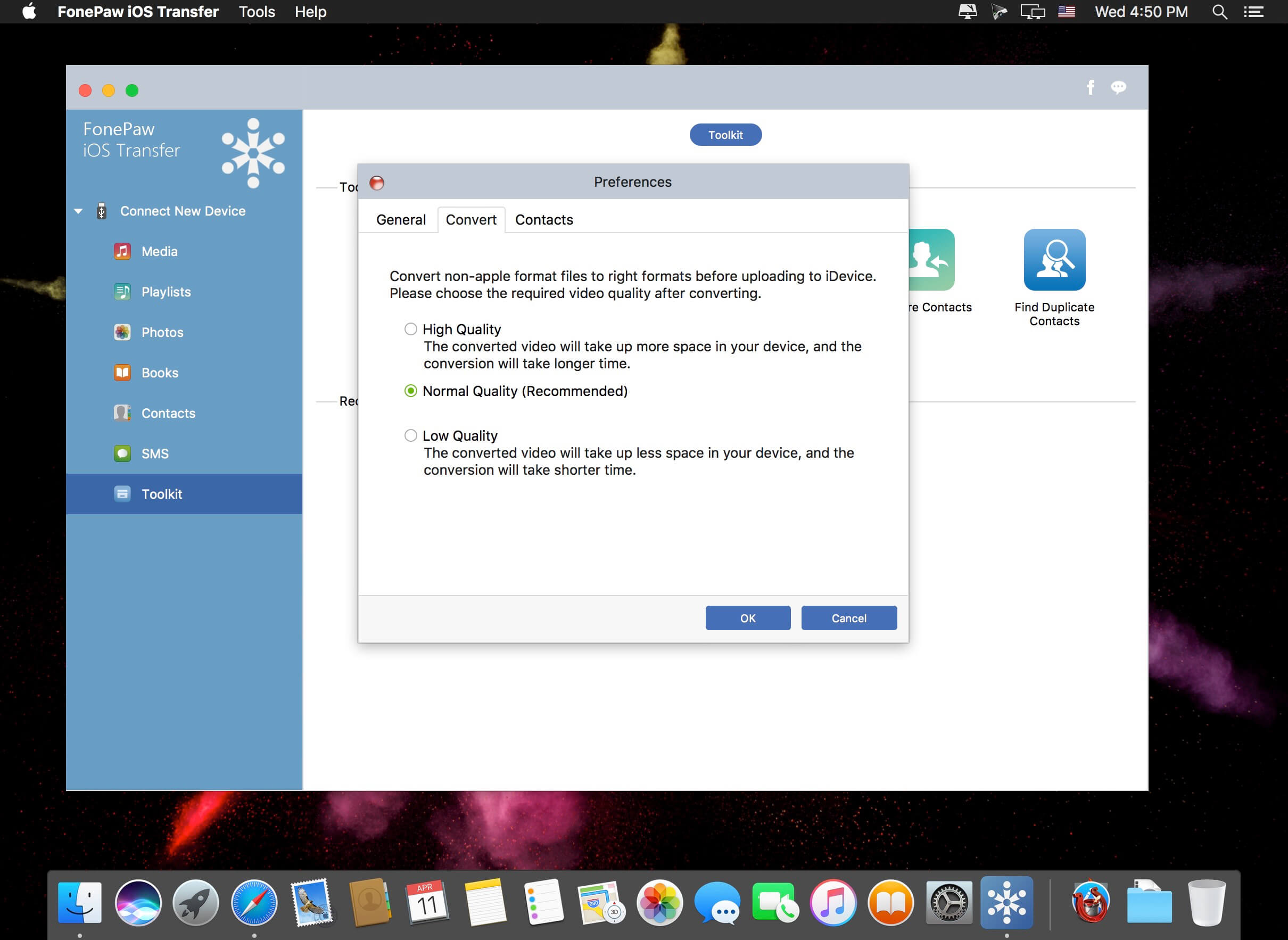
FonePaw iOS Transfer is customized for all iPhone, iPad, iPod users to transfer data from iPhone to computer or the other way around. It's easy-to-use, user-friendly, fast, and reliable.
Transfer Everything of your iPhone, iPad and iPod
Getting started with FonePaw iOS Transfer to transfer media files, photos, contacts, SMS, Books, etc. from iPhone, iPad and iPod to computer/iTunes with ease.
Music & Videos
Change another computer? You can use FonePaw iOS Transfer to re-create your iTunes library.With this powerful iOS Transfer, you can sync all or partial music, movies, TV shows, music videos, podcasts, iTunes U, ringtones, audio book and even voice memos between Apple iOS device and PC/iTunes library in a click.
Contacts
FonePaw iOS Transfer enables you to import or export contacts from or to Outlook, Windows Address Book, Hotmail, AOL, Yahoo, Gmail. You can also quickly add, edit, group contacts and find and merge your duplicate contacts in this program. In addition, with the assistance of the transfer tool, you can back up or restore your contacts.
Playlists
Having spending much time customizing your playlists on computer and don’t want to manually re-create these playlists on your device? You can now transfer it to your iPhone, iPad or iPod touch. Moreover, adding or deleting playlists is just a piece of cake by using FonePaw iOS Transfer.
Books
If you purchase some audiobooks, ePub, PDF, etc. and want to transfer them to computer or other iDevice or share them to your friends, you can’t miss FonePaw iOS Transfer, which provides you with an effective way to transfer books with a fast speed and high quality.
Photos
FonePaw iOS Transfer is capable of exporting your photos or albums from iPhone/iPad/iPod to computer so that you can back them up or edit photos on PC. And moving new pictures back to devices is fairly easy.
SMS
SMS text messages are supported to be accessed and transferred safely from iPhone to computer/Mac as CSV, HTML and TXT file. Then you can back up your important messages or print them.
Version 6.6.0:
- Release notes were unavailable when this listing was updated.
Frequently asked questions
How do I install the app?
Mount the image, drag the app into the "Applications" folder and launch it. If the system blocks the launch, allow it in "System Settings → Privacy & Security".
The app is damaged or won't launch
Reinstalling from a fresh image usually helps. Make sure your macOS version matches the one listed in the compatibility specs.
How do I update?
Download the new version from the site and install it over the current one — your settings will be preserved.
The download link doesn't work
Try a mirror or a download manager. For large files the browser often drops the connection.
How do I completely remove the app?
Use an uninstaller utility — it cleans up the service files that remain after moving the app to the trash.





Choose a download source
FonePaw iOS Transfer 6.6.0 · 62.97 MB
Previous versions
FonePaw iOS Transfer 6.6.0
Previous versions are available to registered users.