BetterDisplay Pro 4.0.4
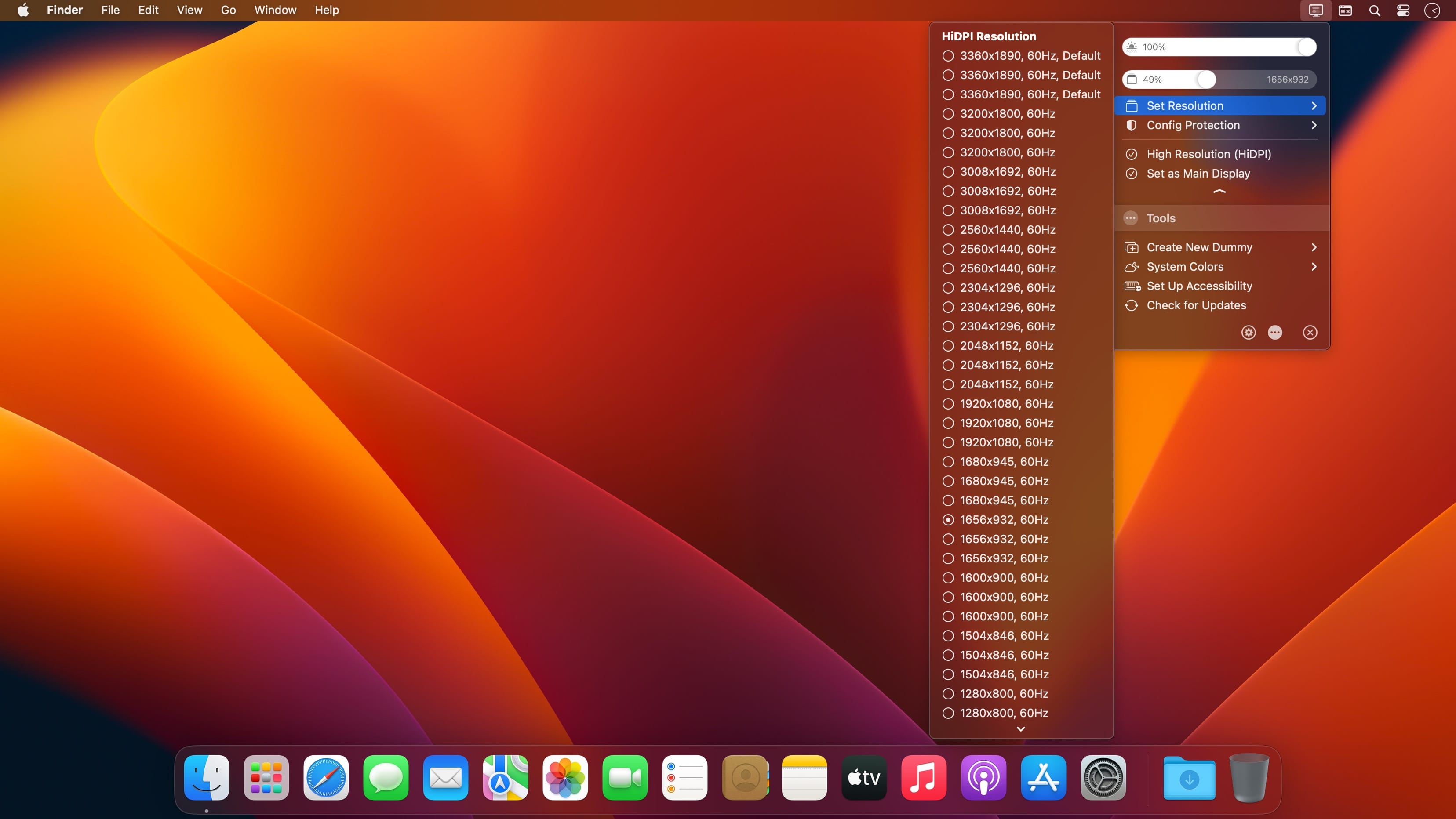
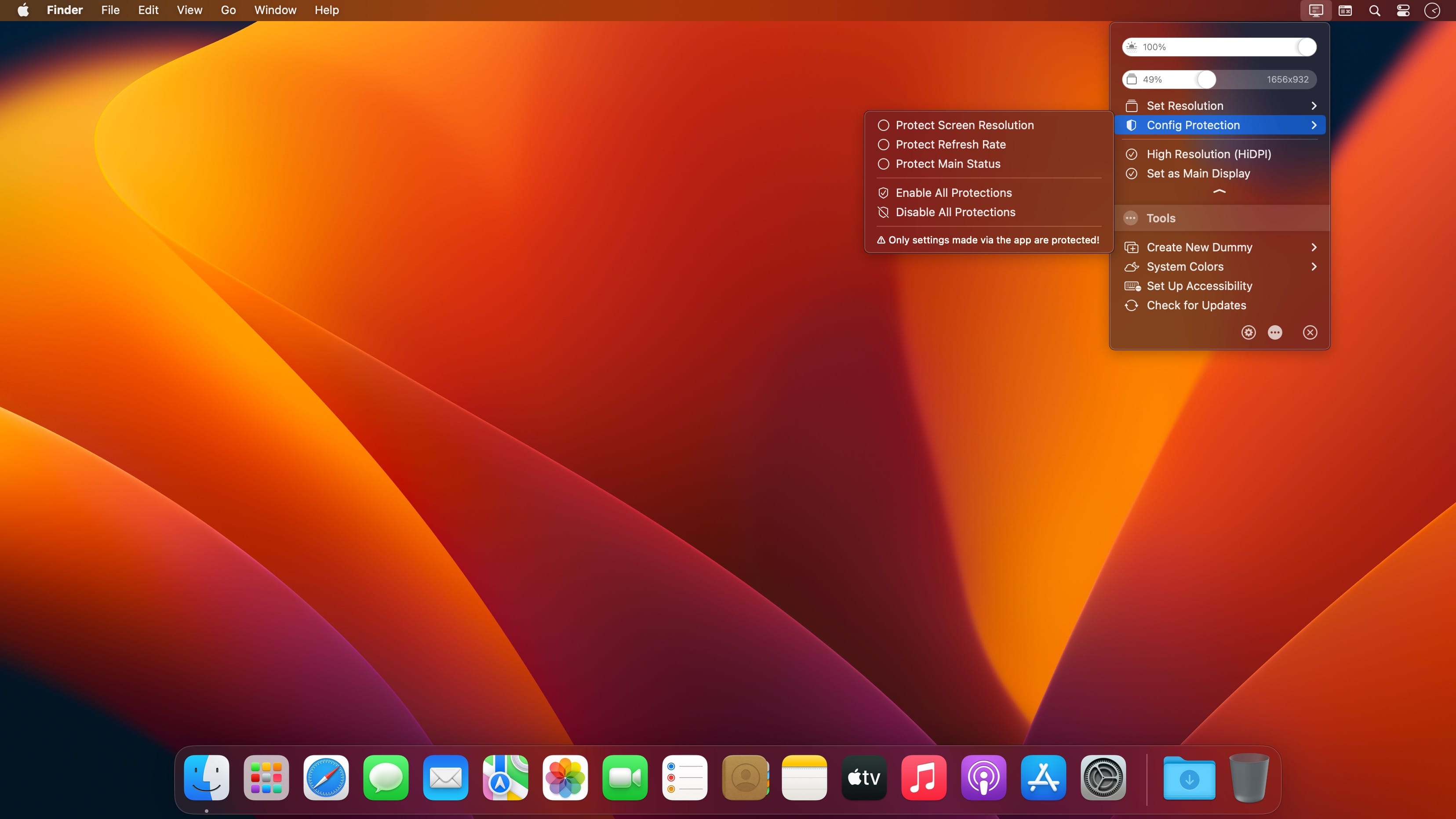
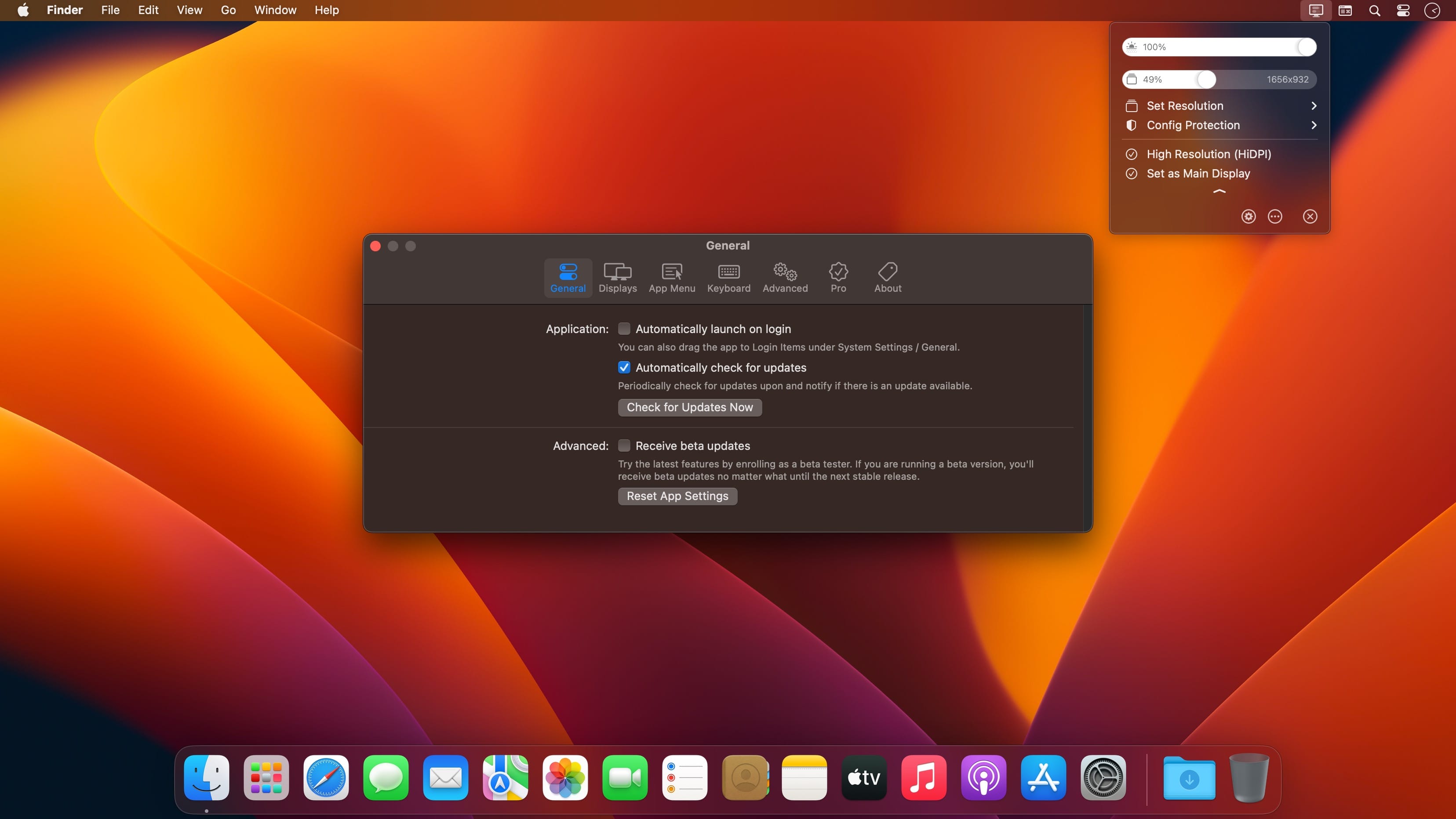
BetterDisplay is a truly wonderful tool! It let's you convert your displays to fully scalable screens, allows brightness control, provides XDR/HDR upscaling (extra brightness beyond 100% on compatible displays), full dimming to black,helps you create and manage virtual displays (dummies) for your Mac, create Picture in Picture windows of your displays and gives you a host of other features to manage your display's settings easily from the menu bar.
Features
- Convert your internal and natively connected external displays to smoothly-scaled HiDPI displays on Apple Silicon - now even without mirroring a dummy (displays with notch, HDR, HDCP, high refresh rate fully supported)! (Pro)
- Reach the full brightness potential of your XDR or HDR display! (Pro)
- Change the display's brightness, volume and colors via software and hardware (DDC) control via sliders and native or custom keyboard shortcuts!
- Create custom HiDPI resolutions for real displays manually and redefine certain system display parameters!
- Create any number of dummies (virtual screens) with varying aspect ratios.
- Use headless Macs (servers) with any resolution and HiDPI mode for remote access.
- Create Picture in Picture window for any real or dummy displays. (Pro)
- Redirect your display's contents (real or dummy) to an other screen via streaming. (Pro)
- If you are using a big TV up close, use the bottom half of your TV as a wide screen display (off-center streaming). (Pro)
- Scale Sidecar resolutions. (Pro)
- Portrait SideCar support. (Pro)
- Better quality zooming (System Preferences»Accessibility»Zoom) or High Quality screenshots even on 1080p displays
- Easily change the resolution of your real and dummy displays via a slider (or submenu) from the menubar.
- Quickly accessible refresh rate and screen rotation menu.
- Simplify creating mirrored sets. (Pro)
- Easily move around displays relative to each other using the app menu.
- Quickly designate a display to be main display.
- Associate dummies with displays for auto connect/disconnect.
- Keyboard shortcuts for basic operations.
- Advanced keyboard shortcuts support. (Pro)
- Custom dummies (resolution, orientation, naming). (Pro)
- Create a dummy optimized for a real display. (Pro)
Version 4.0.4:
Enhancements:
- Add option to use native OSD in macOS 26 Tahoe (limited functionality) (#4602)
- Add automatic configuration support for certain tri-screen setups (#4618)
Fixed:
- Fixed flashing glitch of semi-transparent/glass background in App Settings when window is unfocused (#4605)
- Ensure suspended image adjustments also affect compositor filter effects (#4609)
- Make resetColorAdjustments CLI command reset overlay and compositor layer adjustments (#4610)
Frequently asked questions
How do I install the app?
Mount the image, drag the app into the "Applications" folder and launch it. If the system blocks the launch, allow it in "System Settings → Privacy & Security".
The app is damaged or won't launch
Reinstalling from a fresh image usually helps. Make sure your macOS version matches the one listed in the compatibility specs.
How do I update?
Download the new version from the site and install it over the current one — your settings will be preserved.
The download link doesn't work
Try a mirror or a download manager. For large files the browser often drops the connection.
How do I completely remove the app?
Use an uninstaller utility — it cleans up the service files that remain after moving the app to the trash.

Choose a download source
BetterDisplay Pro 4.0.4 · 14.4 MB
Previous versions
BetterDisplay Pro 4.0.4
Previous versions are available to registered users.