
CorelDRAW Graphics Suite 2026 v27.2.0.135
CorelDRAW: Professional vector graphics and design software
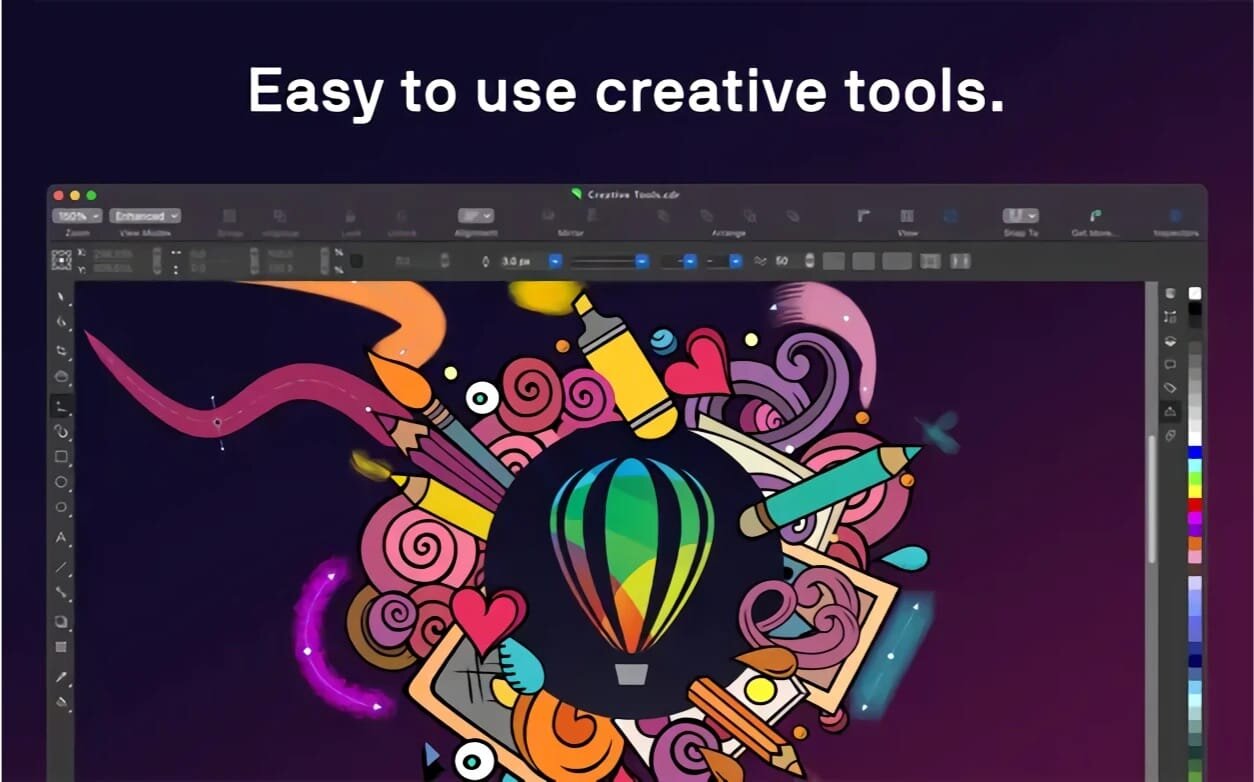
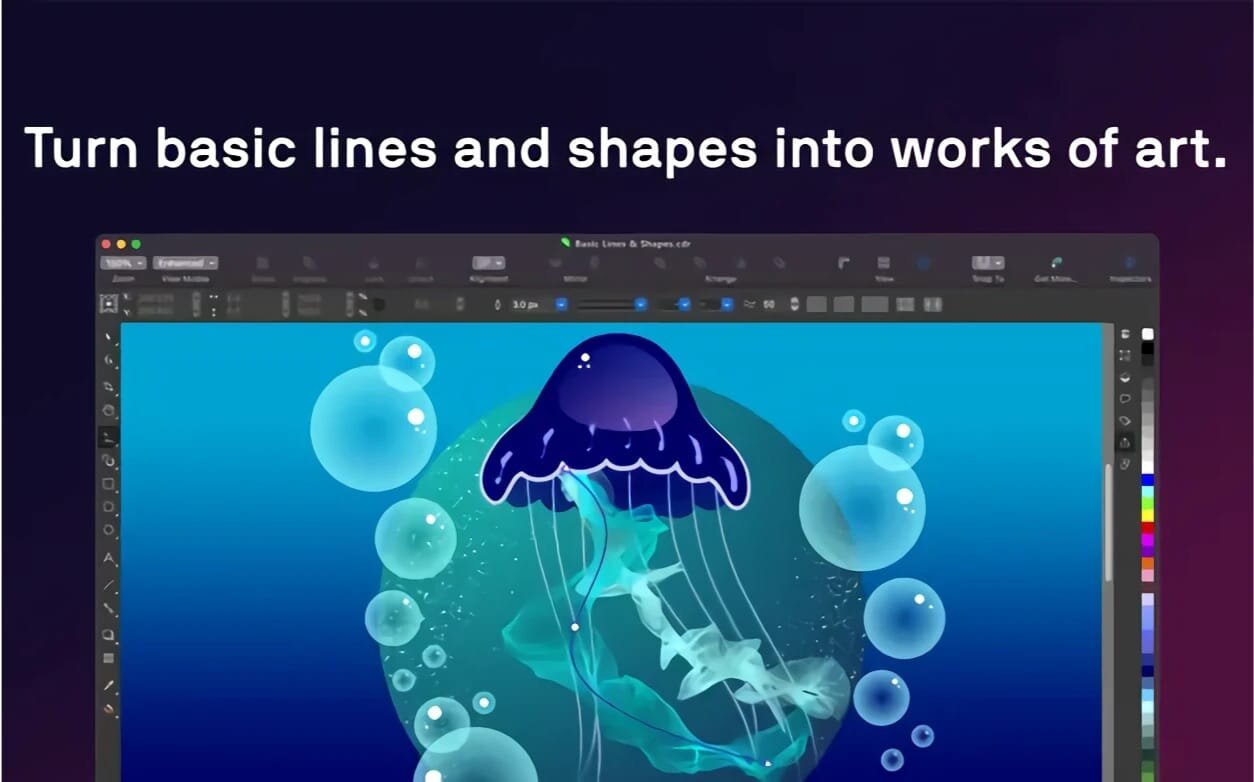
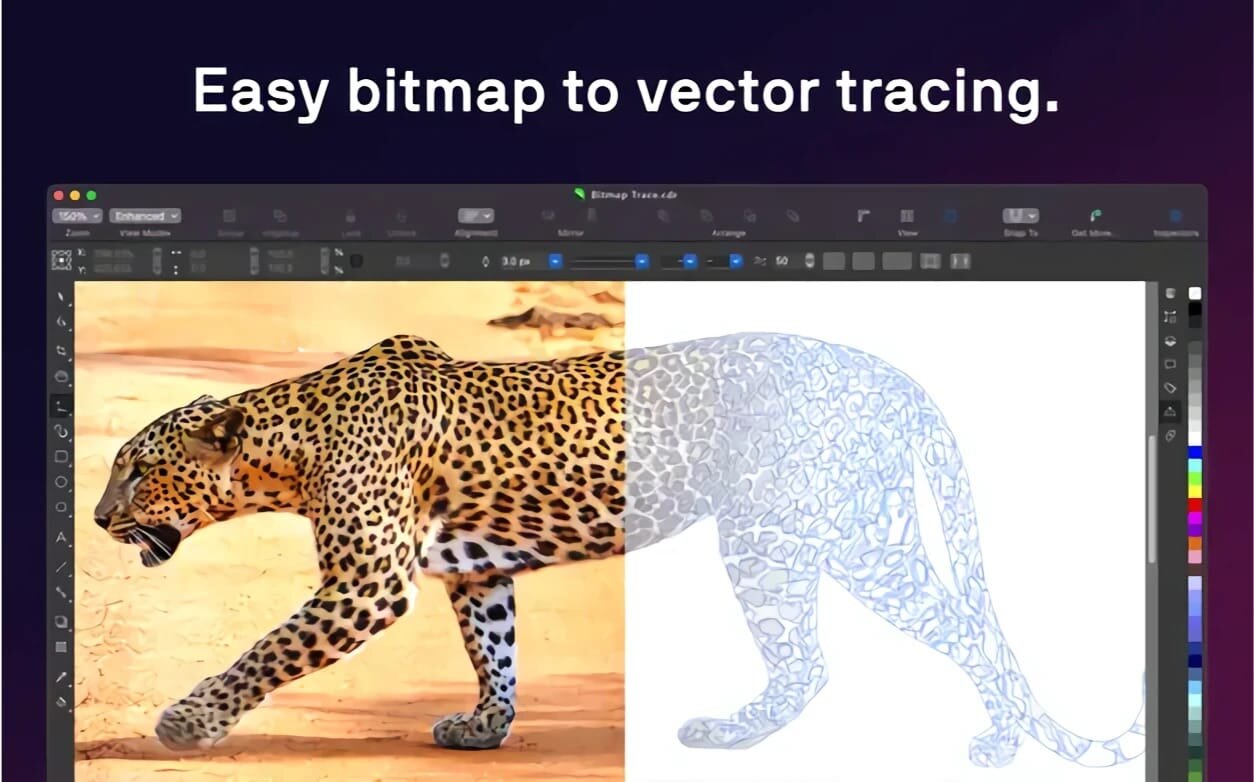
With CorelDRAW you can unleash your creative side. The package offers professional tools for photo editing, vector graphics development, page layout and word processing - in short, everything you need to create stunning projects.
- VECTOR GRAPHICS | With powerful tools, you can turn the simplest shapes and lines into multifaceted works of art.
- PAGE MAKETS | Everything you need to create brochures, multi-page documents, and more.
- TYPOGRAPHY | Customize settings such as font, size, spacing, shadow, outline, etc. Supports variable fonts for online fine-tuning.
- COLOR AND SPACE | Adjust transparency, fill patterns and gradients, and apply color to fills and outlines.
- STYLES AND STYLE Sets | Quickly and uniformly format entire documents and multiple objects, and create multiple designs.
- AI INSTRUMENTS | AI features upsampling and JPEG compression artifact removal; vector and raster effects; high-quality raster-to-vector tracing.
- COMPATIBILITY WITH FILE FORMATS | Supports CDR, CDT, CPT, DES, AI, PSD, PDF, JPG, PNG, SVG, DWG, DXF, EPS, TIFF, HEIF and more.
- SIDECAR | Sidecar support on macOS lets you design on iPad with Apple Pencil and see your CorelDRAW changes on your computer screen.
- TOUCH BAR | Quick access to OS-level controls and CorelDRAW features such as layer settings, text controls, and more.
- NATIVE SOLUTION FOR macOS | Authentic working environment for Mac users. UI design meets the latest macOS Big Sur standards, including support for M1 processors.
CORELDRAW CAPABILITIES
- BRANDING AND MARKETING | Our product allows you to develop the brand assets and marketing tools that advertising and printing professionals and small businesses often need to create their own marketing and communication materials.
- Outdoor Advertising & Wide Format Printing | Print industry professionals rely on CorelDRAW's high-quality prepress tools and powerful color management module.
- Apparel and Textiles | Applied design professionals favor CorelDRAW for the tools they need to produce fashion-related products.
- Retail and eCommerce | Commerce professionals can rely on CorelDRAW Graphics Suite's specialized web design and print tools for projects ranging from promotional materials to online store assets.
- FIGURATIVE ART | Artists can boldly combine traditional painting techniques with advanced technology to create stunning works of art.
- AND MUCH MORE!
Version 27.0.0.121
- Updates: official site does not provide any info about changes in this version
Frequently asked questions
How do I install the app?
Mount the image, drag the app into the "Applications" folder and launch it. If the system blocks the launch, allow it in "System Settings → Privacy & Security".
The app is damaged or won't launch
Reinstalling from a fresh image usually helps. Make sure your macOS version matches the one listed in the compatibility specs.
How do I update?
Download the new version from the site and install it over the current one — your settings will be preserved.
The download link doesn't work
Try a mirror or a download manager. For large files the browser often drops the connection.
How do I completely remove the app?
Use an uninstaller utility — it cleans up the service files that remain after moving the app to the trash.
Related posts
-
 CorelDRAW Graphics Suite 2022 v24.0.0.301 (Incl. CorelDRAW Technical Suite 2022 Extras)
Graphic Design7.25 GB
CorelDRAW Graphics Suite 2022 v24.0.0.301 (Incl. CorelDRAW Technical Suite 2022 Extras)
Graphic Design7.25 GB
-
 CorelDRAW Graphics Suite 2024 25.2.1.313
Graphic Design2.05 GB
CorelDRAW Graphics Suite 2024 25.2.1.313
Graphic Design2.05 GB
-
 CorelDRAW Graphics Suite 2021.5 - Corporate v23.5.0.506
Graphic Design6.83 GB
CorelDRAW Graphics Suite 2021.5 - Corporate v23.5.0.506
Graphic Design6.83 GB
-
 Bluetail - Vector Designer 2.3.1
Graphic Design7.14 MB
Bluetail - Vector Designer 2.3.1
Graphic Design7.14 MB
-
 PrintLab Studio 3.0.2
Graphic Design43.21 MB
PrintLab Studio 3.0.2
Graphic Design43.21 MB
Choose a download source
CorelDRAW Graphics Suite 2026 v27.2.0.135 · 2.16 GB
Previous versions
CorelDRAW Graphics Suite 2026 v27.2.0.135
Previous versions are available to registered users.