
CorelDRAW Graphics Suite 2022 v24.0.0.301 (Incl. CorelDRAW Technical Suite 2022 Extras)
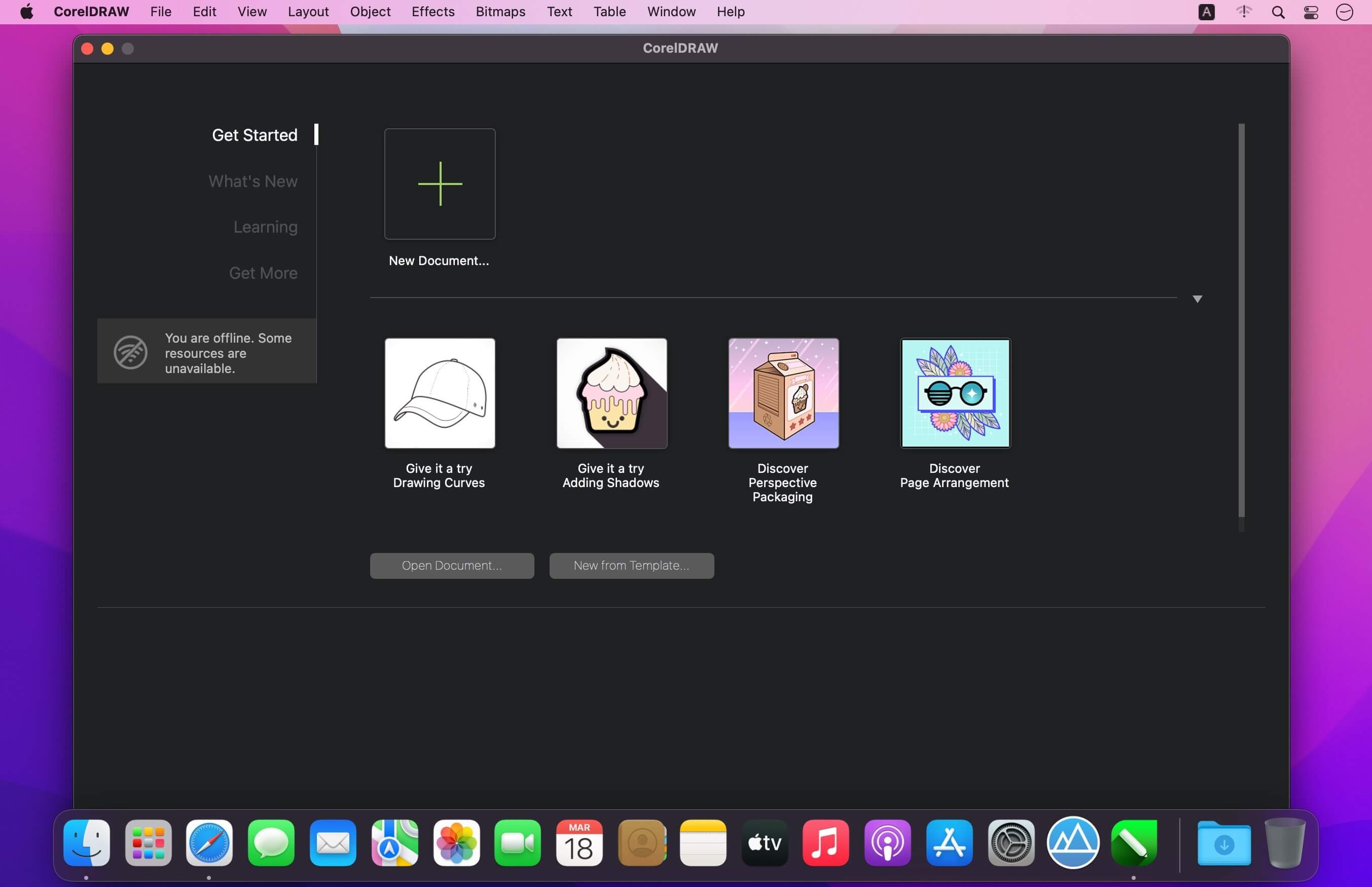
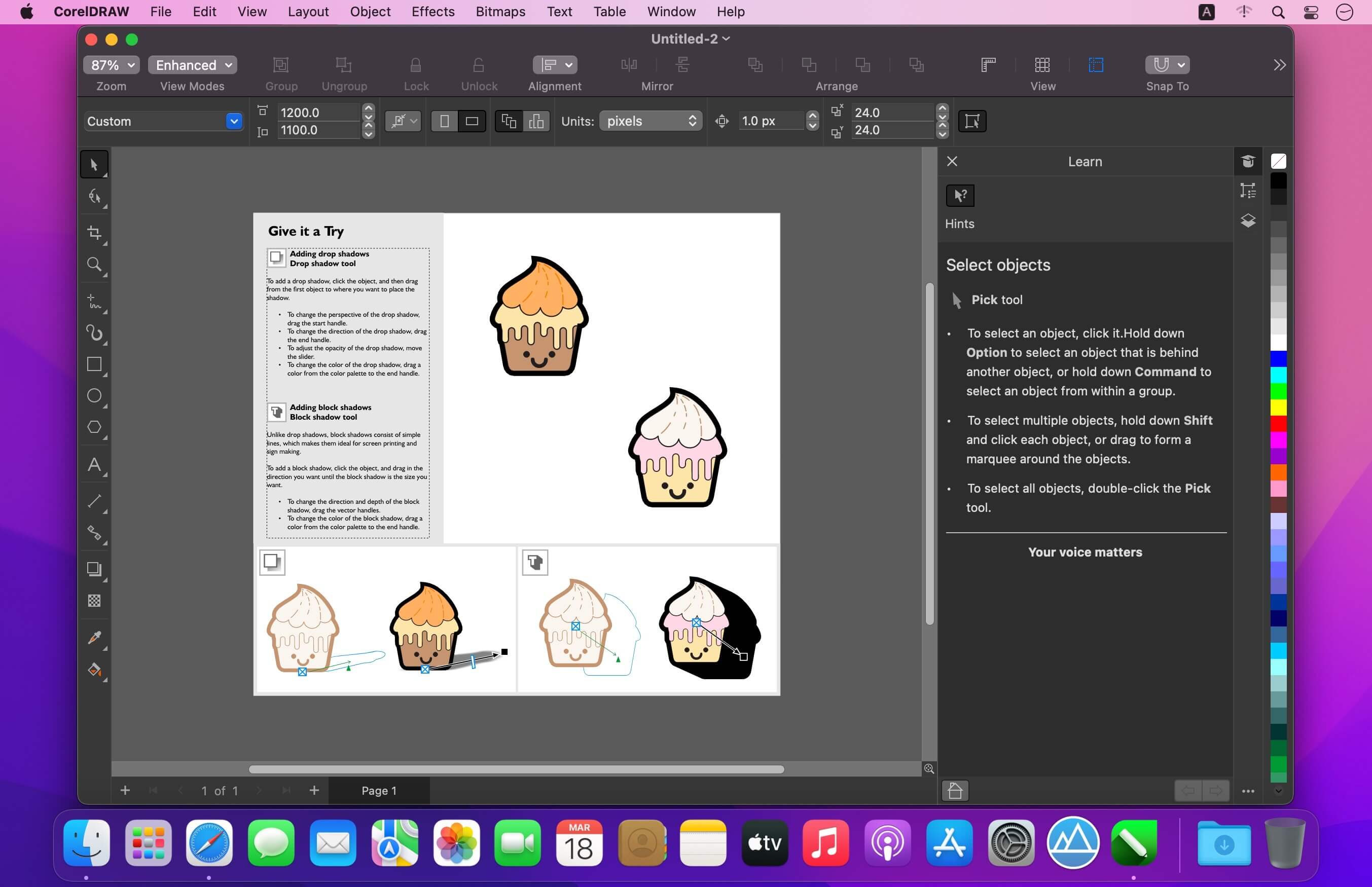
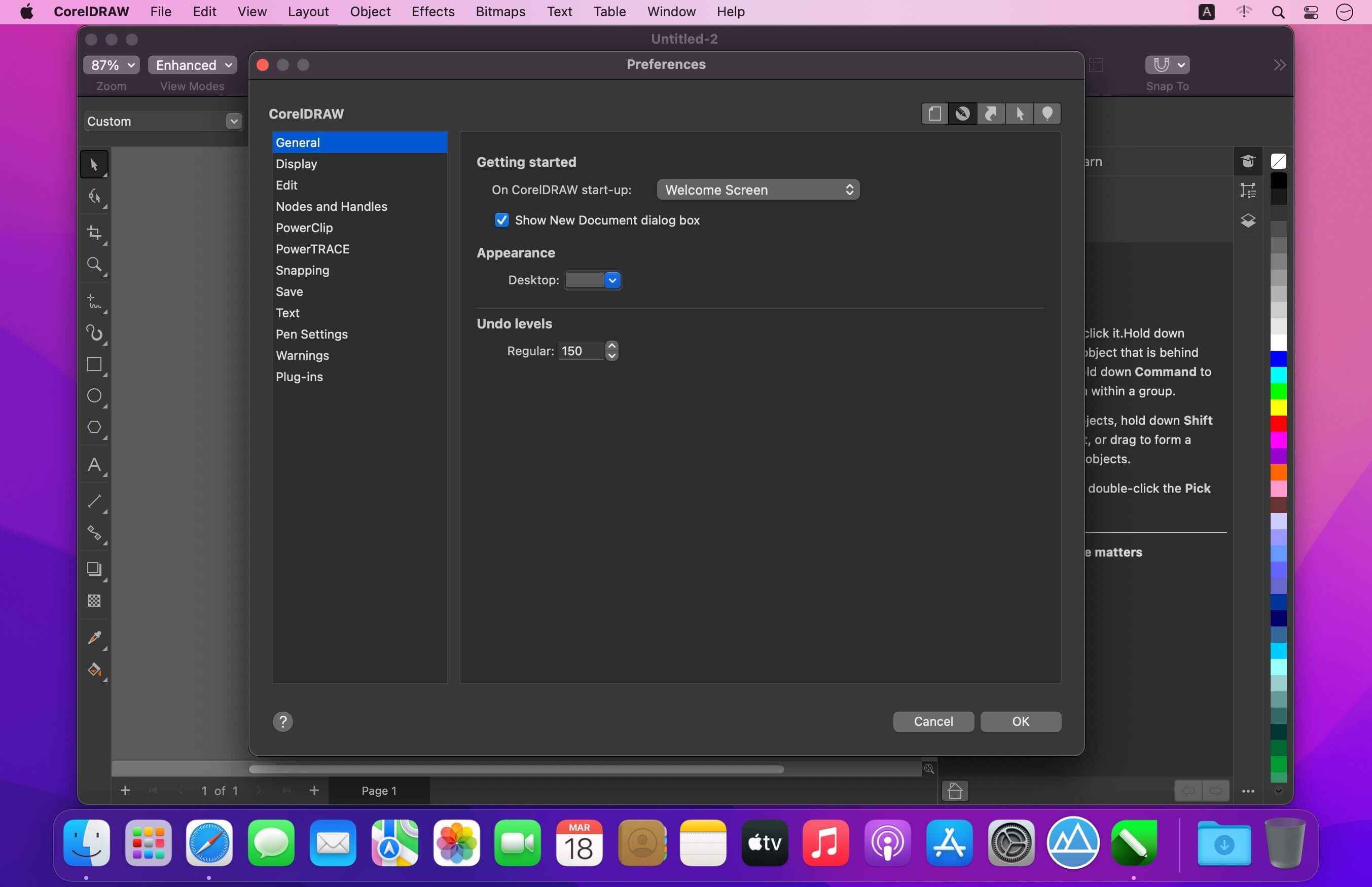
CorelDRAW – professional graphic design software for vector illustration, layout, and so much more.
Get started quickly and easily with a wealth of intuitive tools, built-in learning materials, sample files and project templates.
Features:
- Vector Illustration: Use powerful vector illustration tools turn basic lines and shapes into complex works of art.
- Page Layout: Find all the tools you need to create layouts for brochures, newsletters, multi-page documents and more.
- Typography: Arrange type beautifully with a complete set of typography tools. Adjust font, size, leading and kerning, and add effects to text like block shadows and contours.
- Color & Transparency: Easily apply color to both fills and outlines. Change the transparency of an object, and fill objects with patterns, gradients, and mesh fills, and more.
- Styles: Manage styles and style sets to apply consistent formatting across multiple objects, produce iterative versions, and format whole documents quickly and consistently.
- Tracing: Save precious time while converting bitmap images into vectors. The built-in Corel® PowerTRACE™ engine turns the most demanding bitmap images into high-quality vector objects.
- Non-Destructive Editing: Edit bitmaps and vectors knowing you won’t harm original image or object. Enjoy many non-destructive features such as
- Block Shadow tool, Symmetry Drawing mode, Impact tool, and more.
- Web Graphics Tools: Develop captivating web content and graphics with a collection of web graphics tools and presets.
- Professional Print Output: With a powerful color management engine, you can control color consistency across different media and know your colors are accurate before you print.
- File Compatibility: Publish to a wide variety of file formats, including AI, PSD, PDF, JPG, PNG, SVG, DWG, DXF, EPS, TIFF and more.
Version 24.0.0.301:
- Release notes were unavailable when this listing was updated.
Frequently asked questions
How do I install the app?
Mount the image, drag the app into the "Applications" folder and launch it. If the system blocks the launch, allow it in "System Settings → Privacy & Security".
The app is damaged or won't launch
Reinstalling from a fresh image usually helps. Make sure your macOS version matches the one listed in the compatibility specs.
How do I update?
Download the new version from the site and install it over the current one — your settings will be preserved.
The download link doesn't work
Try a mirror or a download manager. For large files the browser often drops the connection.
How do I completely remove the app?
Use an uninstaller utility — it cleans up the service files that remain after moving the app to the trash.




Choose a download source
CorelDRAW Graphics Suite 2022 v24.0.0.301 (Incl. CorelDRAW Technical Suite 2022 Extras) · 7.25 GB
Comments 1