
Simple Screen Shade 1.5
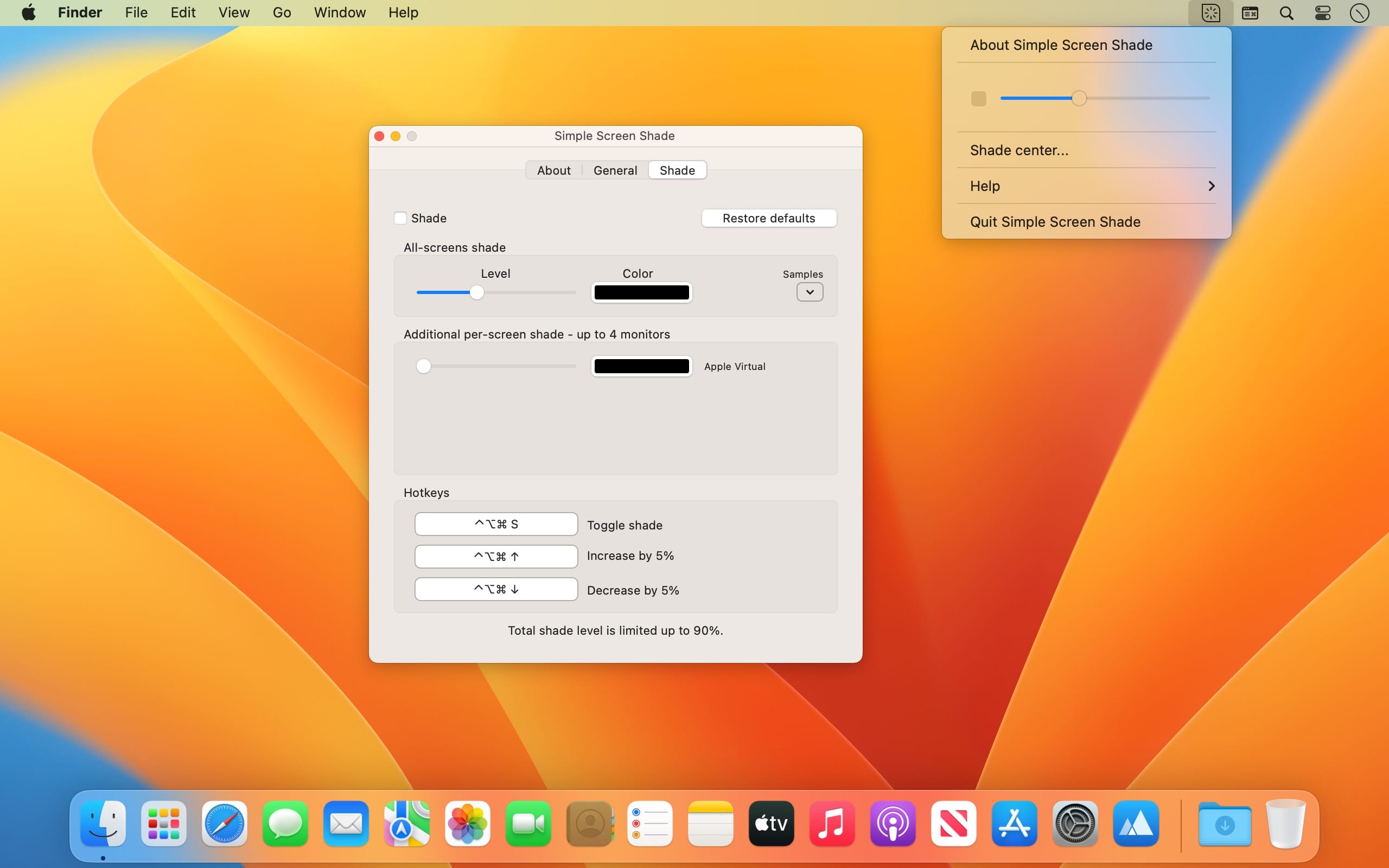
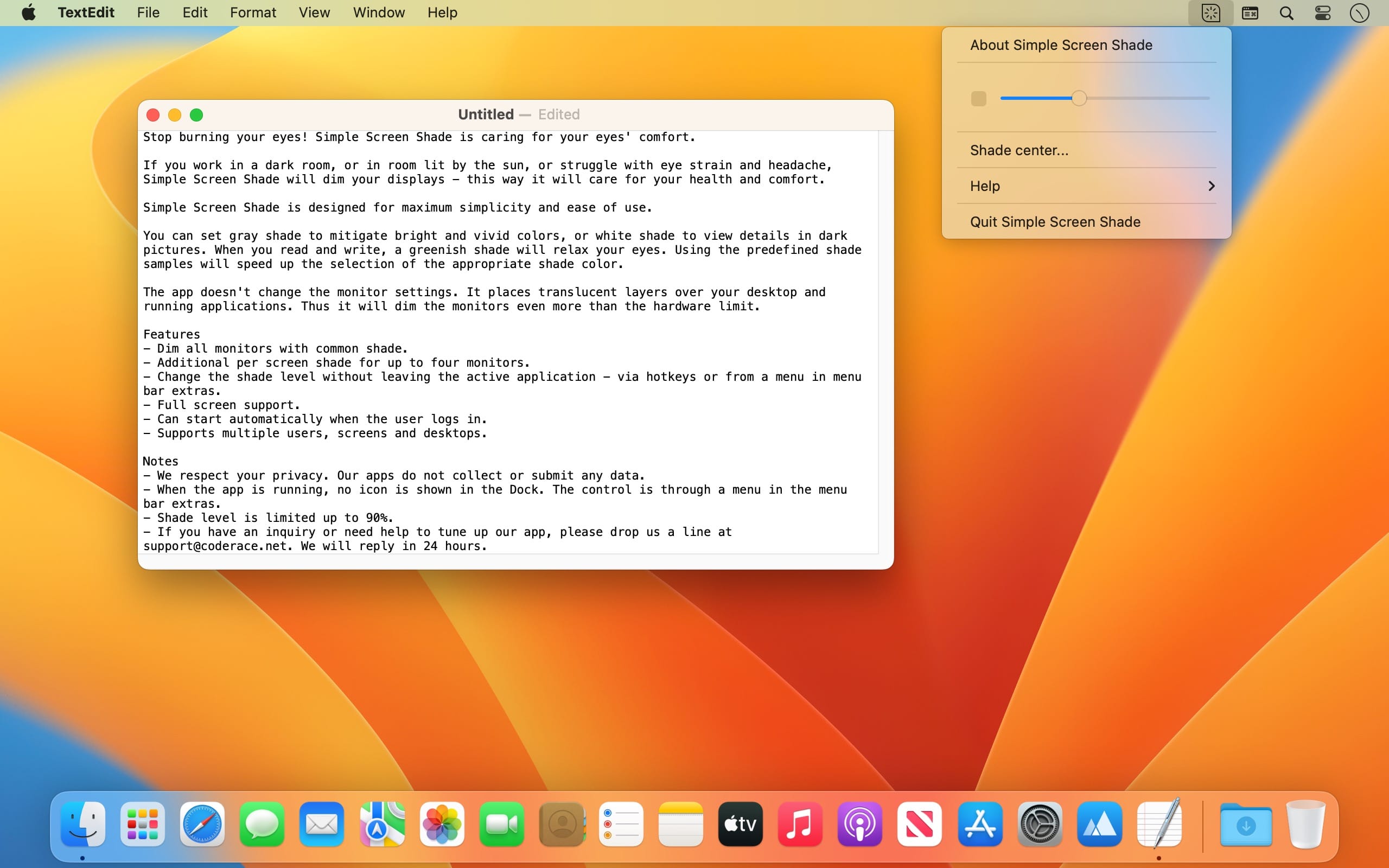
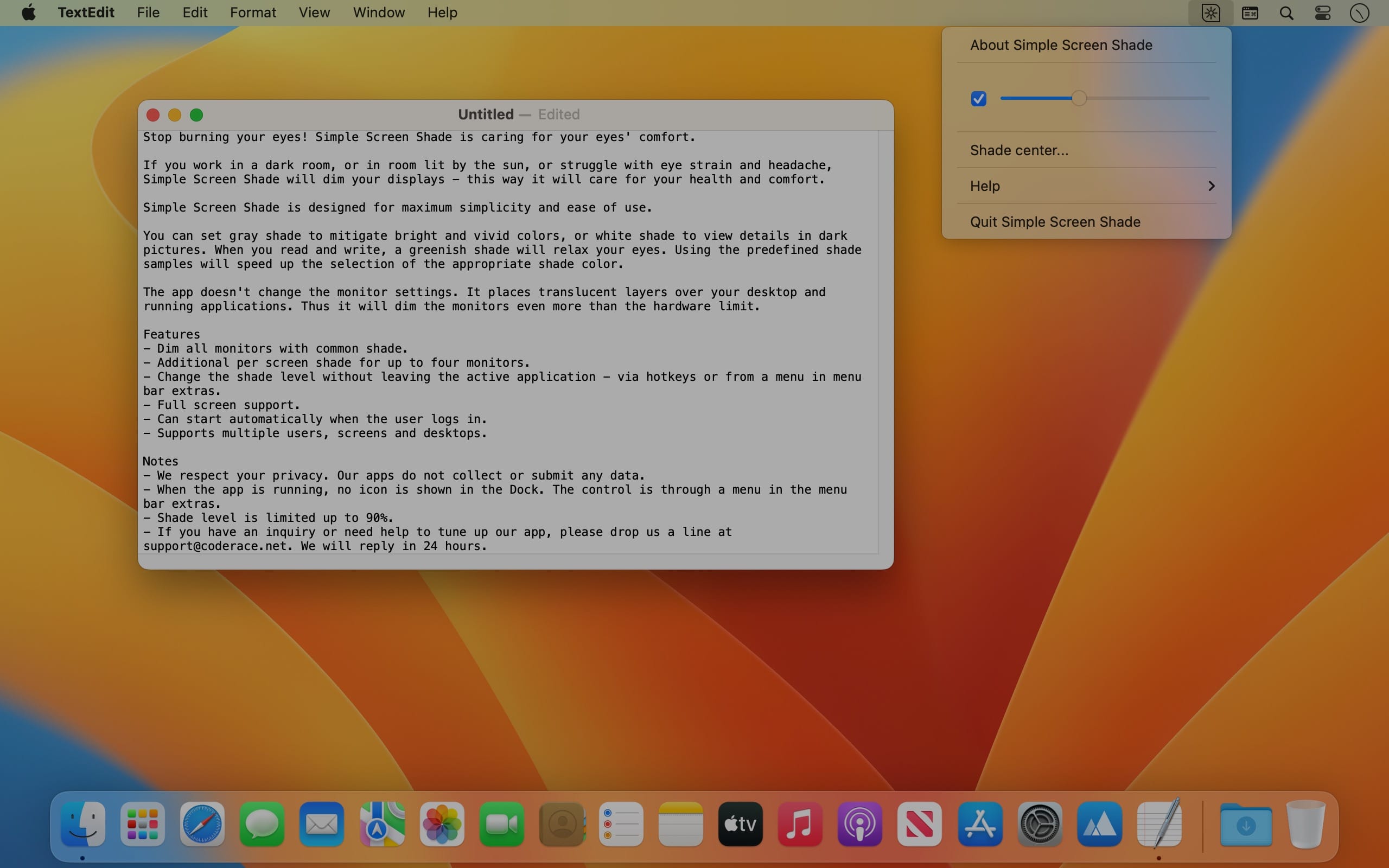
Stop burning your eyes! Simple Screen Shade is caring for your eyes' comfort.
If you work in a dark room, or in room lit by the sun, or struggle with eye strain and headache, Simple Screen Shade will dim your displays - this way it will care for your health and comfort.
Simple Screen Shade is designed for maximum simplicity and ease of use.
You can set gray shade to mitigate bright and vivid colors, or white shade to view details in dark pictures. When you read and write, a greenish shade will relax your eyes. Using the predefined shade samples will speed up the selection of the appropriate shade color.
The app doesn't change the monitor settings. It places translucent layers over your desktop and running applications. Thus it will dim the monitors even more than the hardware limit.
Features
- Dim all monitors with common shade.
- Additional per screen shade for up to four monitors.
- Change the shade level without leaving the active application - via hotkeys or from a menu in menu bar extras.
- Full screen support.
- Can start automatically when the user logs in.
- Supports multiple users, screens and desktops.
Notes
- We respect your privacy. Our apps do not collect or submit any data.
- When the app is running, no icon is shown in the Dock. The control is through a menu in the menu bar extras.
- Shade level is limited up to 90%.
- If you have an inquiry or need help to tune up our app, please drop us a line at [email protected]. We will reply in 24 hours.
Version 1.5
- VoiceOver fixes.
Frequently asked questions
How do I install the app?
Mount the image, drag the app into the "Applications" folder and launch it. If the system blocks the launch, allow it in "System Settings → Privacy & Security".
The app is damaged or won't launch
Reinstalling from a fresh image usually helps. Make sure your macOS version matches the one listed in the compatibility specs.
How do I update?
Download the new version from the site and install it over the current one — your settings will be preserved.
The download link doesn't work
Try a mirror or a download manager. For large files the browser often drops the connection.
How do I completely remove the app?
Use an uninstaller utility — it cleans up the service files that remain after moving the app to the trash.
Choose a download source
Simple Screen Shade 1.5 · 3.17 MB