Leap 4.0.7
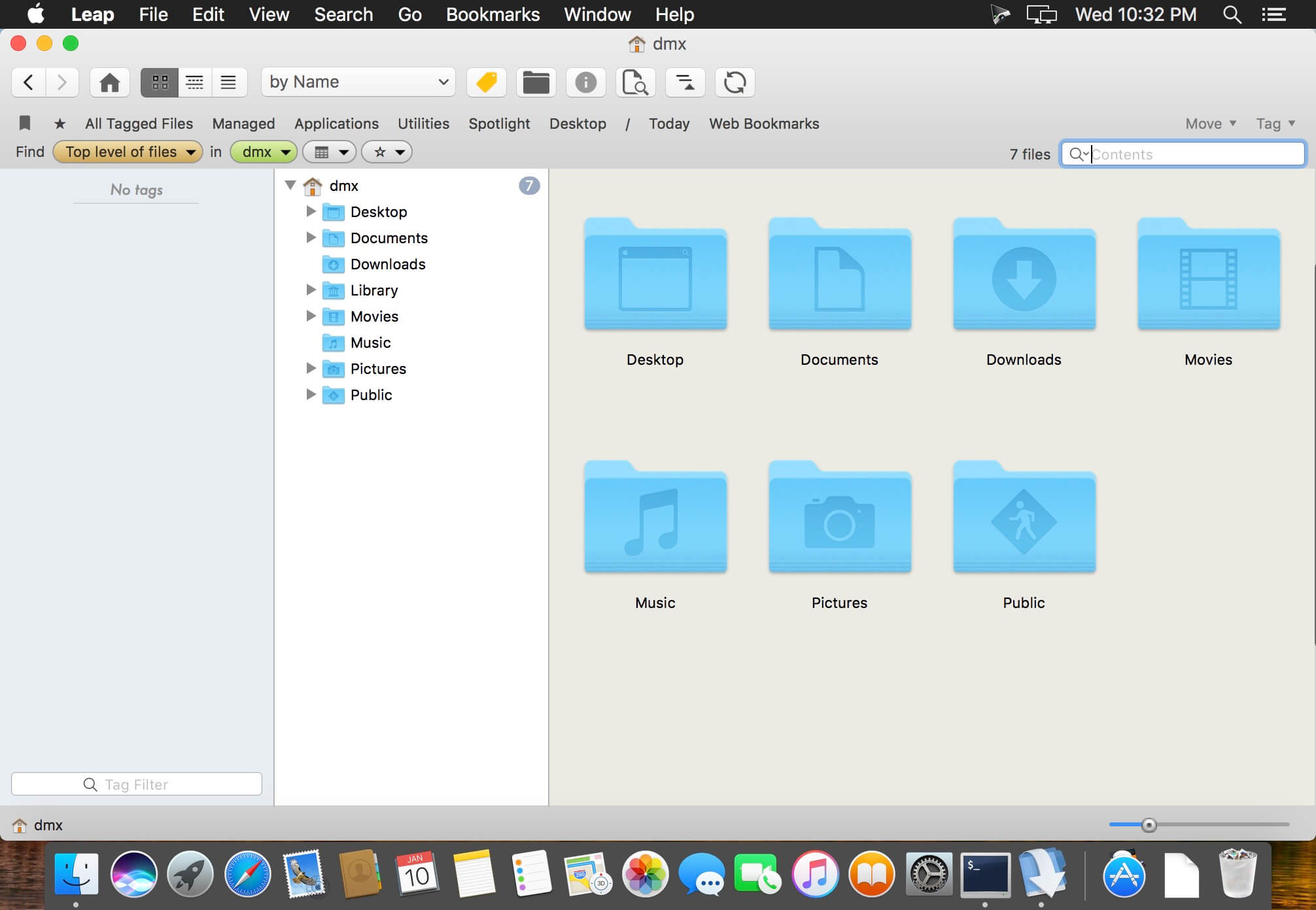
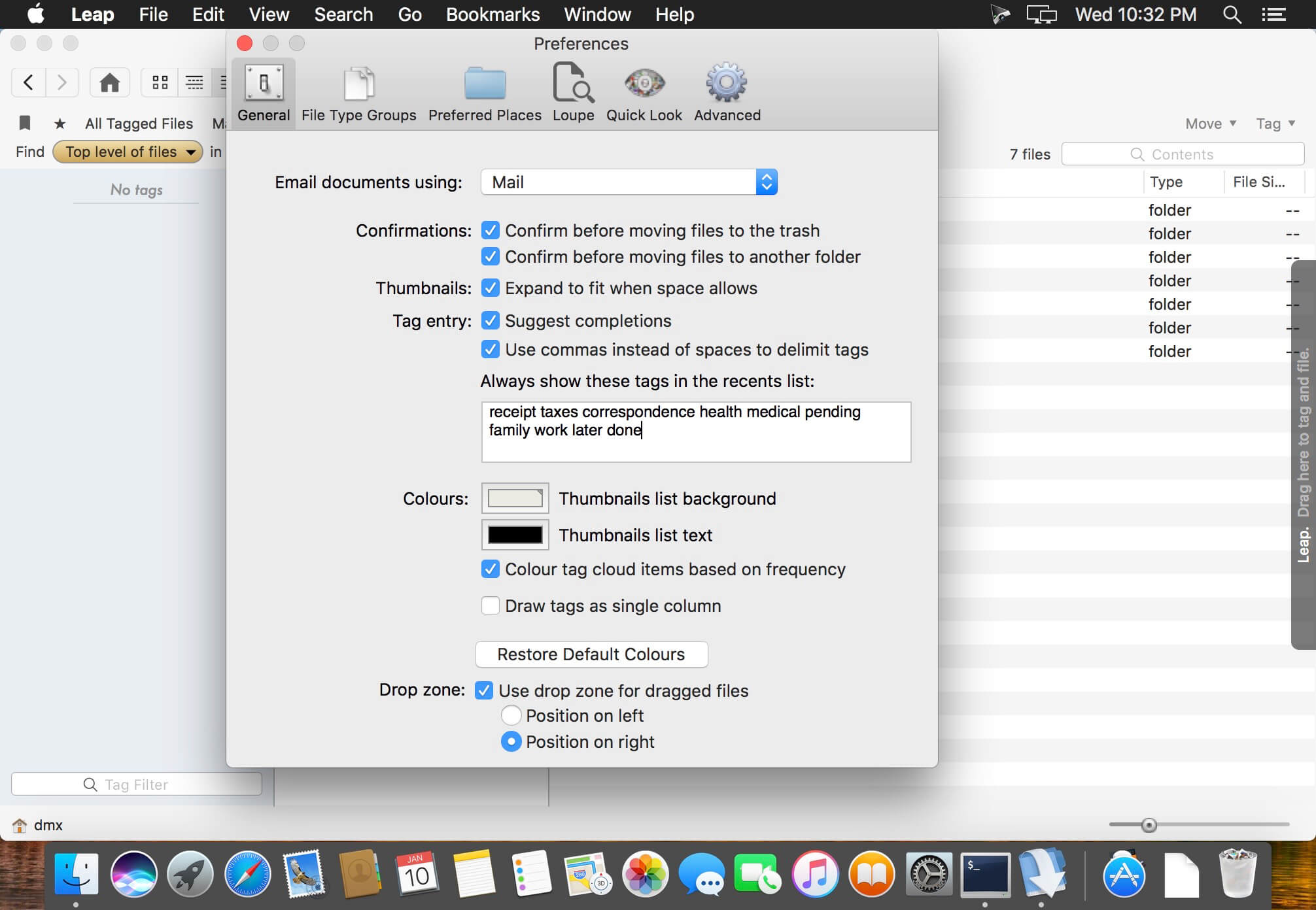
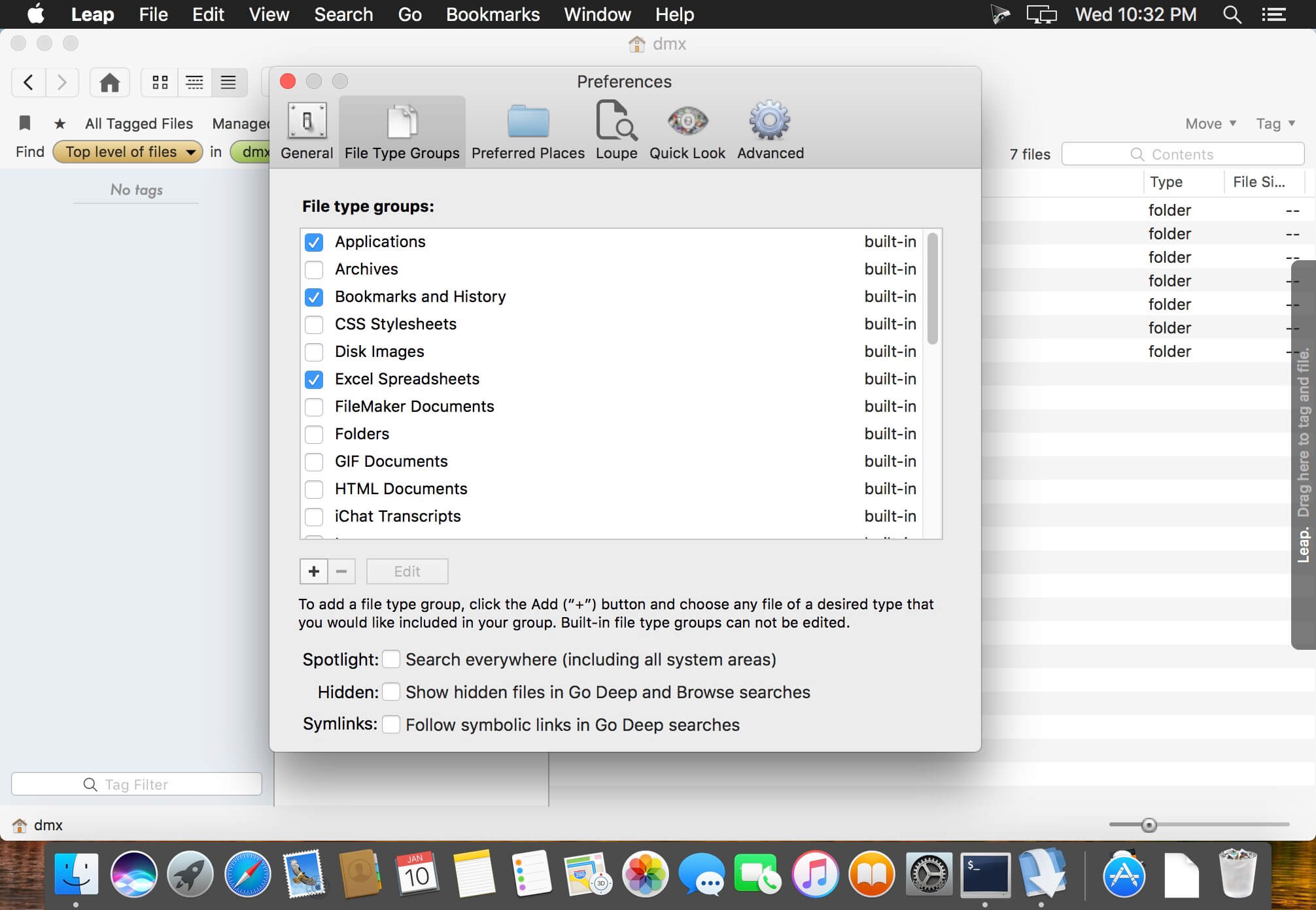
Leap is a combination Spotlight, Bridge, Finder, and more. The Finder on macOS is slow, cumbersome, and limited. The Finder search interface is very cumbersome. Leap shows you all your files and more importantly - where they are on your computer. No other tool does this. Works great for images and PDF's, too. Leap does not force you to put documents in a special place, it uses no databases. Just see whats on your hard drive.
- Fully integrated with Mavericks and later, including its tagging system.
- Dropbox support. Leap now uses Dropbox if you have it to back up tags.
- Dropbox bookmark quickly allows you to search your Dropbox.
Version 4.0.7:
- Release notes were unavailable when this listing was updated.
Frequently asked questions
How do I install the app?
Mount the image, drag the app into the "Applications" folder and launch it. If the system blocks the launch, allow it in "System Settings → Privacy & Security".
The app is damaged or won't launch
Reinstalling from a fresh image usually helps. Make sure your macOS version matches the one listed in the compatibility specs.
How do I update?
Download the new version from the site and install it over the current one — your settings will be preserved.
The download link doesn't work
Try a mirror or a download manager. For large files the browser often drops the connection.
How do I completely remove the app?
Use an uninstaller utility — it cleans up the service files that remain after moving the app to the trash.



Choose a download source
Leap 4.0.7 · 14.92 MB
Previous versions
Leap 4.0.7
Previous versions are available to registered users.