Breaks For Eyes 2.0.0
Ever had a headache, dry or red eyes, fatigue or neck pain at the end of the day? This app is for you then!
It's all the symptoms of computer vision syndrome (or CVS). About 90% of computer workers have it.
If you're focusing on a computer screen for too long, your eyes don't recover from the strain, and it causes a bunch of problems.
Breaks For Eyes helps you overcome all the symptoms with a 20-20-20 rule, which is a medically proven way to knockdown eye strain & computer vision syndrome!
The app reminds you to take a 20-second break every 20 minutes & look at something 20 ft (6 m) away.
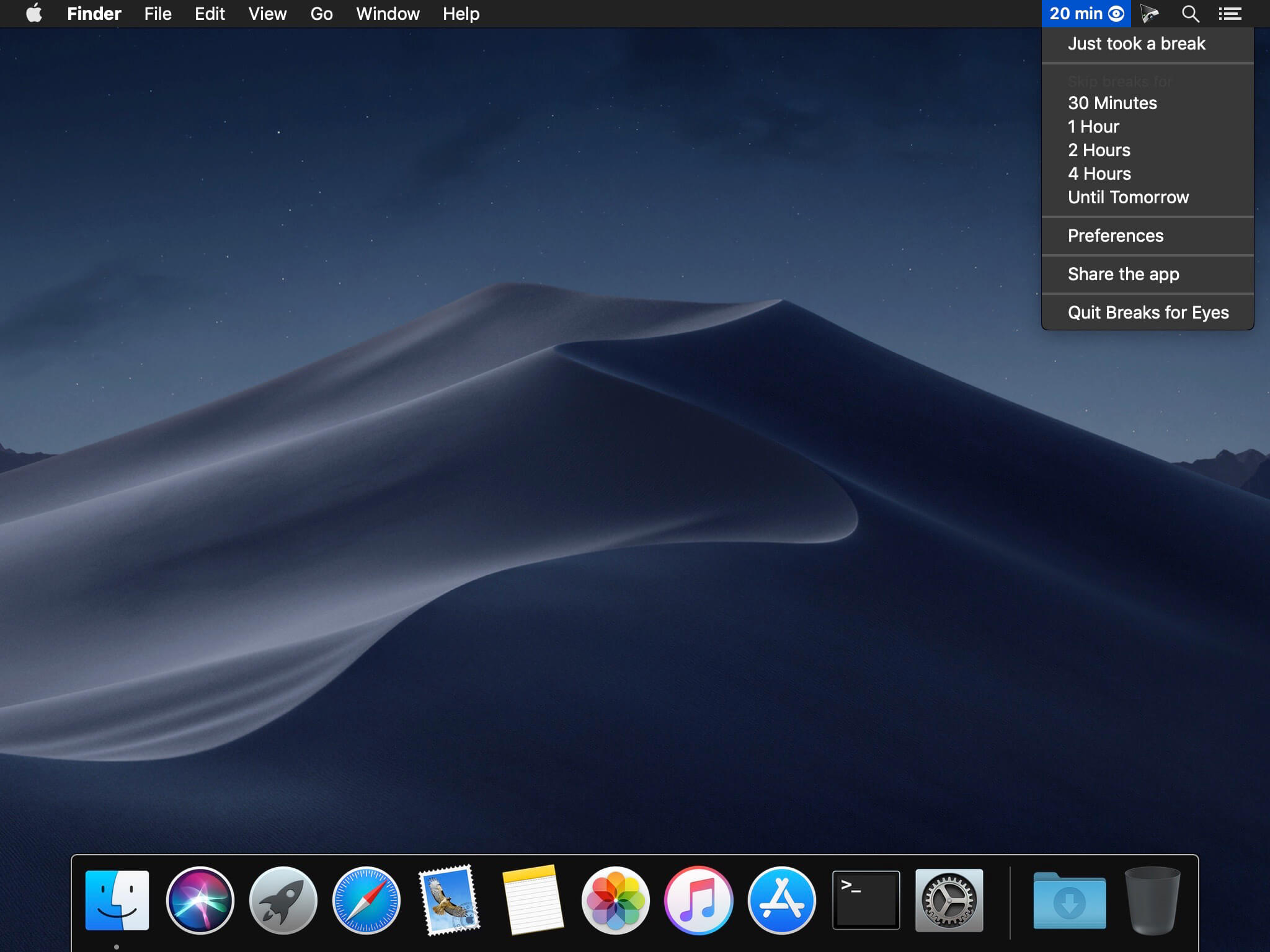
You can disable break reminders for some time (30 min, 1h, 2h, 4h, a day) if you're in a meeting or watching a movie. Click the button in the menu bar to do so.
Take care of your eyes!
Version 2.0.0
Breaks for Eyes 2 is here! A bunch of whole new things together with major improvements will bring your eye-care to a totally different level.
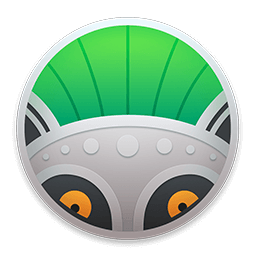
A gorgeous new icon
We worked with the great @darranmorris to make a new sparkling icon for Breaks for Eyes, now it has one more way to please your eyes!
Notification-only breaks
Blocked out screen can be annoying sometimes. Say, if you're holding a keynote or are deeply concentrated on a coding task? We introduce all-new type of breaks to solve this. Whenever a break is due, you'll see an unobtrusive push notification for exactly 20 seconds, the duration of a normal break. No blocked screen, no interruped workflow. Clean and simple.
We've also implemented a bunch of smaller improvements:
Breaks for Eyes 2 is here! A bunch of whole new things together with major improvements will bring your eye-care to a totally different level.
A gorgeous new icon
We worked with the great @darranmorris to make a new sparkling icon for Breaks for Eyes, now it has one more way to please your eyes!
Notification-only breaks
Blocked out screen can be annoying sometimes. Say, if you're holding a keynote or are deeply concentrated on a coding task? We introduce all-new type of breaks to solve this. Whenever a break is due, you'll see an unobtrusive push notification for exactly 20 seconds, the duration of a normal break. No blocked screen, no interruped workflow. Clean and simple.
We've also implemented a bunch of smaller improvements:
- Disable the "Get back to work" screen.
- If you're fine with it, dismiss it faster by just pressing Spacebar now.
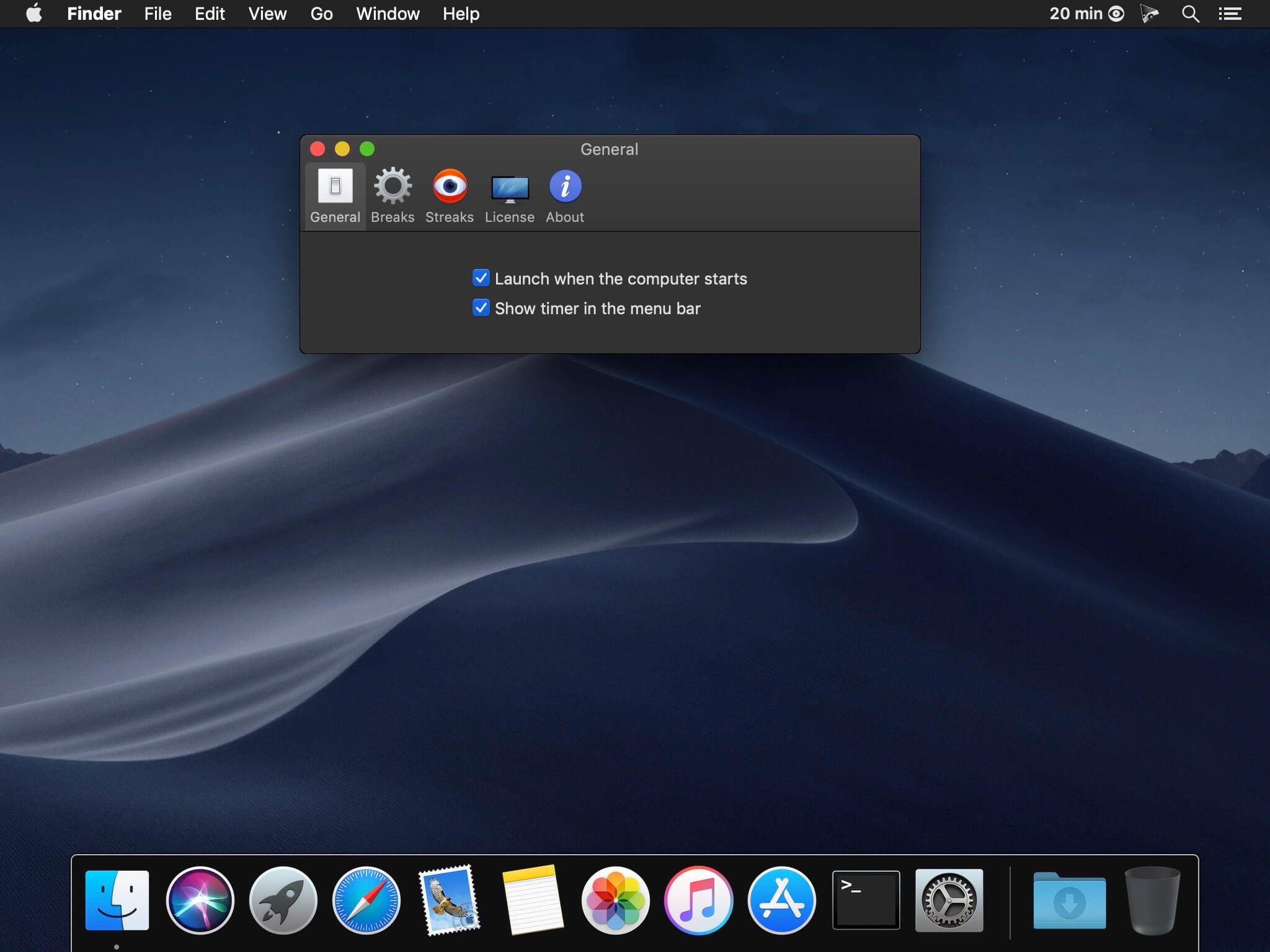
- ll-new look for Preferences. Made beautifully with macOS human interface guidelines in mind.
- Quit the app from the menu bar. No need to open Preferences for this anymore.
Frequently asked questions
How do I install the app?
Mount the image, drag the app into the "Applications" folder and launch it. If the system blocks the launch, allow it in "System Settings → Privacy & Security".
The app is damaged or won't launch
Reinstalling from a fresh image usually helps. Make sure your macOS version matches the one listed in the compatibility specs.
How do I update?
Download the new version from the site and install it over the current one — your settings will be preserved.
The download link doesn't work
Try a mirror or a download manager. For large files the browser often drops the connection.
How do I completely remove the app?
Use an uninstaller utility — it cleans up the service files that remain after moving the app to the trash.
VersionBreaks For Eyes 2.0.0
DeveloperGikken UG (haftungsbeschraenkt)
CompatibilitymacOS 10.13 or later, 64-bit processor
LanguageEnglish, German, Russian, Simplified Chinese
IncludesK'ed by TNT

Information
Visitors in the group Guests cannot leave comments on this publication.
Choose a download source
Breaks For Eyes 2.0.0 · 31.89 MB