
Photo Retouch Movavi 2.0
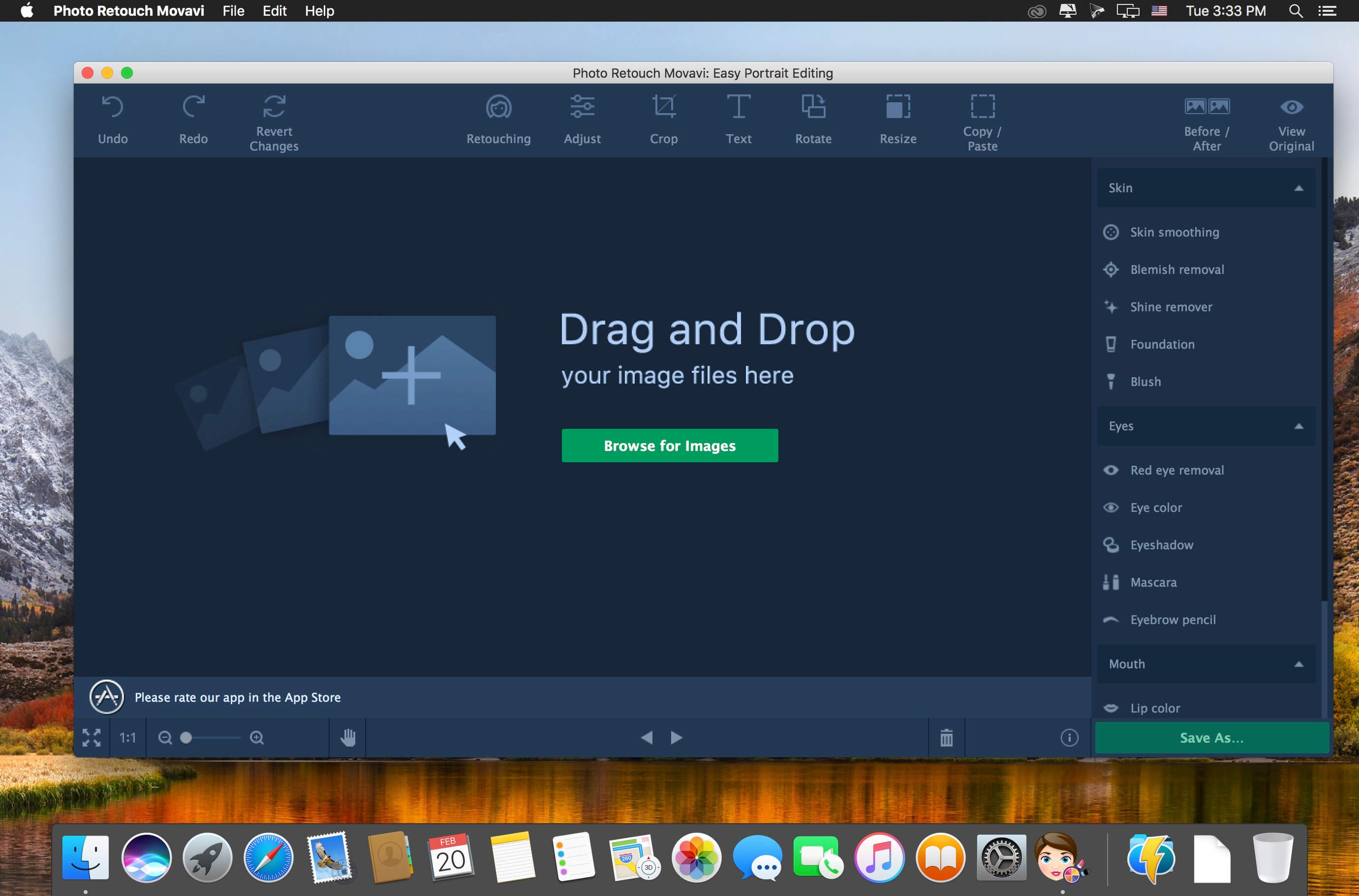
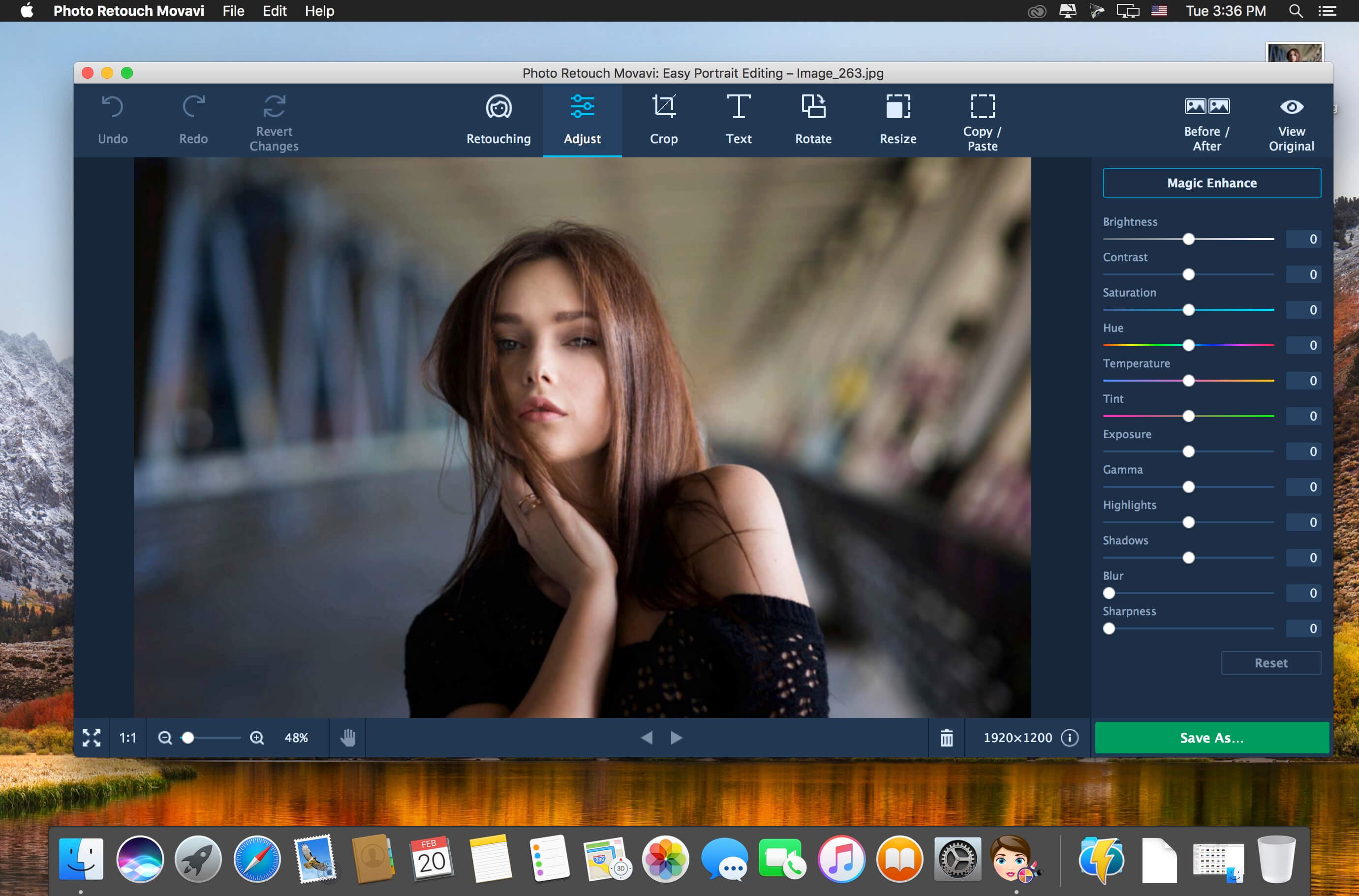
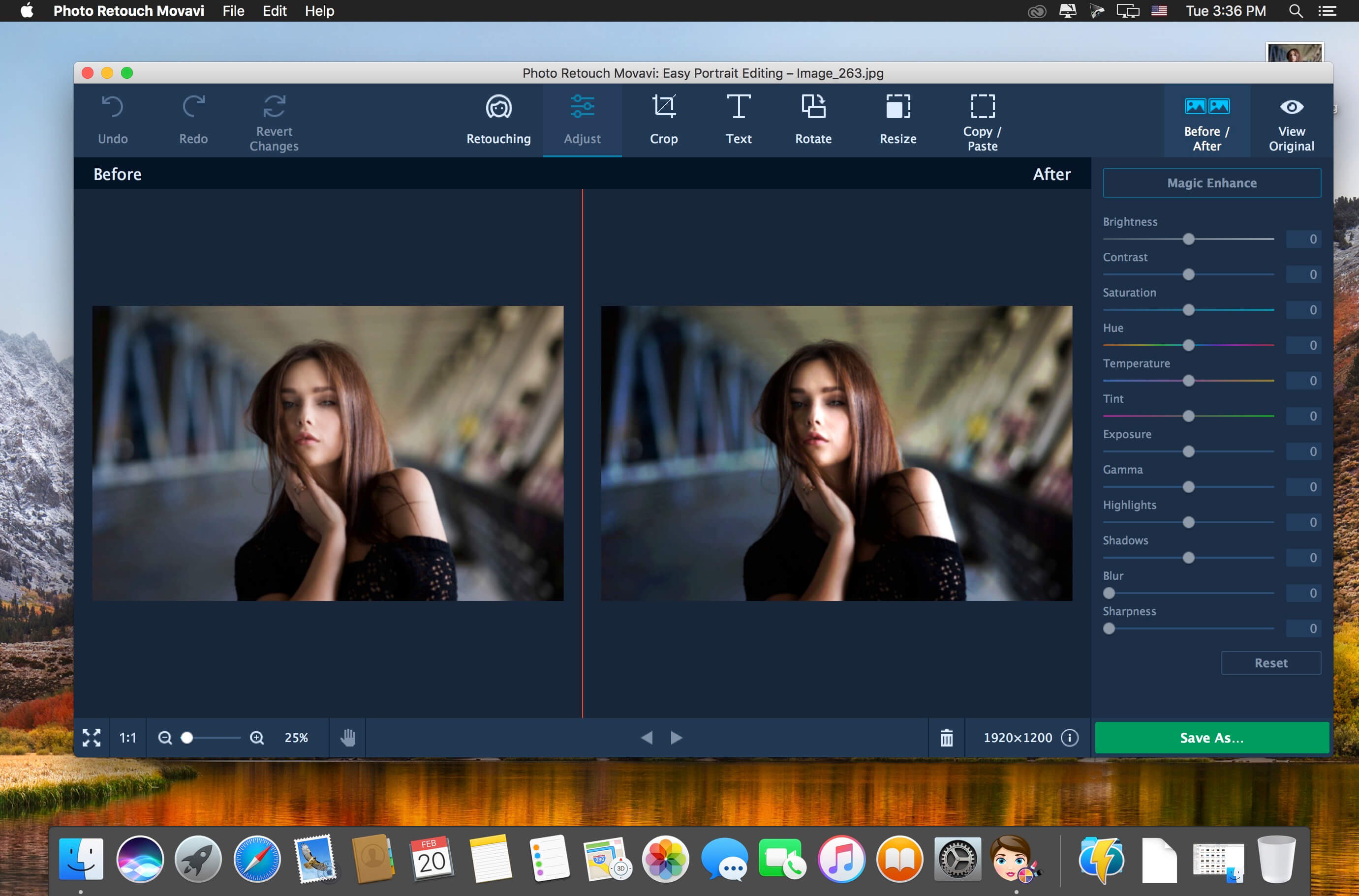
Photo Retouch is a handy solution for pictures that need a quick fix. With the help of Movavi’s simple tools, you can get rid of blemishes, add some makeup, enhance the quality of your images, and much more!
Smart retouch
Easy-to-use tools will make your selfies flawless.
- Use skin smoothing to make skin look naturally soft
- Hide pimples, freckles, wrinkles, and other imperfections
- Remove skin shine from portraits
- Fix red eye
- Whiten teeth
Total makeover
Try out a completely new look:
- Highlight your cheekbones with some blusher
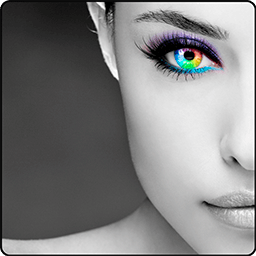
- Experiment with different eyeshadow palettes
- Apply foundation to change your skin tone
- Put on any shade of lipstick
- Play around with your hair color
- Redefine your eyebrows with the digital pencil
- Use mascara to draw attention to your eyes
- Even change your eye color
There’s a whole collection of tools to enhance the quality of your pictures, transform the composition, or change image size.
- Enhance colors automatically
- Manually alter contrast, saturation, brightness, and other parameters
- Crop and rotate images
- Straighten the horizon
- Copy and paste any object between pictures
- Resize image files for uploading to the Web
- Add customizable captions and watermarks
Version 2.0
- Reshape faces and enlarge eyes thanks to the dedicated face analysis algorithm
- Enlarge, reduce, or reshape any physical characteristic
- Enhance colors with improved Magic Enhance and other adjustment tools: white balance, saturation, and details
- Get rid of skin shine automatically
- Share your perfect pictures on Facebook in seconds
Frequently asked questions
How do I install the app?
Mount the image, drag the app into the "Applications" folder and launch it. If the system blocks the launch, allow it in "System Settings → Privacy & Security".
The app is damaged or won't launch
Reinstalling from a fresh image usually helps. Make sure your macOS version matches the one listed in the compatibility specs.
How do I update?
Download the new version from the site and install it over the current one — your settings will be preserved.
The download link doesn't work
Try a mirror or a download manager. For large files the browser often drops the connection.
How do I completely remove the app?
Use an uninstaller utility — it cleans up the service files that remain after moving the app to the trash.
VersionPhoto Retouch Movavi 2.0
DeveloperMovavi
CompatibilityOS X 10.10 or later, 64-bit processor
LanguageEnglish
IncludesK'ed by TNT

Information
Visitors in the group Guests cannot leave comments on this publication.
Choose a download source
Photo Retouch Movavi 2.0 · 56.7 MB