WindowMizer 6.2.0
WindowMizer window manager for decluttered, organized desktops
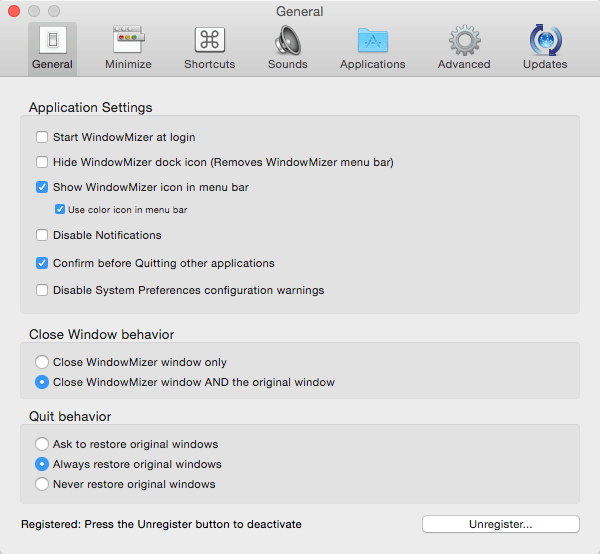
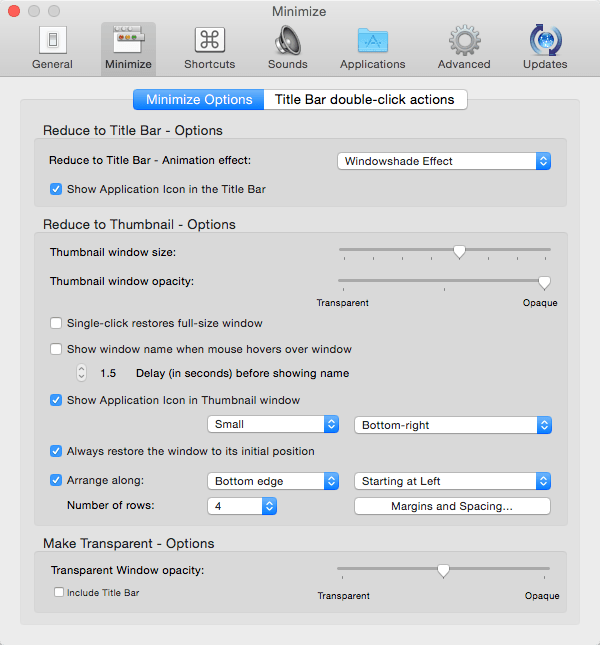
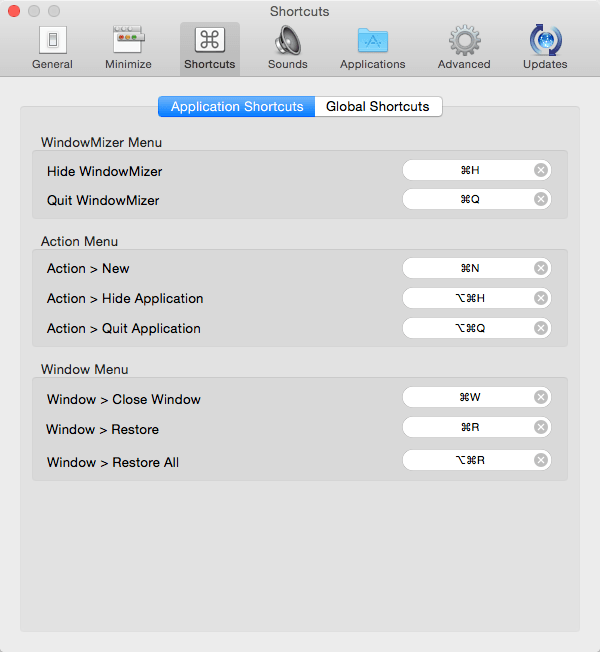
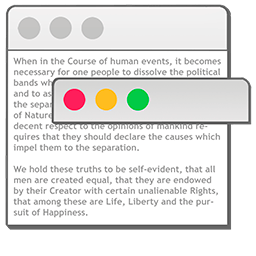
WindowMizer is an application that will "roll-up" your windows like a windowshade. It quickly collapses a window leaving only the title bar visible. This allows you to see what's behind the front window without losing your place or focus. Simply double-click on the title bar of a window and it will roll-up like a window-shade. The window is now out of the way yet easily accessible. Double-click again and the window restores to its original size and position.
Window-shaded windows provide quick, intuative access to all of your windows because windows stay where you put them and you can see all your windows at once. Stop digging through your windows trying to find the one your looking for. Reduce screen clutter and maintain an organized desktop when working with a multitude of windows and limited screen space.
Version 6.2.0
- New: Classic / Dynamic Title Bar style settings.
- New: Separate Title Bar style settings for Finder and App-specific.
- Improve: Reduce and restore are now faster when Hide System Animations is on.
- Fix: Tiny WM App icon in Get Info and elsewhere.
- Fix: Defer Sparkle Software Update alert until 5x reduce.
- Fix: Same-pixel titlebar double-clicks could be ignored.
- Fix: Recreate placeholder images after System Appearance change (light/dark mode).
- Note: Placeholder strips must be restored and re-collapsed for Appearance changes to take effect.
- Fix: Finder strip height after switching toolbar view options between Icon Only / Icon and Text.
- Fix: Finder traffic lights sitting too low on Toolbar Icon and Text placeholder strips.
- Fix: Title-bar strips stay in front when reducing or restoring other windows.
- Fix: Compatibility issue with Adobe Premiere Pro.
- Add: Application preset for Adobe Premiere Pro.
- Add: Show a confirmation alert when disabling SCK in WindowMizer.
- Updated: Help Book to align with settings changes.
Frequently asked questions
How do I install the app?
Mount the image, drag the app into the "Applications" folder and launch it. If the system blocks the launch, allow it in "System Settings → Privacy & Security".
The app is damaged or won't launch
Reinstalling from a fresh image usually helps. Make sure your macOS version matches the one listed in the compatibility specs.
How do I update?
Download the new version from the site and install it over the current one — your settings will be preserved.
The download link doesn't work
Try a mirror or a download manager. For large files the browser often drops the connection.
How do I completely remove the app?
Use an uninstaller utility — it cleans up the service files that remain after moving the app to the trash.



Choose a download source
WindowMizer 6.2.0 · 11.56 MB
Previous versions
WindowMizer 6.2.0
Previous versions are available to registered users.