
Sound Siphon 3.8.4
Screenshots
Click to enlarge
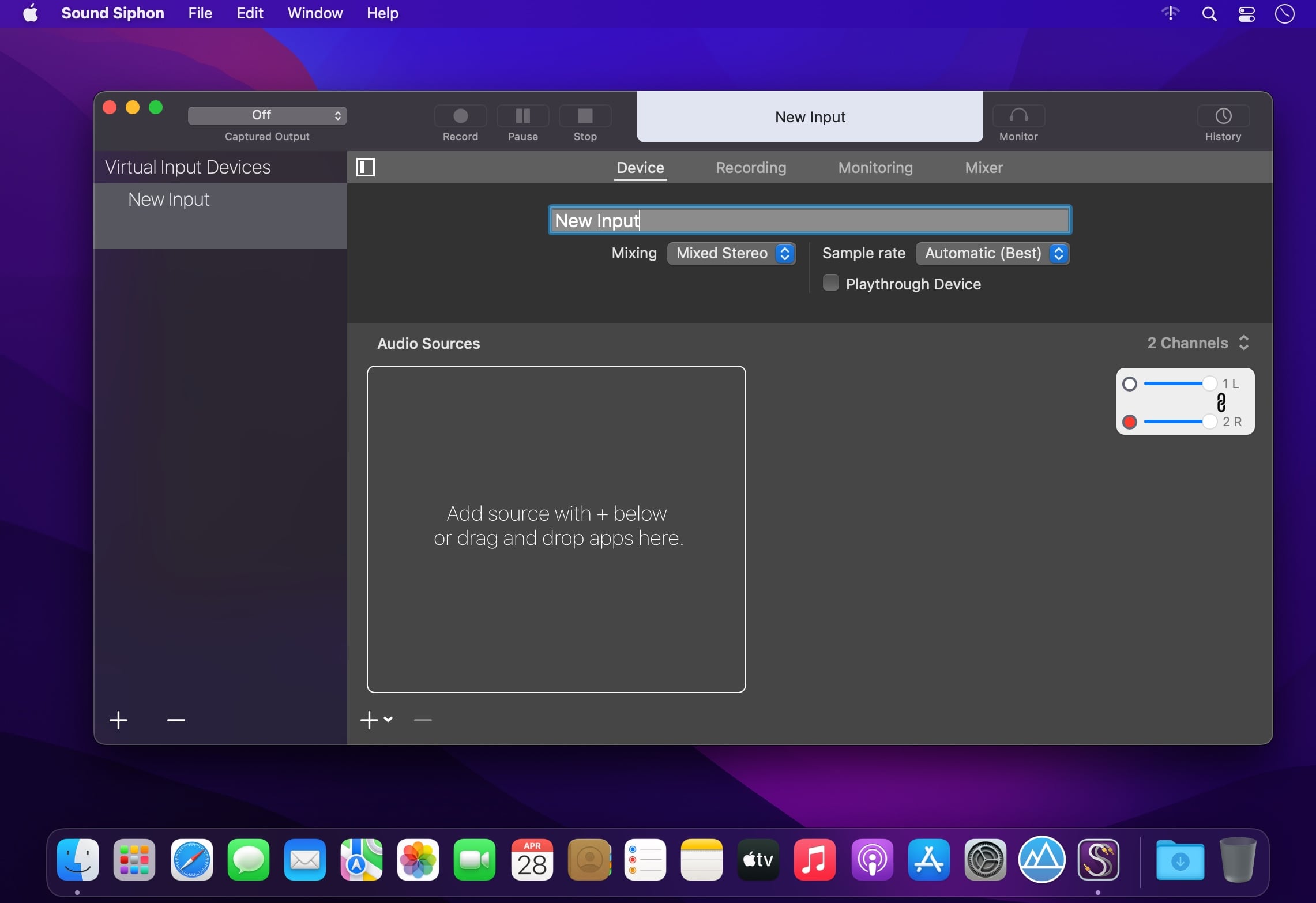
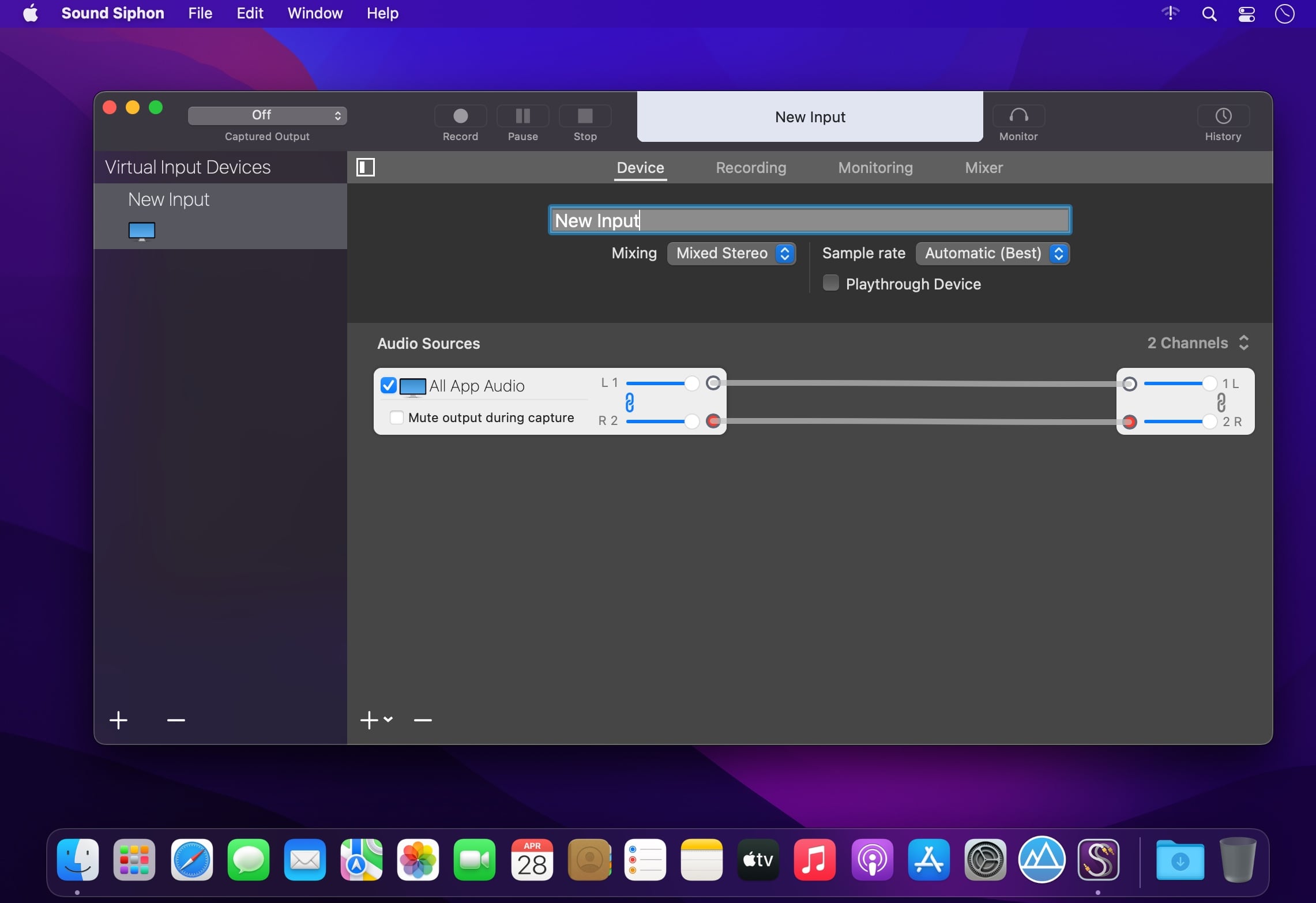
Sound Siphon makes your Mac’s audio output available as an audio input device. It allows you to send audio from one application to another, where it can be processed, streamed, or recorded. It's as simple as selecting a microphone in your favorite app. Sound Siphon works with Core Audio to provide this capability to all of your audio apps.
Sound Siphon works with Core Audio to provide this capability to all of your audio apps. As such, it easily integrates into any existing audio-production environment.
Features
- Capture all of your Mac's audio
- Capture specific application audio
- Independently adjust the levels of each application
- Capture application audio mixed together as stereo audio
- Capture discretely with each application's audio in its own channels
- Mute captured applications while capturing
Version 3.8.4:
- Added compatibility with macOS 26.
Comments
No comments yet. Be the first.
Information
Visitors in the group Guests cannot leave comments on this publication.