

Mic Drop 1.5.0
Screenshots
Click to enlarge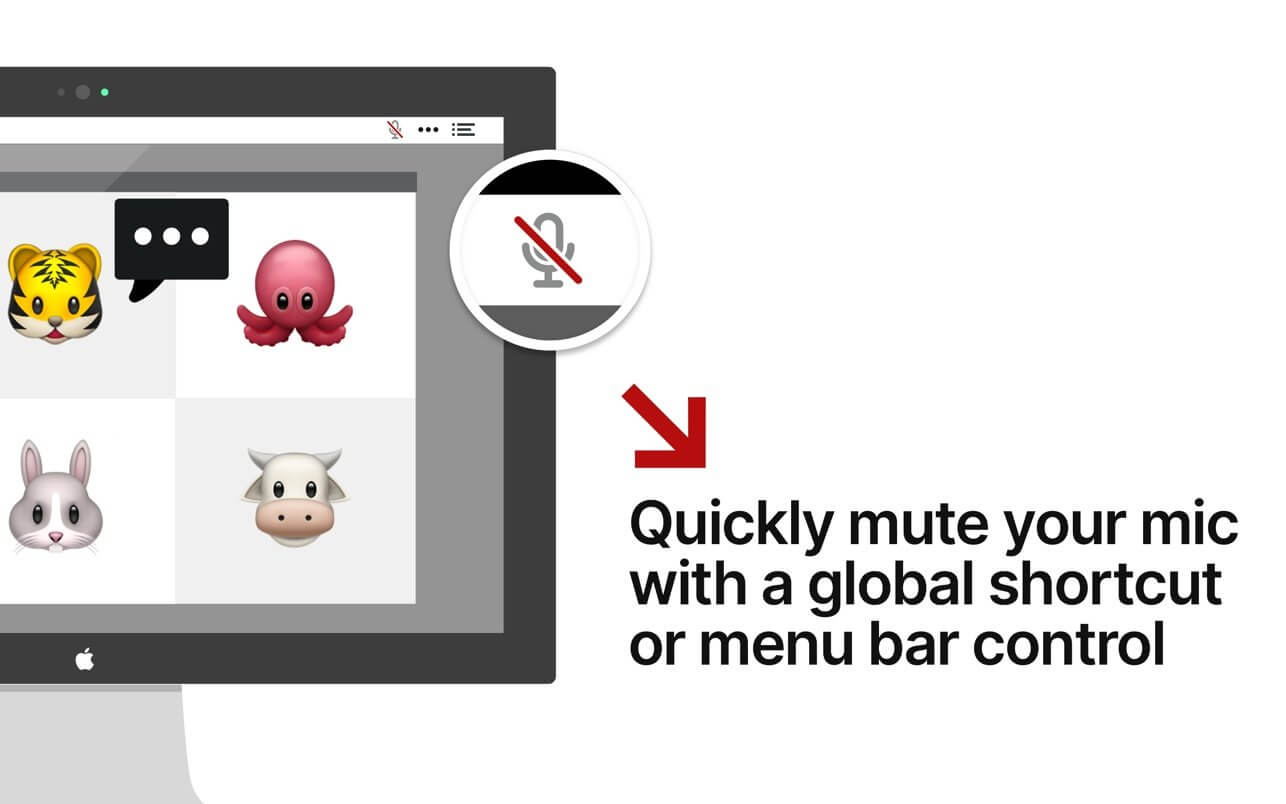

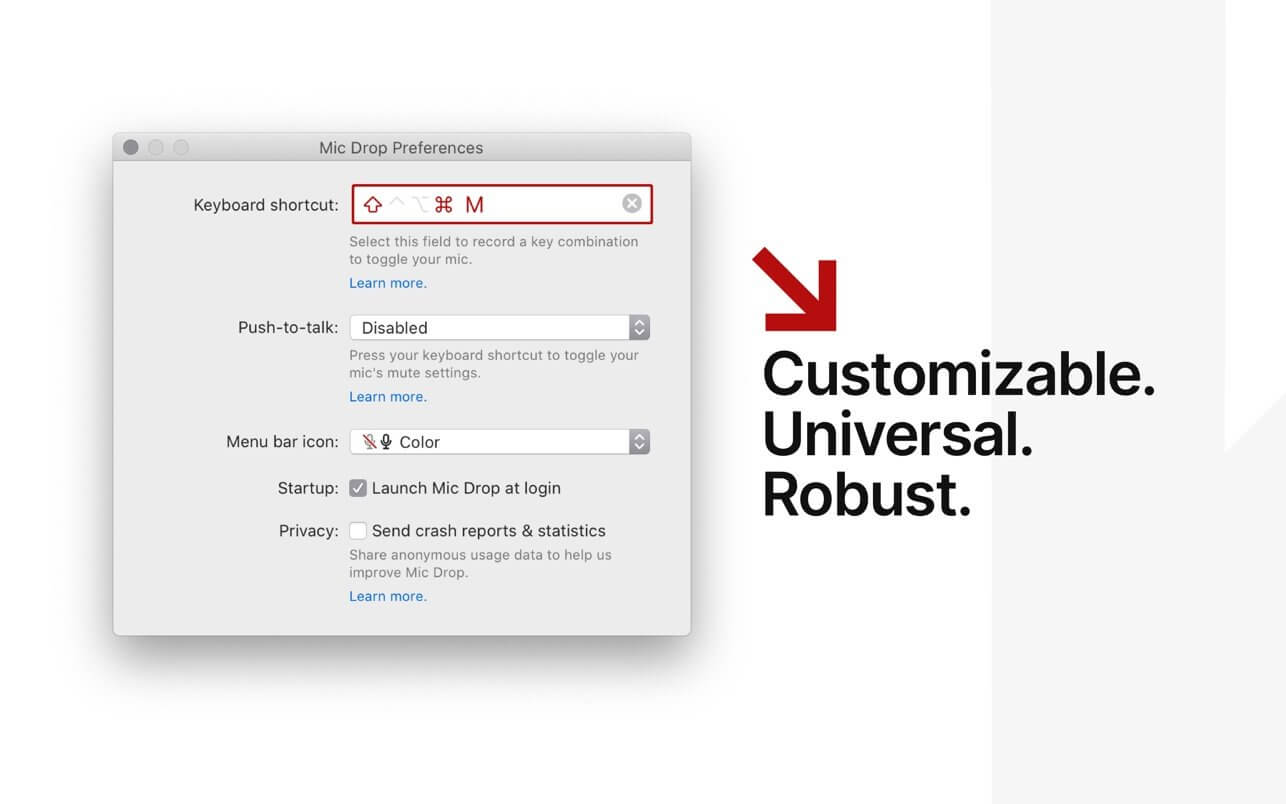
Mic Drop allows users to mute and unmute their microphone using a customizable, global keyboard shortcut. With Mic Drop, you always know whether your mic is on or not, helping to avoid those embarrassing situations. It is ideally suited for remote workers, teachers, podcasters, user researchers, or anyone spending lots of time in video meetings. Works with any app, even if it's not currently in focus.
Features
- Global, customisable keyboard shortcut
- Works with every app & audio device
- Maintains mute state even when changing audio devices
- Supports push-to-talk and push-to-mute
- Displays microphone status in the menu bar
- Supports dark mode
- Uses modern, accessible Apple APIs
- Respects user privacy (anonymous analytics are optional and opt-in)
Version 1.4.5
We’ve improved Bluetooth support in macOS Monterey. macOS 12.4 fixed the infamous Bluetooth bug, so this version of Mic Drop lets you use your AirPods and other Bluetooth microphones with Mic Drop again. Yay!
- New: Bluetooth mic support in Monterey 12.4. Thanks to Apple fixing the Montery Bluetooth bug in macOS 12.4, we’ve enabled Bluetooth mics without any workarounds if you’re running macOS 12.4 or newer. (Previous versions of Monterey will still use the Bluetooth workaround that uses your built-in microphone instead of Bluetooth mic.)
- Fixed: An issue with MS Teams and high CPU usage when muting the mic with Mic Drop.
Comments
No comments yet. Be the first.
Information
Visitors in the group Guests cannot leave comments on this publication.