SocialFocus - Hide Distractions 1.8
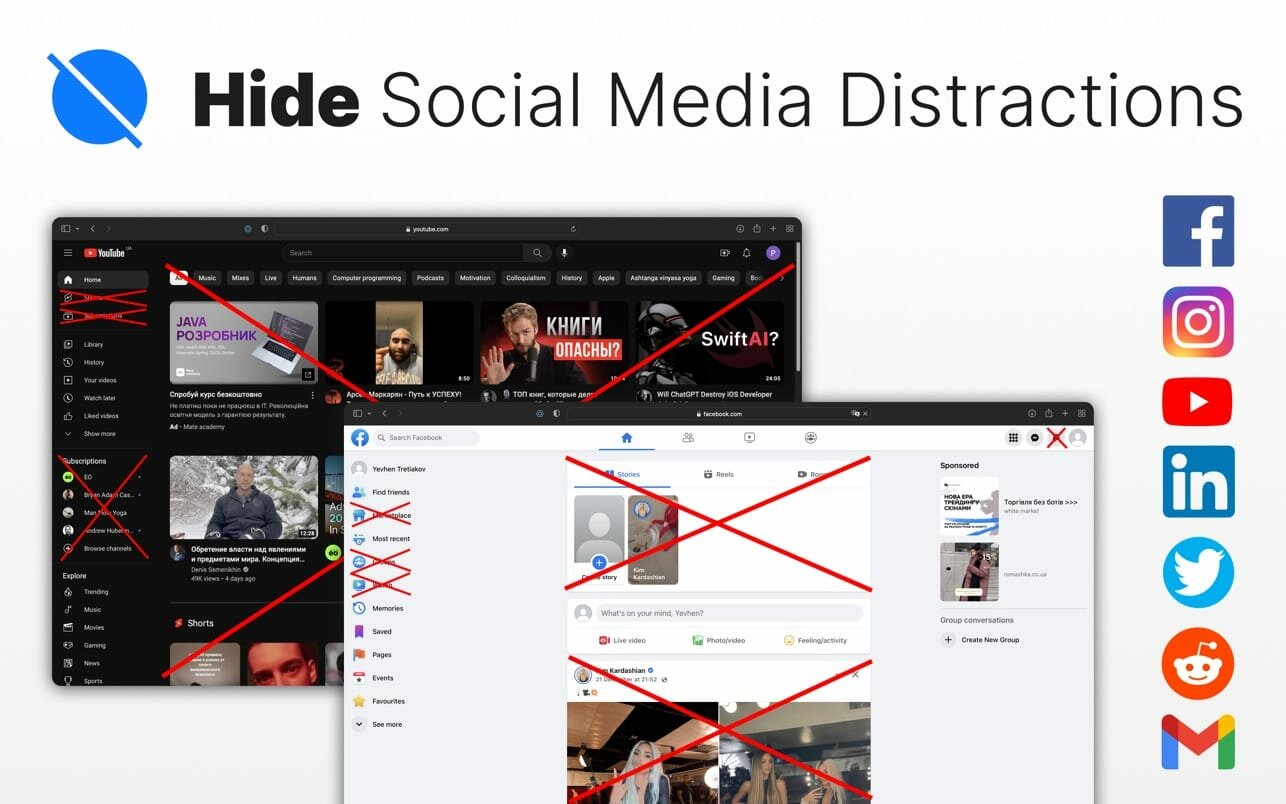
This Safari extension will become an assistant in your pursuit to control the time we spend every day in infamous time-sinks: Facebook, Instagram, YouTube, Twitter, Reddit, LinkedIn and Gmail.
We all know how distracting and engrossing these sites can be, but blocking them totally is also not a feasible option since they do provide some really useful content.
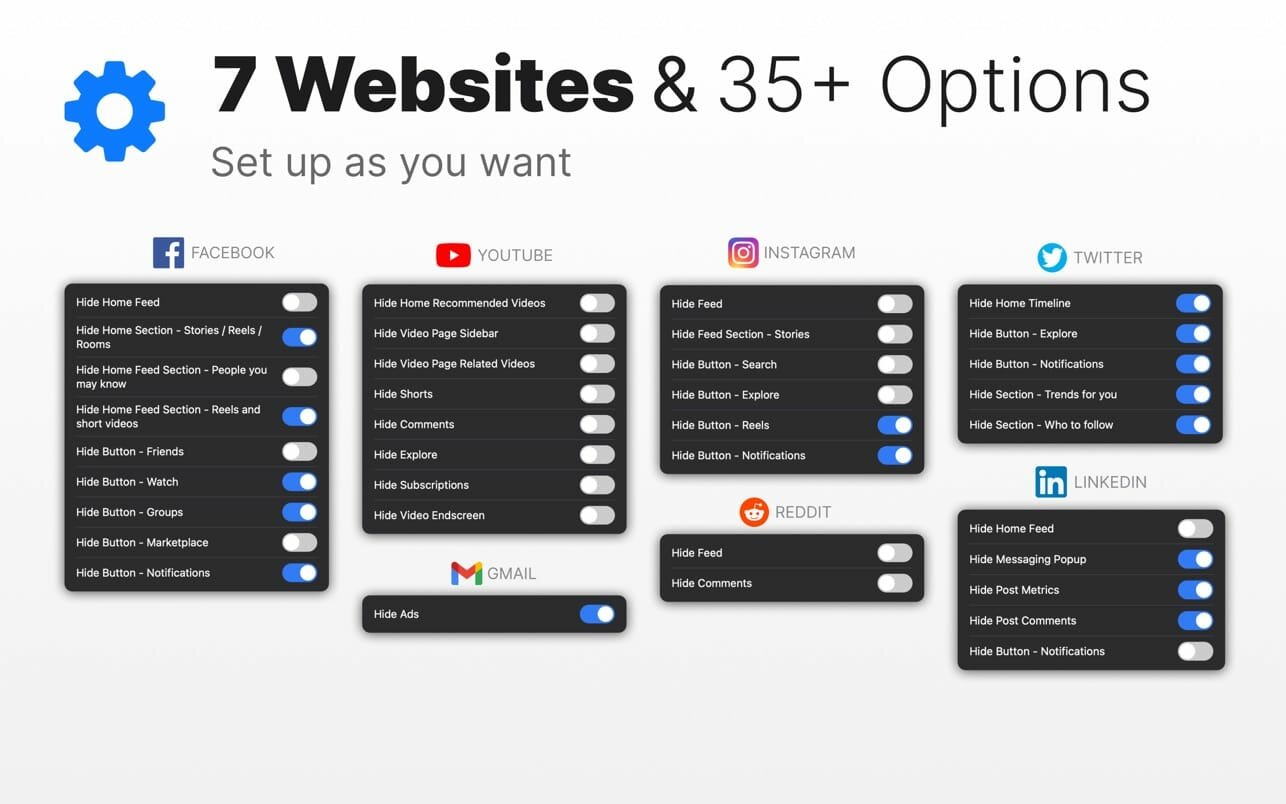
We have identified those parts in each of these websites that grab our attention and serve us unlimited content all day. This extension enables you to hide each of these parts selectively.
AVAILABLE OPTIONS:
Facebook:
- Hide Home Feed
- Hide Home Section - Stories / Reels / Rooms
- Hide Home Feed Section - People you may know
- Hide Home Feed Section - Reels and short videos
- Hide Button - Friends
- Hide Button - Watch
- Hide Button - Groups
- Hide Button - Marketplace
- Hide Button - Notifications
Instagram:
- Hide Feed
- Hide Feed Section - Stories
- Hide Button - Search
- Hide Button - Explore
- Hide Button - Reels
- Hide Button - Notifications
YouTube:
- Hide Home Recommended Videos
- Hide Video Page Sidebar
- Hide Video Page Related Videos
- Hide Shorts
- Hide Comments
- Hide Explore
- Hide Subscriptions
- Hide Video Endscreen
Reddit:
- Hide Feed
- Hide Comments
Twitter:
- Hide Home Timeline
- Hide Button - Explore
- Hide Button - Notifications
- Hide Section - Trends for you
- Hide Section - Who to follow
LinkedIn:
- Hide Home Feed
- Hide Messaging Popup
- Hide Post Metrics
- Hide Post Comments
- Hide Button - Notifications
Version 1.8
- Performance improvements and bug fixes.
Frequently asked questions
How do I install the app?
Mount the image, drag the app into the "Applications" folder and launch it. If the system blocks the launch, allow it in "System Settings → Privacy & Security".
The app is damaged or won't launch
Reinstalling from a fresh image usually helps. Make sure your macOS version matches the one listed in the compatibility specs.
How do I update?
Download the new version from the site and install it over the current one — your settings will be preserved.
The download link doesn't work
Try a mirror or a download manager. For large files the browser often drops the connection.
How do I completely remove the app?
Use an uninstaller utility — it cleans up the service files that remain after moving the app to the trash.




Choose a download source
SocialFocus - Hide Distractions 1.8 · 5.74 MB