

RSS Button for Safari 1.7.3
Screenshots
Click to enlarge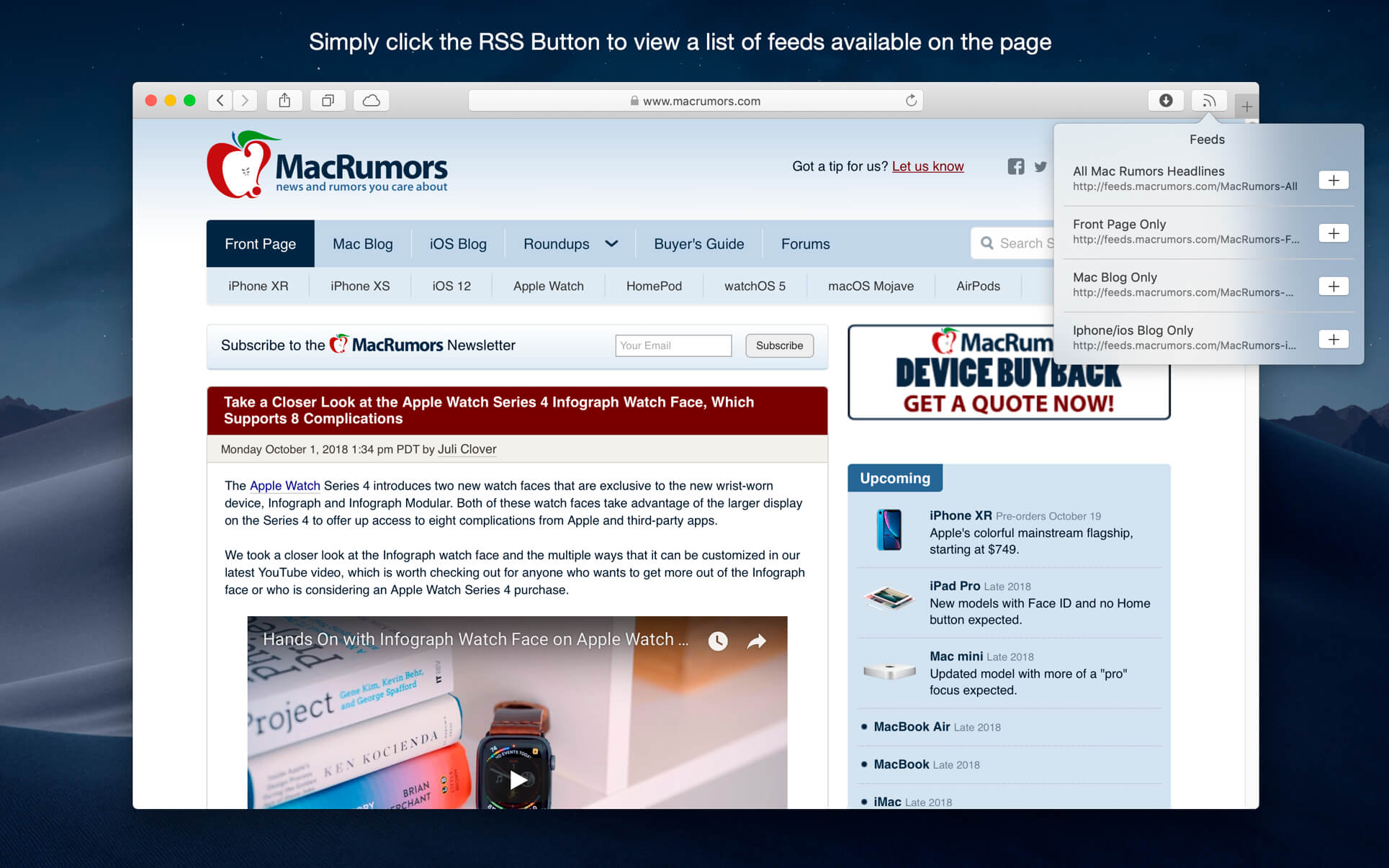


Discover and subscribe to RSS, Atom or JSON feeds in your preferred desktop or web based news reader from Safari.
RSS Button for Safari requires either a desktop news reader supporting RSS, Atom or JSON feeds or an account with an online news reader such as Feedbin, Feedly, FeedHQ, Inoreader, NewsBlur, The Old Reader, Minimal Reader or BazQuz Reader. Alternatively you can choose to copy the feed address to your clipboard or use any self-hosted news reader.
To install:
- Open RSS Button for Safari from Applications;
- Choose your preferred news reader
- Enable the extension from Safari Preferences under the extensions tab
- If the toolbar button does not appear in Safari go to View / Customize Toolbar and drag the RSS Button to your toolbar.
Compatible news reader desktop applications include:
- Cappuccino
- Feedy
- Leaf
- Newsflow
- News Explorer
- News Menu
- NetNewsWire
- ReadKit
- Reeder 4.1.5+
- Stripes
Applications that are not compatible or have known issues opening feed URLs automatically:
- Pulp
- Mozilla Thunderbird
- NewsBar
- Reeder 3 or older
- RSS Reader
Version 1.7.3
- Improved reliability parsing feed URLs.
- The Custom URL option now supports launching application URI schemes in addition to http(s) URLs.
Comments
No comments yet. Be the first.
Information
Visitors in the group Guests cannot leave comments on this publication.