
Improved Tube 4.2


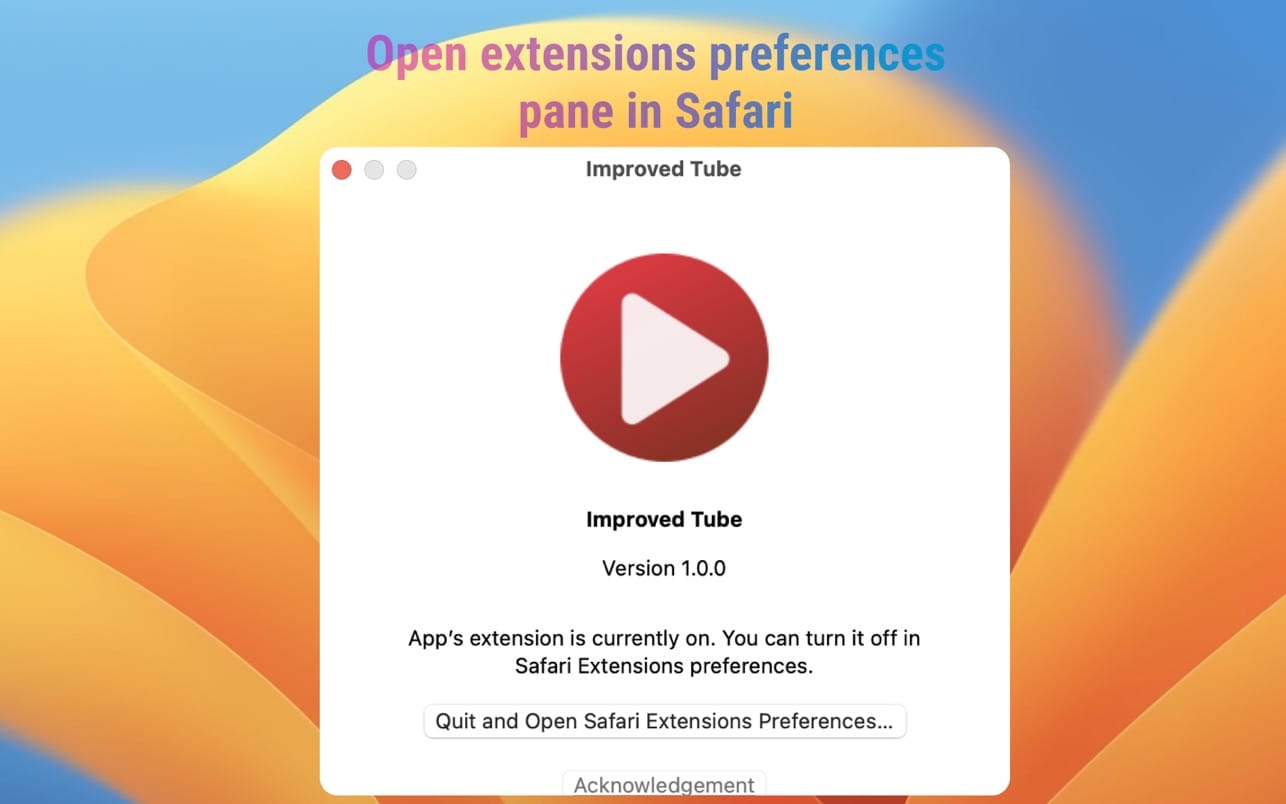
Powerful but lightweight extension to enrich your video experience & content selection.
Player / Playback features
- Video Quality
- Auto-Fullscreen
- Fixed Volume or disallow Loudness Normalization
- Fixed Playback Speed
- "Repeat" button for Player
- "Screenshot" button for Player
- "Popup Player" button for Player or PIP Picture in picture player
- "Rotate Video" button for Player
- Forced H.264 Video Codec (speed up)
- Video Autoplay Off
- Ads only on Subscribed Channels
- Disallow ads inside player
- Disable 60fps
- Disable Subtitles
- Up Next Autoplay Off
- Mini Player
Player Appearance
- Player Size
- Forced Theater Mode
- Player Color (timeline/progresbar)
- Transparent Background
- Header style * Monochrome YouTube Logo
- Hide Cards, Endscreen, Annotations
Video Page Appearance
- Hide Related Videos, Details, Views, Likes or change their styles
- Show video age
- Show channel video count
- Change style of "Description", "Comments", "Footer", "Livechat", "Playlist" and "Related videos"
Themes
- "Black", "Plain", "Desert", "Dawn", "Sunset", "Night"
General
- Night Mode Schedule
- Bluelight filter * Dark Theme * Dim Filter
- Set Youtube Home Page
- YouTube Legacy (old Version)
- Disable "Scroll for details"
- "Scroll to top" button
- Prevent Closing YouTube
- Squared User Images
- Disable Moving Thumbnails
- HD Thumbnail
Playlists
- Autoplay
- Reverse
- Repeat
- Shuffle
Channels
- Default Channel Tab
- Trailer Autoplay
- Hide Featured Content
Set Shortcuts / Hotkeys for
- Picture-in-Picture
- Video Quality
- Play / Pause
- Stop
- Next Video
- Previous Video
- Seek backward 10 seconds
- Seek forward 10 seconds
- Increase Volume 5%
- Decrease Volume 5%
- Increase Playback Speed
- Decrease Playback Speed
- Go to Search Box
- Activate Fullscreen
- Activate Captions
- Like
- Dislike
Volume Mixer
- Set different volume for each Youtube tab
Version 4.2
- Please test everything! Looking forward to bring low-paid version to super charge our development speed.
- Potentially by up to ~20 times.
Frequently asked questions
How do I install the app?
Mount the image, drag the app into the "Applications" folder and launch it. If the system blocks the launch, allow it in "System Settings → Privacy & Security".
The app is damaged or won't launch
Reinstalling from a fresh image usually helps. Make sure your macOS version matches the one listed in the compatibility specs.
How do I update?
Download the new version from the site and install it over the current one — your settings will be preserved.
The download link doesn't work
Try a mirror or a download manager. For large files the browser often drops the connection.
How do I completely remove the app?
Use an uninstaller utility — it cleans up the service files that remain after moving the app to the trash.





Choose a download source
Improved Tube 4.2 · 3.05 MB