
Yuki - Cleaner+ for YouTube 2.0
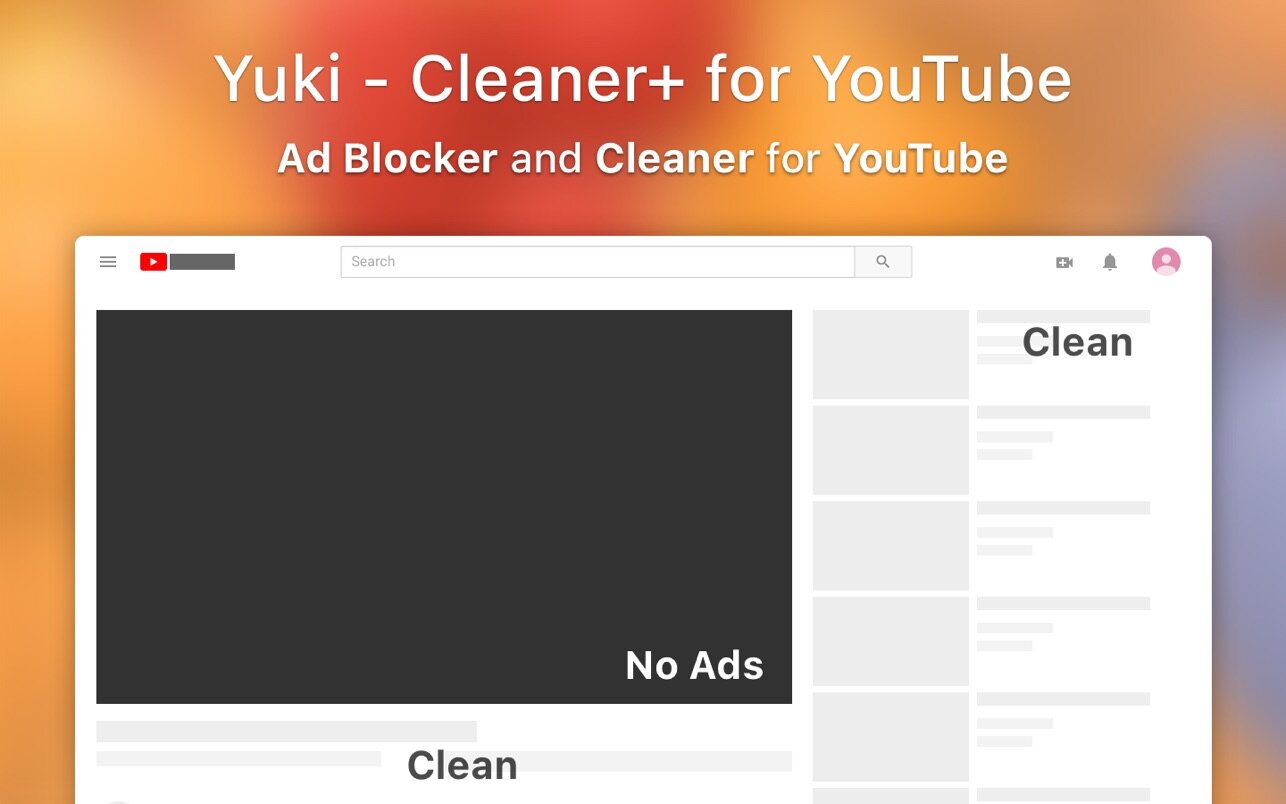

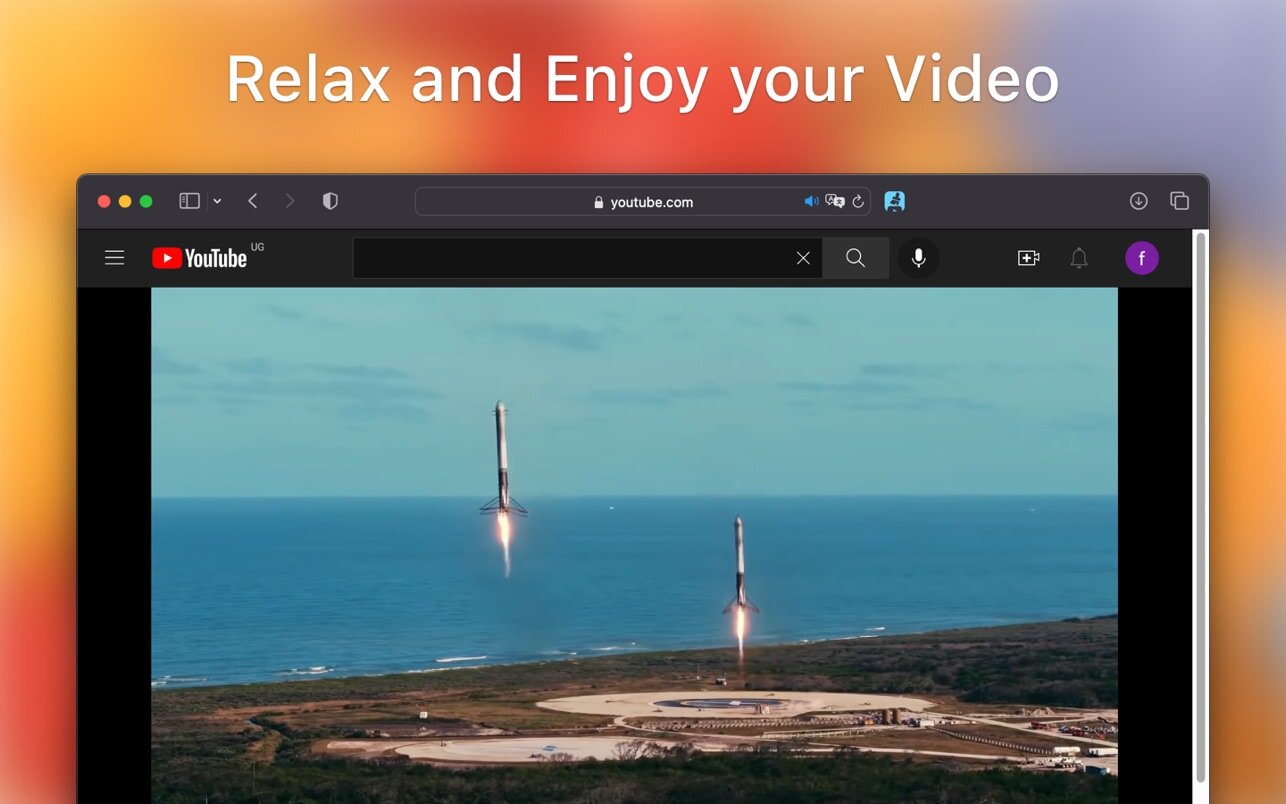
Yuki - Cleaner+ for YouTube will block ads from YouTube and clean all distractions
KEY FEATURES
- Block video ads.
- Block other annoying ads.
- Adjust video playback speed.
- Show/Hide Comments.
- Show/Hide Chat.
- Show/Hide Related Videos.
- Show/Hide video overlay.
- Show/Hide Recommended video.
- Show/Hide all other distractions.
- Add Picture in Picture icon.
- Free your Safari menu up and gives you access easily to Picture in Picture.
- Automatically adjust to your macOS appearance Light/Dark.
Note: Yuki - Cleaner+ for YouTube is a 3rd party app and not affiliated with YouTube.
Version 2.0
- New Icon & App name to better reflect all the features.
- [New] Hide all text and the buttons below the video.
- [New] Counters of ads blocked.
- [New] Add Picture in Picture Icon in the video controls
- [Improvement] More distractions automatically hidden.
- [Improvement] Other improvement and bugs fixed.
Frequently asked questions
How do I install the app?
Mount the image, drag the app into the "Applications" folder and launch it. If the system blocks the launch, allow it in "System Settings → Privacy & Security".
The app is damaged or won't launch
Reinstalling from a fresh image usually helps. Make sure your macOS version matches the one listed in the compatibility specs.
How do I update?
Download the new version from the site and install it over the current one — your settings will be preserved.
The download link doesn't work
Try a mirror or a download manager. For large files the browser often drops the connection.
How do I completely remove the app?
Use an uninstaller utility — it cleans up the service files that remain after moving the app to the trash.




Choose a download source
Yuki - Cleaner+ for YouTube 2.0 · 5.61 MB