
Superkey 1.19

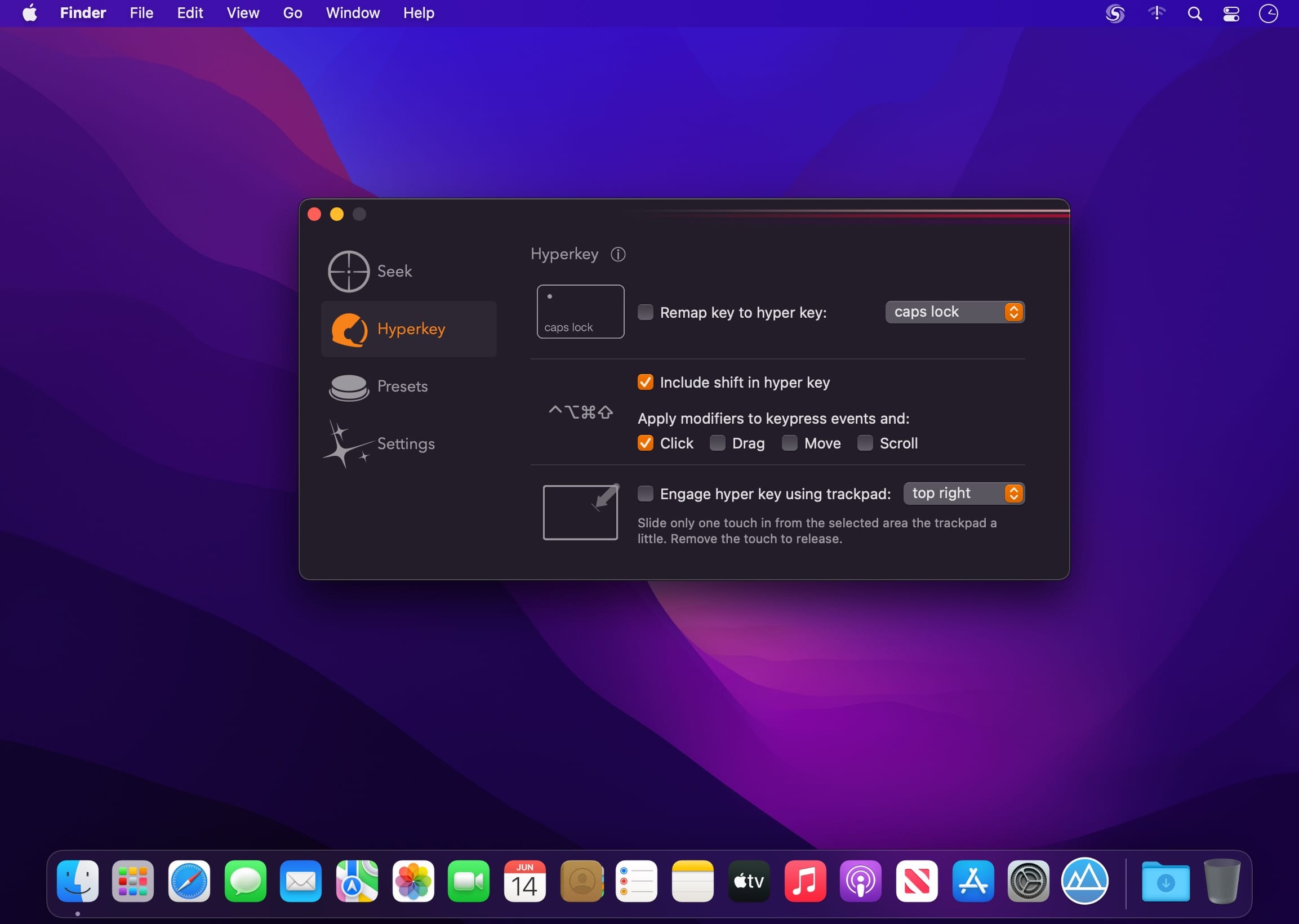
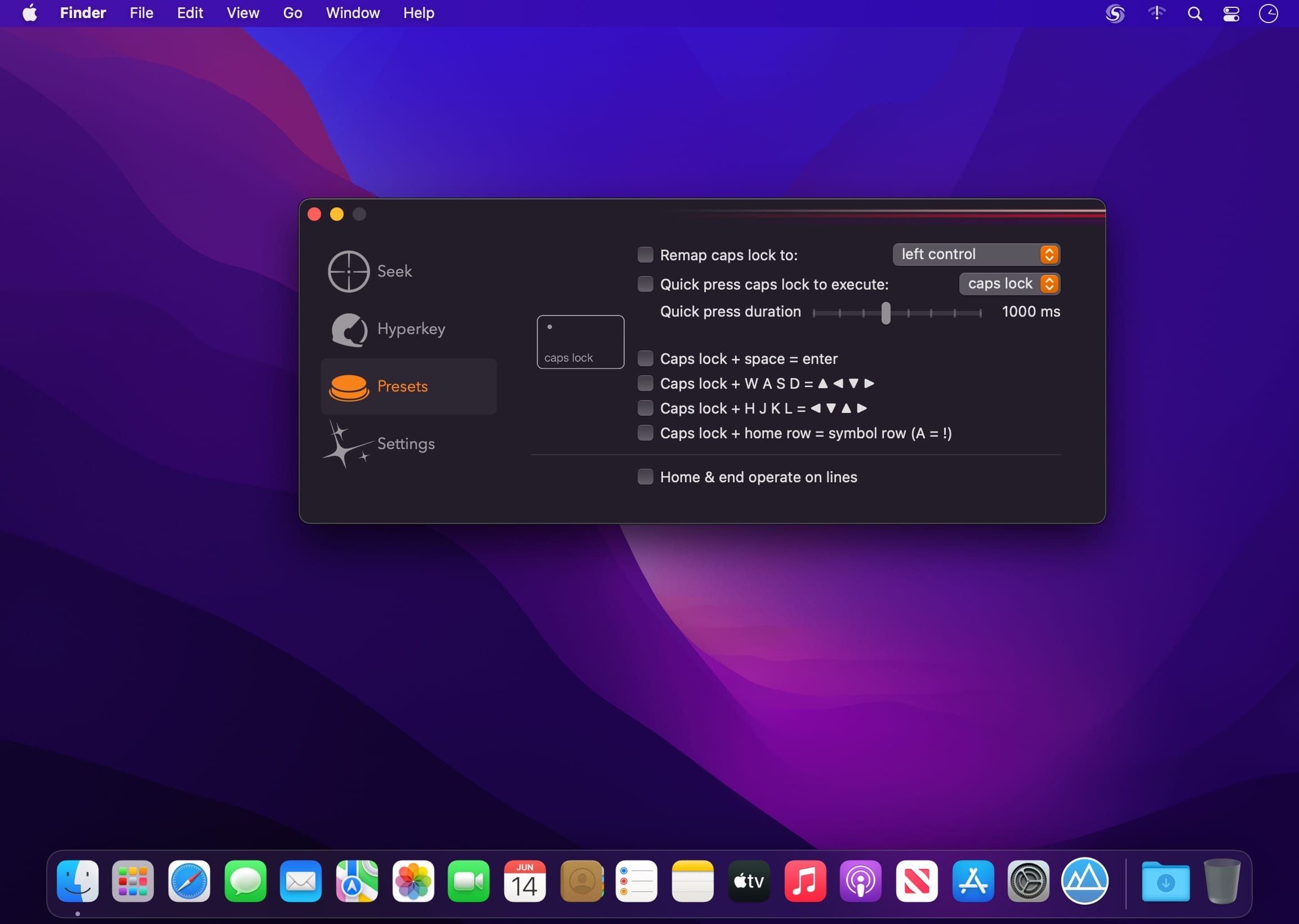
Become an instant keyboard power user with the ability to search & click text anywhere on screen. Comes with built-in hyperkey and remapping presets. Keyboard Superpower on macOS.
Seek & click
Match what you type, and click it ― all with the keyboard and anywhere on the screen.
Hyperkey included
Convert your caps lock key or any of your modifier keys to the hyper key, all four modifiers combined: ⌃⌥⌘⇧
The hyper key acts as an additional modifier key that you can use in all of your other apps that have keyboard shortcuts
Power user
Maximize keyboard efficiency with just a few checkboxes
Got remappings you want a checkbox for? Let me know!
Version 1.19:
- Seek will now pick up more varieties of font colors/backgrounds
- Fix for a potential crash with Seek using the Accessibility API
Frequently asked questions
How do I install the app?
Mount the image, drag the app into the "Applications" folder and launch it. If the system blocks the launch, allow it in "System Settings → Privacy & Security".
The app is damaged or won't launch
Reinstalling from a fresh image usually helps. Make sure your macOS version matches the one listed in the compatibility specs.
How do I update?
Download the new version from the site and install it over the current one — your settings will be preserved.
The download link doesn't work
Try a mirror or a download manager. For large files the browser often drops the connection.
How do I completely remove the app?
Use an uninstaller utility — it cleans up the service files that remain after moving the app to the trash.





Choose a download source
Superkey 1.19 · 8.65 MB
Previous versions
Superkey 1.19
Previous versions are available to registered users.