
Desktop Ghost Pro 1.5.2
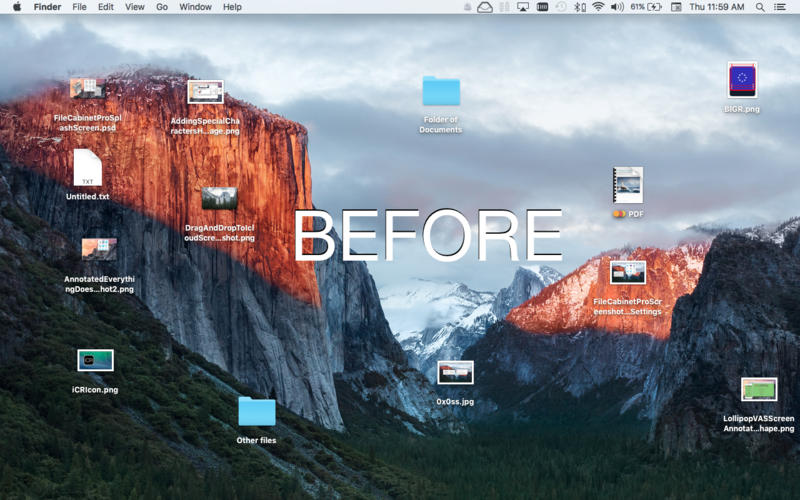
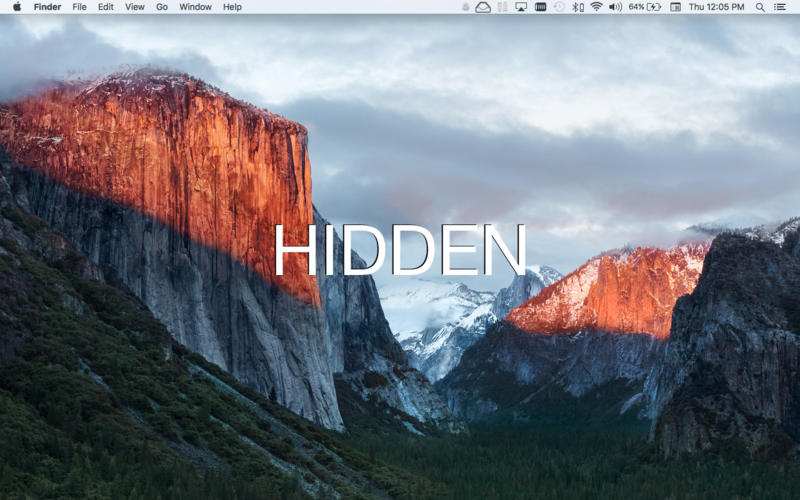
Desktop Ghost Pro allows you to easily hide and show all files on your messy desktop.
Features:
- Instantly hide and show all files on your desktop.
- Optionally run Desktop Ghost Pro as a menubar extra application for easy access.
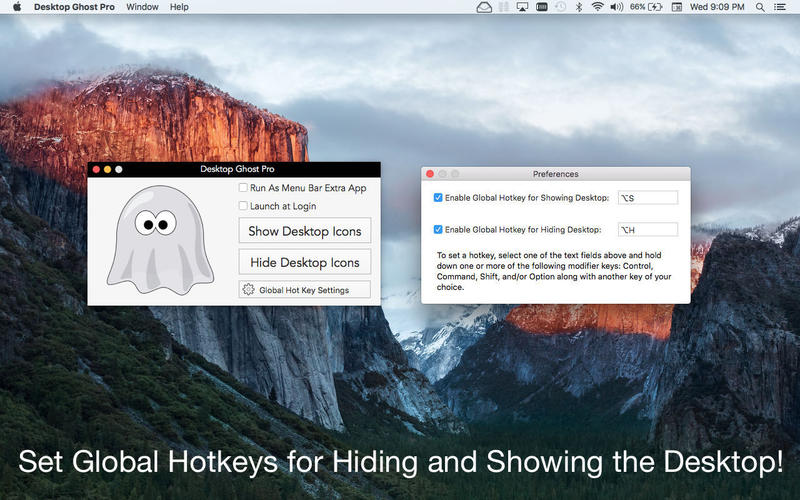
- Hide/Show your desktop items from the standard window or the menubar.
- Easily set Desktop Ghost Pro to run when you log in to your Mac (optional feature, disabled by default).
- Items dragged onto the desktop after a hide operation can be seen (unless you press the hide button again).
- Use Global Hotkeys to show and hide everything on your desktop without using the mouse.
WHAT’S NEW
Version 1.5
NEW Features!
- Added a "View Desktop Contents" button to main window. Now you can view files on your desktop even when they are hidden in a separate window.
- You can now right click the desktop in Finder and show and hide files using the new Desktop Ghost Pro Finder Sync extension (to use this feature, you must enable the Finder Sync extension in System Preferences).
- You can open Desktop Ghost Pro's preferences window when running the app as a menubar application; you no longer have to open the main window first.
- You can tell Desktop Ghost Pro to exclude files that are on your desktop from participating in show and hide file operations.
- The icon image in the menubar is now larger.
Screenshots
Frequently asked questions
How do I install the app?
Mount the image, drag the app into the "Applications" folder and launch it. If the system blocks the launch, allow it in "System Settings → Privacy & Security".
The app is damaged or won't launch
Reinstalling from a fresh image usually helps. Make sure your macOS version matches the one listed in the compatibility specs.
How do I update?
Download the new version from the site and install it over the current one — your settings will be preserved.
The download link doesn't work
Try a mirror or a download manager. For large files the browser often drops the connection.
How do I completely remove the app?
Use an uninstaller utility — it cleans up the service files that remain after moving the app to the trash.
VersionDesktop Ghost Pro 1.5.2
DeveloperWrites for All Inc.
CompatibilityOS X 10.10 or later, 64-bit processor
LanguageEnglish
IncludesPre-K'ed





Information
Visitors in the group Guests cannot leave comments on this publication.
Choose a download source
Desktop Ghost Pro 1.5.2 · 5.11 MB