
TransData - Internet Data Speed 3.4
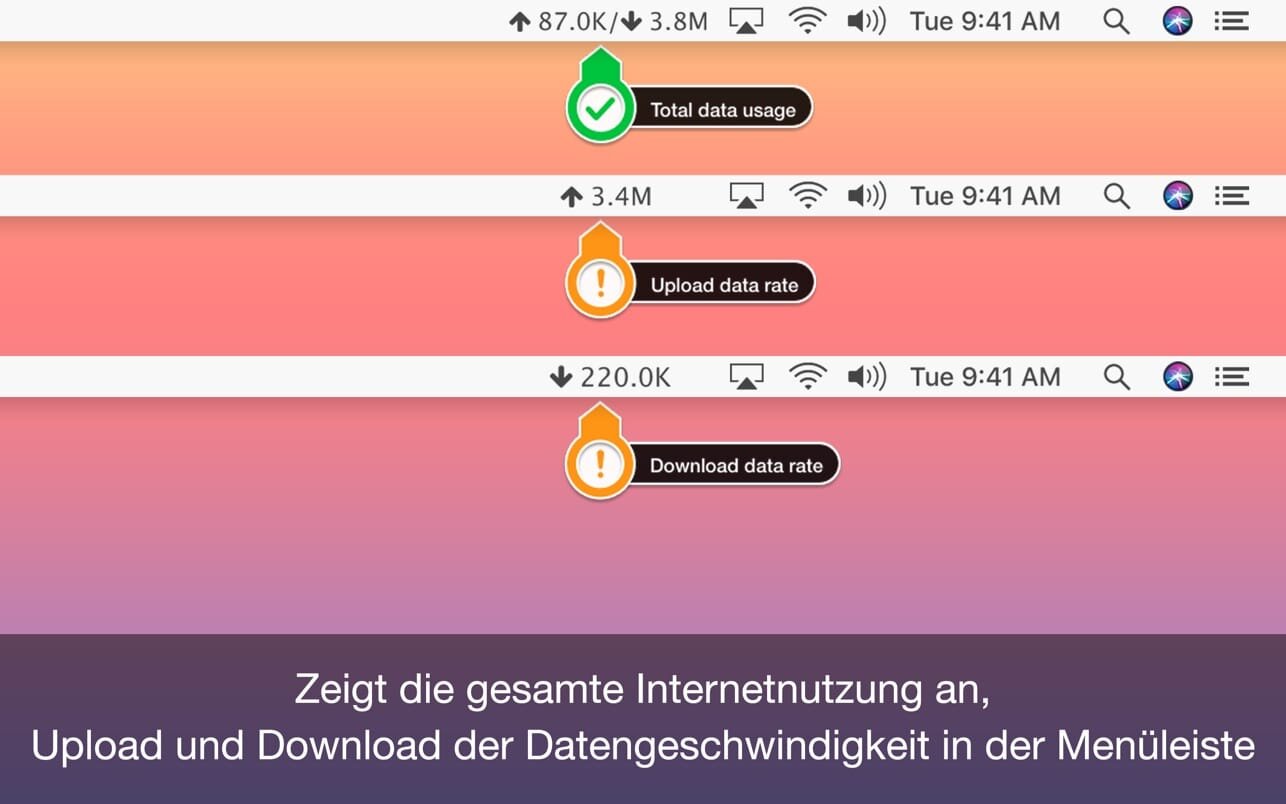
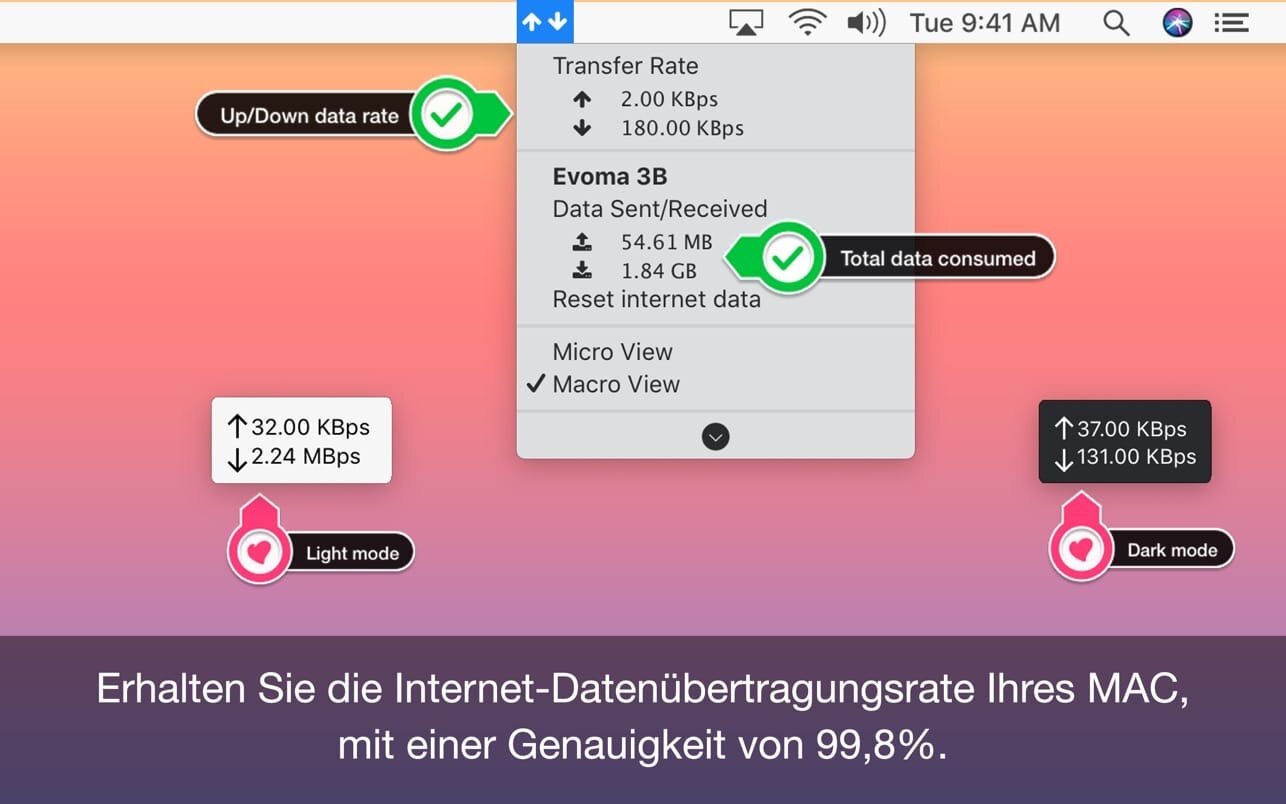
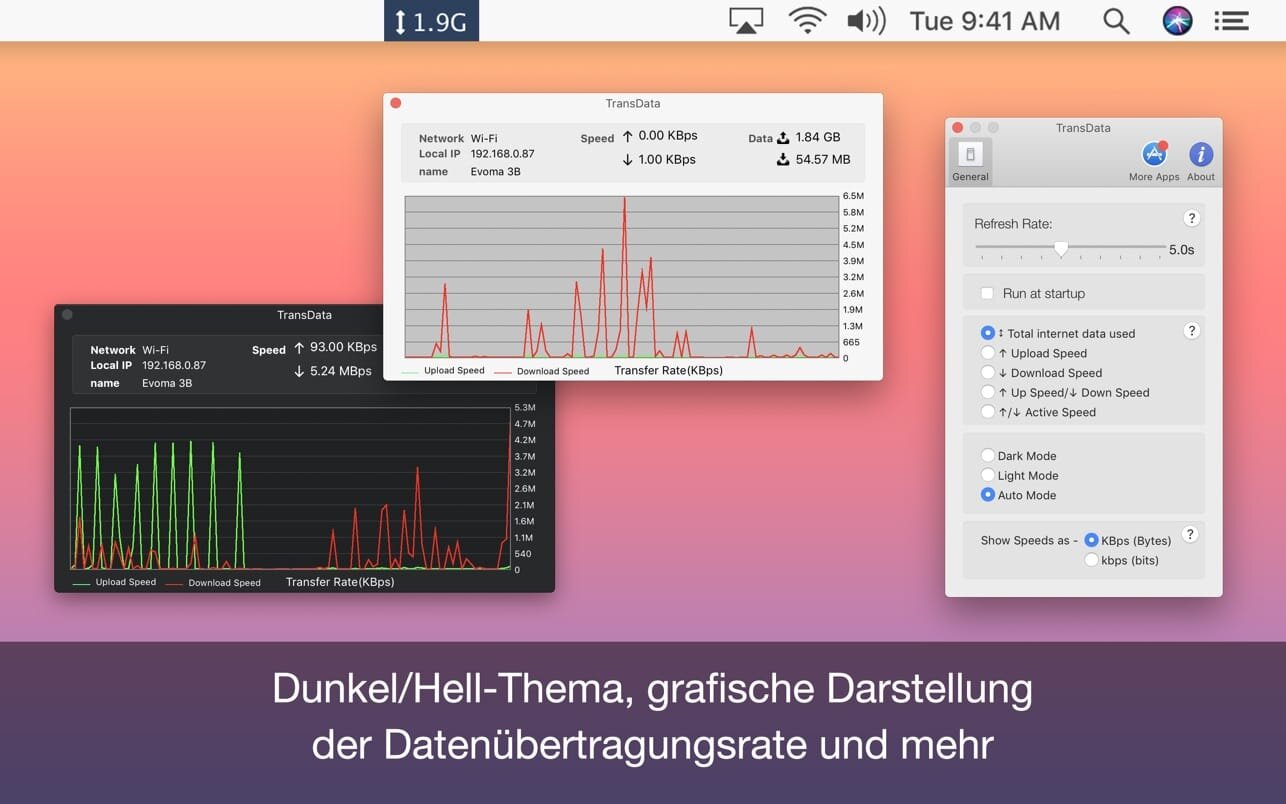
TransData is the perfect solution to control and supervise your network usage.
Features:
- Shows network data transfer rate in Kbps/Mbps with up/down speed on your menu bar.
- Display the total data used by Mac from the start of the session.
- Monitor and reset Internet data usage.
- Displays connected WiFi network in the menu.
- A Beautiful widget or graph that shows upload & download internet speed per second.
- Display refresh rate can be set in preferences.
- Internet data can be displayed in two formats either KB/s(Bytes) or kb/s(bits).
- Dark/Light mode for all macOS versions.
TransData works with MacBook Air(M1), MacBook Pro(M1), iMac, MacBook, MacPro, Mac Mini.
Basics:
- Up/Down Speed: Upload/Download internet transfer rate per second (Kbps/Mbps)
- Up/Down dаta: Total Upload & Download internet date used over a period of time.
- Micro View: Floating widget on the desktop with Up/Down internet data transfer rate.
- Macro View: Graph which shows internet data transfer rate in detail.
Menubar Preferences:
- Total Internet data used: Display total of data sent and received.
- Upload speed: Display only upload internet speed.
- Download Speed: Display only download internet speed.
- Up & Down Speed: Show both upload and download speed.
- Active Speed: Shows upload or download, whichever is highest.
Version 3.4
- Enhanced compatibility with macOS Sonoma
- New usage chart view with daily breakdown
- Improved data accuracy and sync stability
- Bug fixes and Ul performance optimizations
Frequently asked questions
How do I install the app?
Mount the image, drag the app into the "Applications" folder and launch it. If the system blocks the launch, allow it in "System Settings → Privacy & Security".
The app is damaged or won't launch
Reinstalling from a fresh image usually helps. Make sure your macOS version matches the one listed in the compatibility specs.
How do I update?
Download the new version from the site and install it over the current one — your settings will be preserved.
The download link doesn't work
Try a mirror or a download manager. For large files the browser often drops the connection.
How do I completely remove the app?
Use an uninstaller utility — it cleans up the service files that remain after moving the app to the trash.


Choose a download source
TransData - Internet Data Speed 3.4 · 6.06 MB