Network & Battery 12.4.2
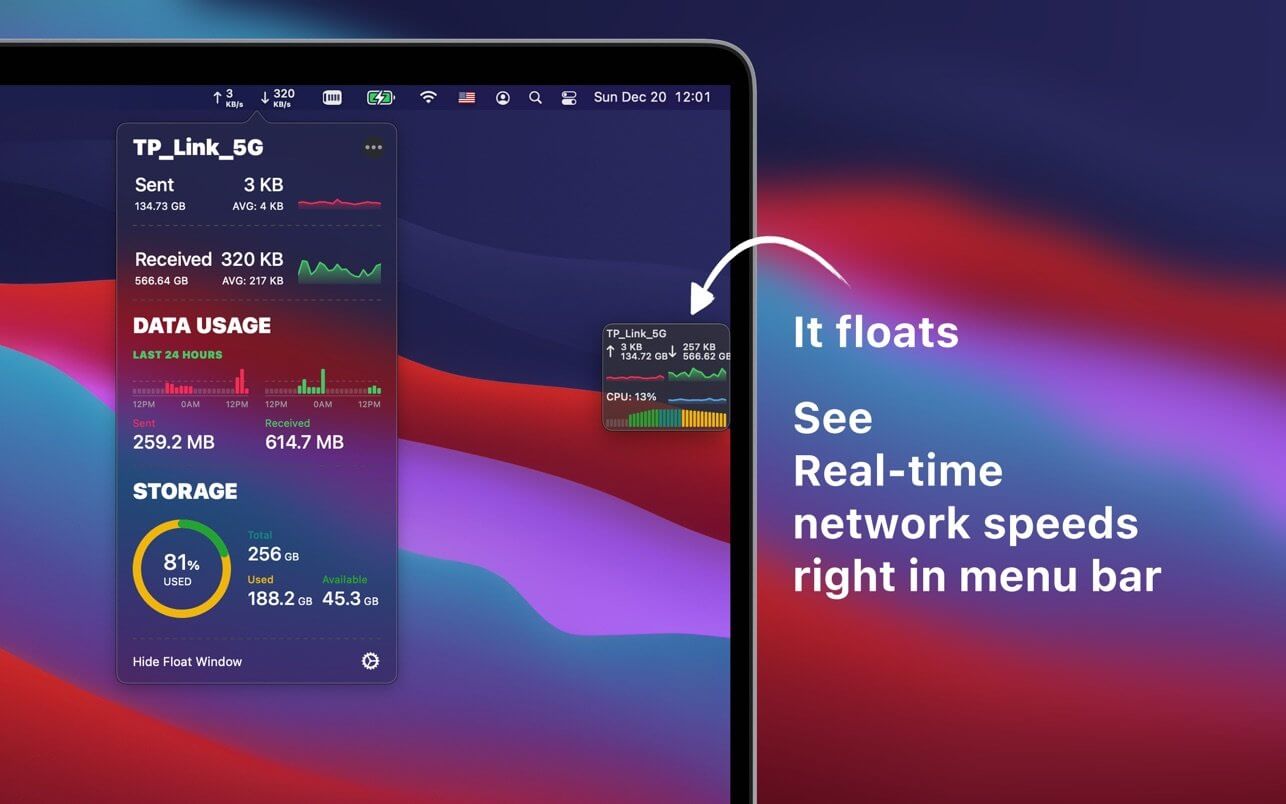
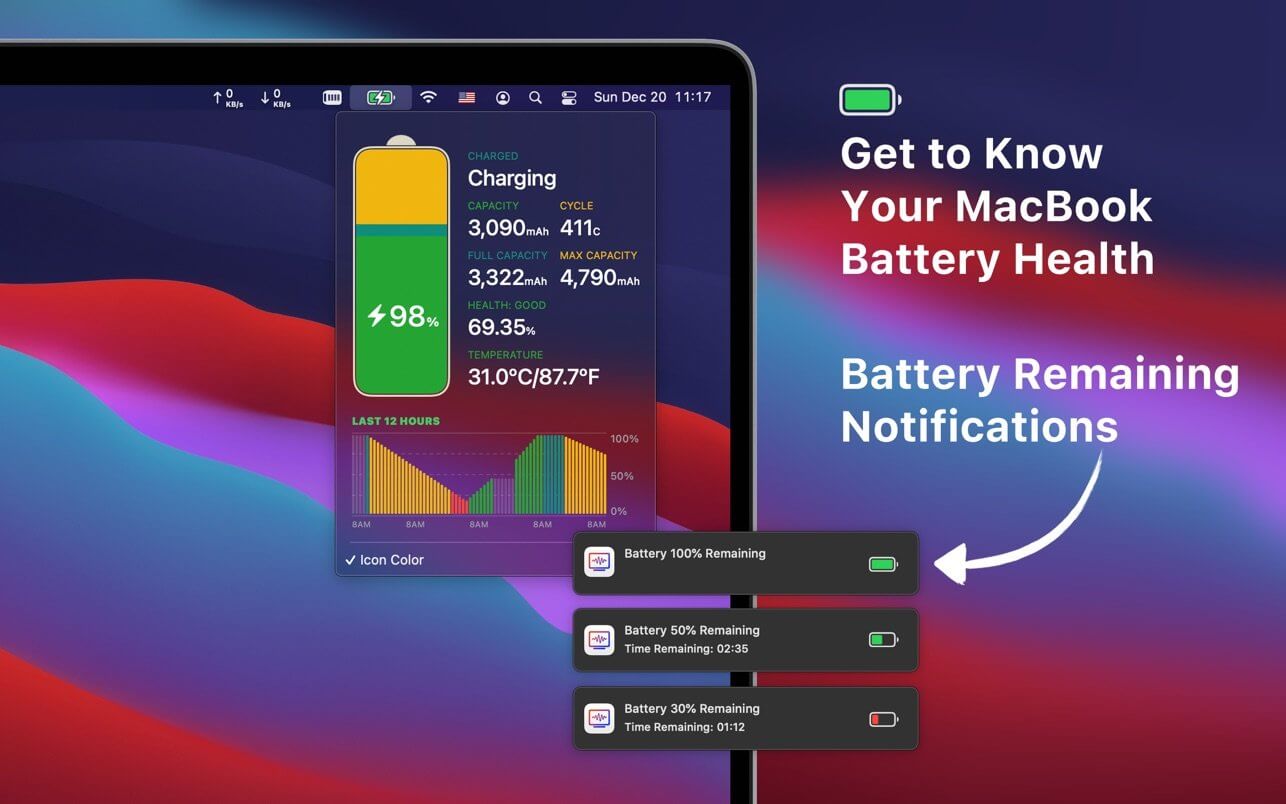
See real time network speeds right in menu bar, see your daily data usage & get to know your MacBook battery health.
Great Features:
- NETWORK: see real time upload/download speeds right in menu bar, you can also change styles.
- FLOAT WINDOW: keep an eye on your network status & CPU usage right on a float window, it can shows on every desktop and everywhere.
- BATTERY HEALTH: get know your MacBook health details.
- BATTERY REMAINING NOTIFICATION: get helpful low battery notifications, never lost your work.
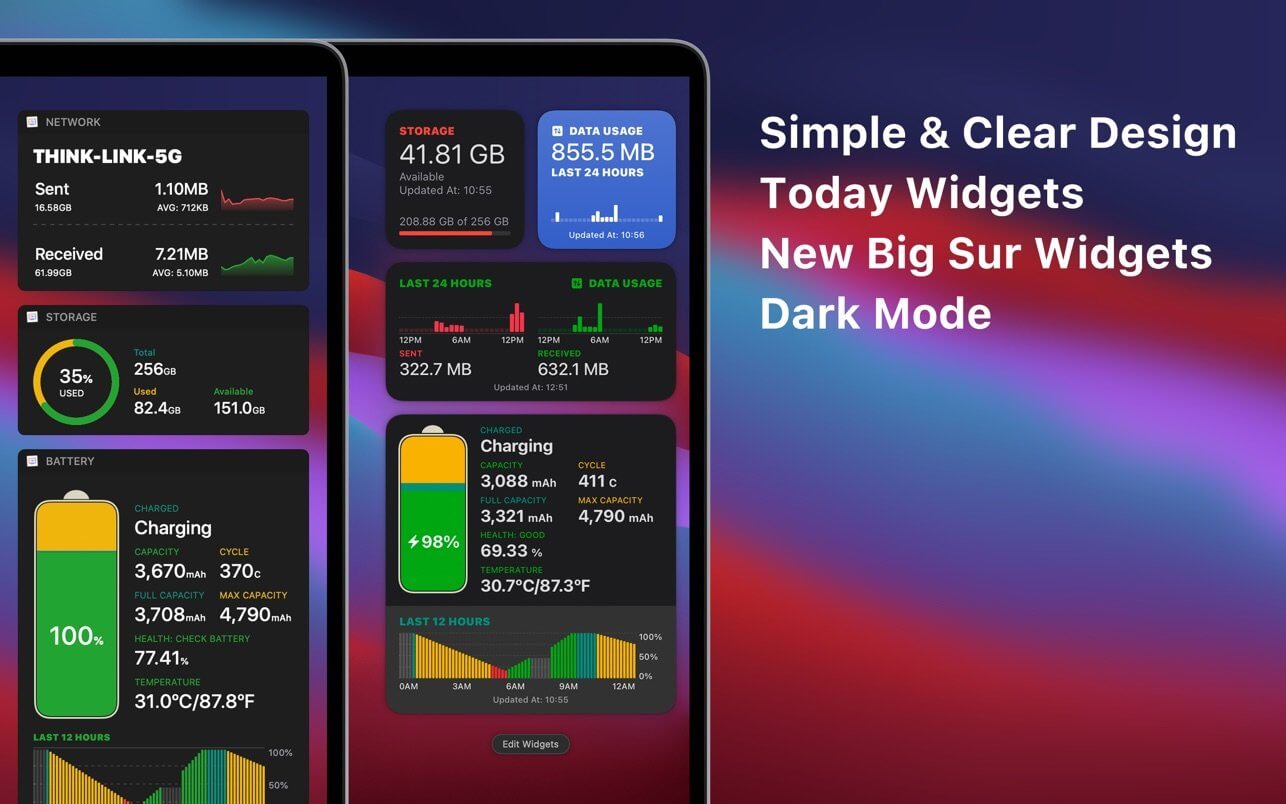
- WIDGETS: quick view network, data usage, battery usage with widgets.
Amazing User Experience:
- Simple & clear design.
- Support Big Sur.
- Support Today Widgets & Big Sur Widgets.
- Support Dark Mode.
Version 12.4.2
- Now you can choose In-App Light/Dark Mode.
Frequently asked questions
How do I install the app?
Mount the image, drag the app into the "Applications" folder and launch it. If the system blocks the launch, allow it in "System Settings → Privacy & Security".
The app is damaged or won't launch
Reinstalling from a fresh image usually helps. Make sure your macOS version matches the one listed in the compatibility specs.
How do I update?
Download the new version from the site and install it over the current one — your settings will be preserved.
The download link doesn't work
Try a mirror or a download manager. For large files the browser often drops the connection.
How do I completely remove the app?
Use an uninstaller utility — it cleans up the service files that remain after moving the app to the trash.

Choose a download source
Network & Battery 12.4.2 · 13.52 MB