
Network Speed Monitor 2.4.1
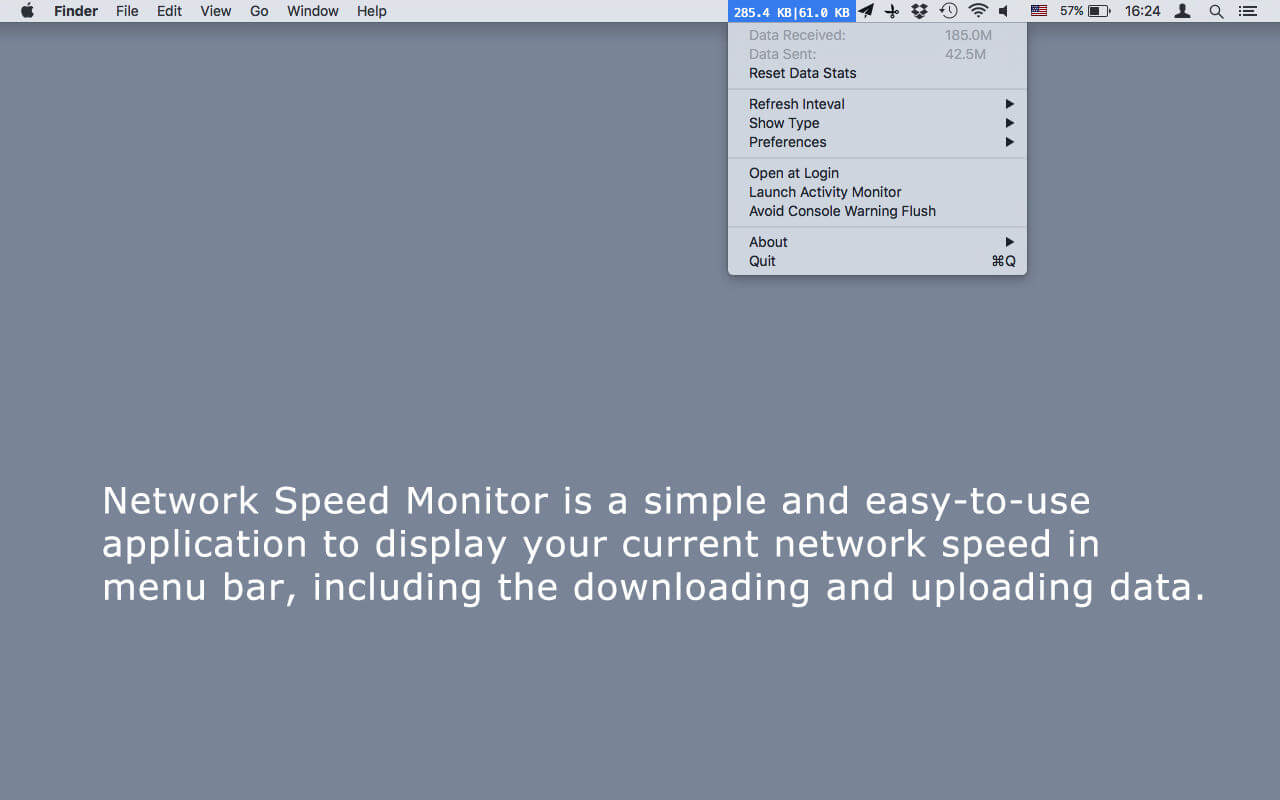

Network Speed Monitor is a simple and easy-to-use application to display your current network speed in status bar, including the downloading and uploading data.
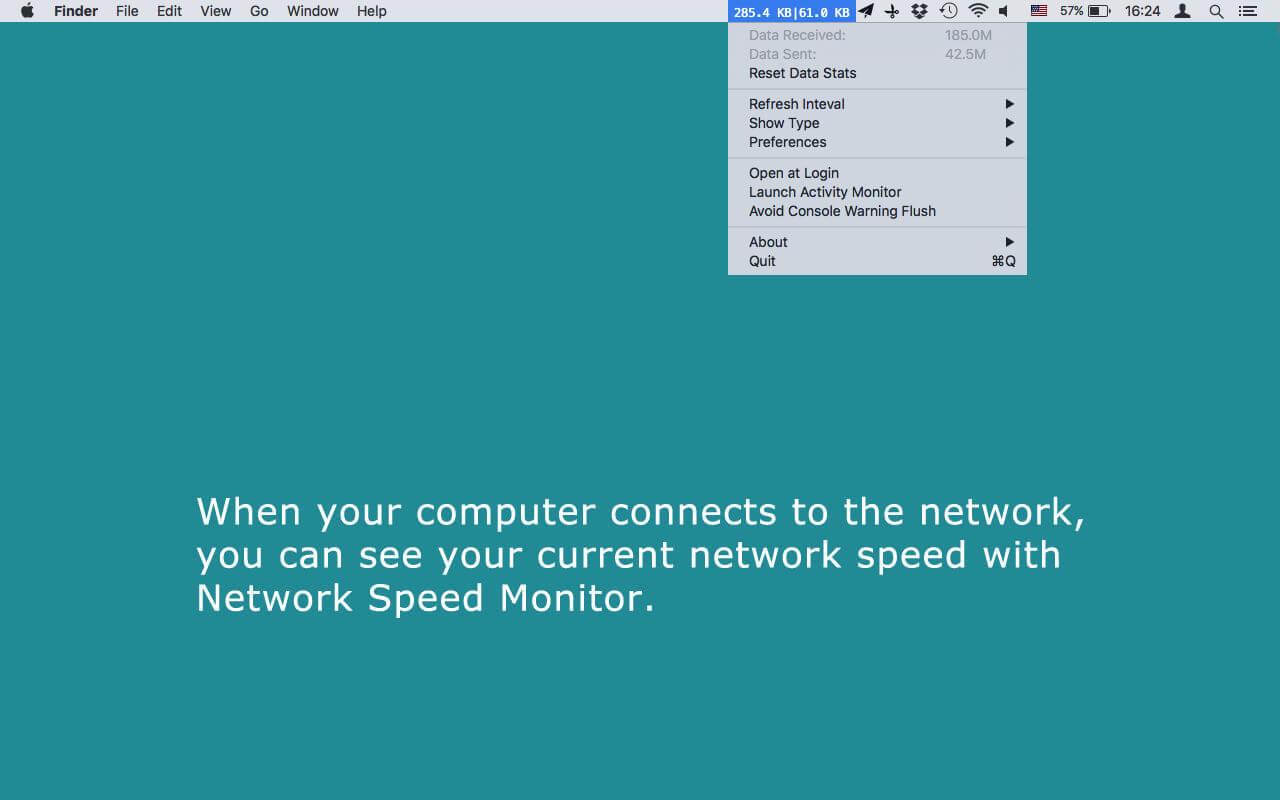
When your computer connects to the network, you can see your current network speed with Network Speed Monitor.
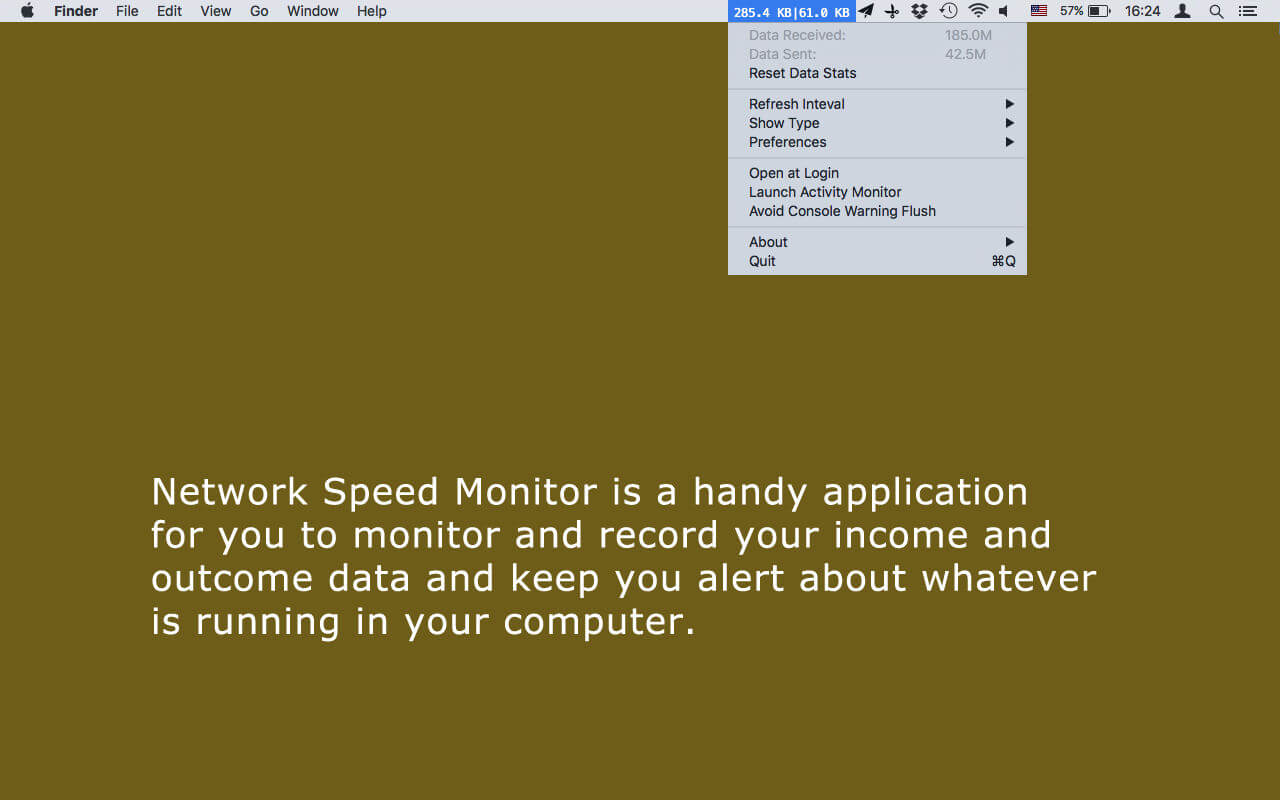
Network Speed Monitor is a handy application for you to monitor and record your income and outcome data and keep you alert about whatever is running in your computer.
Main features:
- Put the status item in the leftmost place on the menu bar so that other status items will not fluctuate.
- Automatically show the speed between Mbps and Kbps.
- Click and choose to change the refresh interval from 1 second to 10 seconds.
- Opt to switch from Bits per second to Bytes per second.
- Check your real network speed to know whether it reaches to the speed which the network operators promise.
- Know whether there are some hidden applications are running to slow down your network than normal.
- Keep a track of your internet bandwidth usage so that you will know whether your internet stream go beyond the limit.
- Instead of having the up and downlink speeds side by side, you can select to put them one on top of the other.
- Instead of just one color, you can have the download as green and upload red.
- Add an up arrow and down arrow next to the numbers so you know which one is upstream and which downstream. You need select the menu item "show the up and down arrow" first.
- Add a menu option to choose between mbit/s, kbit/s and auto.
Version 2.4
- update for Mojave
Frequently asked questions
How do I install the app?
Mount the image, drag the app into the "Applications" folder and launch it. If the system blocks the launch, allow it in "System Settings → Privacy & Security".
The app is damaged or won't launch
Reinstalling from a fresh image usually helps. Make sure your macOS version matches the one listed in the compatibility specs.
How do I update?
Download the new version from the site and install it over the current one — your settings will be preserved.
The download link doesn't work
Try a mirror or a download manager. For large files the browser often drops the connection.
How do I completely remove the app?
Use an uninstaller utility — it cleans up the service files that remain after moving the app to the trash.
VersionNetwork Speed Monitor 2.4.1
DeveloperFangcheng Yin
CompatibilityOS X 10.7 or later, 64-bit processor
LanguageEnglish
IncludesK'ed by TNT



Choose a download source
Network Speed Monitor 2.4.1 · 4.28 MB
Previous versions
Network Speed Monitor 2.4.1
Previous versions are available to registered users.
Comments 1