
SpeedTest 7.0.5
Internet speed test without Flash.
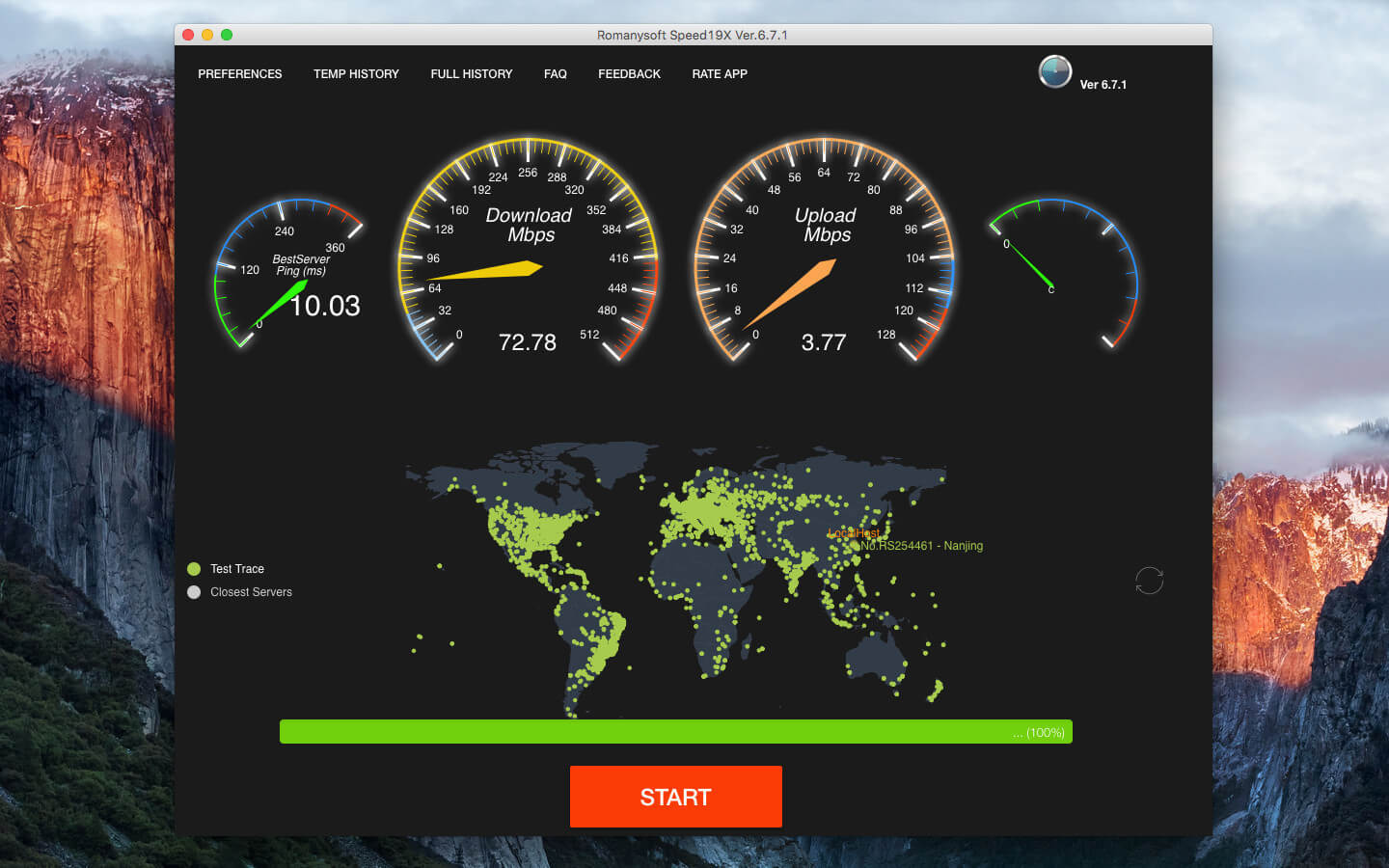
With Romanysoft SpeedTest, all you have to do is click "Start" and in few seconds, you'll get accurate Internet-speed results.
- Best server location, sampling testing and feedback the ping response time
- Sampling inspection network download bandwidth speed
- Sampling inspection network upload bandwidth speed
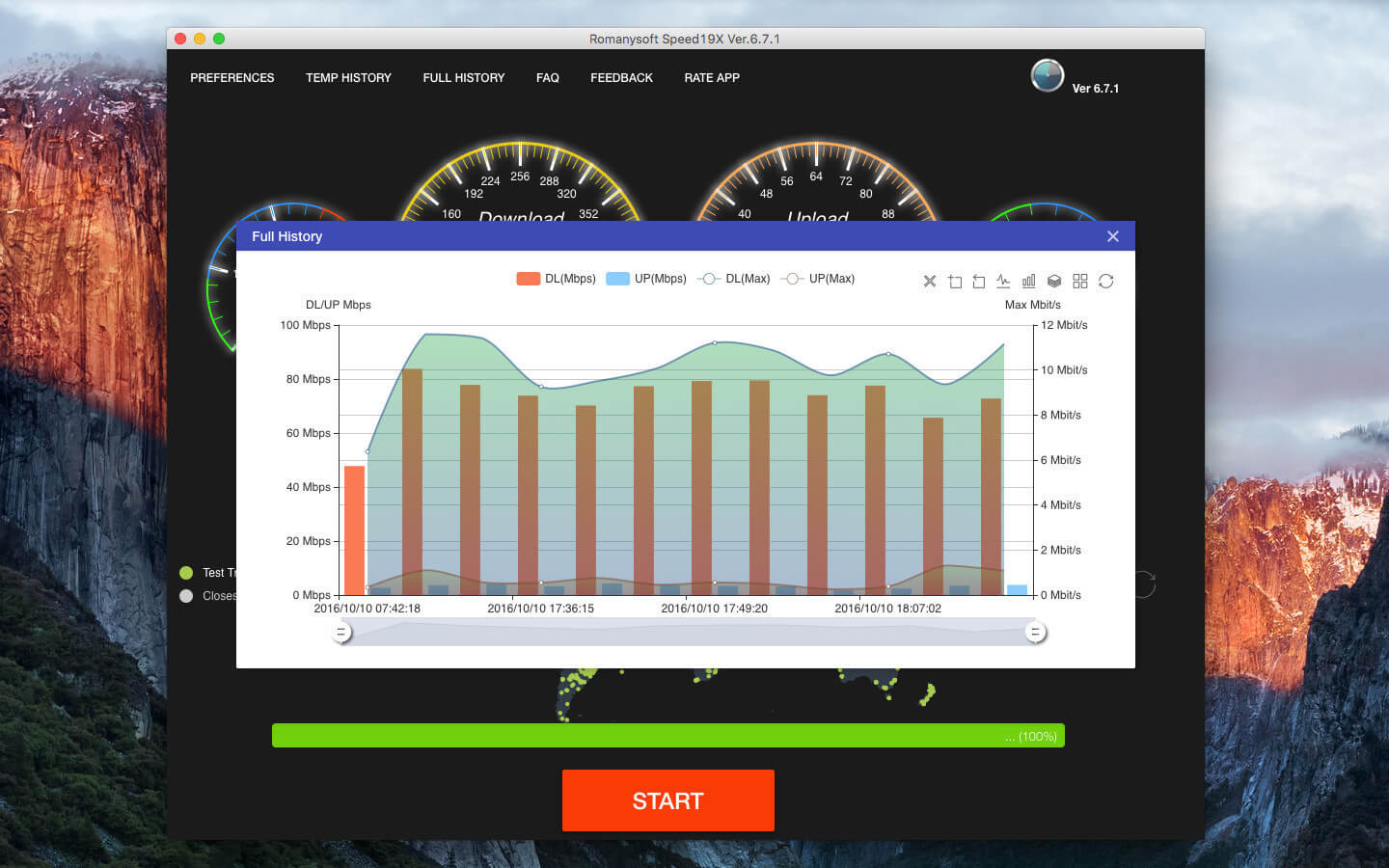
- Complete network detection results
Version 7.0.0:
- [Improved] Made big changes to upload and download speed test based on the optimal server, and upgraded test methods
- [Improved] Upgraded API and core engine
- [Improved] Introduced the new SDK mechanism
- [UI] Upgraded most of the core components
- [UI] Linked "Feedback" to official site
- [UI] Undeleted useless Review button
- [Improved] Optimized loading speed for all servers
Frequently asked questions
How do I install the app?
Mount the image, drag the app into the "Applications" folder and launch it. If the system blocks the launch, allow it in "System Settings → Privacy & Security".
The app is damaged or won't launch
Reinstalling from a fresh image usually helps. Make sure your macOS version matches the one listed in the compatibility specs.
How do I update?
Download the new version from the site and install it over the current one — your settings will be preserved.
The download link doesn't work
Try a mirror or a download manager. For large files the browser often drops the connection.
How do I completely remove the app?
Use an uninstaller utility — it cleans up the service files that remain after moving the app to the trash.
VersionSpeedTest 7.0.5
DeveloperRomanysoft LAB
CompatibilityOS X 10.7 or later, 64-bit processor
LanguageEnglish
IncludesK'ed by TNT


Information
Visitors in the group Guests cannot leave comments on this publication.
Choose a download source
SpeedTest 7.0.5 · 22.08 MB