OCR Tool PRO 1.0
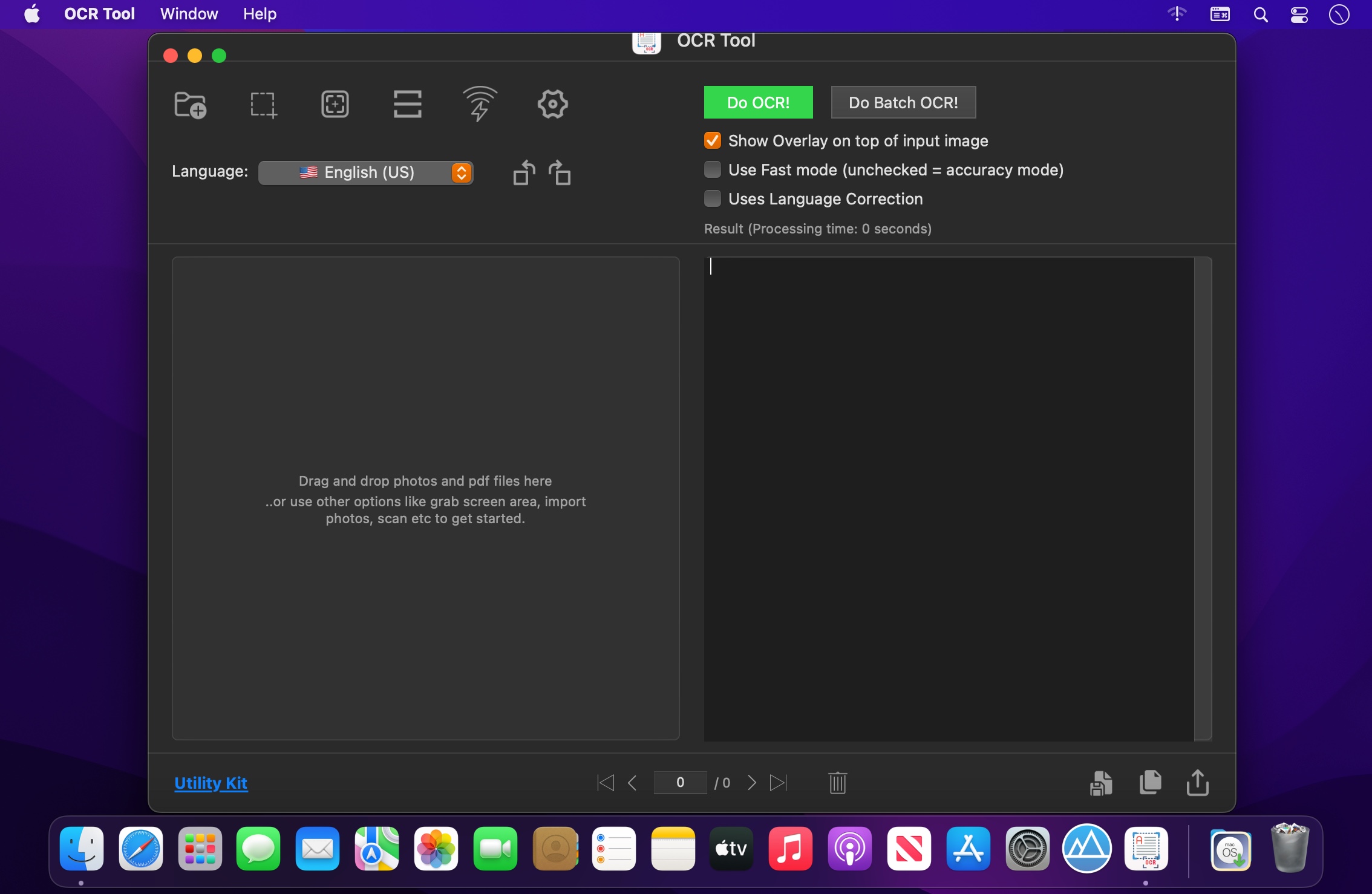
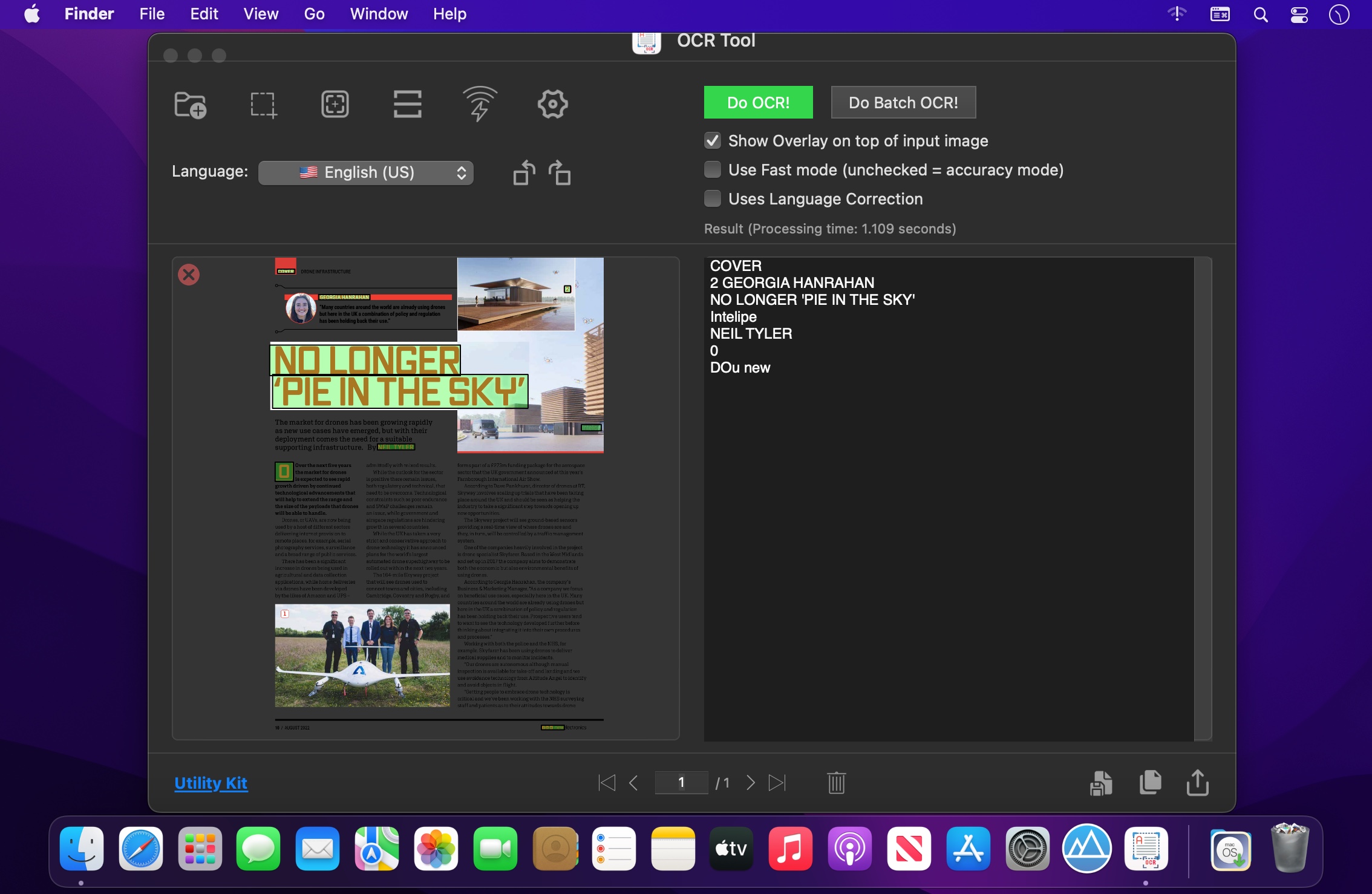
OCR Tool performs advanced OCR (Optical Character Recognition) on images to extract text from images and PDFs with superior accuracy and speed. Grab Images + PDFs + Grab Screen Area + Capture image from iPhone/ iPad + Settings + OCR + Copy Text to Clipboard + Export with Text File & PDFs!
OCR Tool allows capturing a part of the screen having any text in in the selected area. It can be instantly recognised and copied to clipboard. You can export this text to text file or pdf file.
OCR Tool is a simple, easy to use, super efficient, and respects your privacy (no data from your device is taken).
KEY FEATURES
- Grab a screen area for super efficient OCR
- Grab screen area many times for fast working
- Capture image from iPhone/ iPad and scanner for instant OCR and result copied to clipboard.
- Scan bar codes and QR codes
- Rotate image to left and right for better text recognition
- Show overlay on top of input images
- Use fast mode or accuracy mode for text recognition
- Use automatic language correction feature
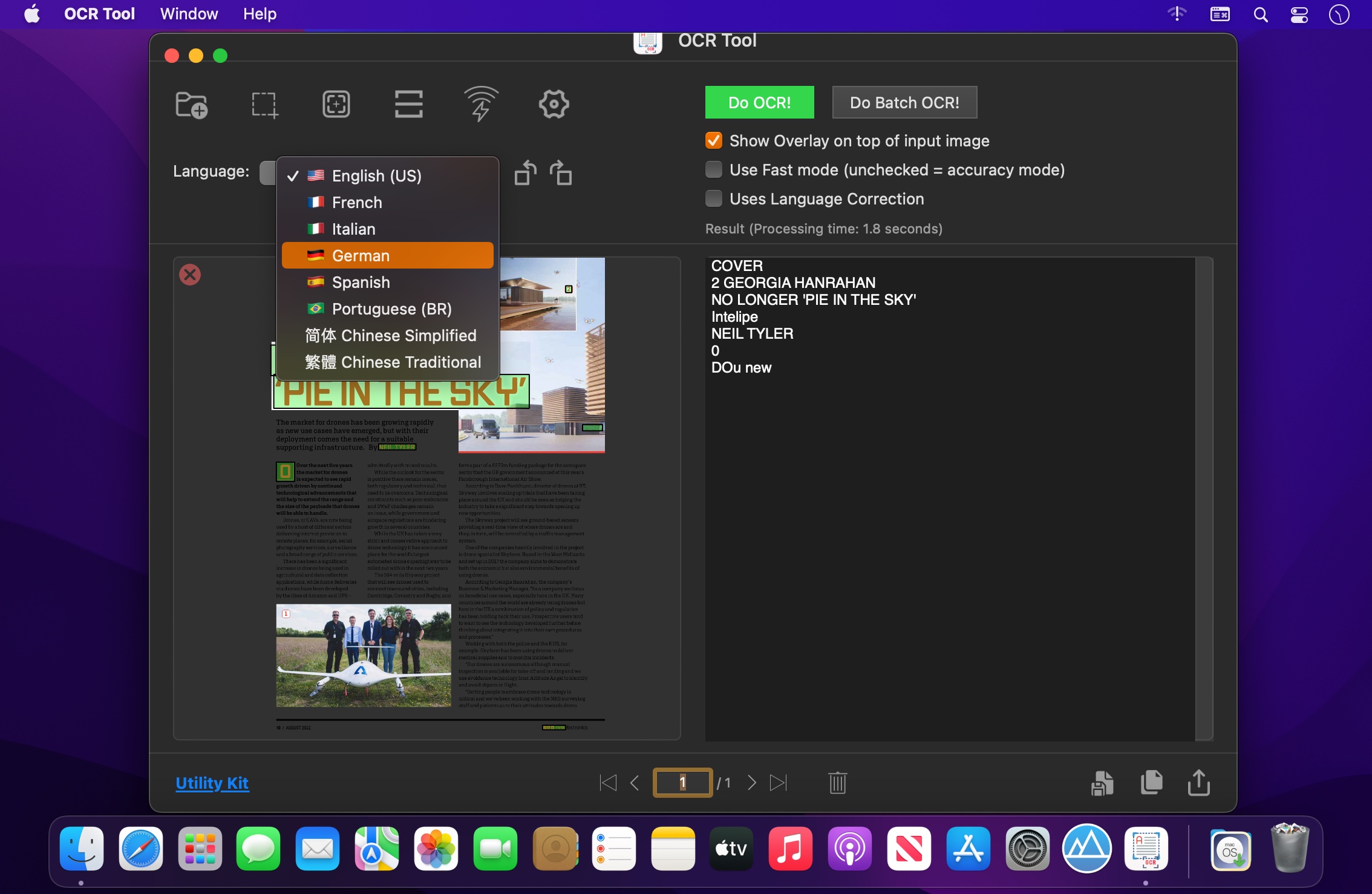
- Language support: English, French, Italian, German, Spanish, Portuguese, Traditional Chinese and Simplified Chinese.
- Batch processing supported
- Copy to clipboard
- Export text file and pdf file with all text
- Share with available extensions
- Light and dark mode supported
- Runs natively on Apple M1 and Intel processors
Your privacy matters! No server, no internet connection is required. Your data is safe.
Frequently asked questions
How do I install the app?
Mount the image, drag the app into the "Applications" folder and launch it. If the system blocks the launch, allow it in "System Settings → Privacy & Security".
The app is damaged or won't launch
Reinstalling from a fresh image usually helps. Make sure your macOS version matches the one listed in the compatibility specs.
How do I update?
Download the new version from the site and install it over the current one — your settings will be preserved.
The download link doesn't work
Try a mirror or a download manager. For large files the browser often drops the connection.
How do I completely remove the app?
Use an uninstaller utility — it cleans up the service files that remain after moving the app to the trash.


Choose a download source
OCR Tool PRO 1.0 · 2.41 MB