NCH Express Accounts Plus 10.14
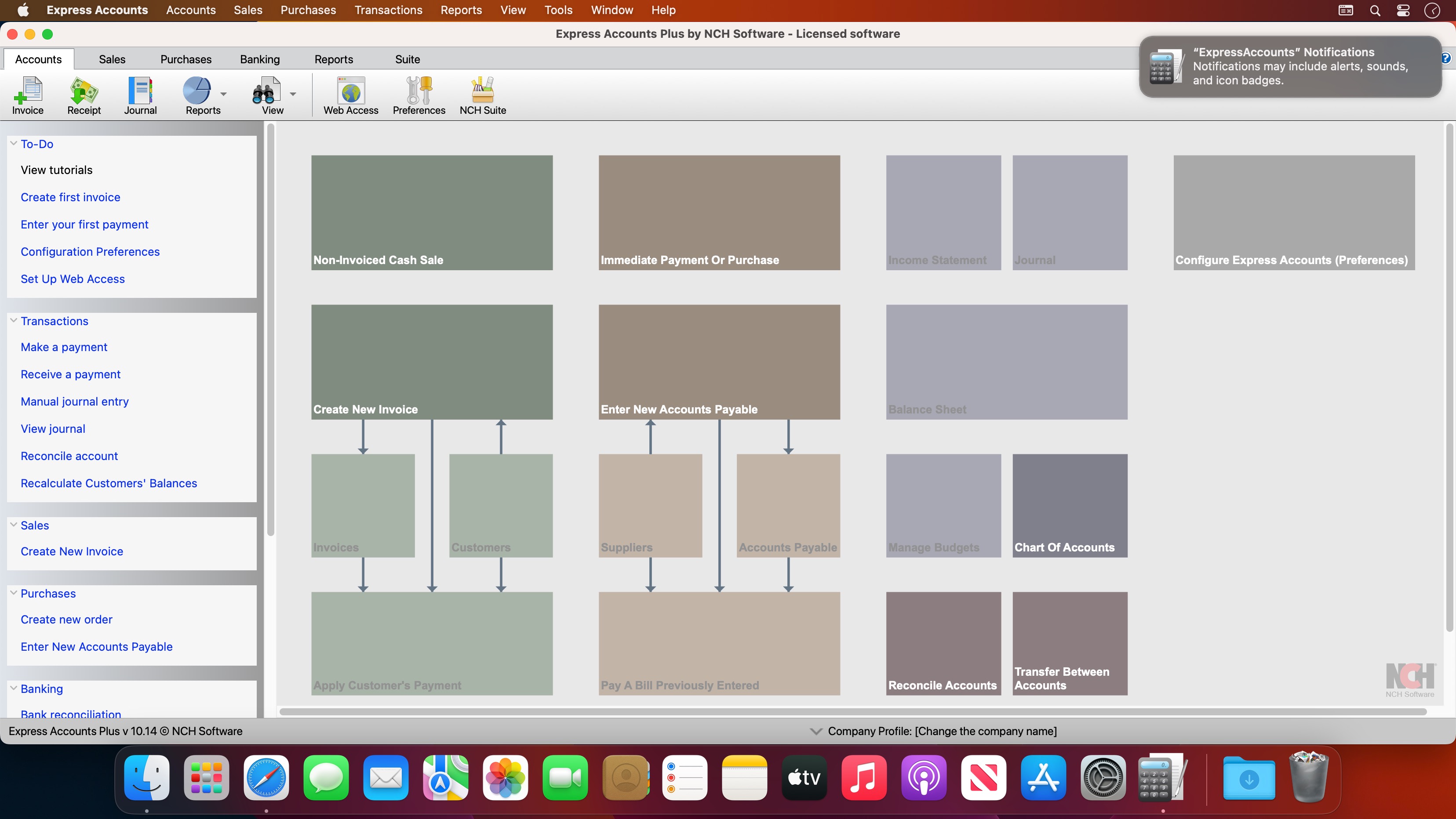
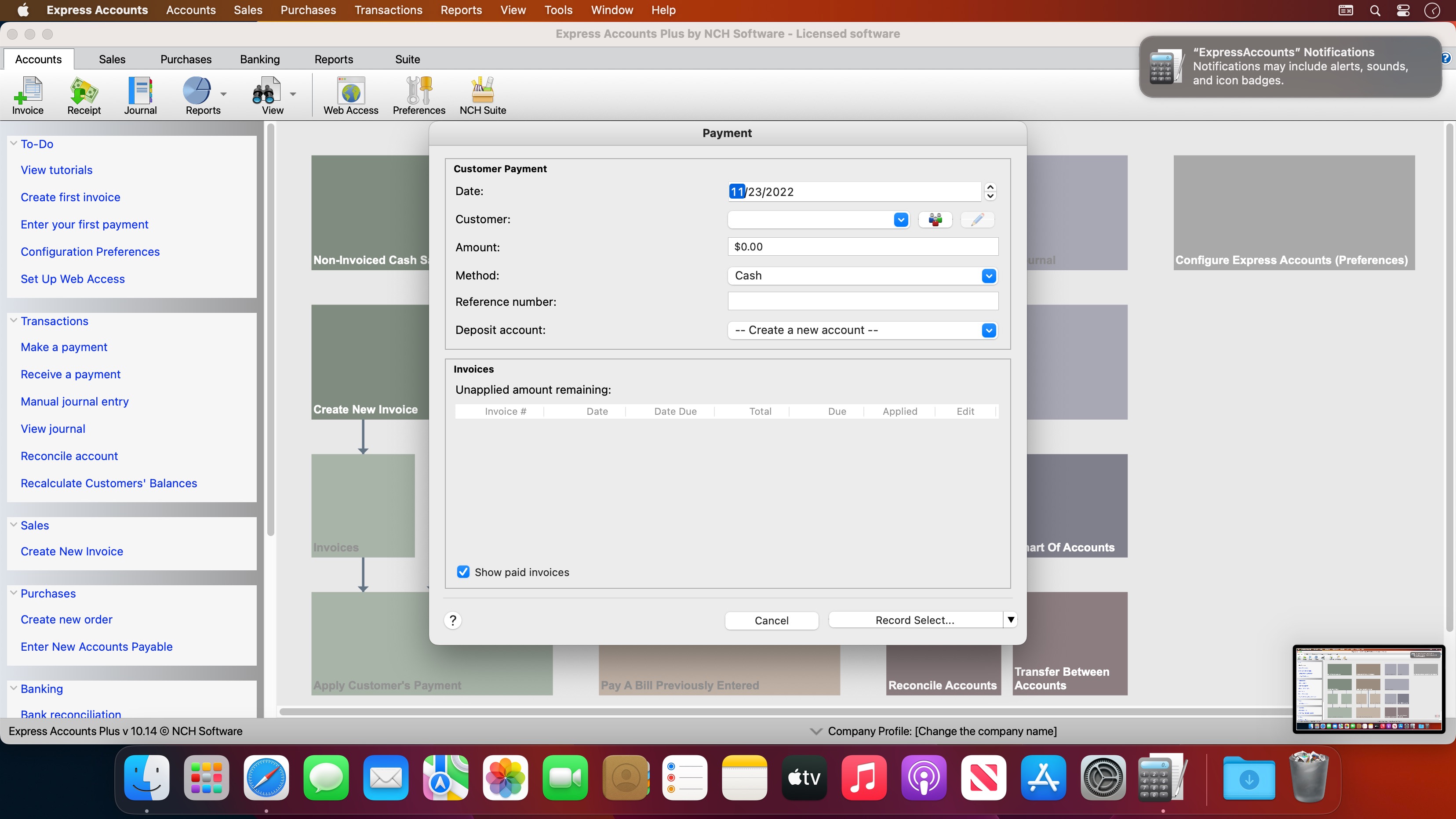
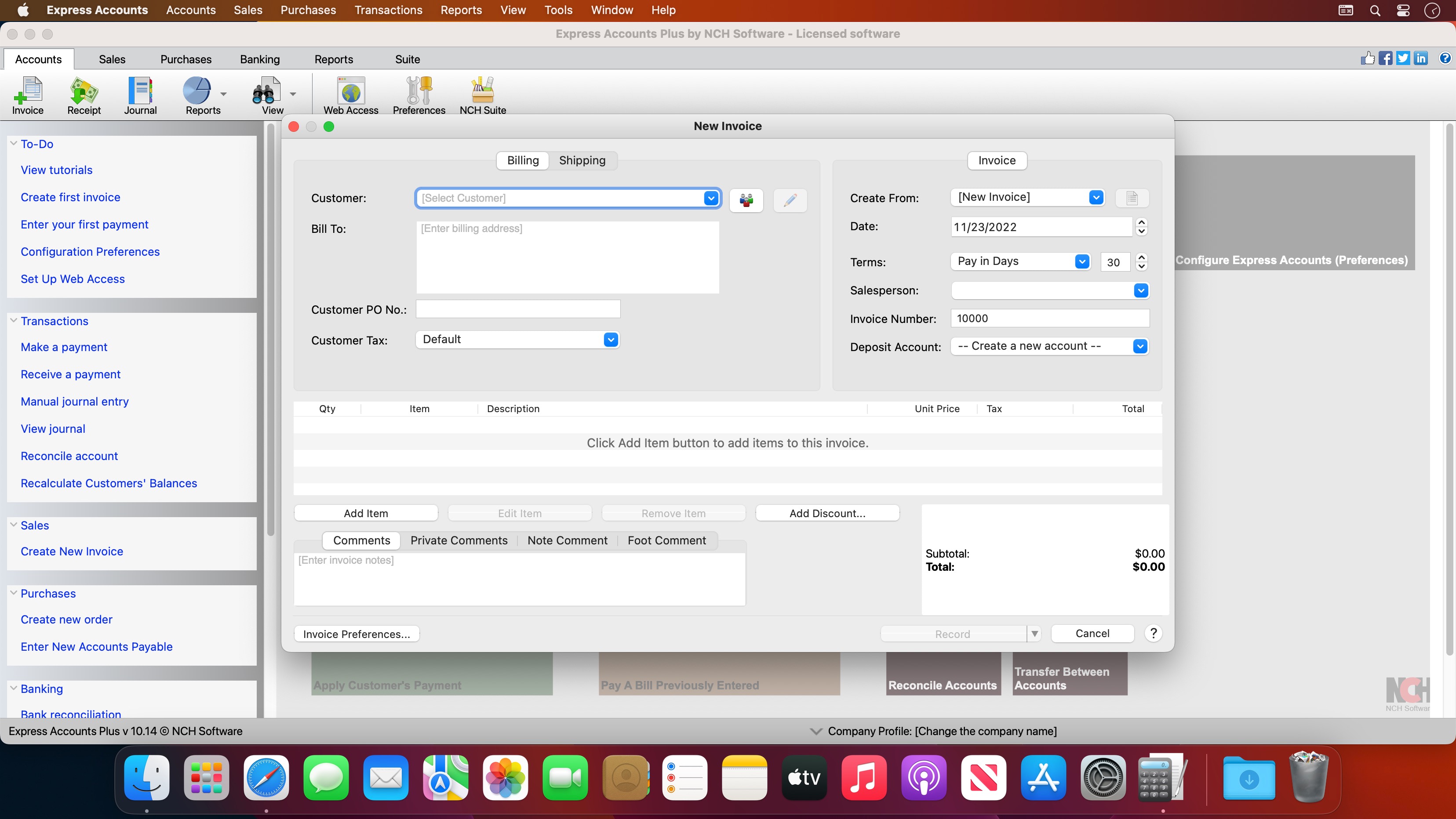
Express Accounts is professional business accounting software, perfect for small businesses needing to document and report on incoming and outgoing cash flow including sales, receipts, payments and purchases.
Sales and Accounts Receivable
- Track sales and accounts receivable
- Automatically record recurring orders and invoices
- Accounts receivable & reports update as invoices are paid
- Generate professional quotes, sales orders and invoices
Financial Analysis and Reports
- Easily generate over 20 essential financial reports at any time
- Income Statement (Profit & Loss statement) shows how your business has performed
- Balance Sheet shows your current assets and liabilities
- Analyze sales by customer, salesperson or item
- Financial reports help prepare your tax returns quickly
Accounts Payable
- Manage accounts payable and pay bills
- Track outgoing payment and purchasing transactions
- Generate purchase orders
- Create and print checks
Additional Accounting Features
- Multiple users with web access within the organization can securely log on and use the program on your network or online
- Secure mobile access to the program through the web interface (e.g., iPhone, Android)
- Integrates with Inventoria to maintain inventory data across all aspects of your business
- Run multiple businesses with a single installation, including businesses operating with different currencies
- Automatic integrated backup
Frequently asked questions
How do I install the app?
Mount the image, drag the app into the "Applications" folder and launch it. If the system blocks the launch, allow it in "System Settings → Privacy & Security".
The app is damaged or won't launch
Reinstalling from a fresh image usually helps. Make sure your macOS version matches the one listed in the compatibility specs.
How do I update?
Download the new version from the site and install it over the current one — your settings will be preserved.
The download link doesn't work
Try a mirror or a download manager. For large files the browser often drops the connection.
How do I completely remove the app?
Use an uninstaller utility — it cleans up the service files that remain after moving the app to the trash.


Choose a download source
NCH Express Accounts Plus 10.14 · 6.89 MB