Initiater Pro 1.1.4
Capture Text and Graphics! Upgrade your productivity to the next level!
Initiater is an easy to use small macOS OCR (Optical Character Recognition) app that extracts and recognizes any non-editable text on your Mac computer's screen. As an extra feature, it can turn graphic files into editable text.
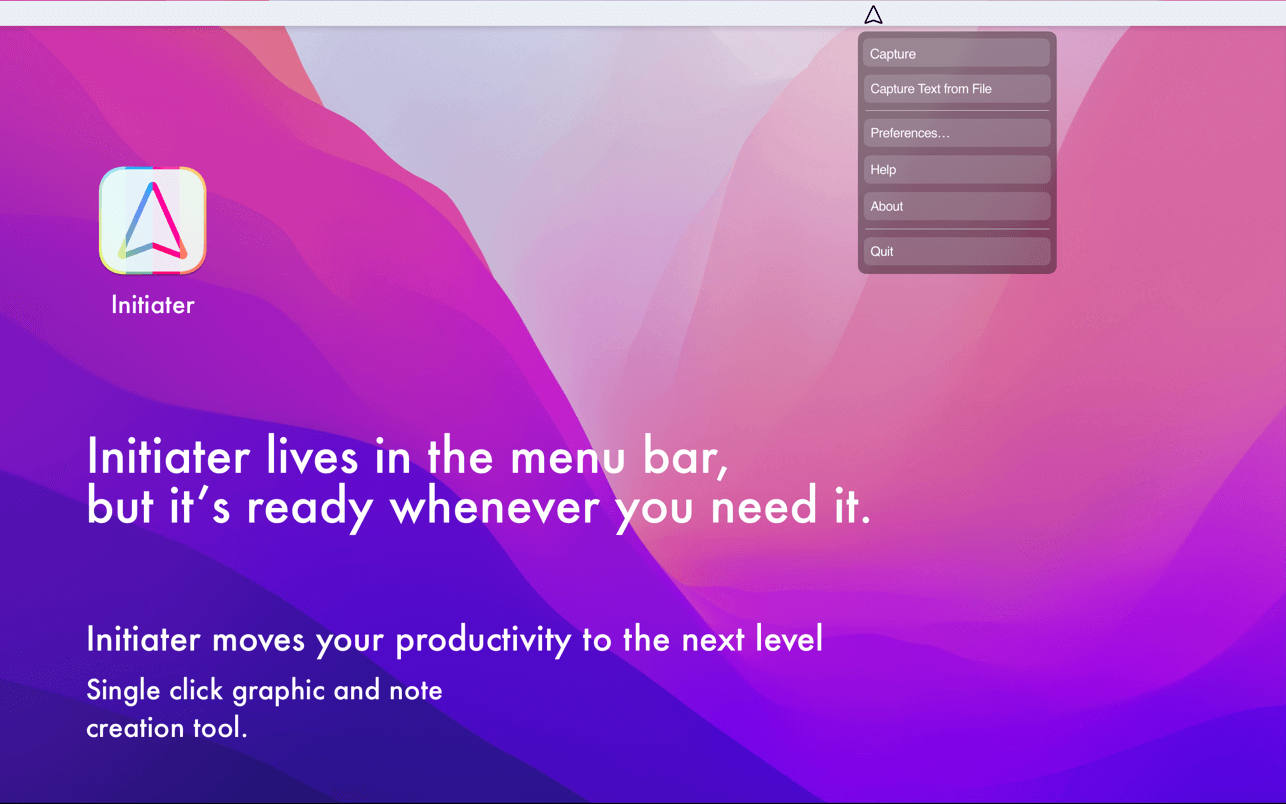
Initiater is a small app which lives in menu bar, it's accessible whenever you need it. The app is convenient to use and makes extracting text from your images, scanned documents, or even videos easy.
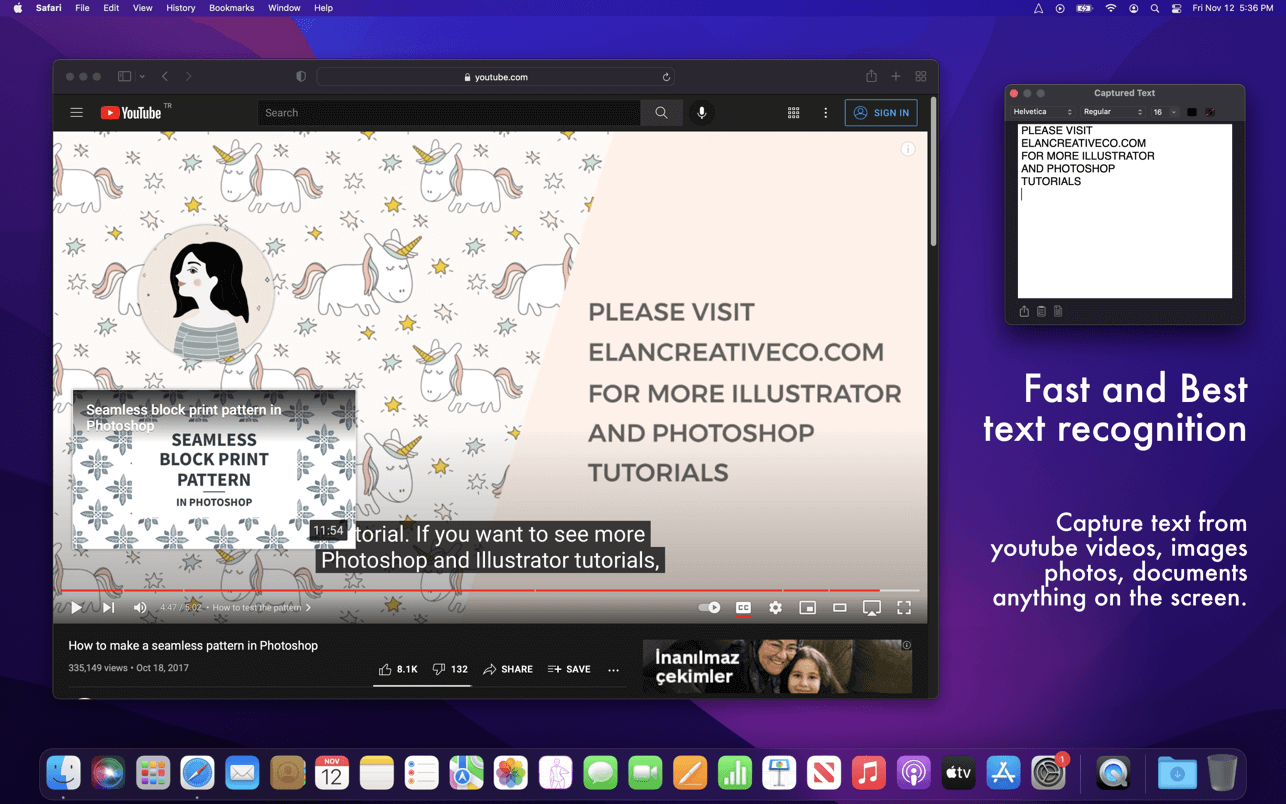
If you have ever used a built-in Mac's screen capture application or any other screenshot app before, then it's not difficult for you to work with Iitiater. Select with a mouse any part of the image, photo, document, or anything on the screen, and the app will process and recognizes any text within this selection. Grabbed part of the screen and having any text in that area be instantly recognized and copied to clipboard or shown in a small window.
Screenshot images containing text part, convert them into editable text files or copy to clipboard where you can paste as a text. Or just save selected part as an image file.
Additionally, the application supports recognizing text from PNG, JPG, JPEG, BMP, TIFF and PSD files, and convert them into plain text. All conversion and screenshots are done securely only on your device, none of your images or texts are sent to any third-party services in the cloud.
This app's OCR engine or any other feature doesn't need an internet connection to process function. Secure optical character recognition or screenshot solution for those who are concerned about privacy. The application doesn't collect any users' data.
Features in Short
- Grab an screen area
- Recognize text - copy to clipboard or save as text file
- Save screenshot as an image file
- Recognize text from graphic files
- Ultra light app which runs as a menu bar app
- Runs natively on Apple M1 and Intel processors
- On-device OCR Technology, no internet connection is needed
- Instant text recognition. No need to upload files into the network
- Running macOS Catalina: English language is only supported
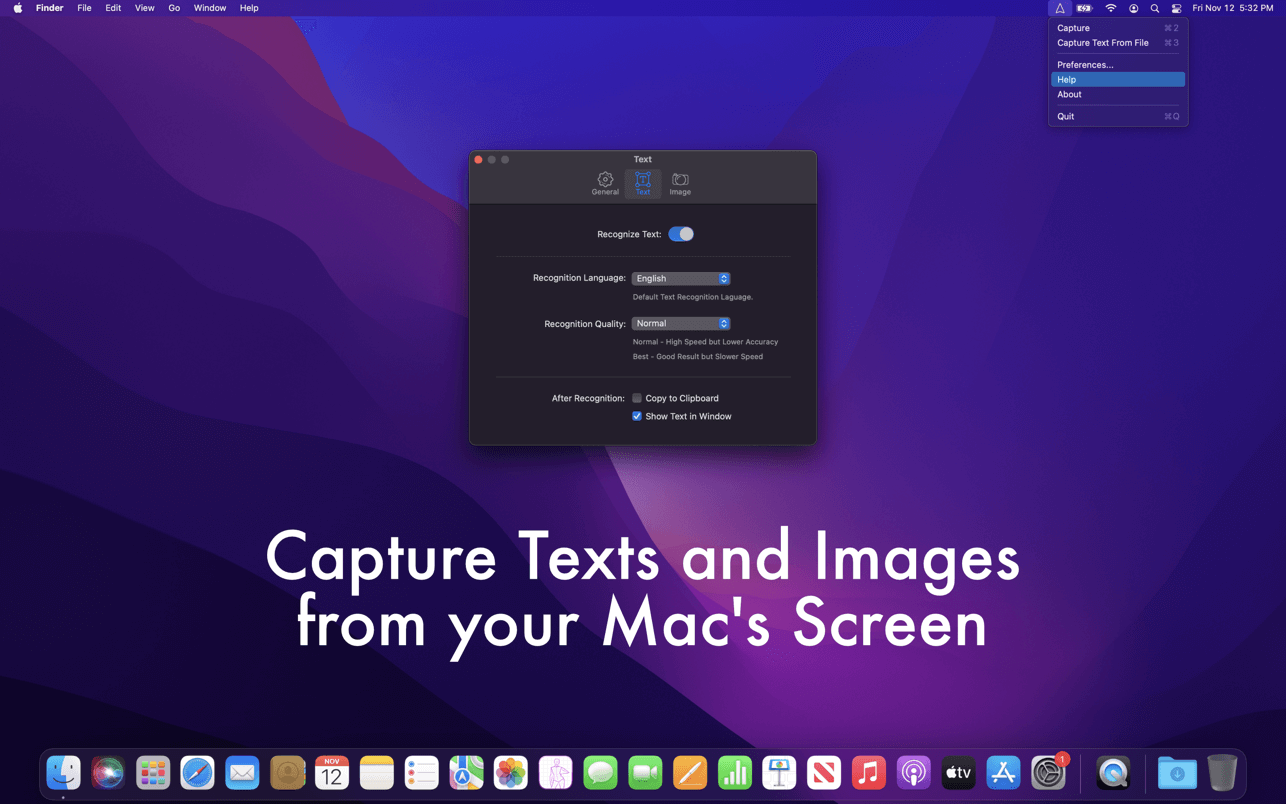
This version of the app recognizes primarily written in English, French, German, Italian, Spanish, Portuguese and Chinese languages. You can change default recognition language in Settings window.
For best results, use "Best" mode, or "Normal" mode for lighting speed results. For corrupted or old images, using "Best" mode is recommended.
Version 1.1.4
- a small refresh
Frequently asked questions
How do I install the app?
Mount the image, drag the app into the "Applications" folder and launch it. If the system blocks the launch, allow it in "System Settings → Privacy & Security".
The app is damaged or won't launch
Reinstalling from a fresh image usually helps. Make sure your macOS version matches the one listed in the compatibility specs.
How do I update?
Download the new version from the site and install it over the current one — your settings will be preserved.
The download link doesn't work
Try a mirror or a download manager. For large files the browser often drops the connection.
How do I completely remove the app?
Use an uninstaller utility — it cleans up the service files that remain after moving the app to the trash.



Choose a download source
Initiater Pro 1.1.4 · 3.86 MB