
Frame Grab 2.59
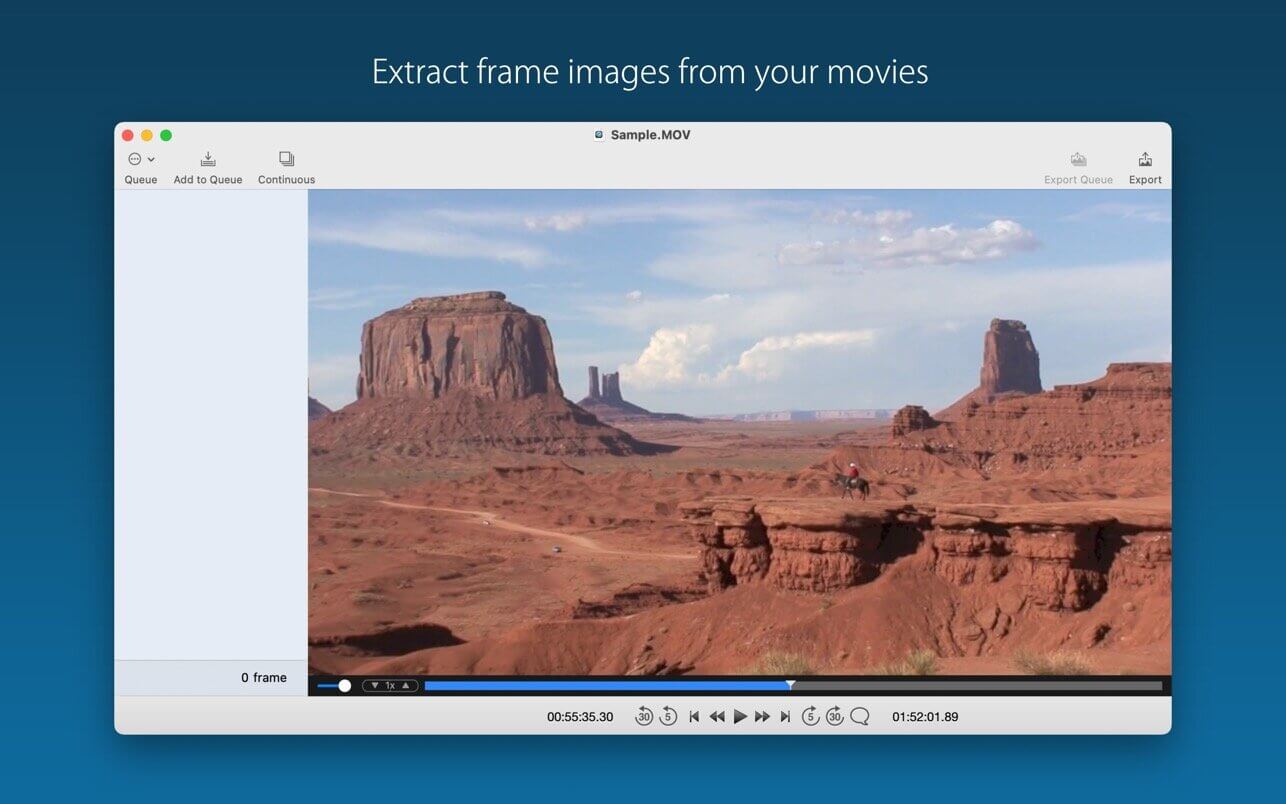
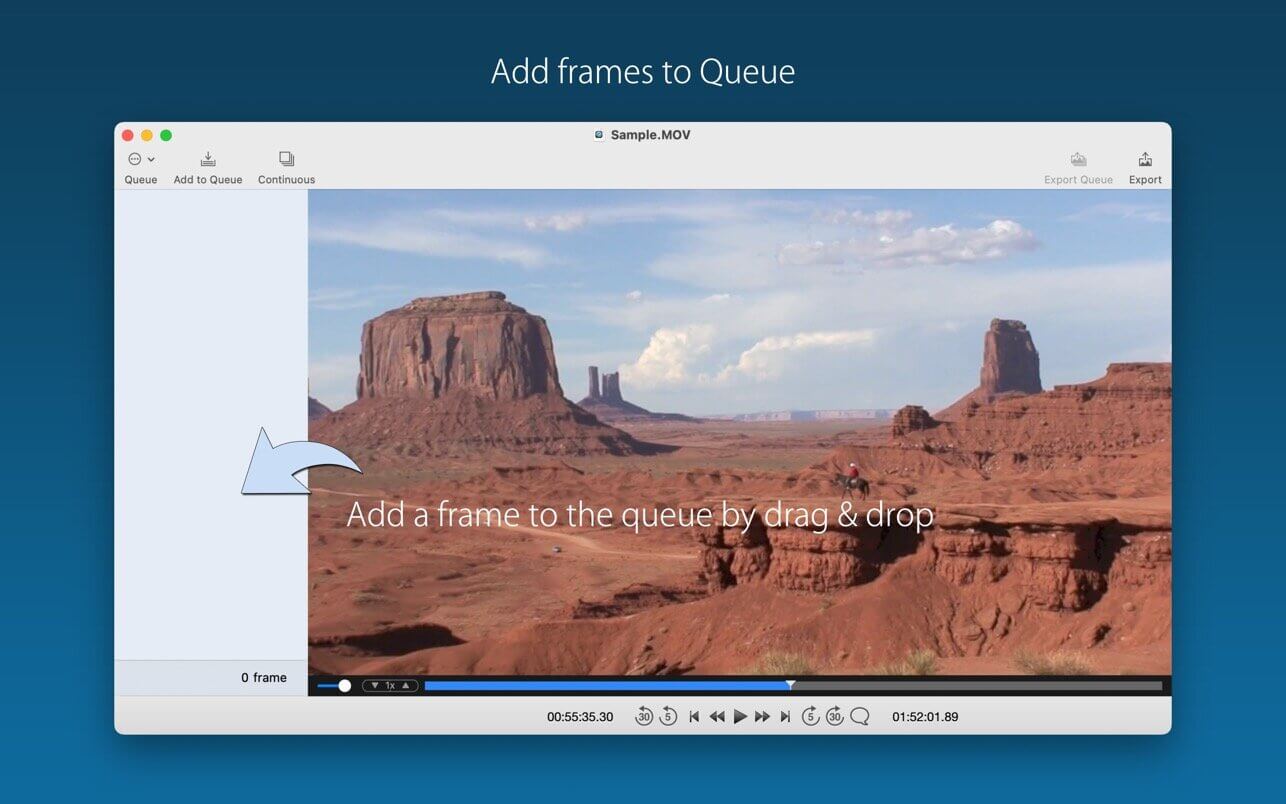
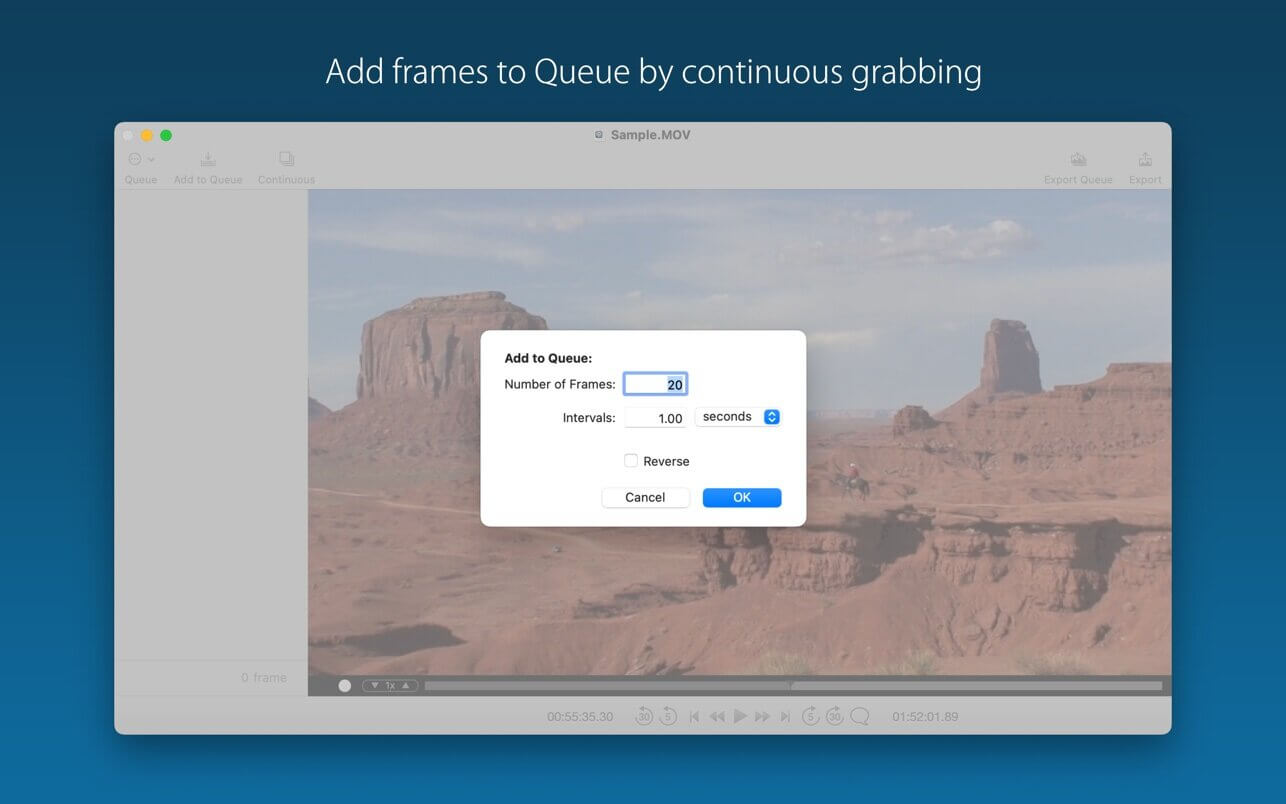
Frame Grab provides you to export frame images as JPEG, PNG or TIFF file format from your movies very easily. You can export one-by-one, or can export multiple frames from the queue at a time.
To open movies
- Choose File > Open and select the movie file(s). Or drag the file(s) to the Frame Grab application icon.
To add frame images temporarily to the queue
- drag and drop the frame from the video screen to the side bar queue area.
- using continuous grabbing function.
For more information, please see the User Guide in Frame Grab website.
Supported Formats
- QuickTime movie (mov)
- MP4 file (mp4, m4v)
But the app cannot open/play the following files.
- Files which QuickTime Player cannot open
- Files which require any conversion or codec components in QuickTime Player
- Protected video/audio files (e.g. Movies, TV Shows downloaded from iTunes Store or TV app)
Version 2.59
- Usability improvements
- Internal code improvements
Frequently asked questions
How do I install the app?
Mount the image, drag the app into the "Applications" folder and launch it. If the system blocks the launch, allow it in "System Settings → Privacy & Security".
The app is damaged or won't launch
Reinstalling from a fresh image usually helps. Make sure your macOS version matches the one listed in the compatibility specs.
How do I update?
Download the new version from the site and install it over the current one — your settings will be preserved.
The download link doesn't work
Try a mirror or a download manager. For large files the browser often drops the connection.
How do I completely remove the app?
Use an uninstaller utility — it cleans up the service files that remain after moving the app to the trash.





Choose a download source
Frame Grab 2.59 · 2.81 MB