Photo Batch Processor 3.3.0
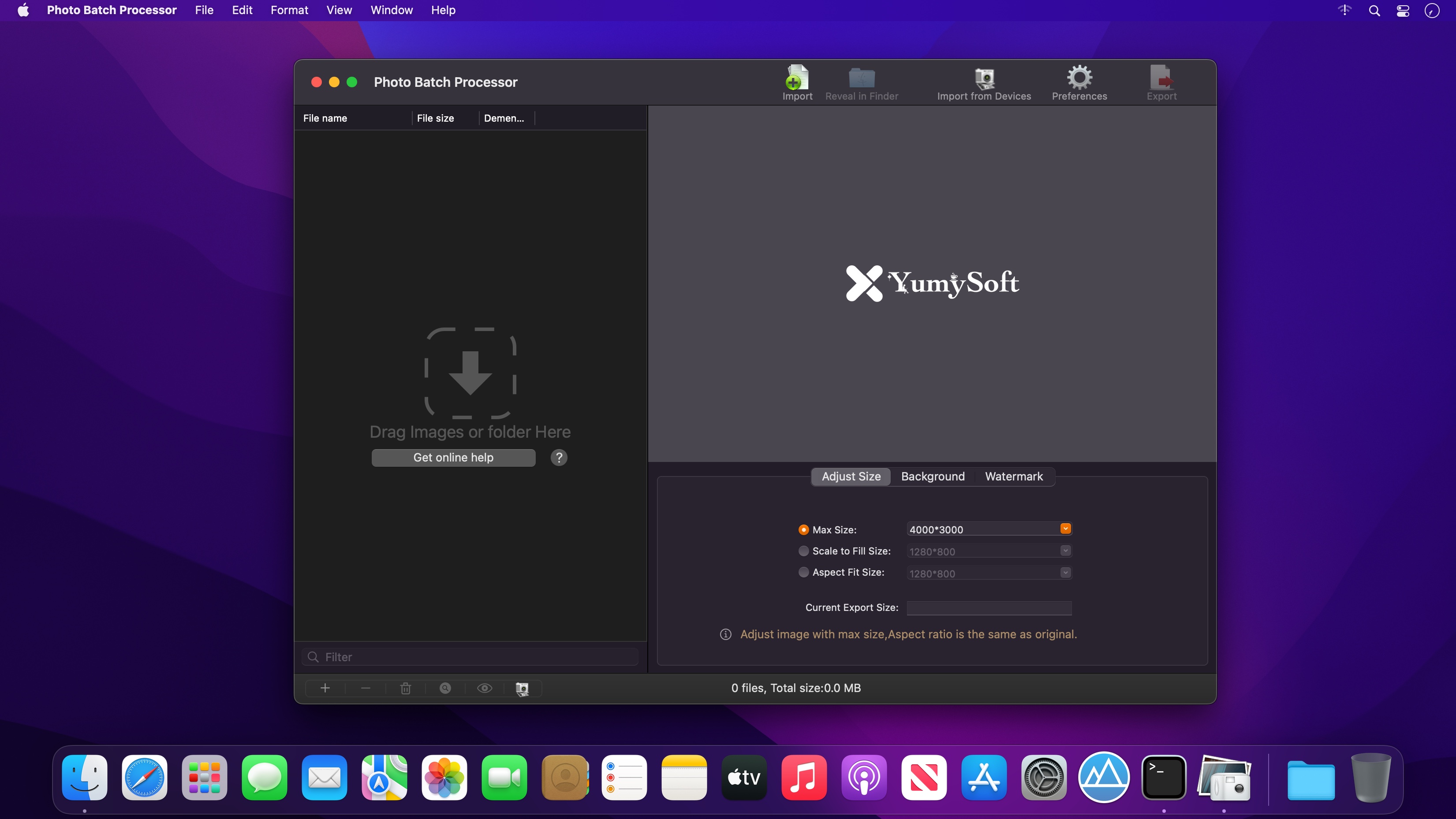
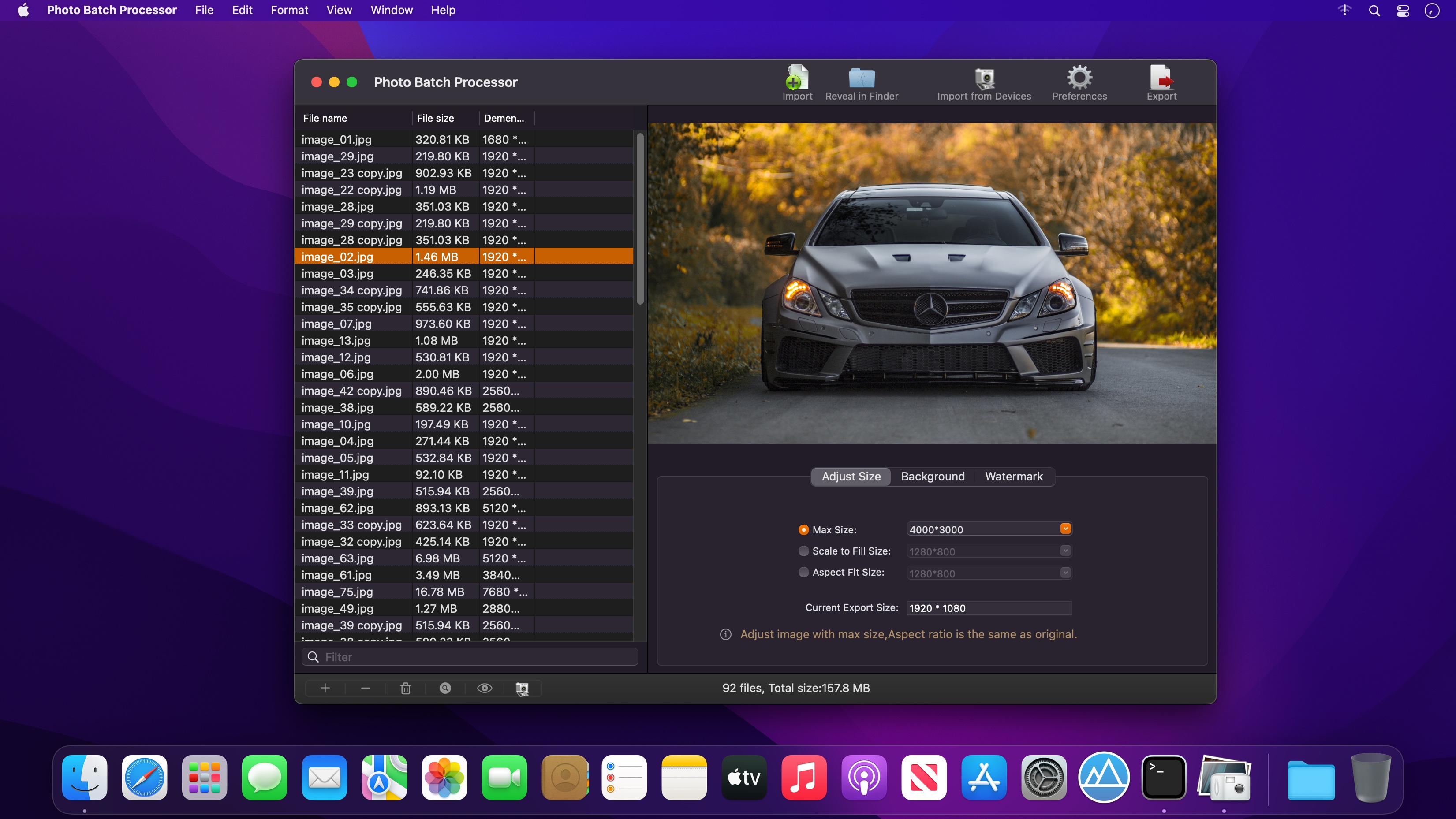

Photo Batch Processor is a convenient photo batch process tool for adjust photos's size and watermark for lots of photos at one time. after editings(adjust size or add watermark),you can export with daily used image formats.
Export formats
- JPEG,JPEG2000,GIF,PNG,BMP,TIFF
Main Features
- Import photos from anywhere,including your camera devices or apple devices.
- three adjust size mode
"max size" mode : photos will be origin aspect filled limit to max size.
"scale fill size" mode : photos will be filled with the destination fit size.
"aspect fit size" mode : photos will be filled with the destination fit size. - easily add your text or image watermark.
- realtime photo editing preview.
- batch process of lots of photos.
- various export formats.
- All origin metadata will be fully saved.
- Background color or image supported.
Version 3.3.0:
- Compatible with apple m1 chip
- bug fixes.
Frequently asked questions
How do I install the app?
Mount the image, drag the app into the "Applications" folder and launch it. If the system blocks the launch, allow it in "System Settings → Privacy & Security".
The app is damaged or won't launch
Reinstalling from a fresh image usually helps. Make sure your macOS version matches the one listed in the compatibility specs.
How do I update?
Download the new version from the site and install it over the current one — your settings will be preserved.
The download link doesn't work
Try a mirror or a download manager. For large files the browser often drops the connection.
How do I completely remove the app?
Use an uninstaller utility — it cleans up the service files that remain after moving the app to the trash.



Choose a download source
Photo Batch Processor 3.3.0 · 8.1 MB