
Watermark Plus 1.5.9
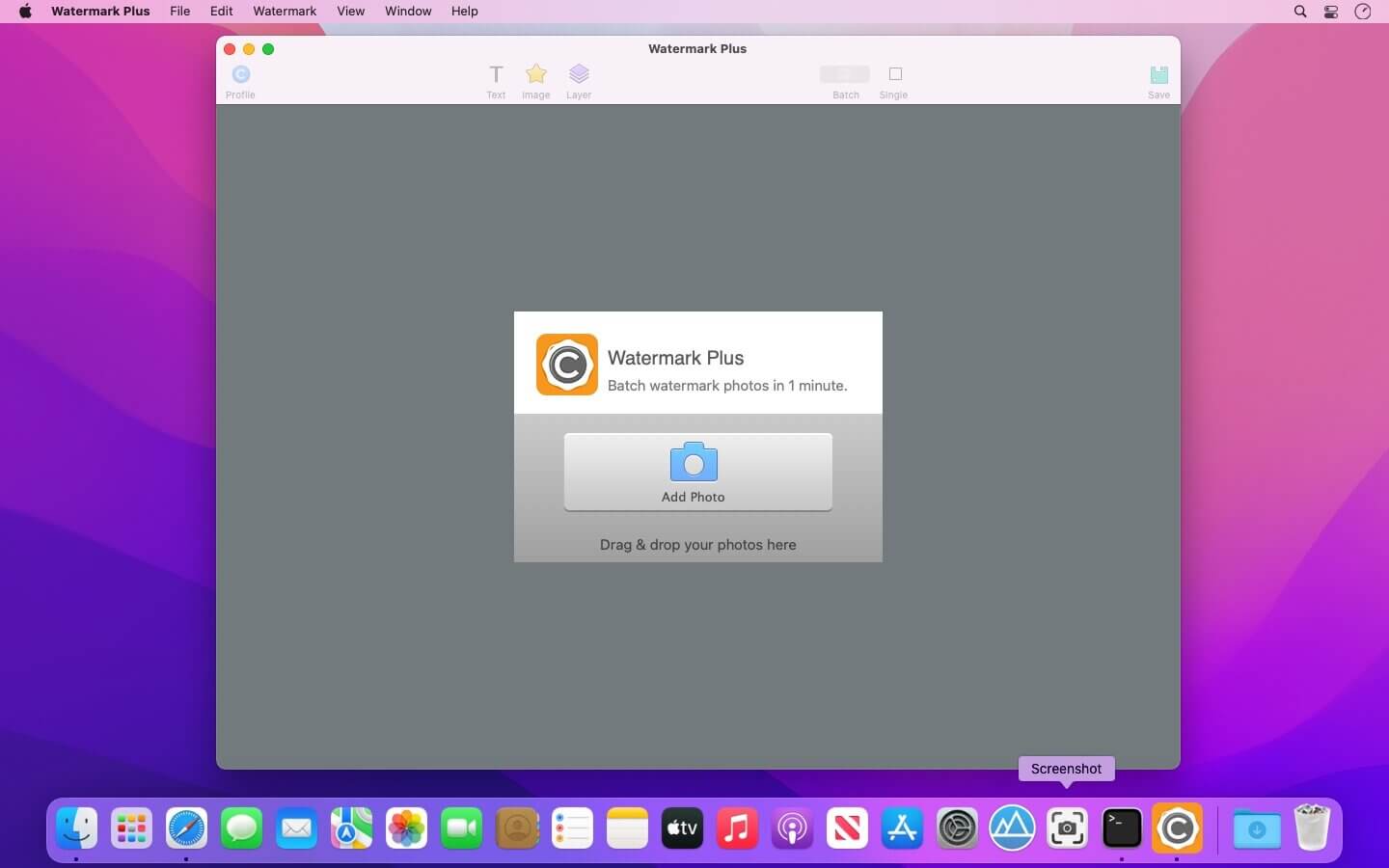


Watermark Plus is a bulk photo converter that lets you add text/image watermarks and resize and rename batches of photos at one time. It's the best and most effective way to protect photo copyright from unauthorized using.
Watermark Plus comes with a smart fit feature, which makes watermarks intelligently adapt to different sizes of photos. You can add multiple image and text watermarks to photos at once and preview every step of the process in real time with high speed. You can also batch rename, resize multiple photos and convert to the most popular formats in no time.
Features:
- Support importing all common image formats like JPEG, TIFF, BMP, PNG, etc.
- Support zooming in and out to view the photos.
- Apply image and text watermark to hundreds of your photos in batches.
- Support adding several text/image watermarks at once. Combine and arrange watermarks as you will.
- WYSIWYG - Perfect your watermark with real-time preview before converting.
- Freely adjust watermark’s layer and opacity. Position and rotate it anywhere you want.
- Quickly place watermark with the relative controller.
- Automatically fit watermarks to different size of the photos.
- Free to customize text font, style, color, alignment, etc.
- Set Stroke for text and adjust its color and width at will.
- Batch resize the photos by Width, Height, Percentage, or Fit Size.
- Batch convert your photos to JPEG, PNG, BMP and TIFF.
- Flexibly rename photos at a time. Add wildcard character such as Numbers, Date Created and Date Modified to fit your needs.
Version 1.5.9:
- Release notes were unavailable when this listing was updated.
Frequently asked questions
How do I install the app?
Mount the image, drag the app into the "Applications" folder and launch it. If the system blocks the launch, allow it in "System Settings → Privacy & Security".
The app is damaged or won't launch
Reinstalling from a fresh image usually helps. Make sure your macOS version matches the one listed in the compatibility specs.
How do I update?
Download the new version from the site and install it over the current one — your settings will be preserved.
The download link doesn't work
Try a mirror or a download manager. For large files the browser often drops the connection.
How do I completely remove the app?
Use an uninstaller utility — it cleans up the service files that remain after moving the app to the trash.





Choose a download source
Watermark Plus 1.5.9 · 8.57 MB