
Adobe Lightroom Classic v11.5
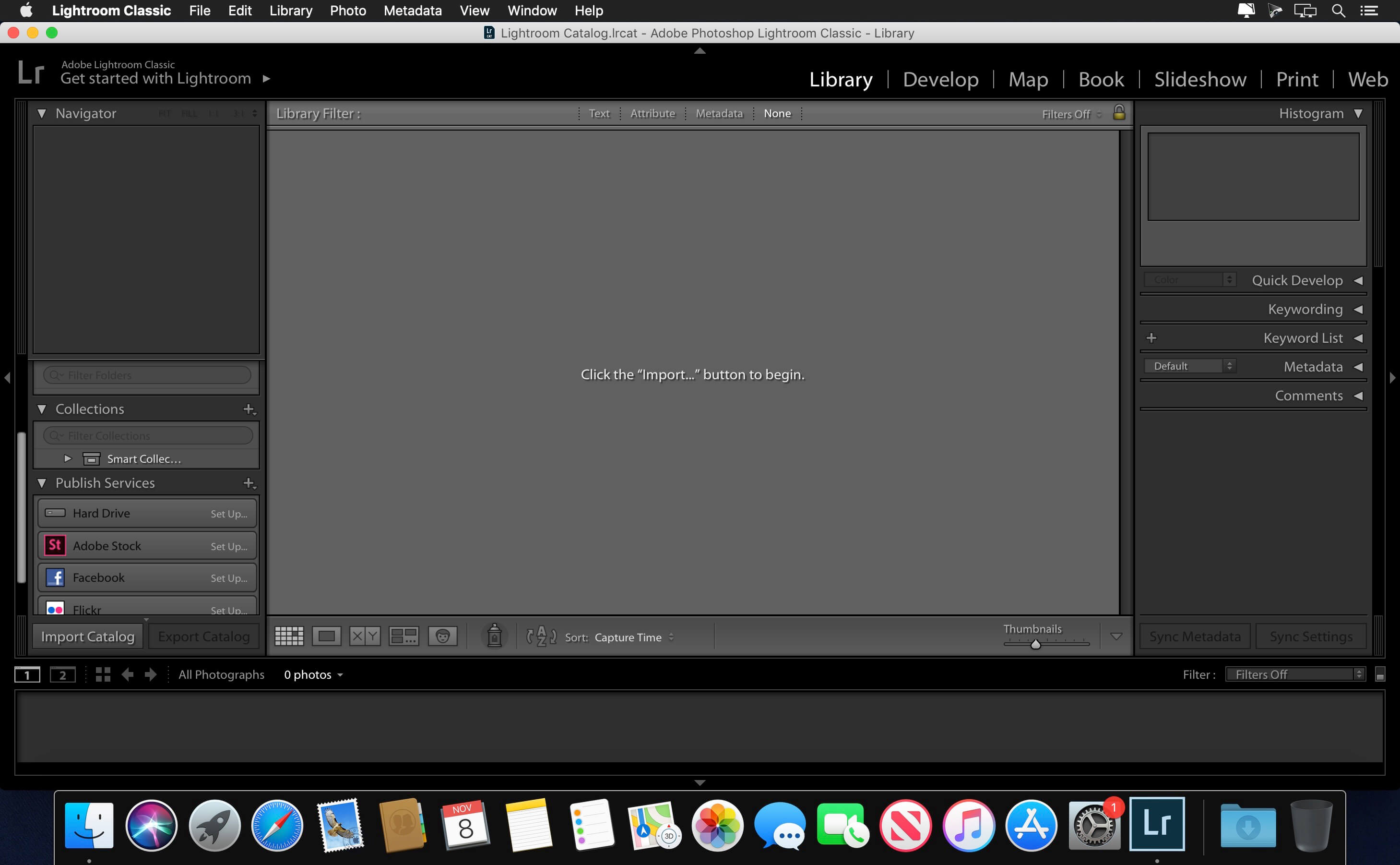
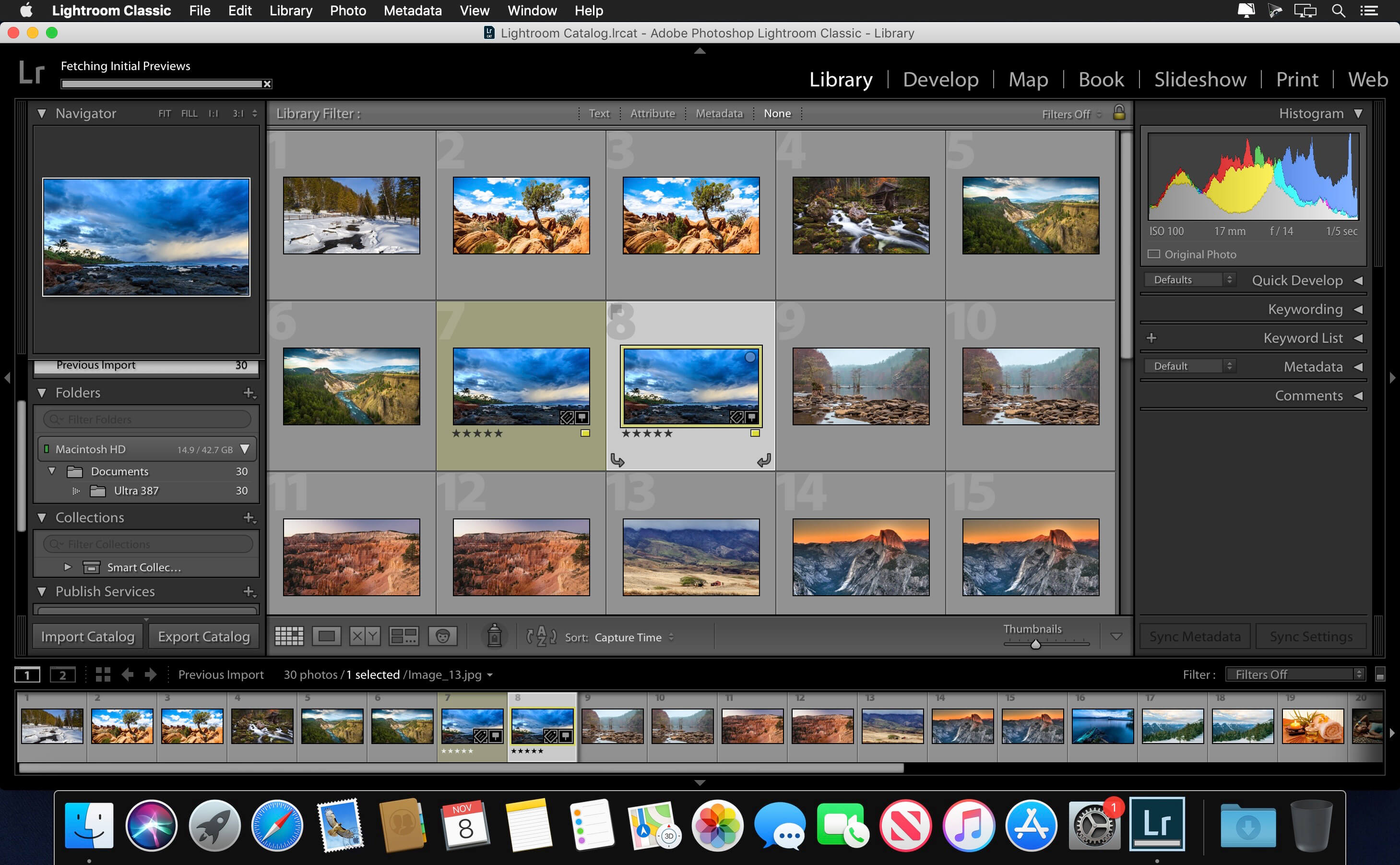
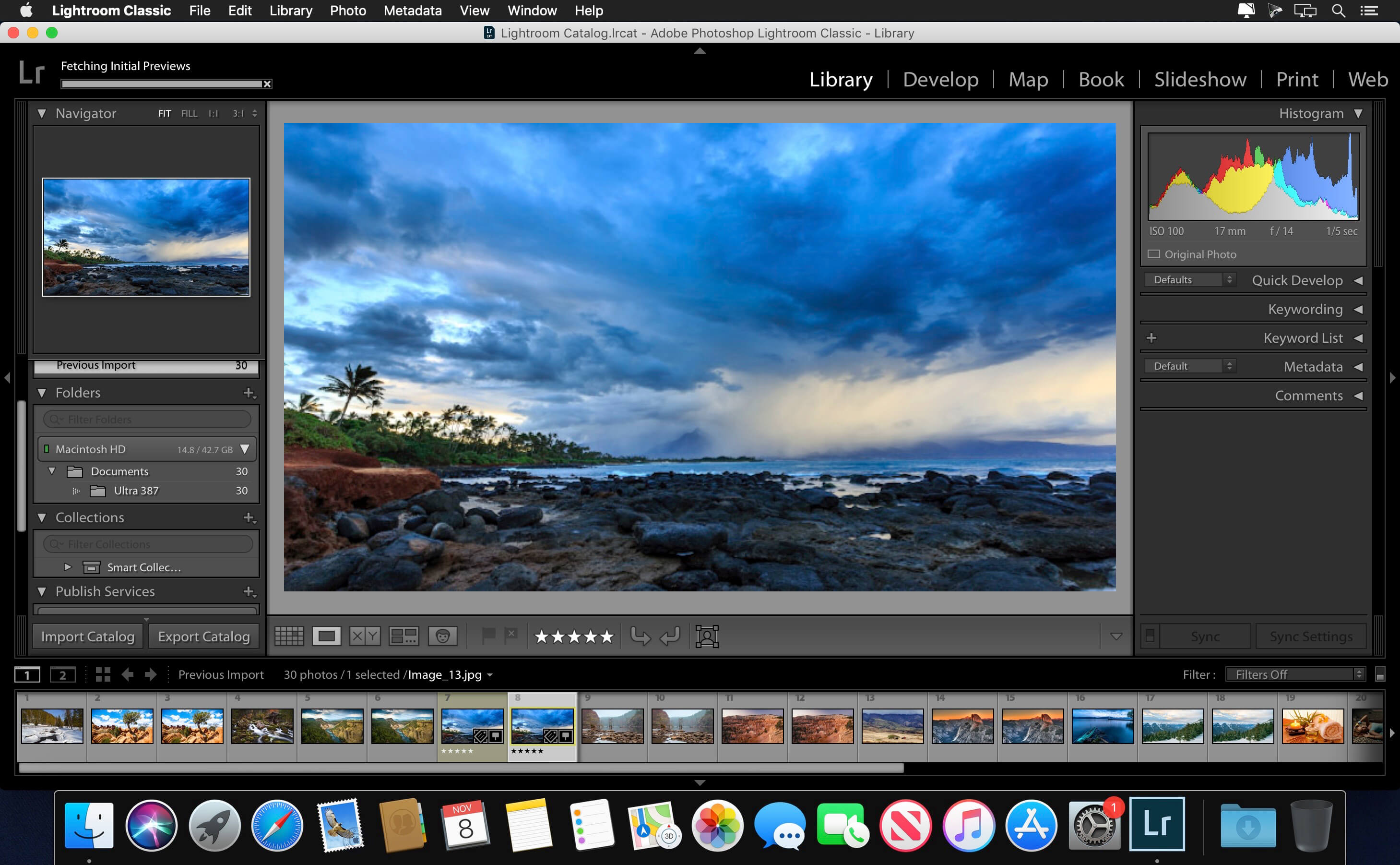
Adobe Lightroom Classic (was Adobe Lightroom) software helps you bring out the best in your photographs, whether you're perfecting one image, searching for ten, processing hundreds, or organizing thousands.
Edit and organize your photos with the app that’s optimized for desktop.
Lightroom Classic gives you powerful one-click tools and advanced controls to make your photos look amazing. Easily organize all your photos on your desktop, and share in a variety of ways.
Create incredible images that move your audience. Experiment fearlessly with state-of-the-art nondestructive editing tools. Easily manage all your images. And showcase your work in elegant print layouts, slide shows, and Web galleries, as well as on popular photo-sharing sites. All from within one fast, intuitive application.
Your best shots. Made even better.
Your photos don’t always reflect the scene the way you remember it. But with Lightroom Classic, you have all the desktop editing tools you need to bring out the best in your photographs. Punch up colors, make dull-looking shots vibrant, remove distracting objects, and straighten skewed shots. Plus, the latest release offers improved performance so you can work faster than ever.
Version 10.0:
New controlled adjustments for shadows, midtones, and highlights with Color Grading:
- Achieve the perfect mood to fit your creative visions with powerful color controls for midtones, shadows, and highlights or adjust the overall color of your image
Faster editing with all new Performance Improvements:
- Experience faster editing with Brushes and Gradients and greater optimized scrolling for Folders and Collections
See exactly what you are shooting in real-time with Tethered Live View for Canon:
- Nail the perfect composition, focus, and exposure with a real-time live preview of your camera’s feed on your screen
Easily scan, focus, and navigate using the all new Enhanced Zoom:
- Get more precise control using the all new scrubby and box zoom motions to see finer details more quickly
Support for new cameras and lenses:
- Find newly added cameras and lenses in the full list of supported profiles
More control at your fingertips while upgrading your catalog:
- Keep the latest version of your catalog organized with the name of your choice while upgrading your Lightroom Classic catalog
Frequently asked questions
How do I install the app?
Mount the image, drag the app into the "Applications" folder and launch it. If the system blocks the launch, allow it in "System Settings → Privacy & Security".
The app is damaged or won't launch
Reinstalling from a fresh image usually helps. Make sure your macOS version matches the one listed in the compatibility specs.
How do I update?
Download the new version from the site and install it over the current one — your settings will be preserved.
The download link doesn't work
Try a mirror or a download manager. For large files the browser often drops the connection.
How do I completely remove the app?
Use an uninstaller utility — it cleans up the service files that remain after moving the app to the trash.
Related posts
-
 Adobe Photoshop Lightroom Classic CC 2018 v7.5.0.10
Photography1.43 GB
Adobe Photoshop Lightroom Classic CC 2018 v7.5.0.10
Photography1.43 GB
-
 Adobe Photoshop Lightroom Classic CC 2019 v8.4.1
Photography1.35 GB
Adobe Photoshop Lightroom Classic CC 2019 v8.4.1
Photography1.35 GB
-
 Adobe Photoshop Lightroom 6.12 CC for Mac
Graphic Design1.16 GB
Adobe Photoshop Lightroom 6.12 CC for Mac
Graphic Design1.16 GB
-
 Adobe Photoshop Lightroom CC 2019 v2.3
Photography834.79 MB
Adobe Photoshop Lightroom CC 2019 v2.3
Photography834.79 MB
-
 ON1 HDR 2020.1 v14.1.1.8985
Photography879.55 MB
ON1 HDR 2020.1 v14.1.1.8985
Photography879.55 MB
Choose a download source
Adobe Lightroom Classic v11.5 · 1.53 GB
Previous versions
Adobe Lightroom Classic v11.5
Previous versions are available to registered users.
Comments 2