Adobe Photoshop Elements 2023 v21.0
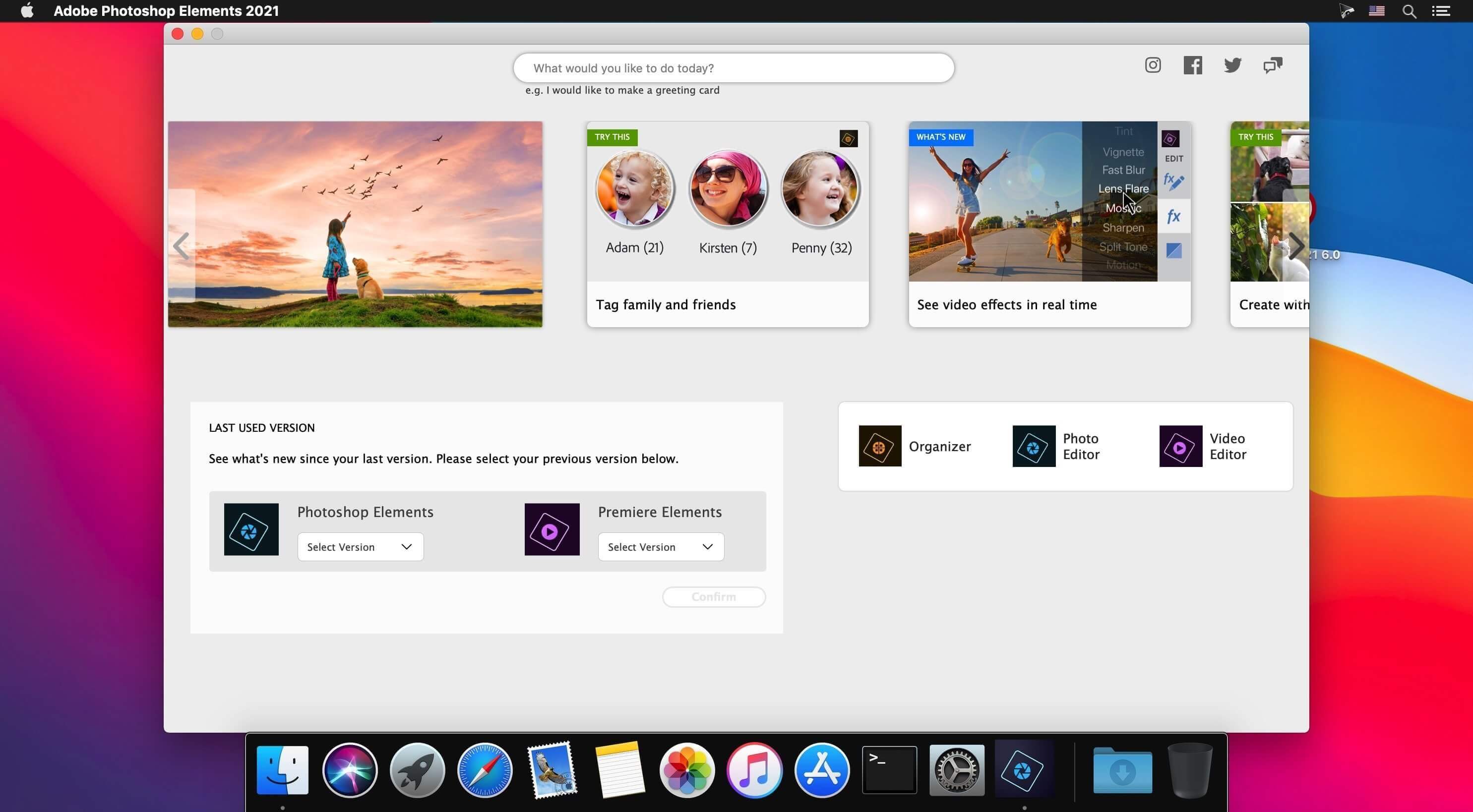
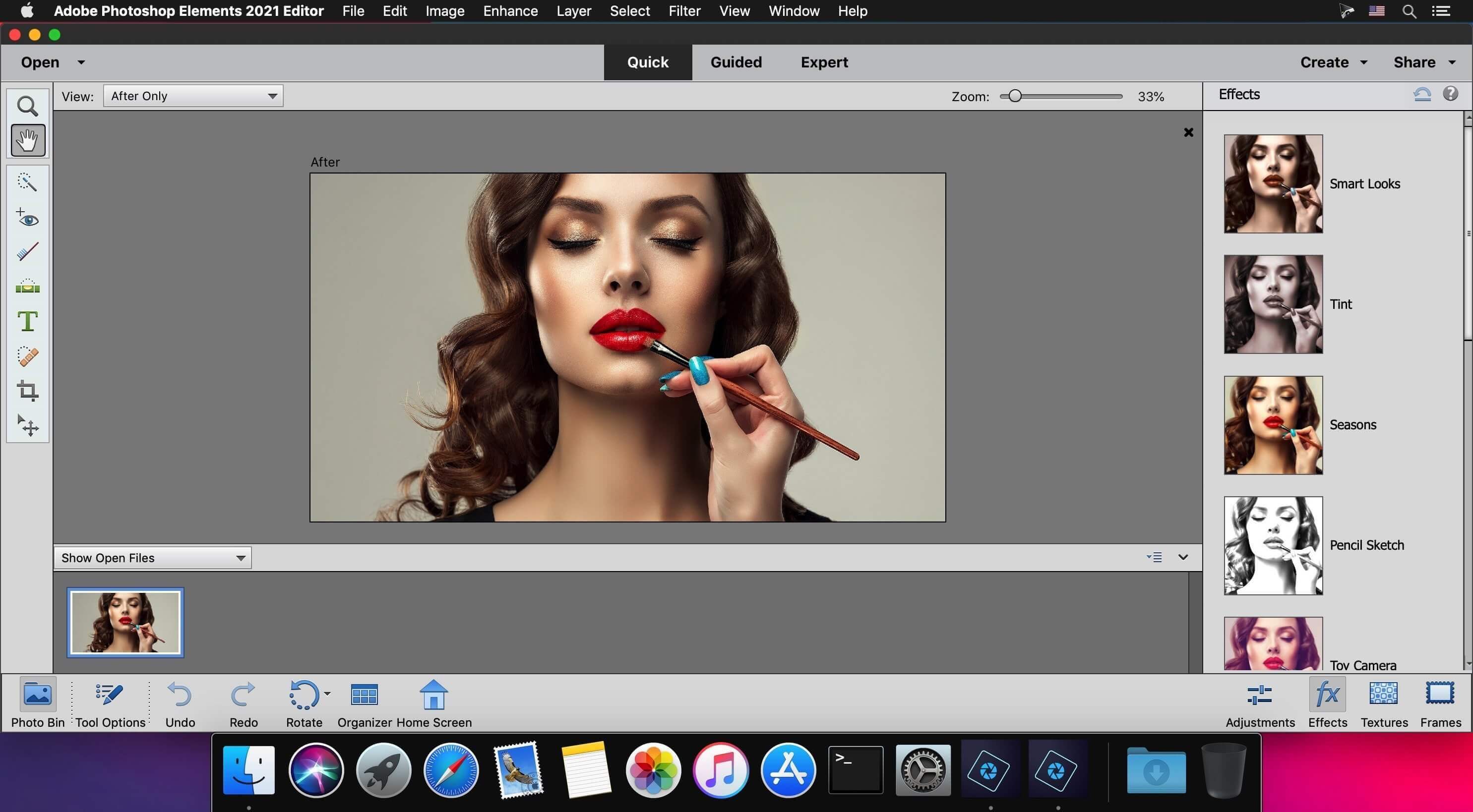
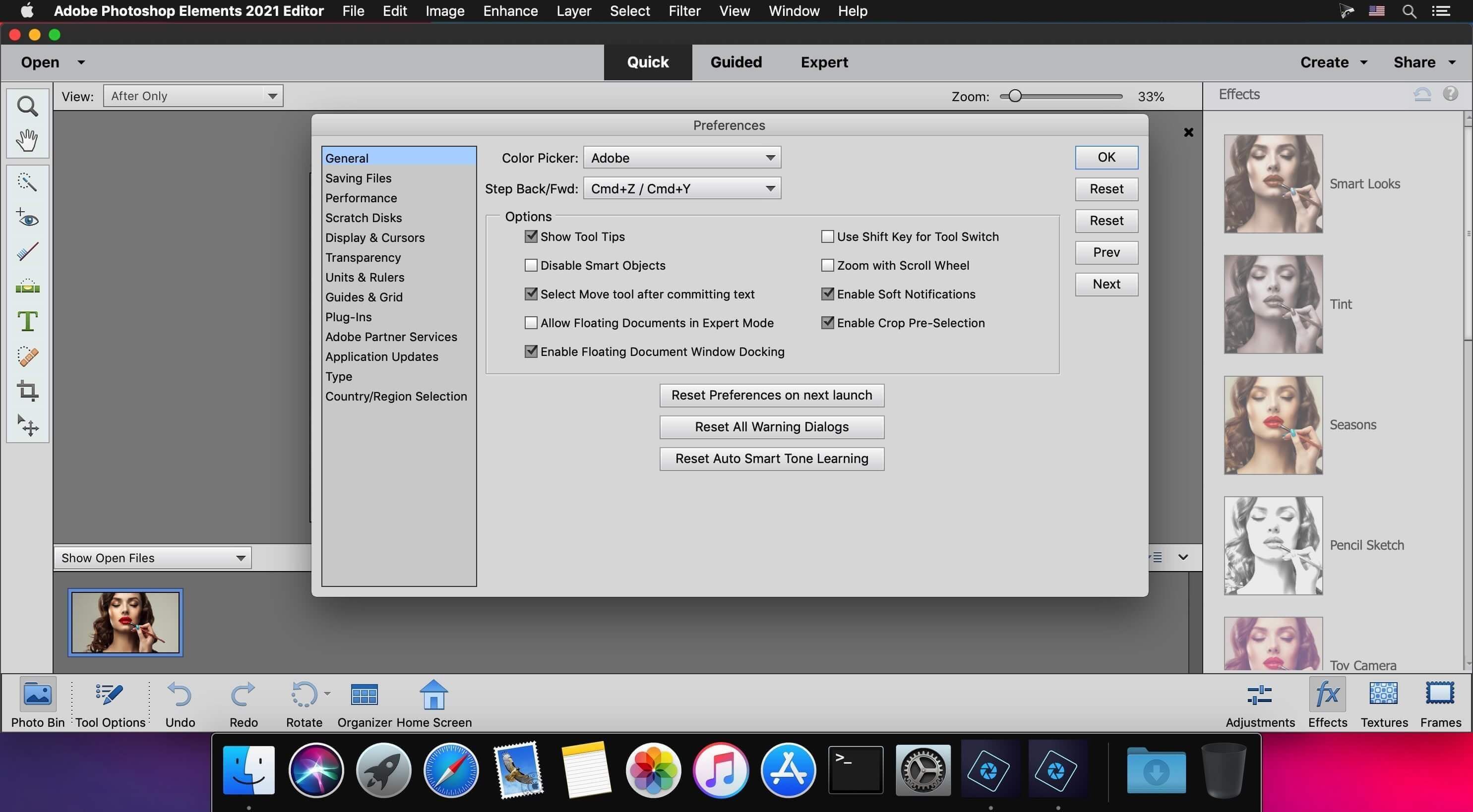
Adobe Photoshop Elements is a versatile and user-oriented macOS image editing app that enables you to handle, organize, edit and share your photos and videos.
Streamlined photo organizer and editor for your Mac
In addition, Adobe Photoshop Elements comes with an intuitive and easy-to-use interface from which you can browse and preview your photo collection and start slideshow presentations.
Thanks to its built-in sharing features, you will be able to use Adobe Photoshop Elements for sharing your favorite images over the web and post them on your Facebook page.
Fast and intuitive photo import
Moreover, you can also easily import new photos from files, folders, card readers, digital cameras or simply by searching the name of the desired file.
Adobe Photoshop Elements’ bottom toolbar helps you tag people, add places, add events or open the editor with just a few mouse clicks.
User-friendly booklet designer
What is more, by accessing the Create slide menu, you can print photos, create photo books, greeting cards, photo collage or calendars, DVD menus along with DVD and CD Jackets.
The three editing modes, Quick, Guided and Expert, provided by Adobe Photoshop Elements are able to satisfy the needs of beginners and power users as well.
As an added bonus, from Adobe Photoshop Elements’ Editor window you also easily fix, enhance or edit your photos using the available tools.
Inbuilt image editor
Additionally, you can apply a wide variety of photo filters and effects that you can adjust and customize to your liking.
What’s more, Adobe Photoshop Elements enables you to remove red-eye effect, add text, crop, erase, paint and draw over your pictures.
Powerful and full-featured image management software solution
All in all, the Adobe Photoshop Elements app is designed from the get-go to provide you with a comprehensive toolset which enables you to perform a wide array of photo processing tasks using your Mac.
Version 2023 v21.0:
- Release notes were unavailable when this listing was updated.
Frequently asked questions
How do I install the app?
Mount the image, drag the app into the "Applications" folder and launch it. If the system blocks the launch, allow it in "System Settings → Privacy & Security".
The app is damaged or won't launch
Reinstalling from a fresh image usually helps. Make sure your macOS version matches the one listed in the compatibility specs.
How do I update?
Download the new version from the site and install it over the current one — your settings will be preserved.
The download link doesn't work
Try a mirror or a download manager. For large files the browser often drops the connection.
How do I completely remove the app?
Use an uninstaller utility — it cleans up the service files that remain after moving the app to the trash.


Choose a download source
Adobe Photoshop Elements 2023 v21.0 · 1.92 GB
Previous versions
Adobe Photoshop Elements 2023 v21.0
Previous versions are available to registered users.