Paletro 1.8.0
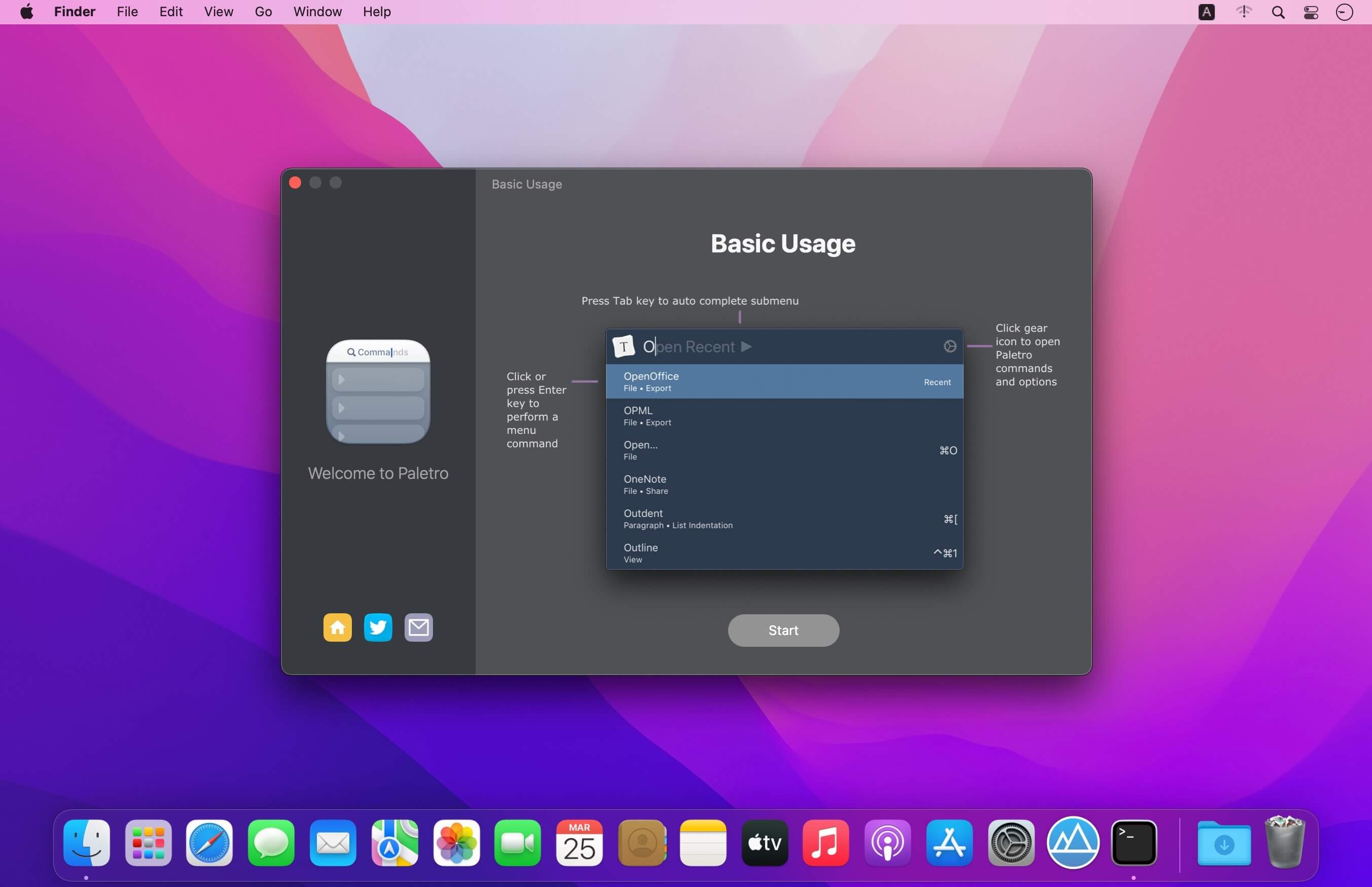
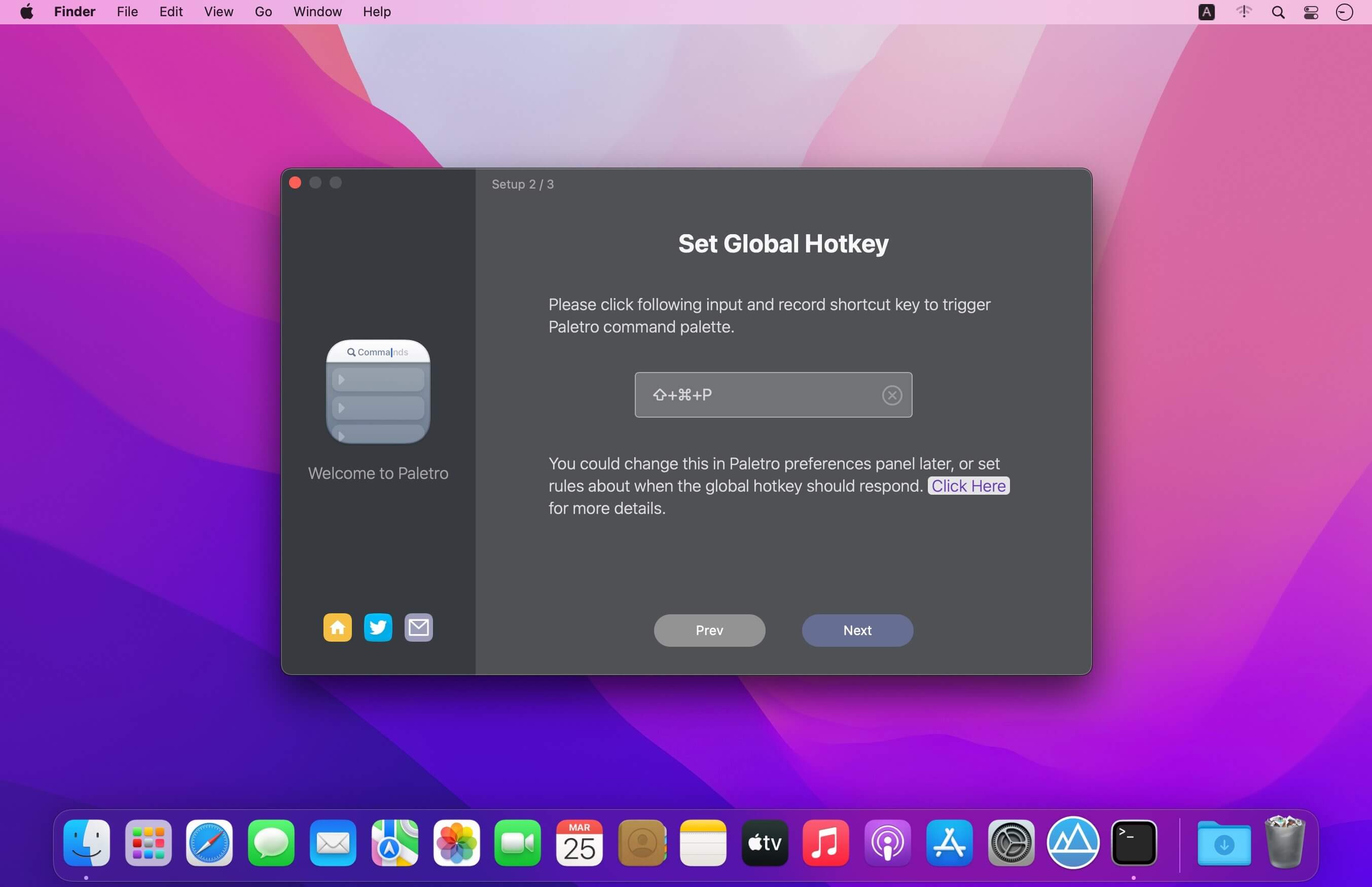
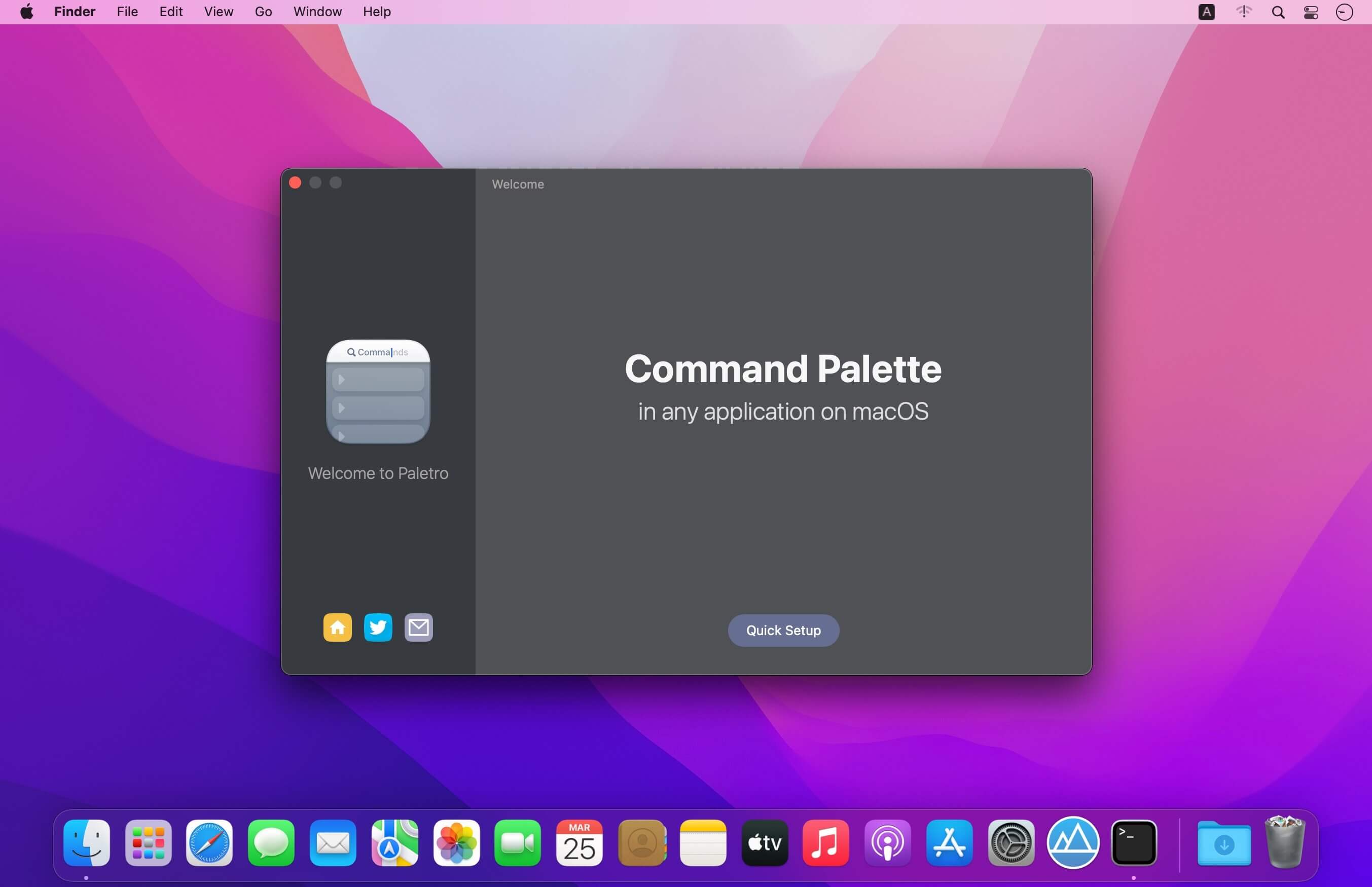
With Paletro, by pressing ⇧⌘P, you have access to all of the functionality of current focused app, including keyboard shortcuts for the most common operations.
Features
- Search - Fuzzy search or filter operations in command palette without taking your hands from the keyboard.
- Shortcuts - Display and support original shortcut keys from current application, like a built-in component.
- i18n - Able to search in English words or alphabets in non-English locales in (some) applications.
- Customization - Customize rules how Paletro should behavior, exclude certain menu items or disable in certain applications.
- Themes - Multiple themes you can choose from, and you can create your own styles (coming soon).
Version 1.8.0:
- Fix add extension may added two item in extension list.
- Fix AppleScript extensions failed to execute (We suggest users to remove and re-add .scpt extensions).
Frequently asked questions
How do I install the app?
Mount the image, drag the app into the "Applications" folder and launch it. If the system blocks the launch, allow it in "System Settings → Privacy & Security".
The app is damaged or won't launch
Reinstalling from a fresh image usually helps. Make sure your macOS version matches the one listed in the compatibility specs.
How do I update?
Download the new version from the site and install it over the current one — your settings will be preserved.
The download link doesn't work
Try a mirror or a download manager. For large files the browser often drops the connection.
How do I completely remove the app?
Use an uninstaller utility — it cleans up the service files that remain after moving the app to the trash.





Choose a download source
Paletro 1.8.0 · 15.74 MB