App List 1.06
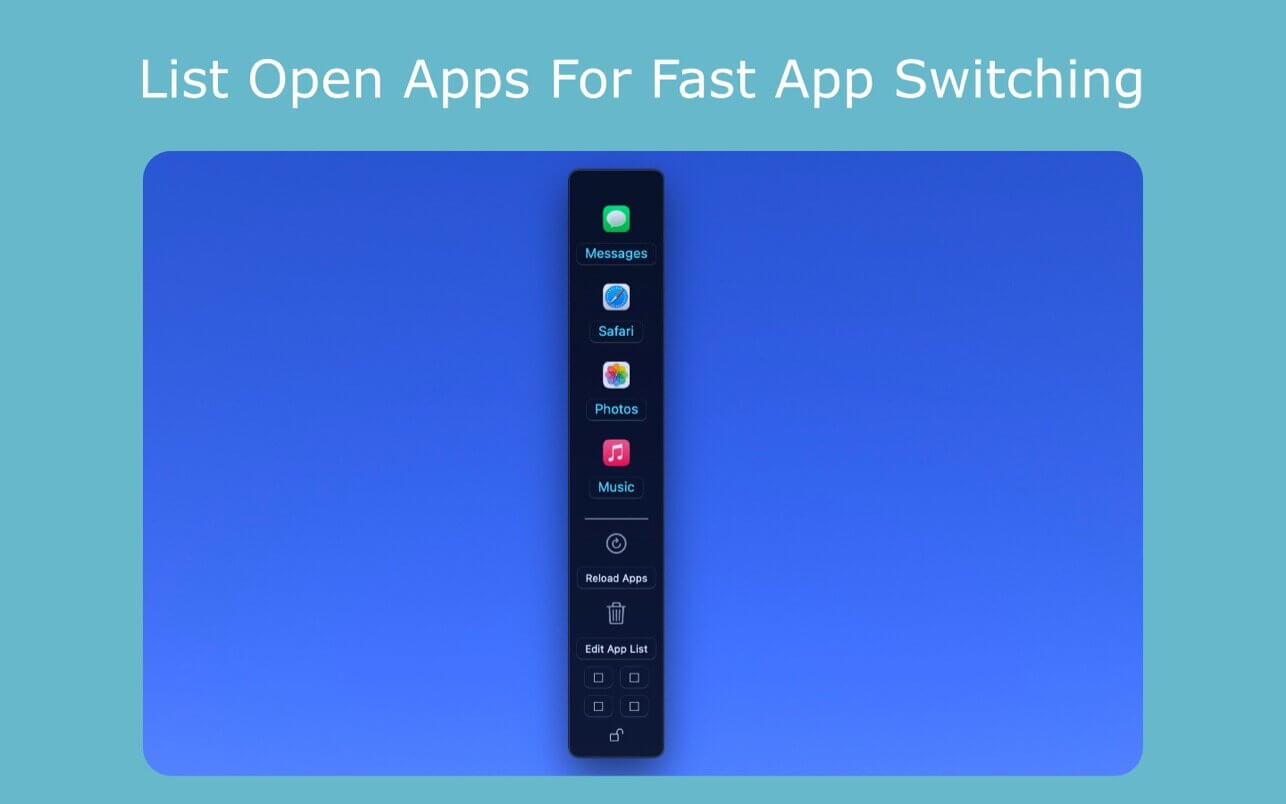
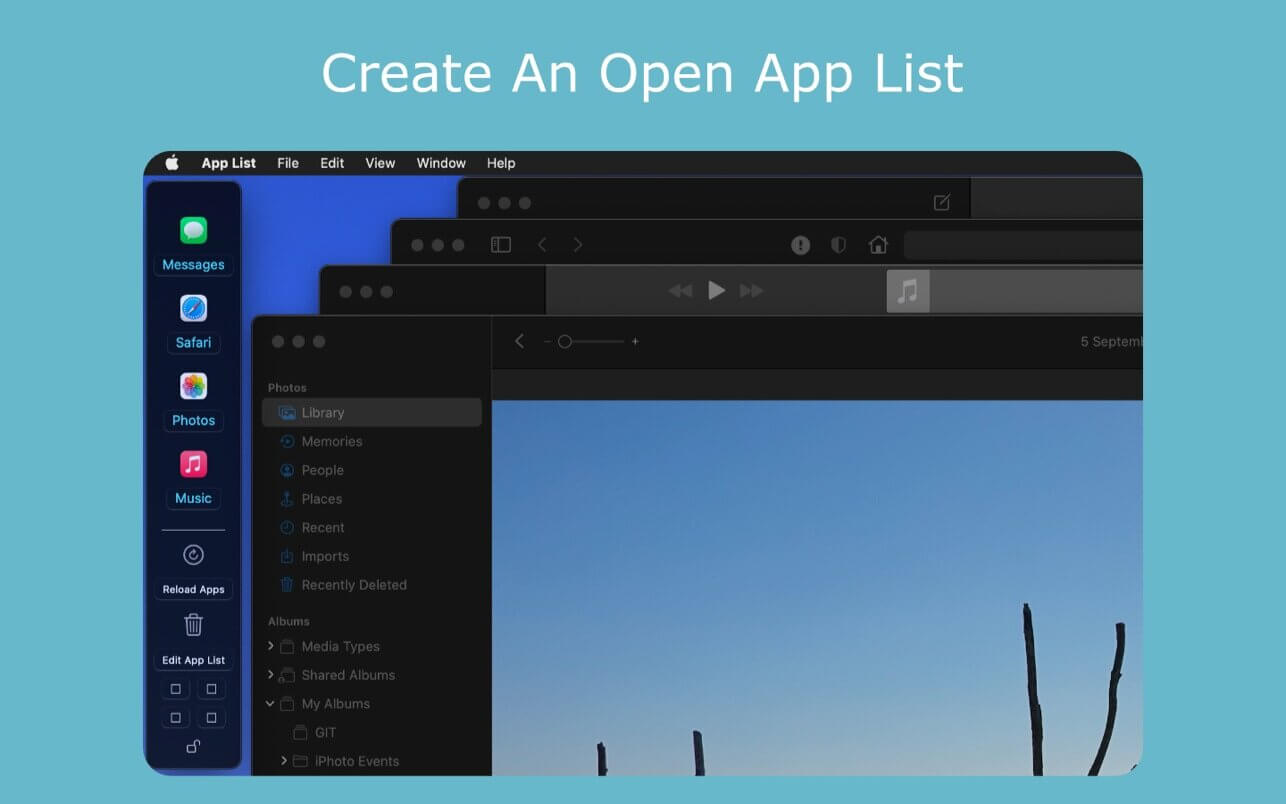
List your open applications for quick application switching.
If you are a pro user and work with multiple application windows, App List detects your open apps, and lists them in a small window.
Dragged to the side of the screen, switch quickly between your open applications.
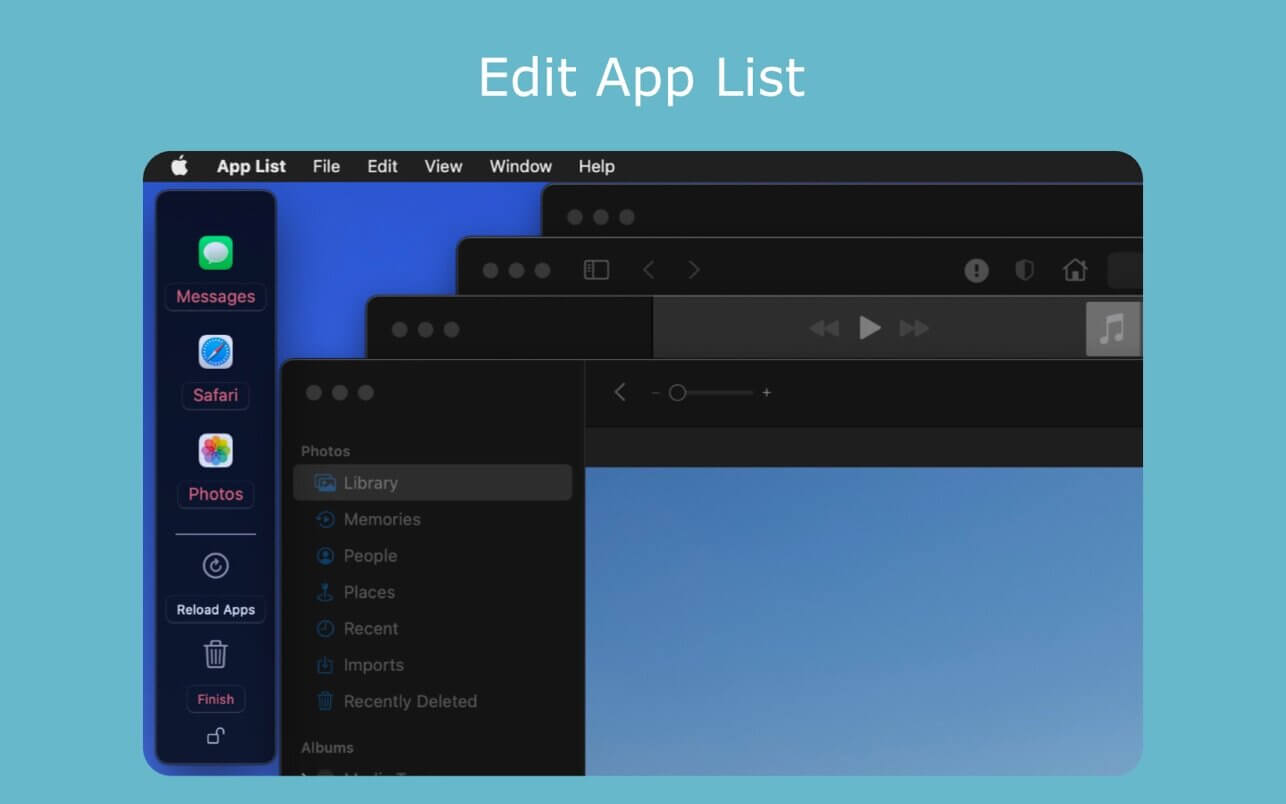
Edit the list further to include only the applications you are using for maximum productivity.
- App List continuously monitors for changes in your open applications list. If after starting App List you open a previously closed application, or if you close down an application, App List will automatically keep your App List up to date.
- App List automatically places an "AL" icon in the status bar. Clicking on "AL" allows quick dismissal and retrieval of the App List window.
- App List includes a preferences menu which allows customization of the App List window. Options include a choice between a vertical or horizontal App List window. The "traffic light" buttons can also be removed from or added to the App List window for a cleaner look. Manual resizing and scrolling of the App List window can be enabled.
- App List window can be pinned to and locked to any screen corner, ensuring the most efficient use of screen space.
Version 1.06
- Manual App List window resizing and scrolling can be enabled through the preferences menu.
Frequently asked questions
How do I install the app?
Mount the image, drag the app into the "Applications" folder and launch it. If the system blocks the launch, allow it in "System Settings → Privacy & Security".
The app is damaged or won't launch
Reinstalling from a fresh image usually helps. Make sure your macOS version matches the one listed in the compatibility specs.
How do I update?
Download the new version from the site and install it over the current one — your settings will be preserved.
The download link doesn't work
Try a mirror or a download manager. For large files the browser often drops the connection.
How do I completely remove the app?
Use an uninstaller utility — it cleans up the service files that remain after moving the app to the trash.

Choose a download source
App List 1.06 · 1.84 MB