
BarLinks 1.1.0
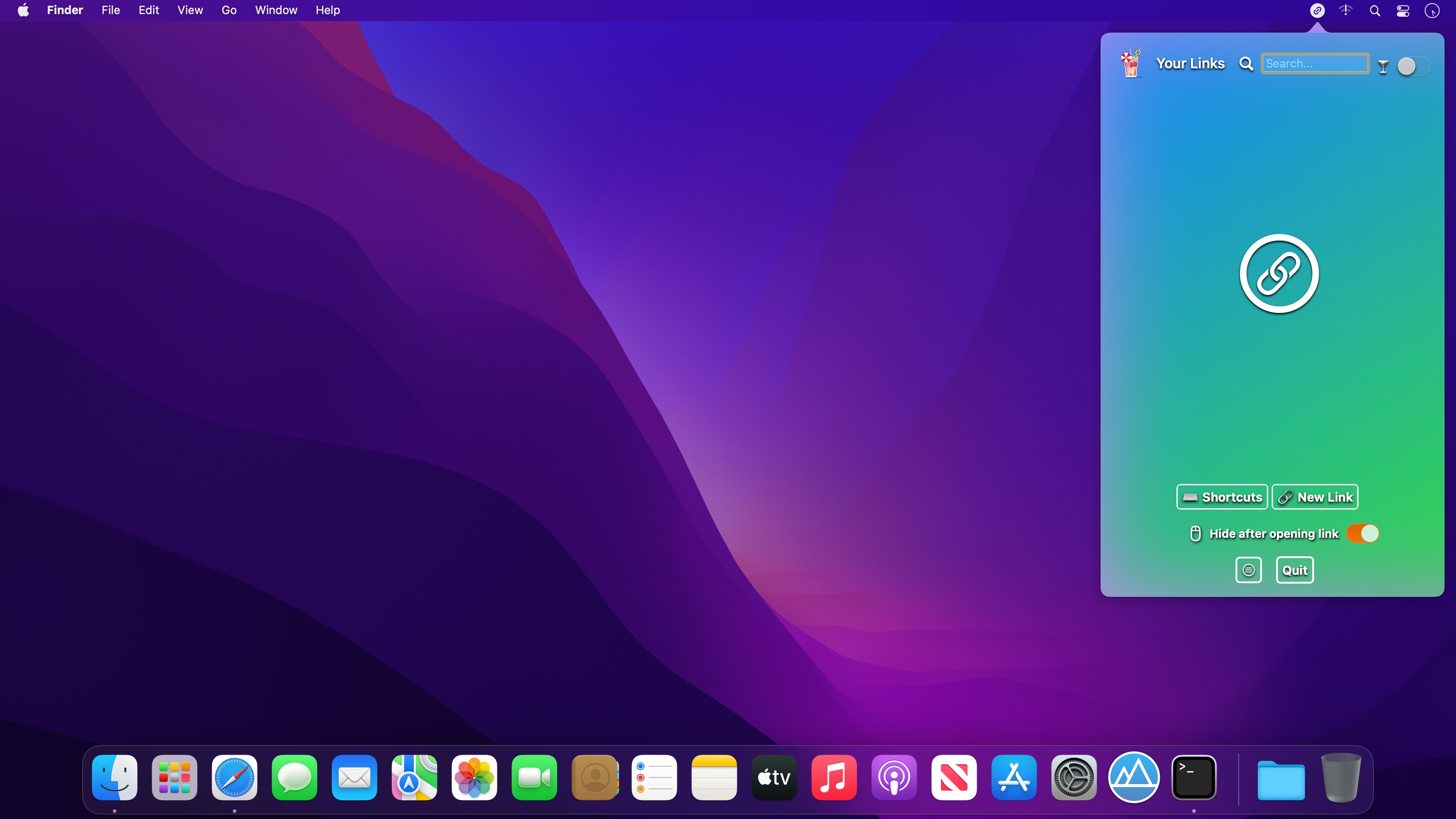

Too many bookmarks saved in your browser can be annoying to find and open.
It's a pain to find a bookmark you've saved before that's now buried along with 100's of other sites.
You don't want to save any more bookmarks because it'll make everything more difficult.
BarLinks let’s you store, quickly find and open bookmarks right from your menu bar.
It opens any link you save in a new tab using your default browser.
You don’t have to be using your browser to open bookmarks from BarLinks.
It will automatically switch to your browser while you’re using any other app on your Mac.
Store any extra bookmarks that you wouldn't have usually saved on your browser.
You can set a custom Keyboard shortcut to instantly show BarLinks and access your bookmarks from the menu bar.
Version 1.1
- You can now open links in a mini browser inside the app
Frequently asked questions
How do I install the app?
Mount the image, drag the app into the "Applications" folder and launch it. If the system blocks the launch, allow it in "System Settings → Privacy & Security".
The app is damaged or won't launch
Reinstalling from a fresh image usually helps. Make sure your macOS version matches the one listed in the compatibility specs.
How do I update?
Download the new version from the site and install it over the current one — your settings will be preserved.
The download link doesn't work
Try a mirror or a download manager. For large files the browser often drops the connection.
How do I completely remove the app?
Use an uninstaller utility — it cleans up the service files that remain after moving the app to the trash.




Choose a download source
BarLinks 1.1.0 · 5.26 MB