
Lungo 2.8.3
Keep Mac awake and prevent screen dimming in one click
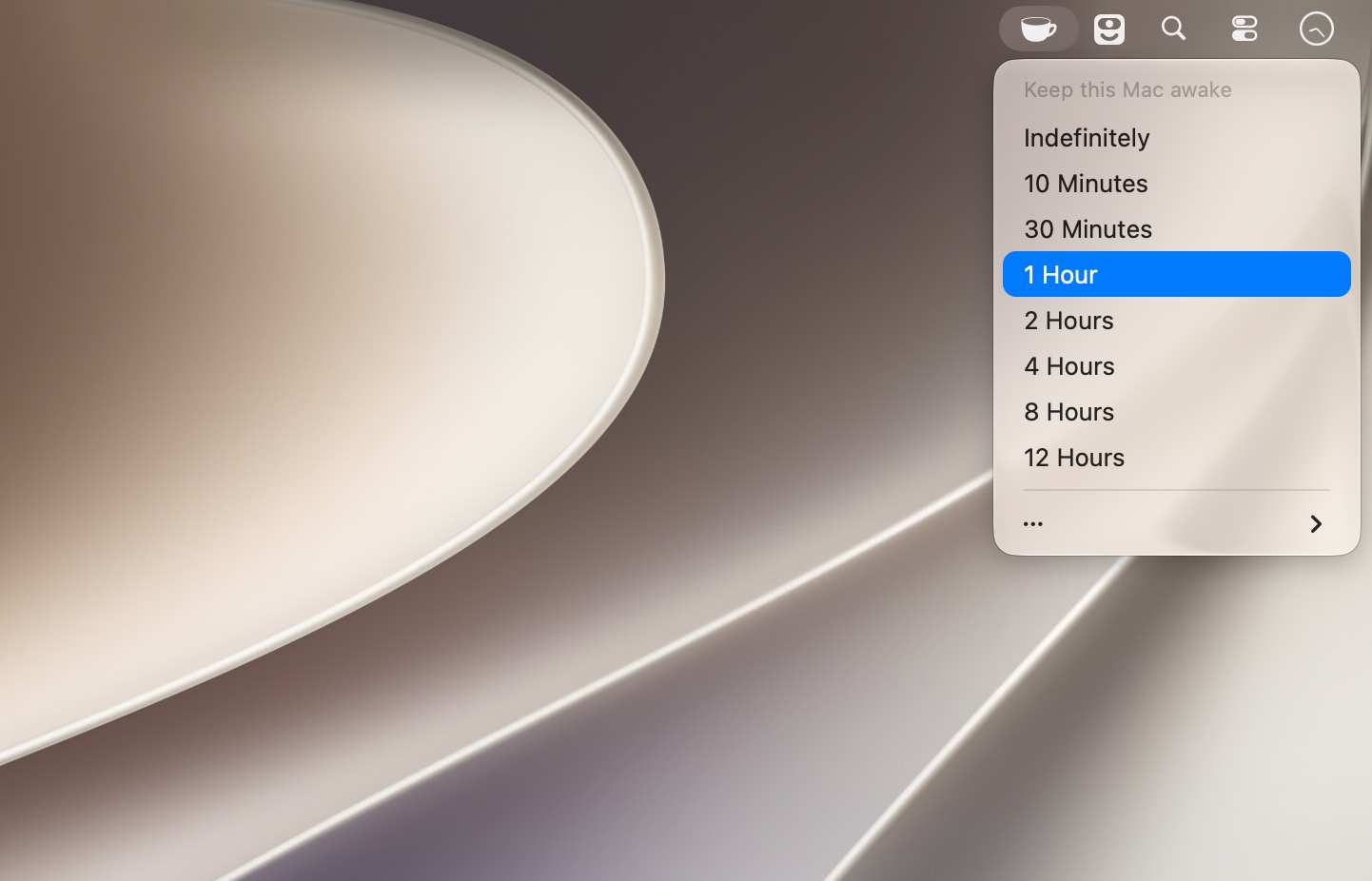
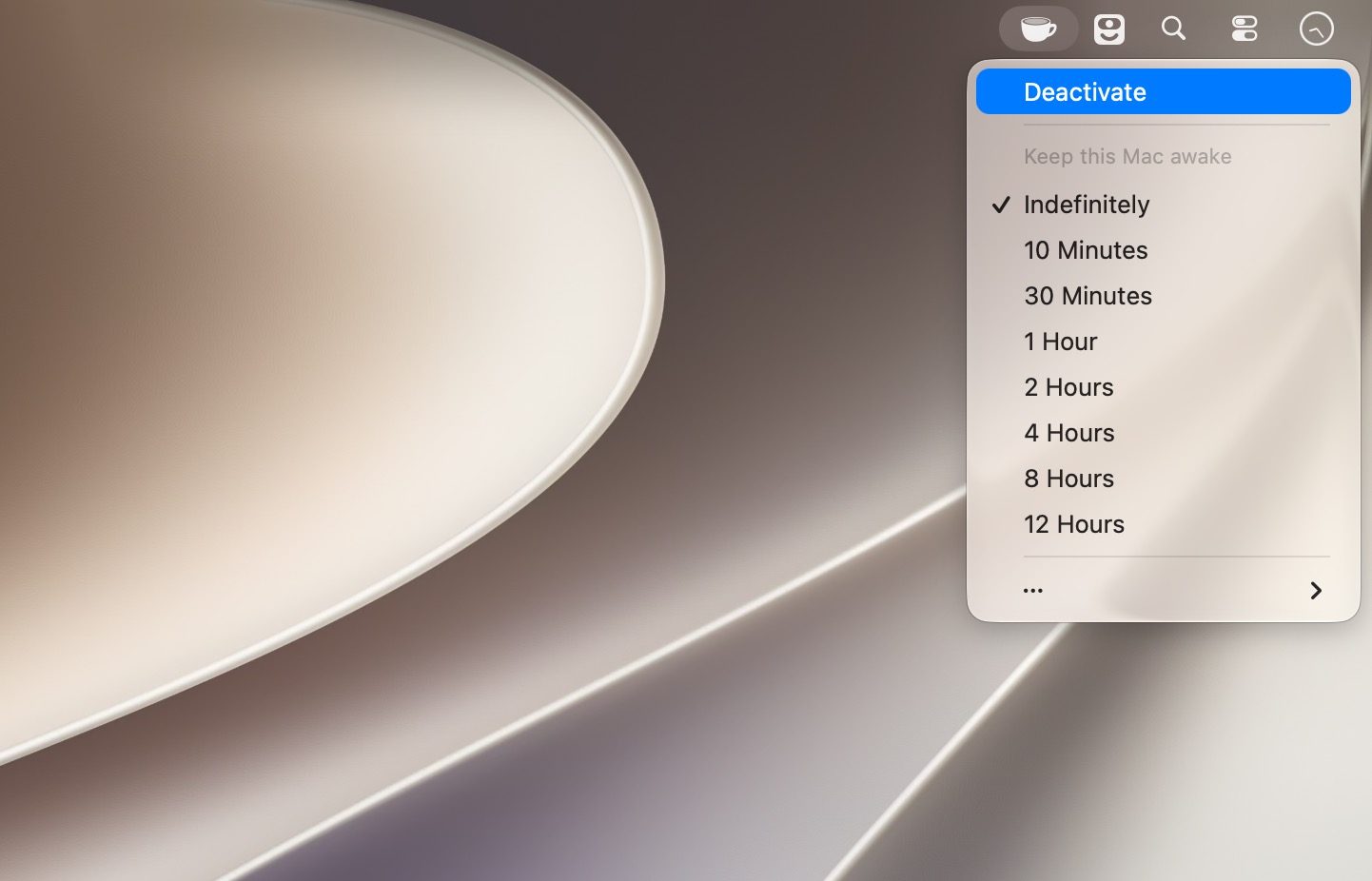
Lungo stops your Mac from falling asleep and your screen from dimming, for as long as you need. One click in the menu bar, and your screen stays on.
Perfect for when you're…
- Giving a presentation at work
- Watching a video that isn't full screen
- Cooking with a recipe open on your Mac
- Reading a long article without scrolling
- Keeping an eye on live stats or a dashboard
- Waiting on a long download, render or build
Simple to use
- Right-click the menu bar icon to switch Lungo on, or set it to left-click in Preferences
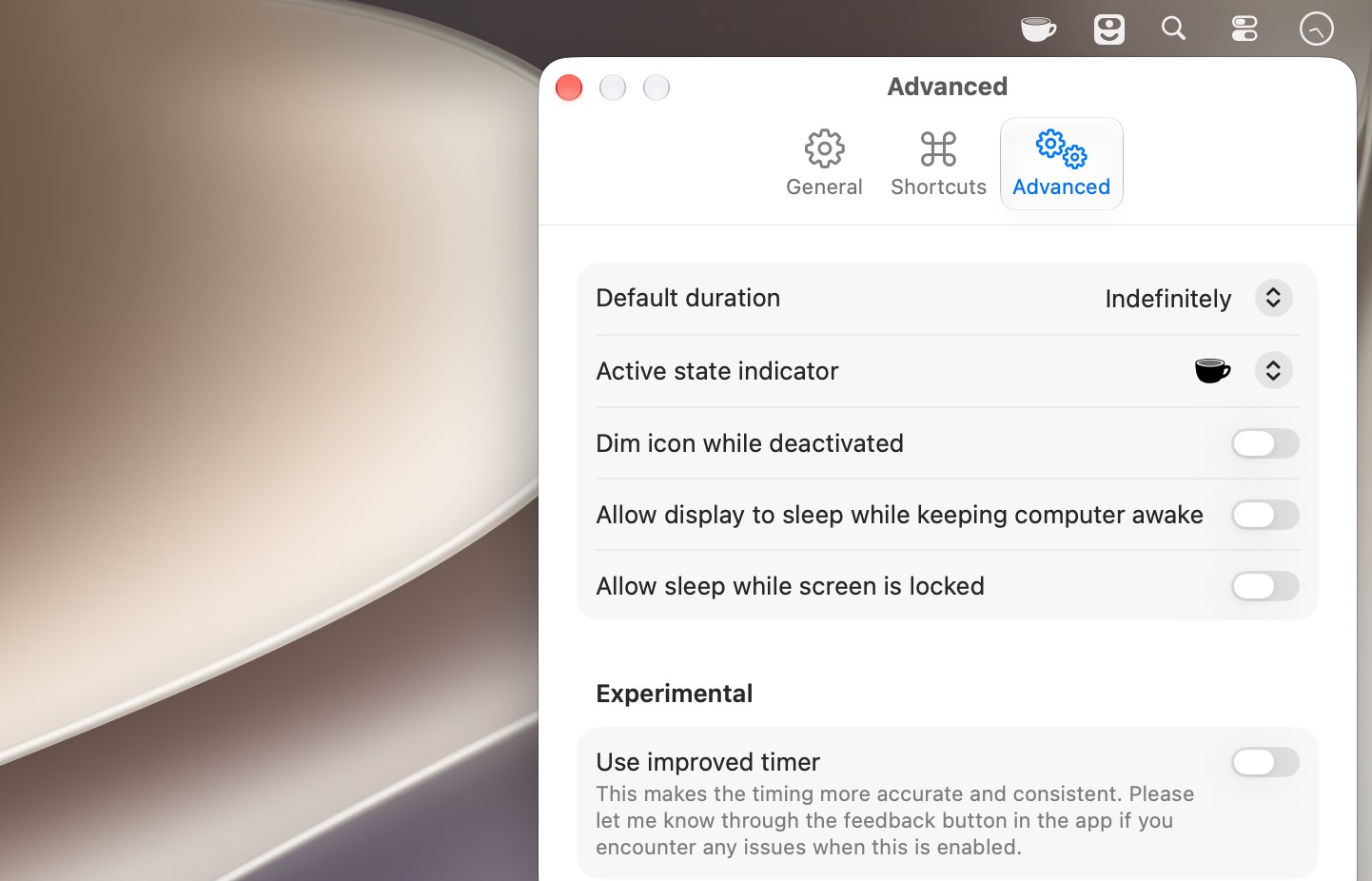
- Set a default duration for quick activation
- Toggle Lungo from anywhere with your own keyboard shortcut
- Start Lungo automatically at launch
Works the way you want
- Keep your Mac awake but let the display sleep
- Switch off automatically when you unplug the power adapter (optional)
- Automate it with Shortcuts
- Control it from scripts or Terminal (see the website for details)
Small, quiet and always ready. Lungo keeps your Mac awake so you don't have to keep nudging the mouse.
Version 2.8
- Improve compatibility with macOS 26.
Frequently asked questions
How do I install the app?
Mount the image, drag the app into the "Applications" folder and launch it. If the system blocks the launch, allow it in "System Settings → Privacy & Security".
The app is damaged or won't launch
Reinstalling from a fresh image usually helps. Make sure your macOS version matches the one listed in the compatibility specs.
How do I update?
Download the new version from the site and install it over the current one — your settings will be preserved.
The download link doesn't work
Try a mirror or a download manager. For large files the browser often drops the connection.
How do I completely remove the app?
Use an uninstaller utility — it cleans up the service files that remain after moving the app to the trash.


Choose a download source
Lungo 2.8.3 · 8.13 MB
Previous versions
Lungo 2.8.3
Previous versions are available to registered users.