Text Workflow 2.9.0
Clean up AI text instantly, privately, right on your device.
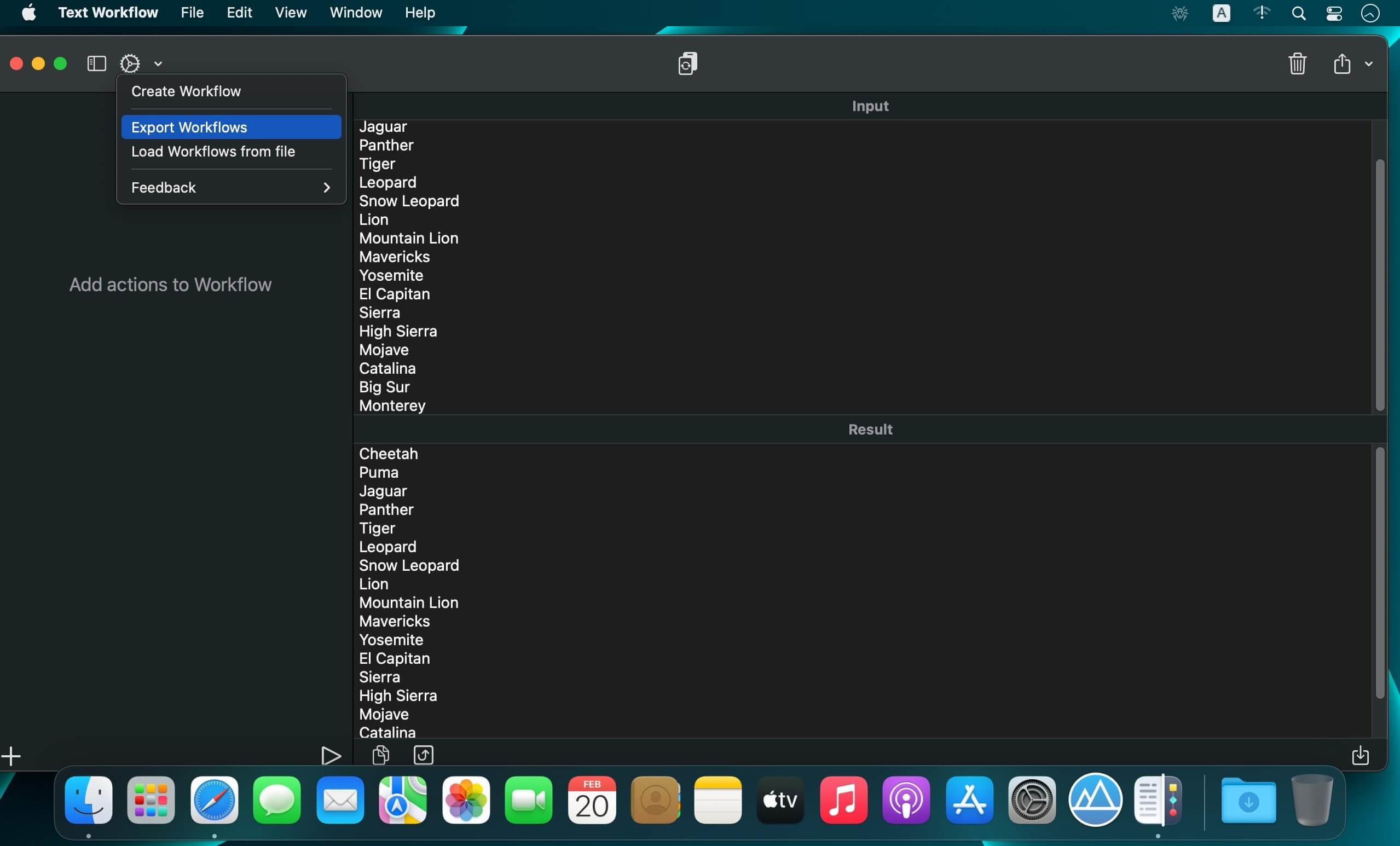
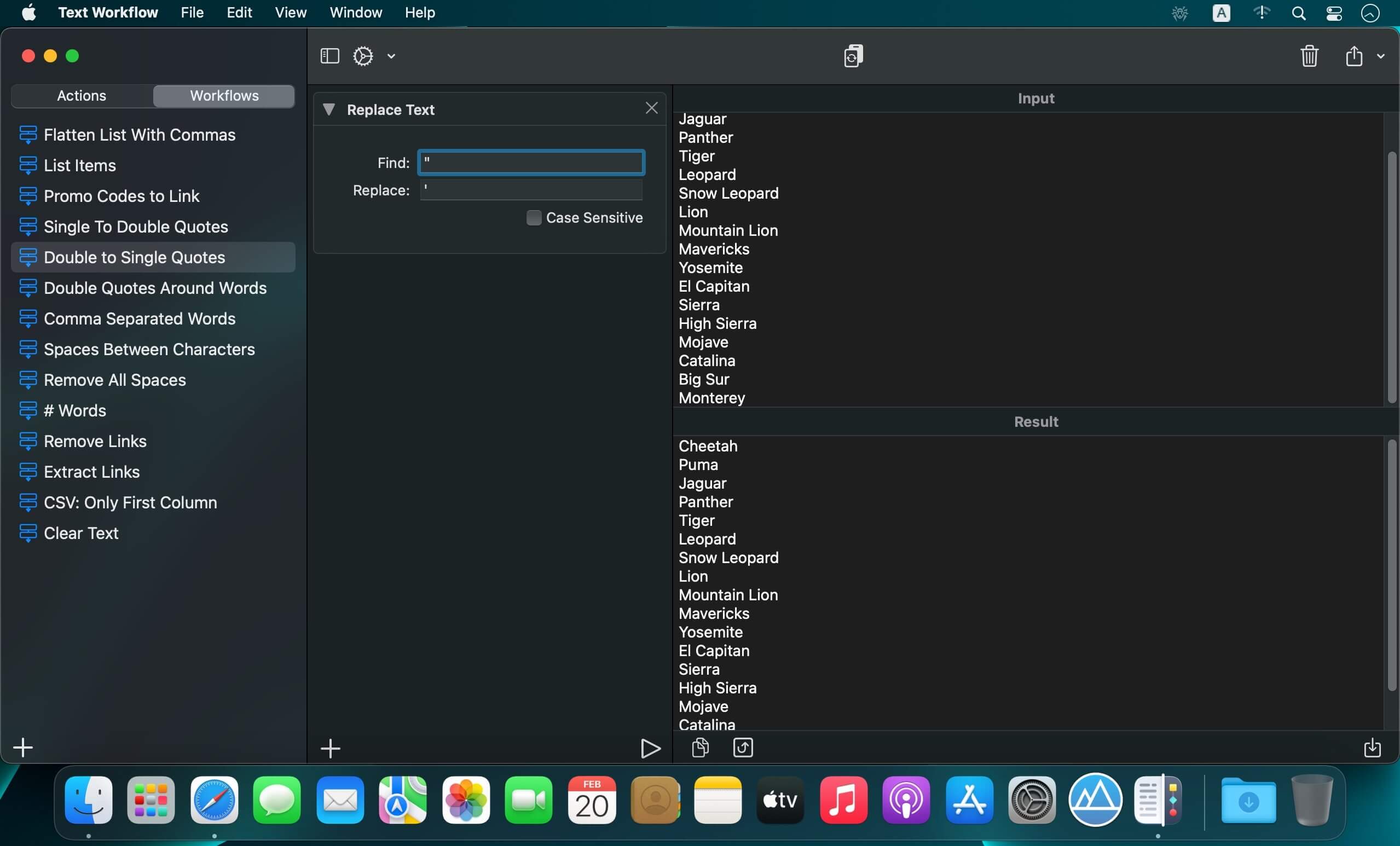
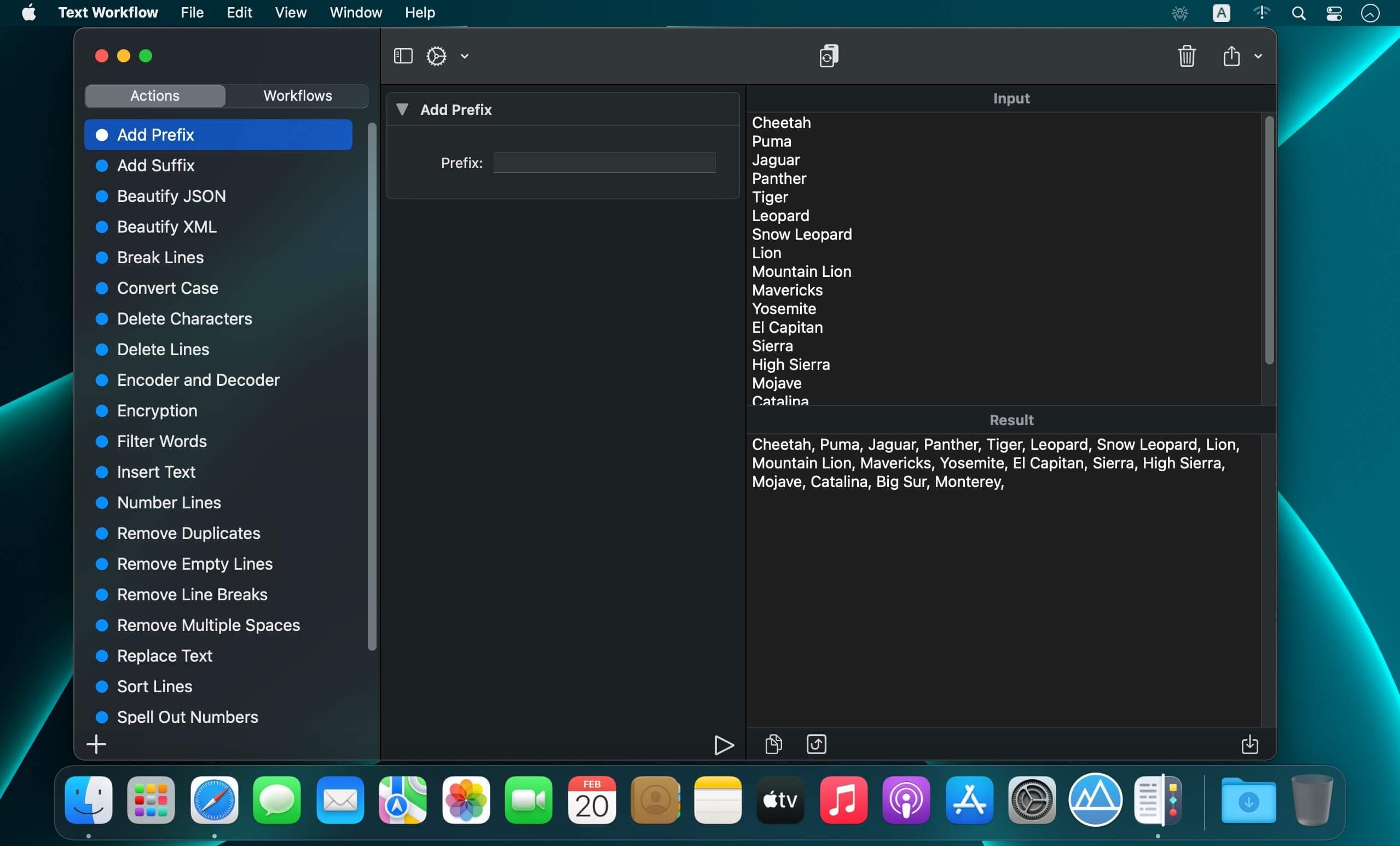
Paste anything from ChatGPT, Claude, or the web and it comes out full of stray markdown, citation tags, curly quotes, and invisible characters. Text Workflow 2 strips all of it out and hands back clean, paste-ready text — the same result every time, without your text ever leaving your device.
Key features:
- Deterministic cleanup — the same input always gives the same output, so you can trust the result without checking it twice
- On-device, offline processing — never paste sensitive text into a website or chatbot just to reformat it
- Chain 50+ actions into one workflow — turn a repetitive weekly text task into a single click
- Markdown → Rich Text, HTML, or plain text — paste formatted content straight into Pages, Word, Mail, or Notes
- Regular Expressions support — extract, replace with capture groups, or apply a workflow only where it matches
- Native on iPhone, iPad, and Mac — build a workflow on Mac and run it from your phone, synced via iCloud
- Deep Apple integration — run workflows from the Mac menu bar, Services, or as Apple Shortcuts actions with Siri and automation triggers
Версия 2.9.0
New: Single actions everywhere
- Run any single action from the menu bar or from Shortcuts, not just workflows.
- Actions remember their options. Set an option once and it stays, even after restarting. Click & to go back to the defaults.
- New Copy to Clipboard action: add it at the end of a workflow to have the result ready to paste.
- Clear Input (9K) can now be undone with 9Z.
Fixes & improvements
- Performance and stability improvements.
Frequently asked questions
How do I install the app?
Mount the image, drag the app into the "Applications" folder and launch it. If the system blocks the launch, allow it in "System Settings → Privacy & Security".
The app is damaged or won't launch
Reinstalling from a fresh image usually helps. Make sure your macOS version matches the one listed in the compatibility specs.
How do I update?
Download the new version from the site and install it over the current one — your settings will be preserved.
The download link doesn't work
Try a mirror or a download manager. For large files the browser often drops the connection.
How do I completely remove the app?
Use an uninstaller utility — it cleans up the service files that remain after moving the app to the trash.


Choose a download source
Text Workflow 2.9.0 · 16.69 MB
Previous versions
Text Workflow 2.9.0
Previous versions are available to registered users.