
KeyCue 10.2
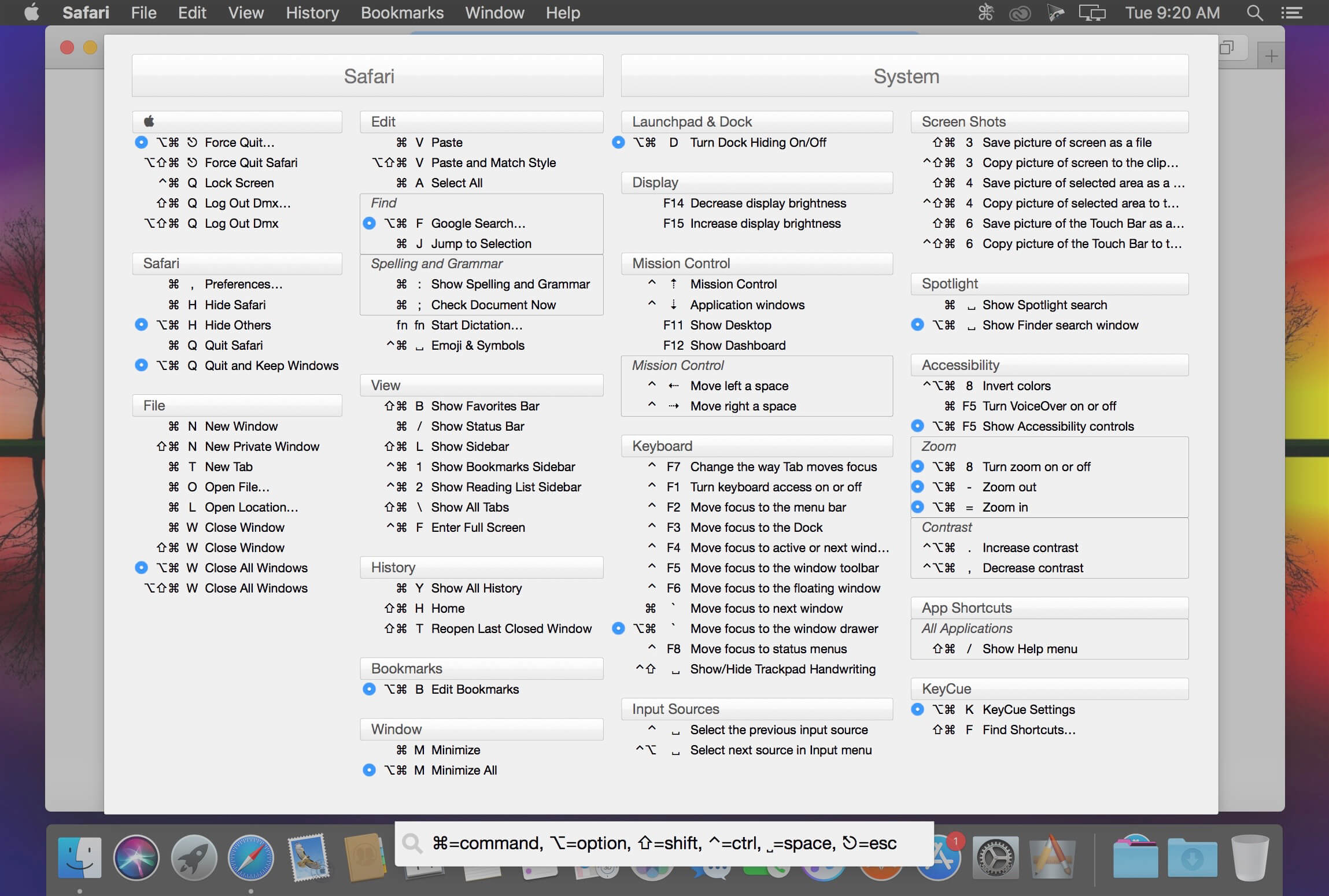
Most Mac applications come with a collection of keyboard shortcuts that can be used to trigger various actions. These hotkeys are designed to improve your productivity level, but you must manage to memorize them beforehand.
KeyCue is a small Mac utility designed to streamline the entire process by quickly displaying a panel that lists all the supported hotkeys for the currently active utility. This way, you will be able to memorize them a lot faster.
Painless to install tool for finding and learning keyboard shortcuts
The KeyCue installation procedure resumes to double clicking the item included in the KeyCue mounted image disk: the installer will automatically copy the utility to the Applications directory.
It is also important to note that you must also allow KeyCue to control your computer: open the System Preferences and check the appropriate box in the Accessibility panel.
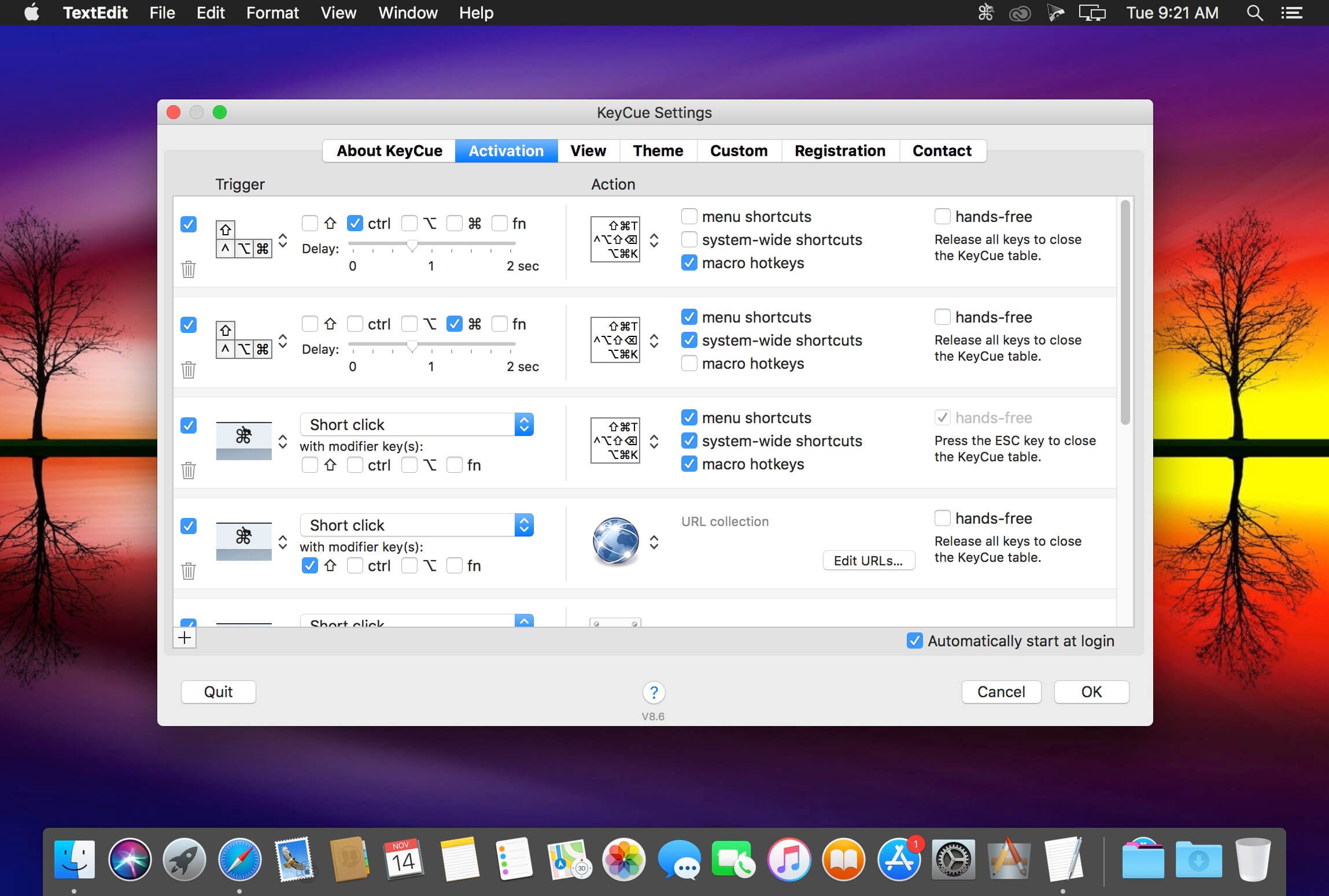
KeyCue resides in your status bar and you get to easily access the hotkeys panel by clicking the app’s icon or by using yet another keyboard shortcut: right click on top of the menu bar icon to access the KeyCue Preferences and view all the activation methods.
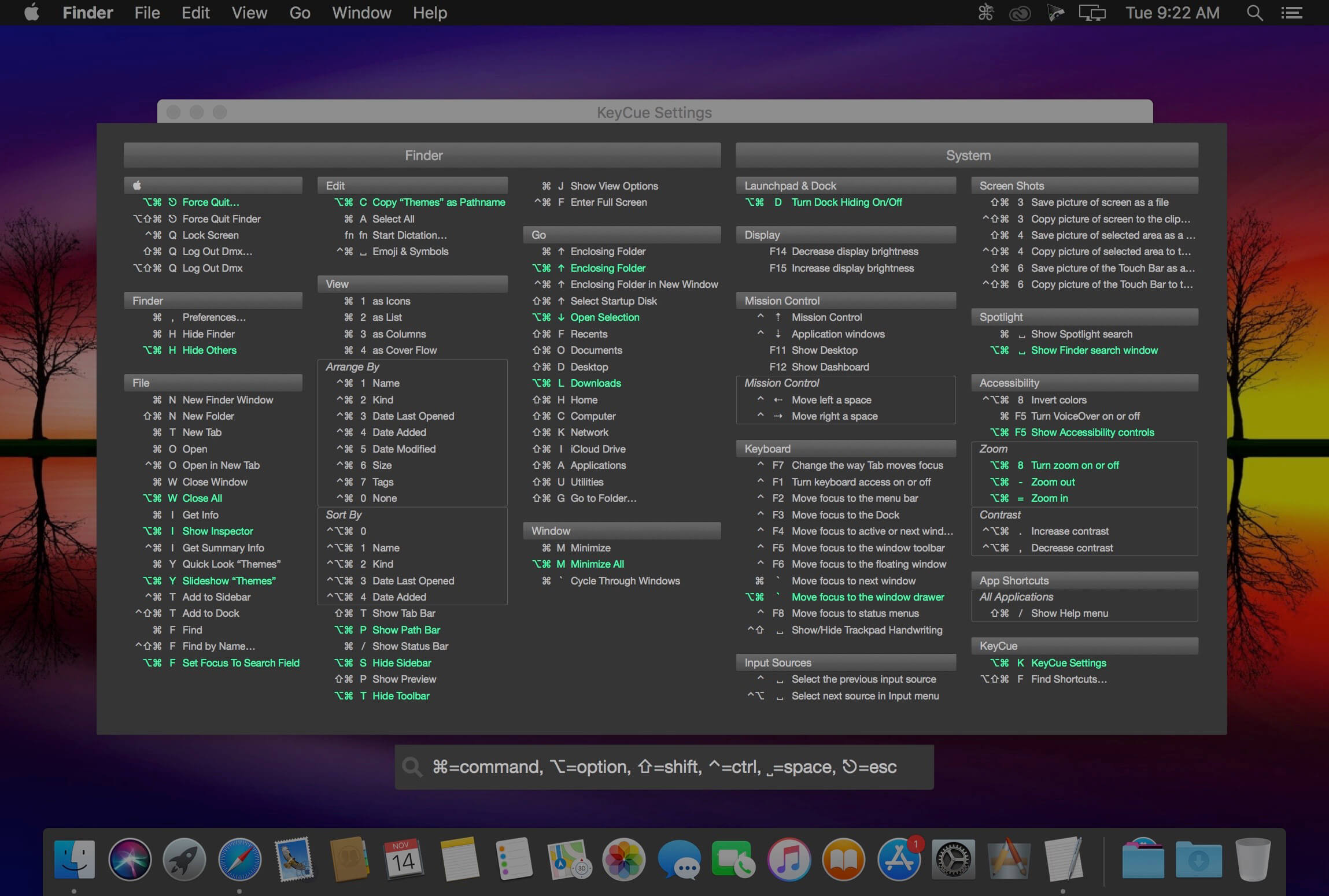
Quickly personalize the KeyCue panel via flexible themes
The KeyCue app comes with 8 different themes that can be applied to the hotkey panel in no time. Via the Preferences window you can easily preview the themes and adjust the transparency level for the KeyCue window.
The same area allows you to disable the KeyCue status bar menu, to adjust the delay period before the activation hotkeys kick in, to select the layout mode for the keyboard combinations, to set up custom hotkeys for certain applications, and more.
Straightforward solution for visualizing and learning keyboard combinations specific to each application
All in all, KeyCue is a must-have app for your Mac if you plan to improve your productivity by taking advantage of the hotkeys supported by your applications.
Moreover, the KeyCue activation methods are available system wide so you get to quickly see a complete keyboard shortcuts list for any utility installed on your Mac in no time.
Version 10.2:
Features:
- KeyCue has been tested and runs flawlessly on macOS Ventura
- Defining shortcuts now also works in Mail, Safari and other applications
Improvements:
- Small changes under the hood
Bug fixes:
- Fixes an issue with defining a shortcut in Mail, Safari and other applications
Frequently asked questions
How do I install the app?
Mount the image, drag the app into the "Applications" folder and launch it. If the system blocks the launch, allow it in "System Settings → Privacy & Security".
The app is damaged or won't launch
Reinstalling from a fresh image usually helps. Make sure your macOS version matches the one listed in the compatibility specs.
How do I update?
Download the new version from the site and install it over the current one — your settings will be preserved.
The download link doesn't work
Try a mirror or a download manager. For large files the browser often drops the connection.
How do I completely remove the app?
Use an uninstaller utility — it cleans up the service files that remain after moving the app to the trash.





Choose a download source
KeyCue 10.2 · 7.48 MB
Previous versions
KeyCue 10.2
Previous versions are available to registered users.