
CAPS Warn 6.2
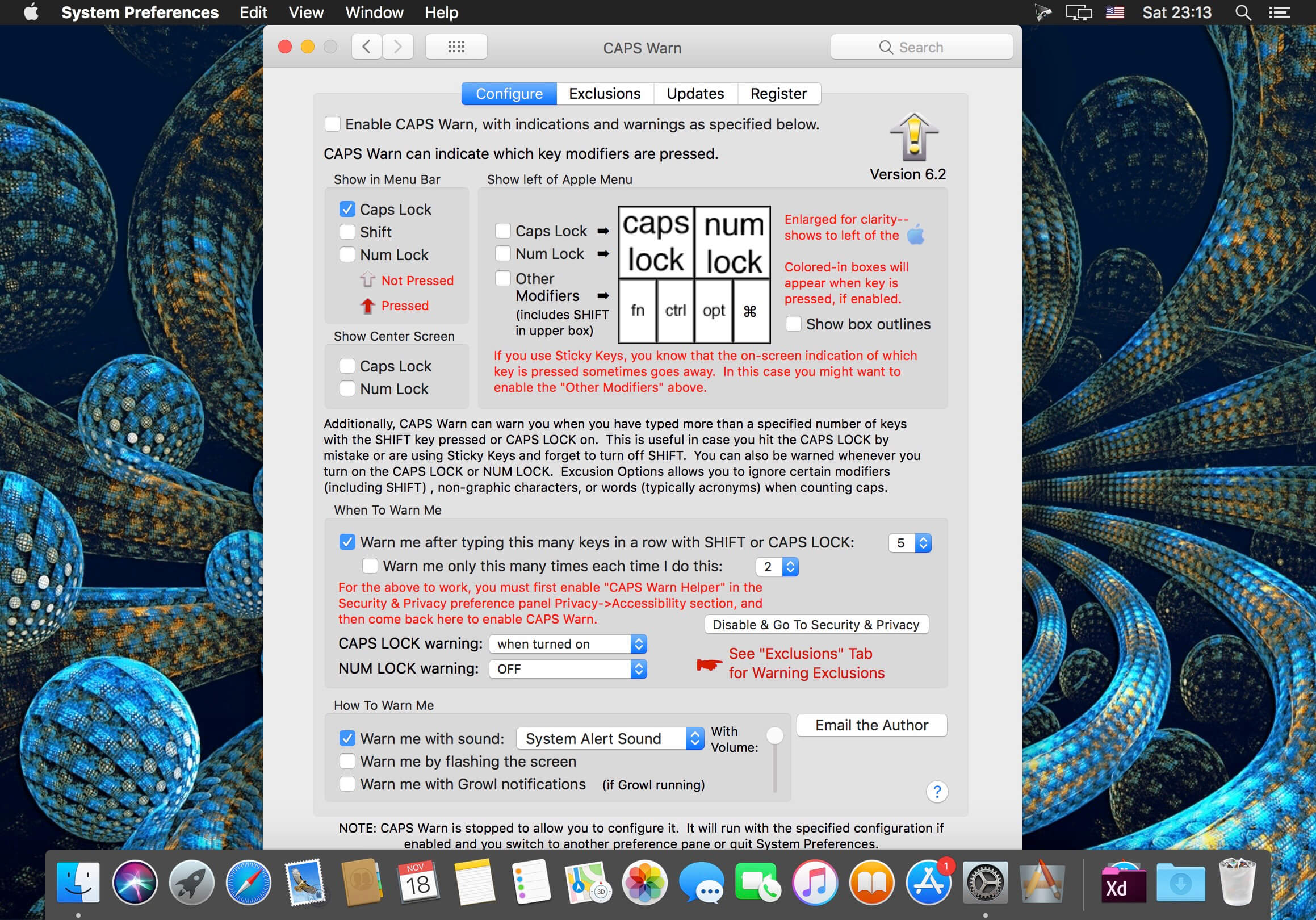
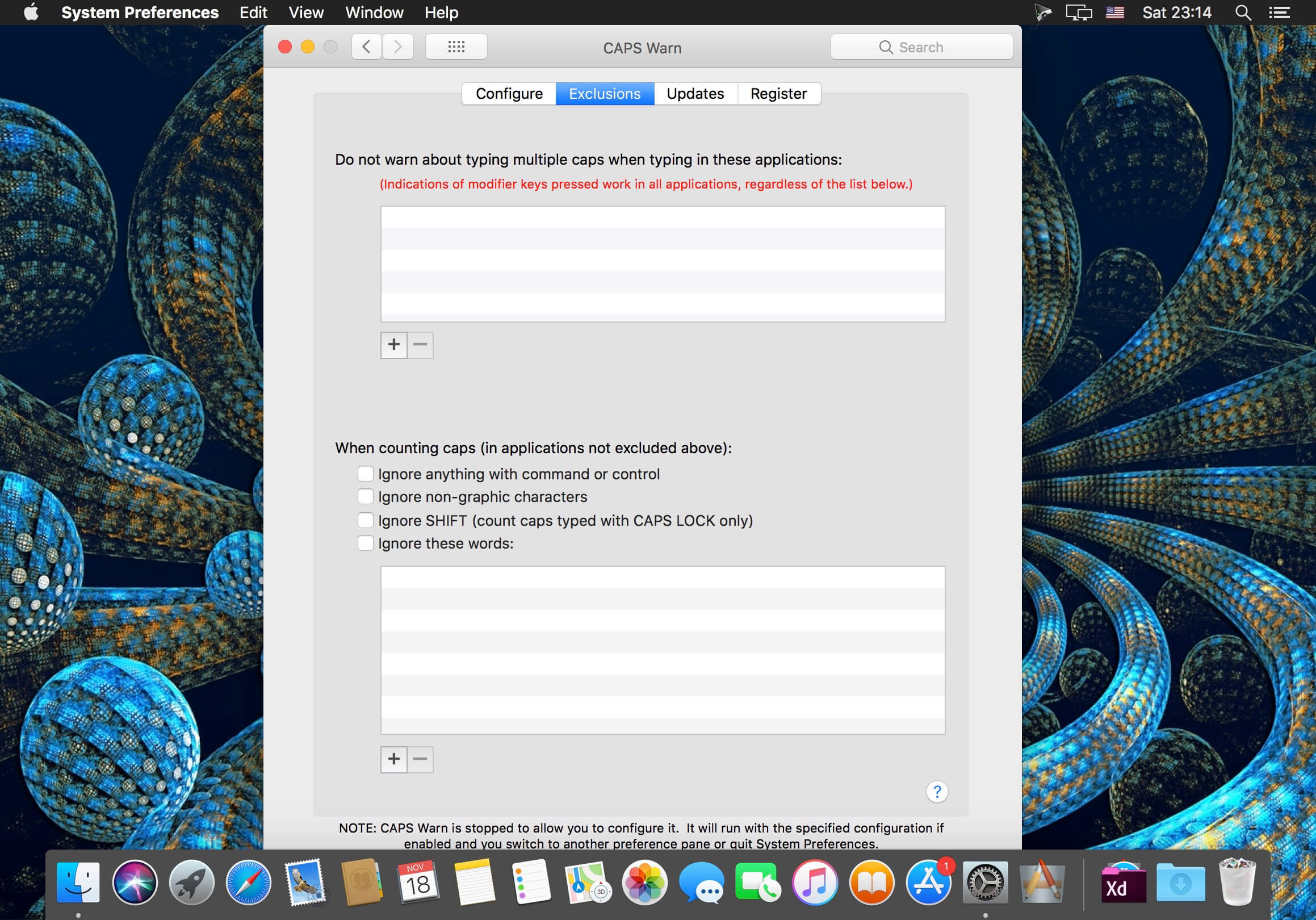

CAPS Warn is designed for people who type with one hand using Sticky Keys, or for anyone who presses the Caps Lock key frequently by mistake.
CAPS Warn is a preference pane that provides: a) on-screen indications of when the Caps Lock, Shift, Control, Option, or Command key is pressed (or stuck on by Sticky Keys); or b) warnings that: 1) you have turned on the Caps Lock; and/or 2) you have typed a specified number (default 5) of keys with the Shift key (or Sticky Keys Shift) or Caps Lock. CAPS Warn warns you regardless of what application you are typing into.
Version 6.2:
- Increased the maximum value for "Warn me after typing this many keys in a row with SHIFT or CAPS LOCK" from 9 to 25.
- Restored proper functioning of checking for updates on newer OS versions.
Frequently asked questions
How do I install the app?
Mount the image, drag the app into the "Applications" folder and launch it. If the system blocks the launch, allow it in "System Settings → Privacy & Security".
The app is damaged or won't launch
Reinstalling from a fresh image usually helps. Make sure your macOS version matches the one listed in the compatibility specs.
How do I update?
Download the new version from the site and install it over the current one — your settings will be preserved.
The download link doesn't work
Try a mirror or a download manager. For large files the browser often drops the connection.
How do I completely remove the app?
Use an uninstaller utility — it cleans up the service files that remain after moving the app to the trash.
VersionCAPS Warn 6.2
DeveloperJohn Woodward
CompatibilityOS X 10.5 or later, 64-bit processor
LanguageEnglish
IncludesSerial





Information
Visitors in the group Guests cannot leave comments on this publication.
Choose a download source
CAPS Warn 6.2 · 1.15 MB