
Hyperkey 0.22
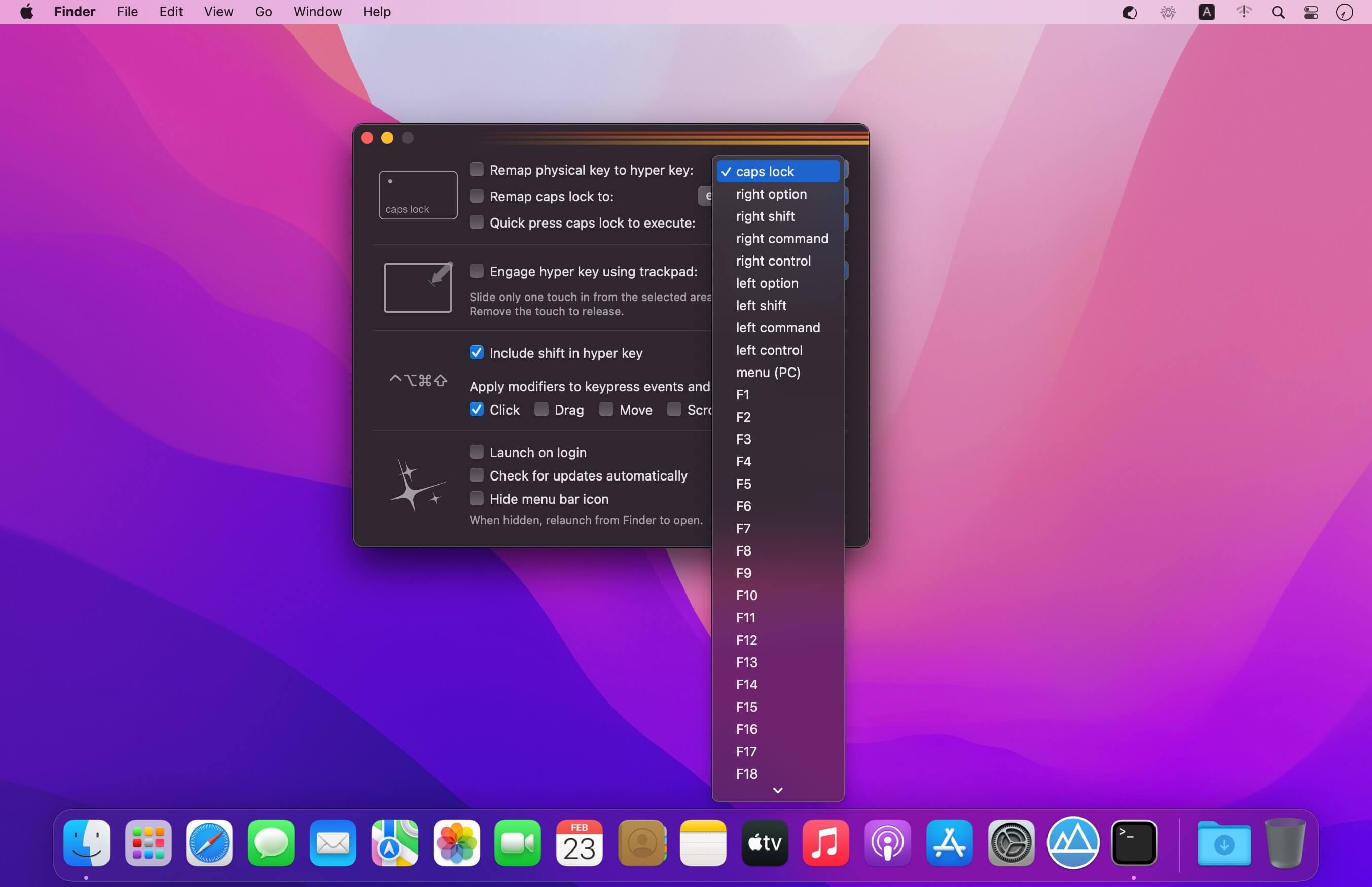
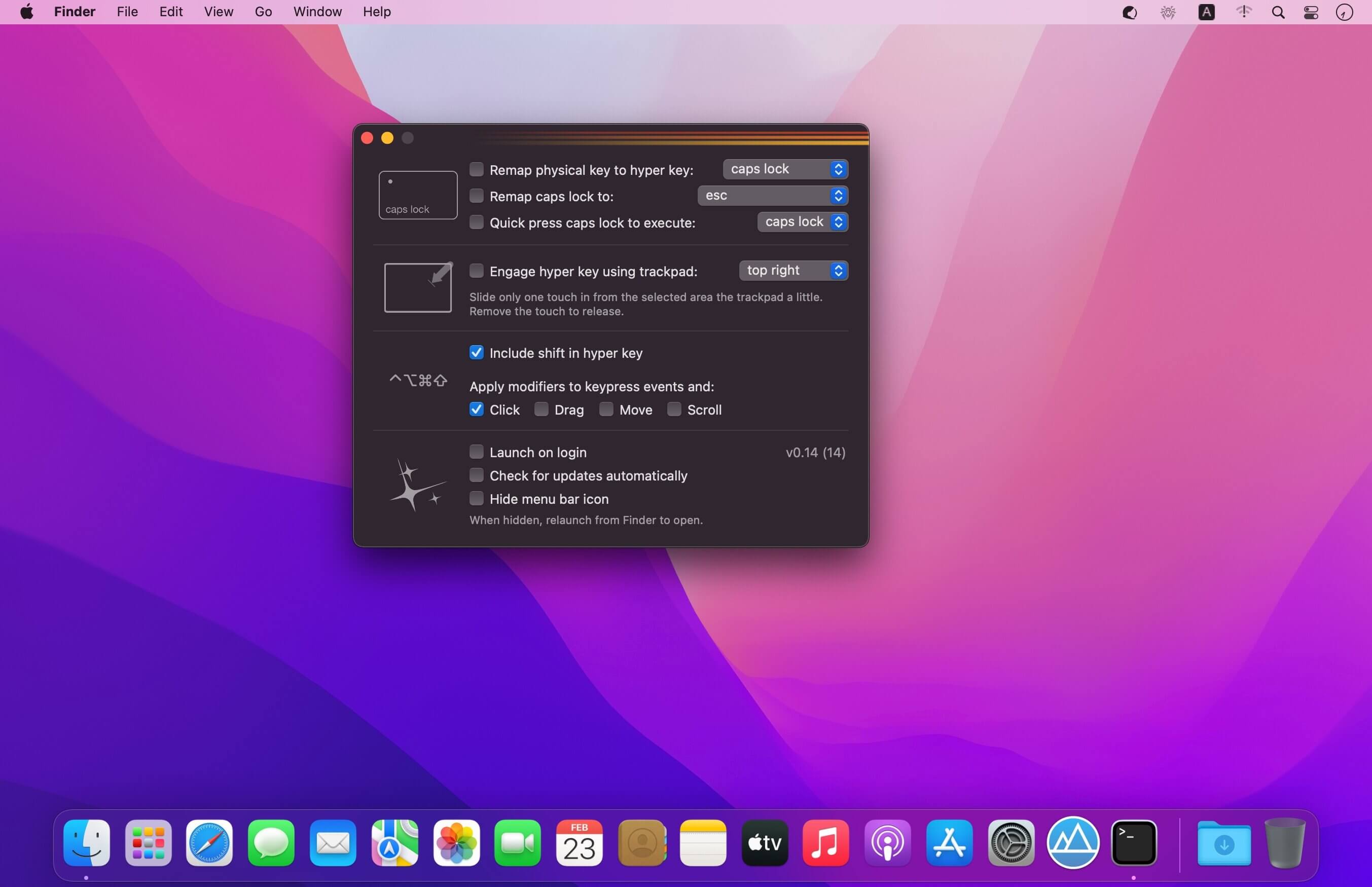
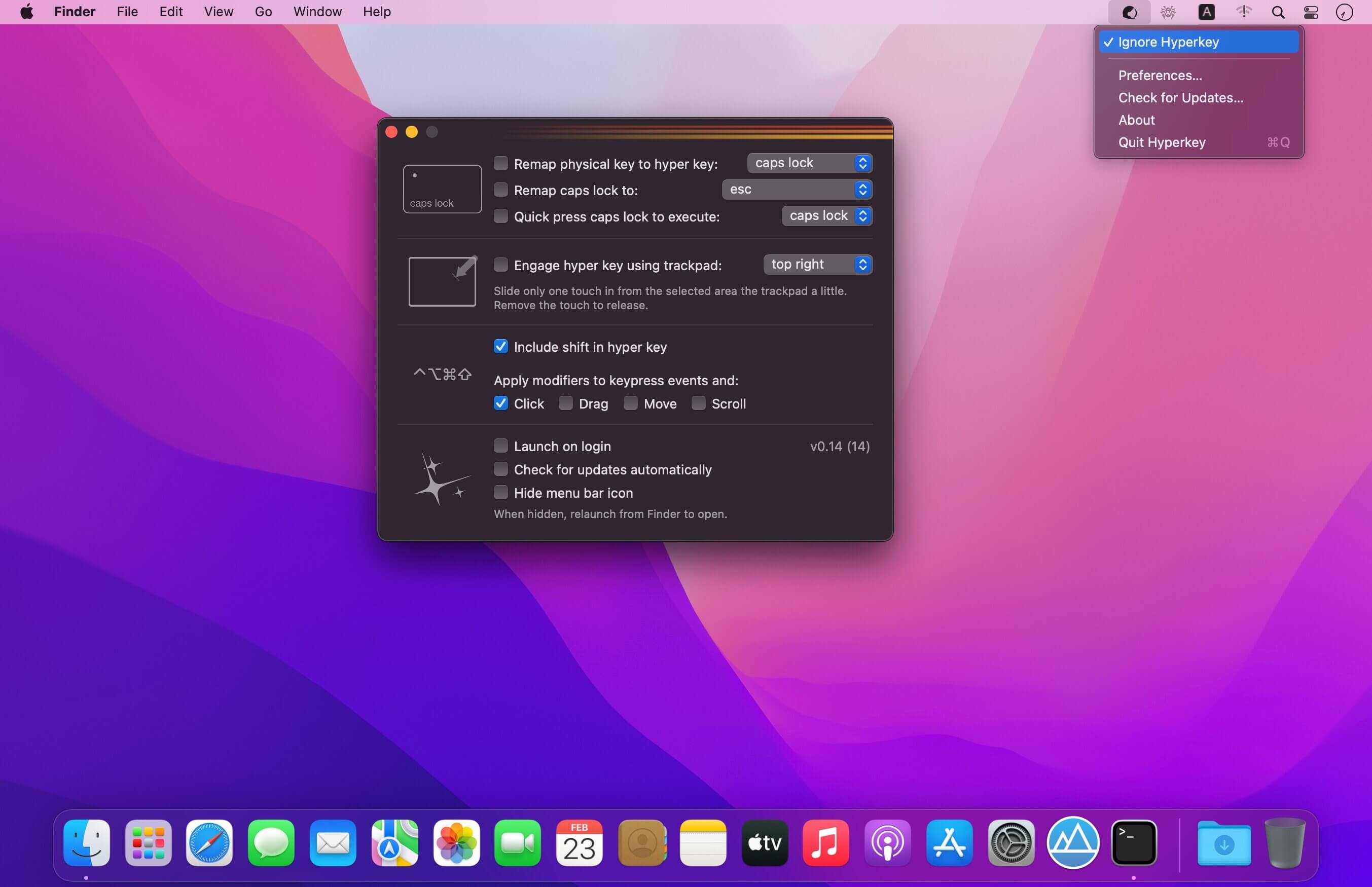
Give yourself an extra modifier key for all your keyboard shortcuts in this simple, one purpose app. The extra macOS modifier key.
Easily put an unused key to work
- Convert your caps lock key or any of your modifier keys to the hyper key: ⌃⌥⌘⇧
- The hyper key acts as an additional modifier key that you can use in all of your other apps that have keyboard shortcuts
- Or just remap caps lock to a more useful key
Don't want to sacrifice a key?
- Use a simple one touch gesture built just for activating the hyper key
- Slide one touch down from a corner or the top edge of the trackpad to activate and remove the touch to release
- Designed to enable one touch control of your windows with Hookshot or app switching with Charmstone
Version 0.20
- Key remapping stability improvements
Frequently asked questions
How do I install the app?
Mount the image, drag the app into the "Applications" folder and launch it. If the system blocks the launch, allow it in "System Settings → Privacy & Security".
The app is damaged or won't launch
Reinstalling from a fresh image usually helps. Make sure your macOS version matches the one listed in the compatibility specs.
How do I update?
Download the new version from the site and install it over the current one — your settings will be preserved.
The download link doesn't work
Try a mirror or a download manager. For large files the browser often drops the connection.
How do I completely remove the app?
Use an uninstaller utility — it cleans up the service files that remain after moving the app to the trash.





Choose a download source
Hyperkey 0.22 · 13.04 MB