
Choosy 2.2.1 U2B
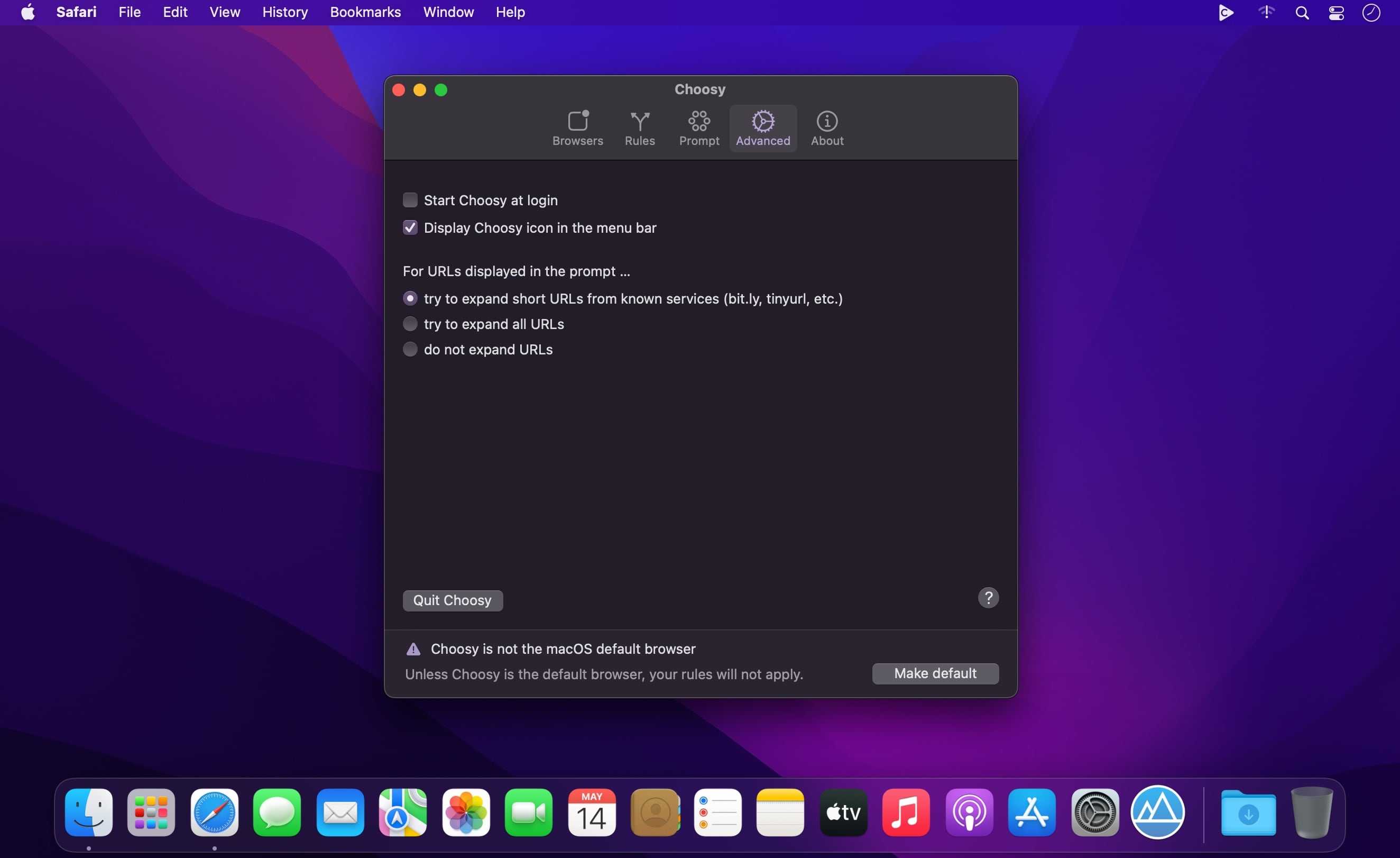
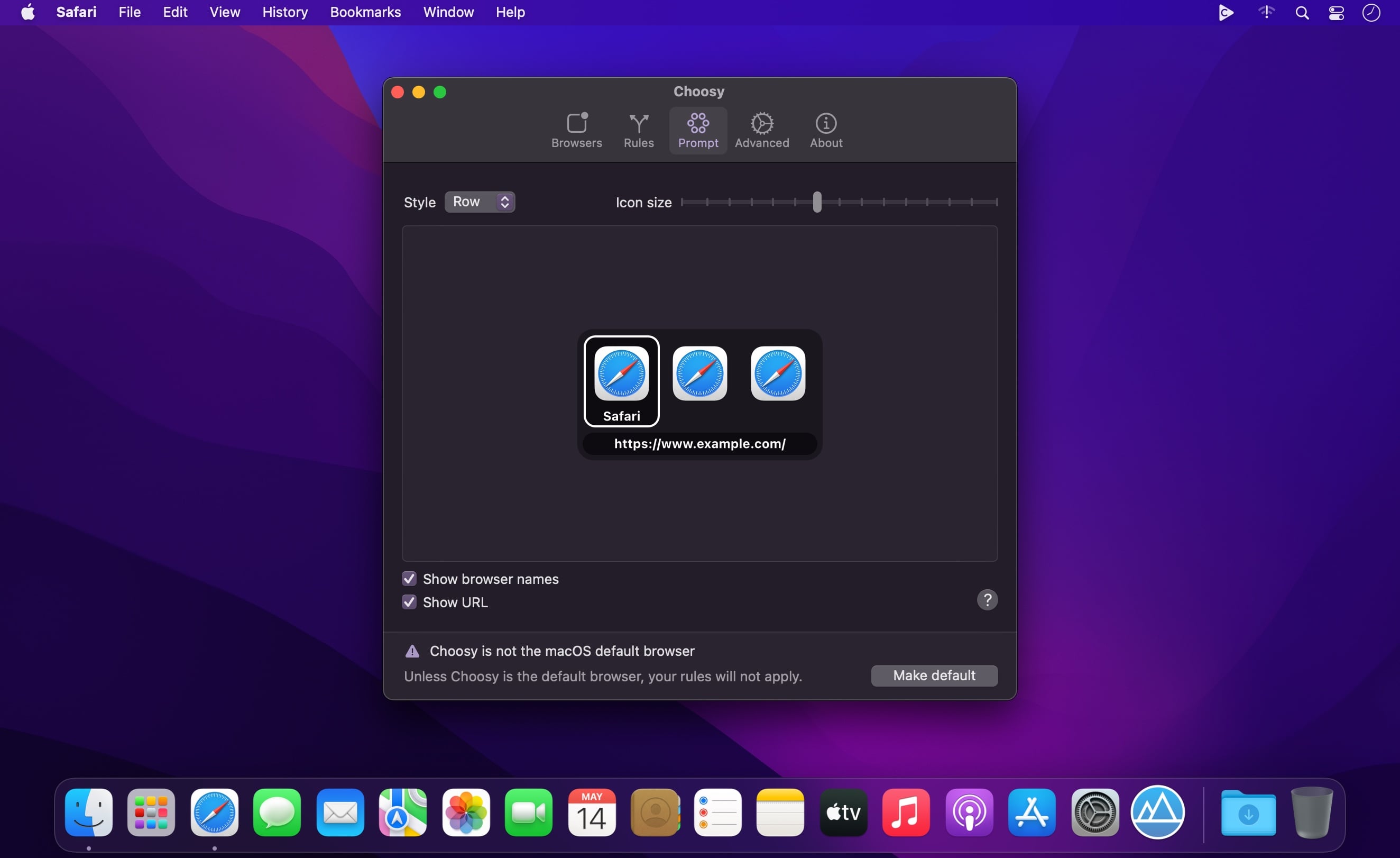
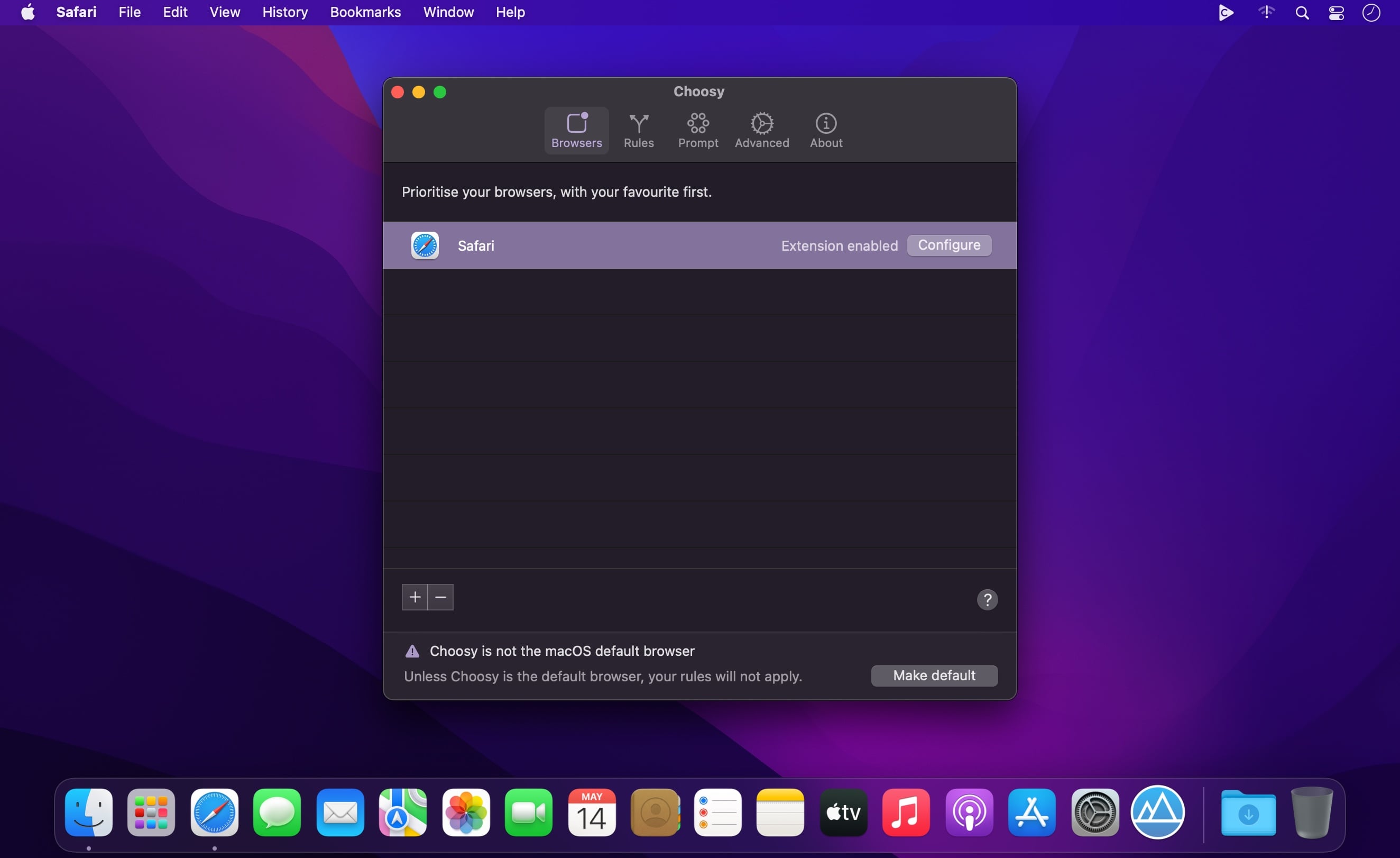
Choosy opens every link in the right browser! Instead of opening links in the default browser, Choosy sends them to the right browser. Every time.
Pick a browser
Choosy can prompt you to select from the browsers on your Mac, or just the ones that are running, so you can decide which browser is right for a particular link.
Let Choosy pick for you
Powerful behaviour rules mean that Choosy can pick the right browser without prompting you. Always want links from your email client to open in Safari? No problem.
Browser extensions
Browser extensions integrate Choosy with your favourite browsers, so you can move a Web page from one browser to another at the click of a button.
Powerful API
Choosy's powerful URL-based API lets developers trigger Choosy from their own scripts and programs. It works from the Terminal, AppleScript, or anywhere you can open a URL.
Frequently asked questions
How do I install the app?
Mount the image, drag the app into the "Applications" folder and launch it. If the system blocks the launch, allow it in "System Settings → Privacy & Security".
The app is damaged or won't launch
Reinstalling from a fresh image usually helps. Make sure your macOS version matches the one listed in the compatibility specs.
How do I update?
Download the new version from the site and install it over the current one — your settings will be preserved.
The download link doesn't work
Try a mirror or a download manager. For large files the browser often drops the connection.
How do I completely remove the app?
Use an uninstaller utility — it cleans up the service files that remain after moving the app to the trash.





Choose a download source
Choosy 2.2.1 U2B · 6.2 MB