

BrowserFreedom 1.4.1
Screenshots
Click to enlarge
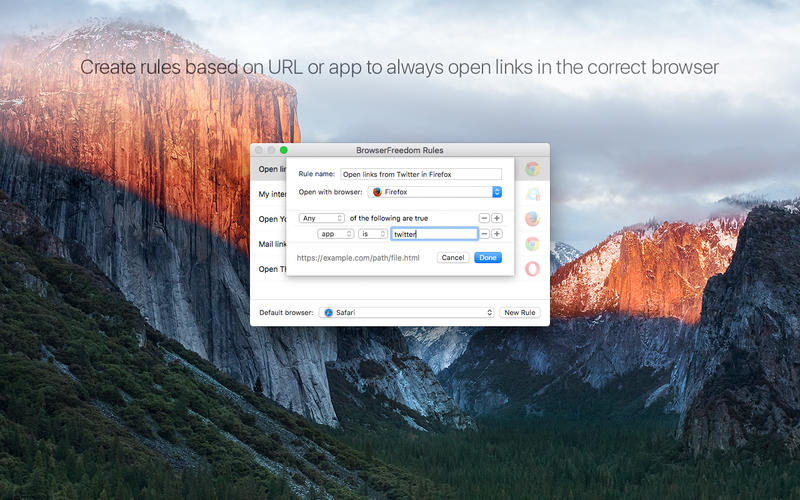
If you are one of those people who use multiple web browsers on your Mac, you are going to love BrowserFreedom.
BrowserFreedom sits in between your links and the web browsers installed on your Mac.
You can define rules to always open certain websites on a specific browser. Maybe you like to use Safari as your default browser but want YouTube to always open in Chrome. Or maybe you want to always open links clicked within an app on a specific browser, you can do that too.
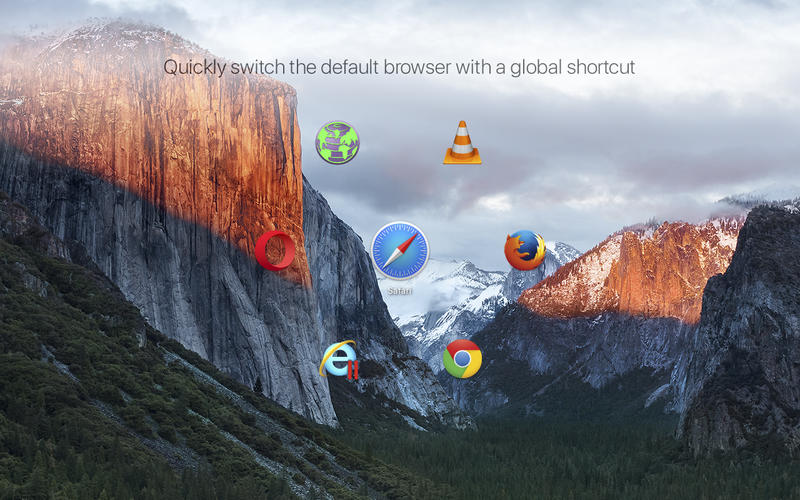
With fast default browser switching, you can quickly switch your Mac’s default browser with a user-defined global shortcut. And if you see a link and want to choose the browser to open It, just option-click to pop up the browser selection menu.
Version 1.4.1
- Fixed a crasher bug
Comments
No comments yet. Be the first.
Information
Visitors in the group Guests cannot leave comments on this publication.